Eyes struggle to see small objects clearly due to cumbersome magnifying glasses.
Magnifier app enhances phone visibility by allowing users to zoom in on text or objects, enhancing detail perception and enhancing overall user experience.
Magnifier app simplifies text reading on smartphones, enabling users to access documents, receipts, bills, and business cards without using glasses, making it an ideal solution.
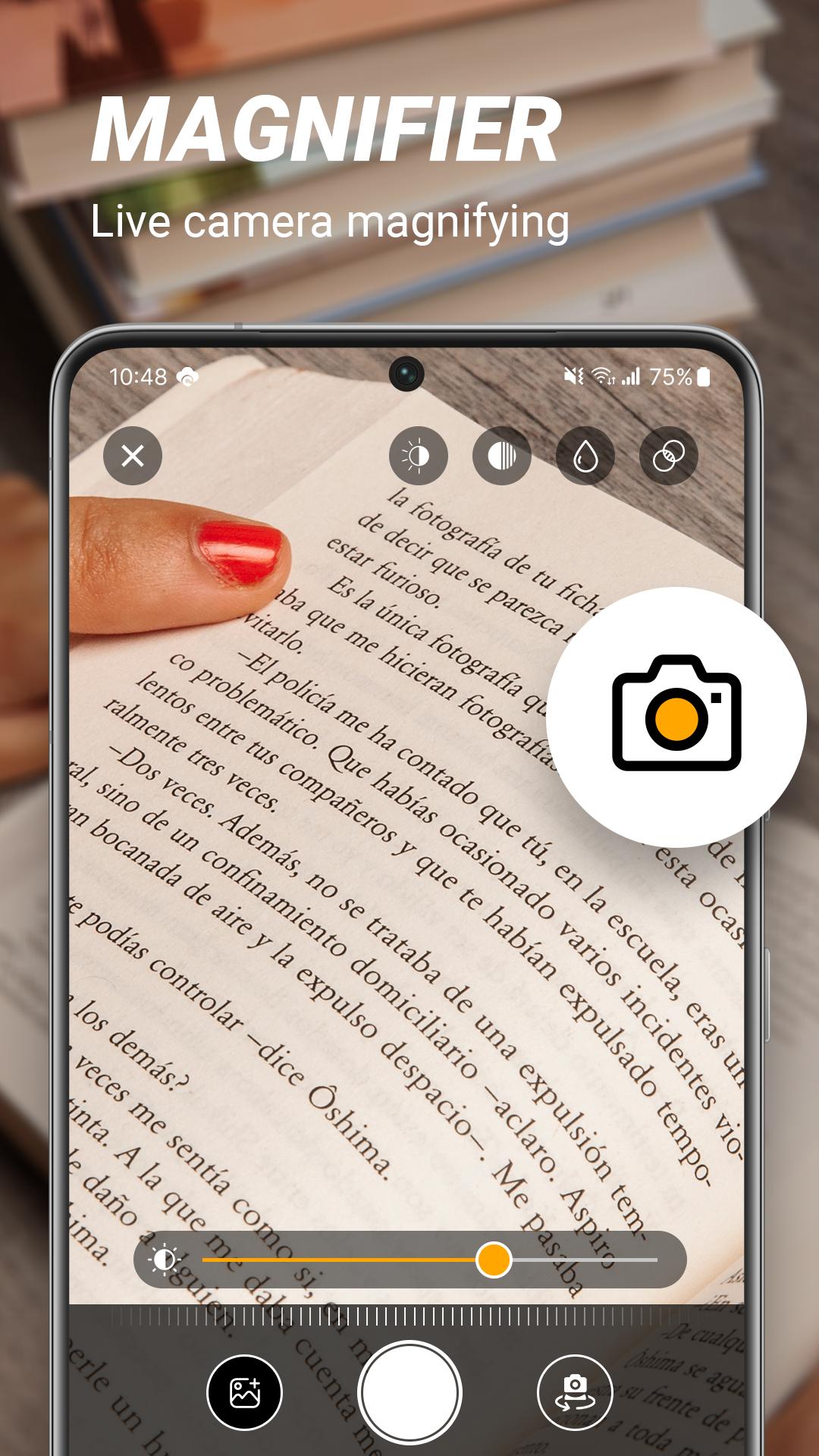
Magnifier app uses the device's camera to offer real-time magnification of objects or text. Users can point at the subject, resulting in enlarged views, enabling easy exploration of fine details and improved visibility for individuals with visual impairments.
Features:
- Magnifier
- Microscope mode (x2, x4, x10).
- Camera zoom allows users to adjust image size and quality.
- Save and share images.
- Increase font size in apps/documents for better reading.
- Friendly interface for anyone to use.
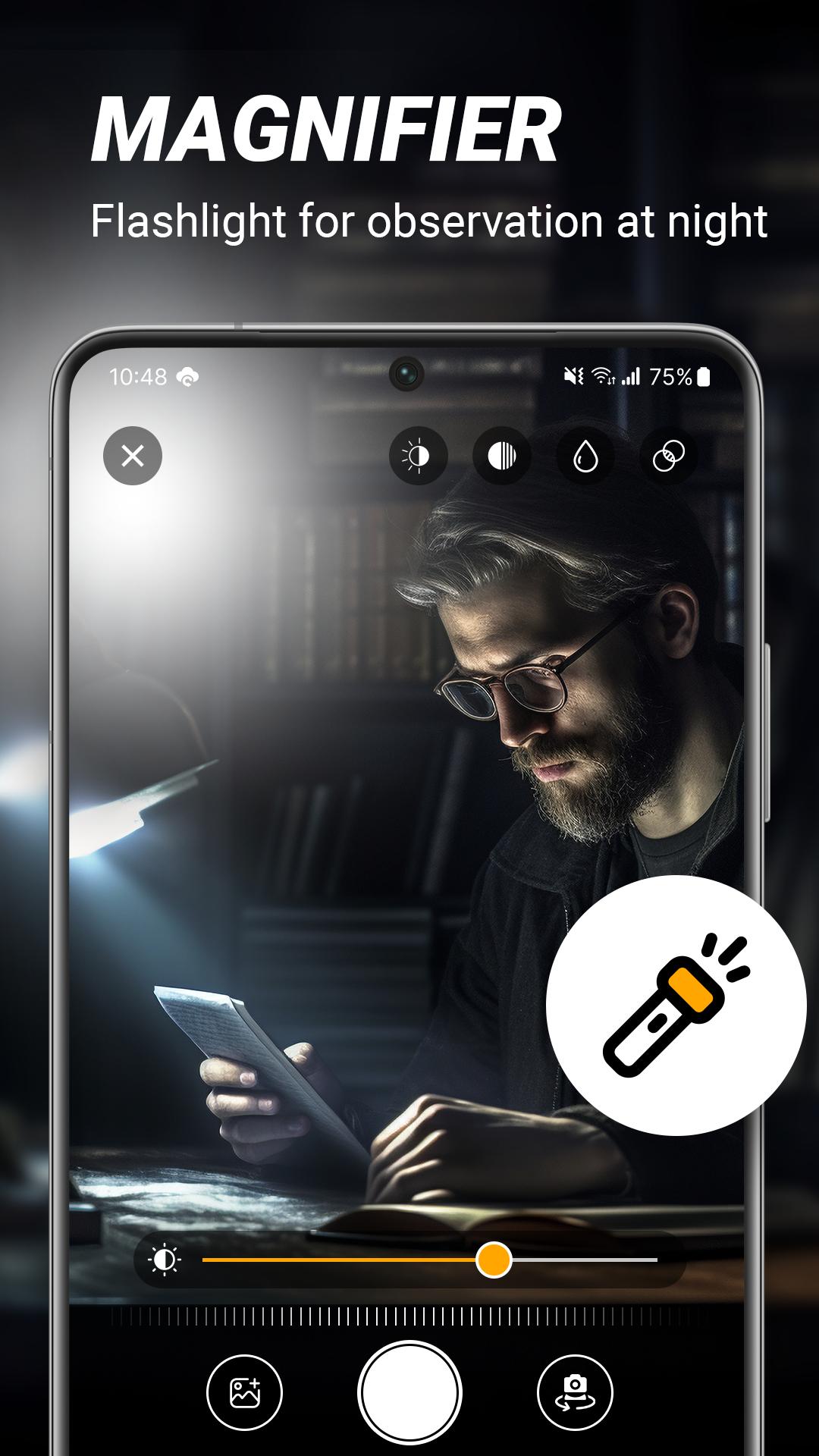
- Super easy-to-use flashlight magnifying.
- QR code scanner.
- Use a phone camera to scan and enlarge text.
- Smart scanner.
- Add text to photos for labeling or captioning.
- Magnifying glass with Flashlight.
- To take a photo.
- Photo Zoom enhances image viewing.
- Freeze magnifier screen.
- Adjust the magnifying glass screen brightness.
Ultra Zoom:
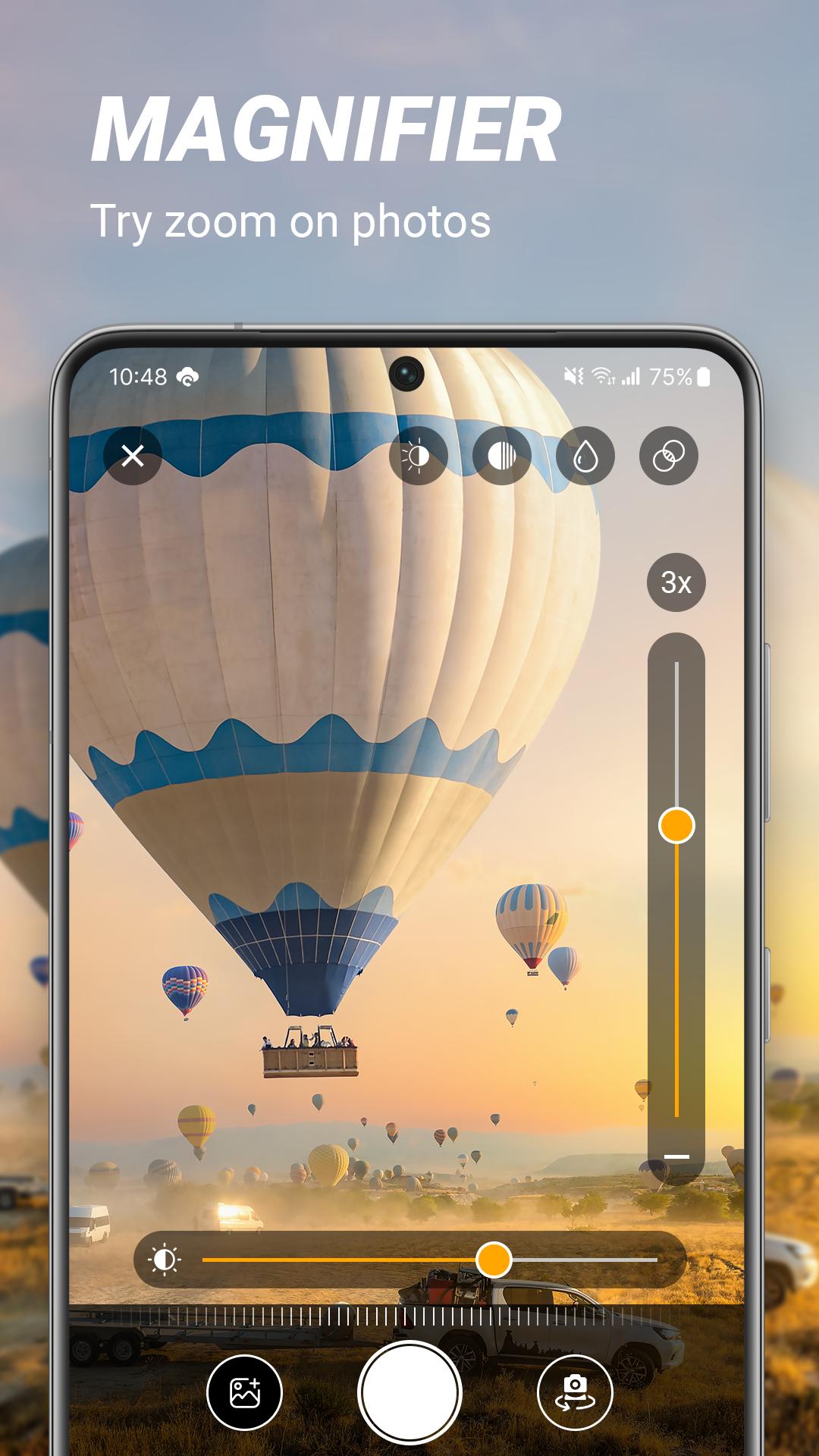
Free Magnifier offers various zoom levels for enhanced visibility, with the app allowing up to 8 times zooming.
Turn on Flashlight:
The magnifying glass app utilizes a flashlight for optimal visibility in low-light or dark environments.
Easy to use:
The camera features easy zooming and out using simple gestures.
Take Photo:
To enhance your photos, utilize the app's features like camera and up volume to capture high-quality images.
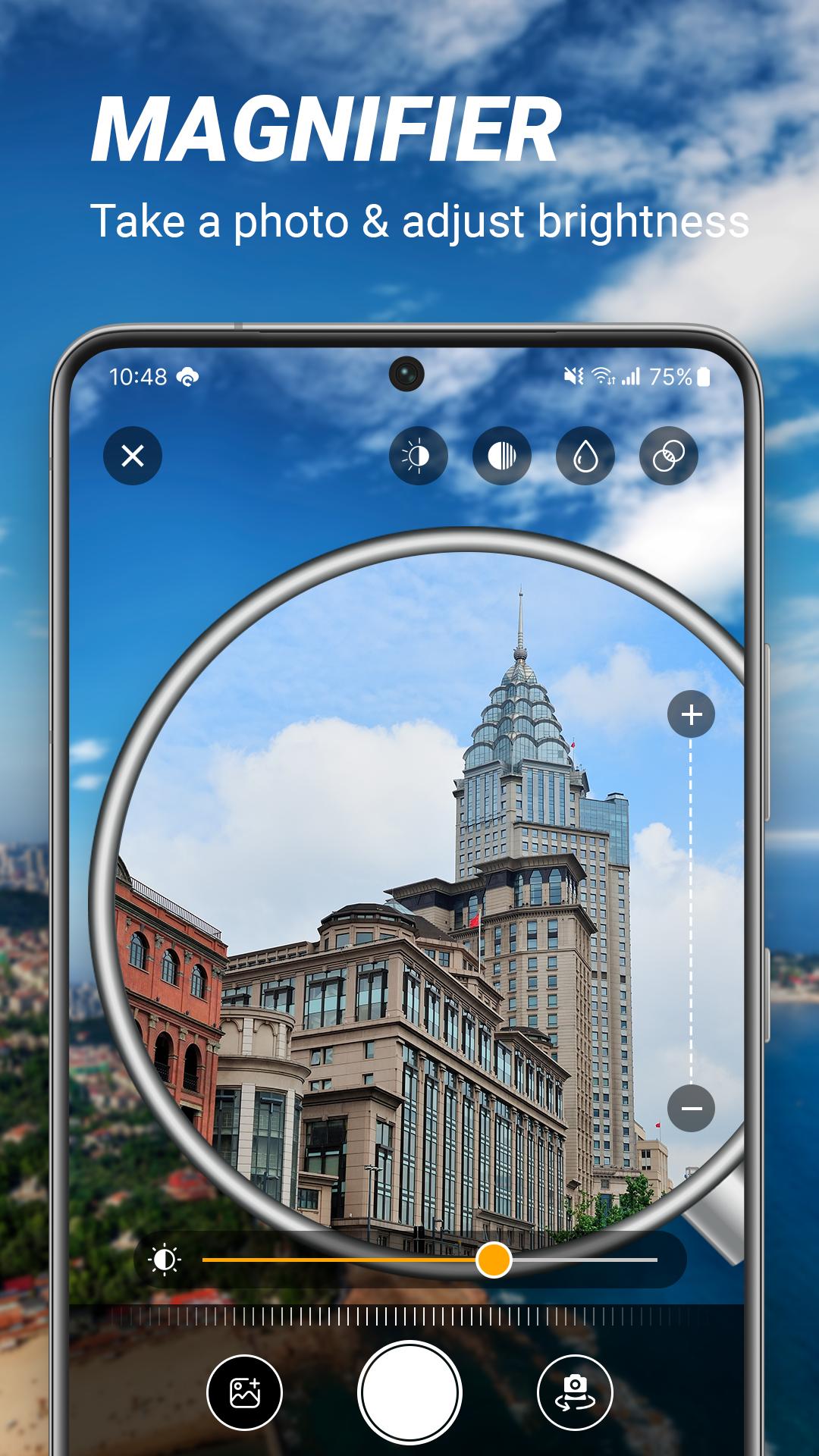
Adjust brightness:
Press the brightness button to enhance the magnifying glass image.
Simple interface:
Interface designed for easy user comprehension.
The magnifier app offers an exceptional magnification experience with functionality, convenience, and customization. Its glass loupe magnifier provides a comprehensive set of tools for enhanced visibility and world exploration.
This magnifying glass app simplifies reading small text by enlarging it by taking a photo and saving it for later reading. Zooming is available for specific types of text, and the camera magnifier effect app simply zooms photos.
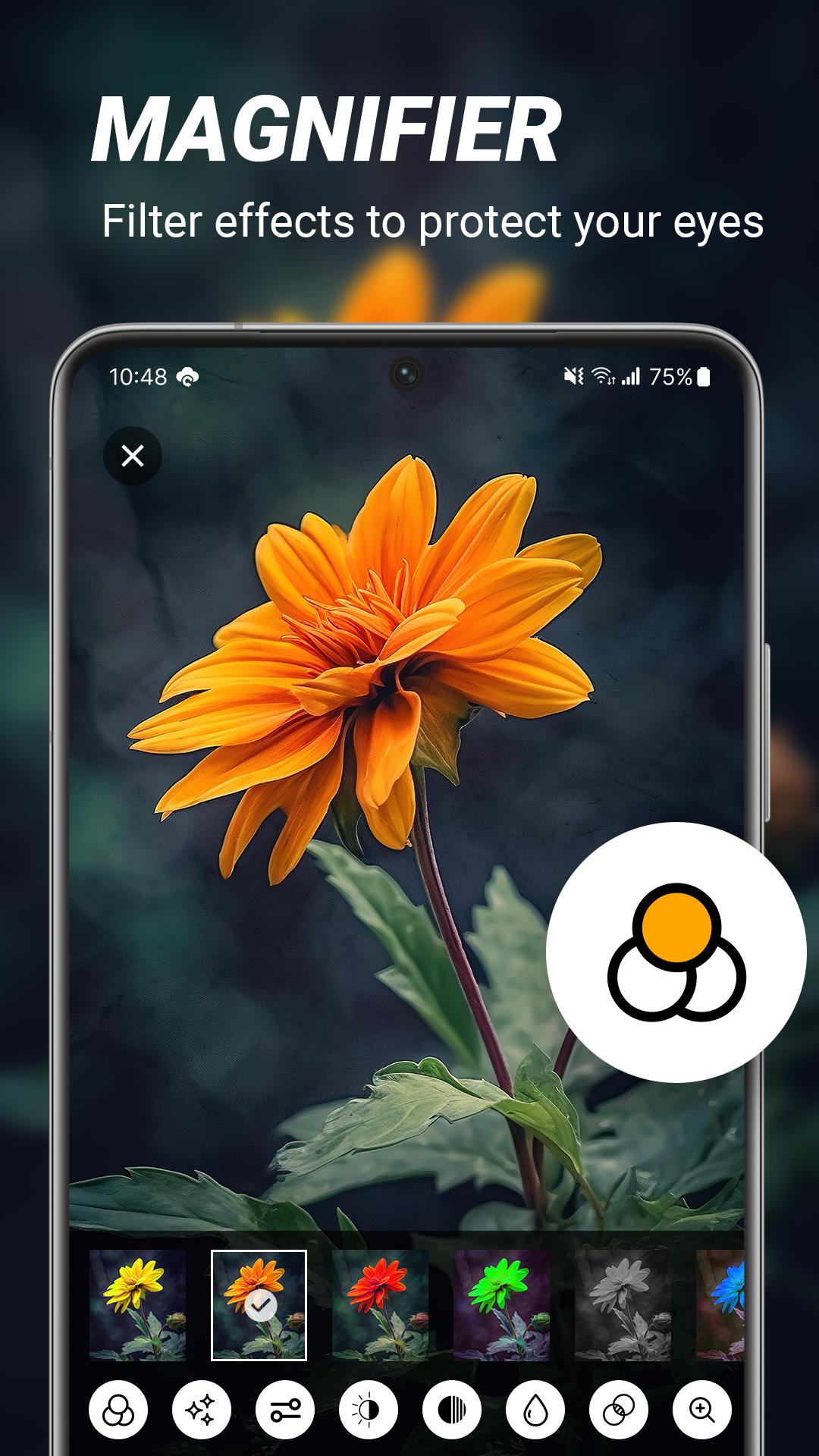
The Zoom editor offers a professional zoom experience by allowing users to zoom into photos and create a magnifying effect. This attractive photo editing app allows users to edit photos with camera zoom effects, making it an attractive tool for photo editing.
Latest Version
1.1Uploaded by
Karrar Alceaser
Requires Android
Android 5.0+
Category
Free Tools AppContent Rating
Everyone
Report
Flag as inappropriateLast updated on Apr 10, 2024
Minor bug fixes and improvements. Install or update to the newest version to check it out!

APKPure - A multi-platform app store primarily focused on Android, providing extensive app-related content. Discover the app you want easier, faster, and safer, with quick and efficient downloads and installations.












