Package Name:com.kasmobileapplication
SHA-256:ca94f0114cb6e72d2888feac1969d5697ef43404ef88129ed94a3bc2cd362de4
Show More

The Intel Building app primarily focus on project employees with various functionalities:
Home Tab:
• View your name, attendance status, & active project on cards.
• List of applied holidays under pending/approved/rejected tabs.
• Navigate through bottom tabs.
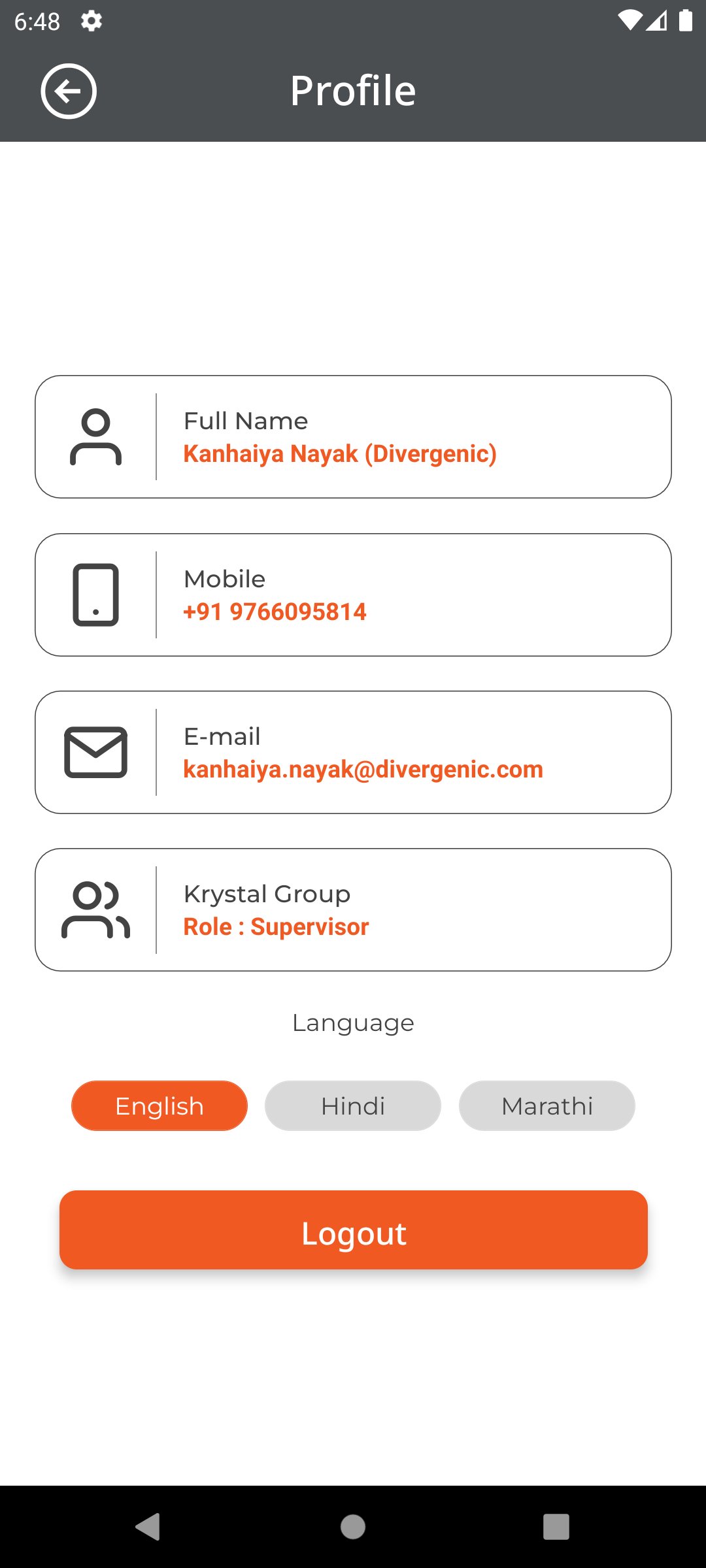
Profile Screen:
• View your full name, mobile number, email, organisation, & role assigned
• Logout functionality
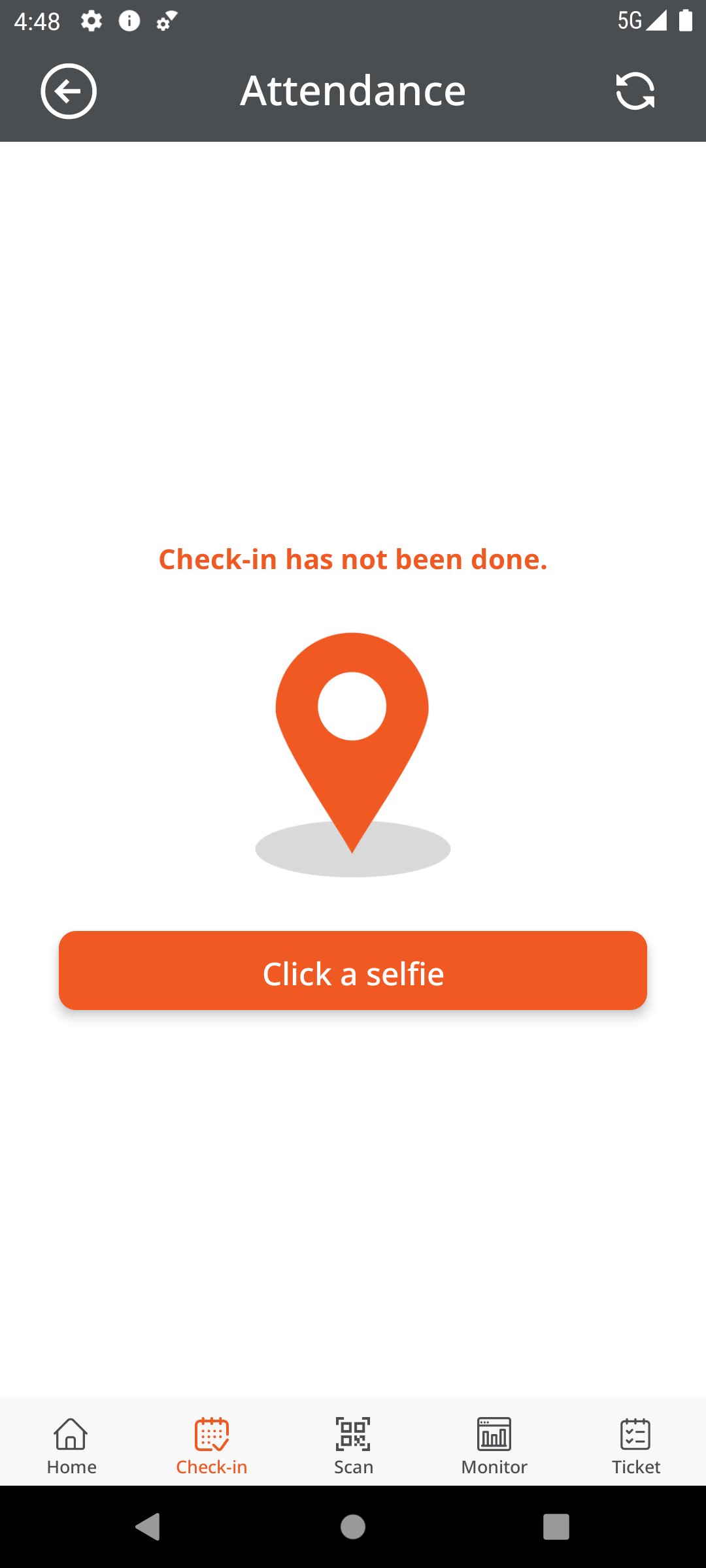
Check-in Tab:
• Employees will mark attendance in this tab (if not marked for the shift)
• First click a selfied at the site within assigned radius then click check-in button to mark attendance
• Same process for check-out
Scan Tab:
• Scan any valid QR code at zone to fetch list of questionnaire for the zone
Monitor Tab:
• View your assigned zones and on clicking on any to view your scan list (if available) under personal/overview tabs
Ticket Tab:
• View list of active/closed tickets
• Add new tickets by scanning valid QR code in the zone
Latest Version
2.0.0Uploaded by
Eliezer Silva
Requires Android
Android 7.0+
Category
Free Business AppContent Rating
Everyone
Security Report
Check Now
Report
Flag as inappropriateLast updated on Apr 7, 2026
Major UI/UX overhaul with complete redesign featuring modern card-based layouts and improved visual hierarchy. Added comprehensive dark mode support throughout the entire application. Enhanced ticket management with redesigned list and details pages, improved image gallery with smooth swiping, and better organization. Modernized holiday application form with smart date validation and redesigned holiday list. Professional language picker interface and enhanced profile settings.




APKPure - A multi-platform app store primarily focused on Android, providing extensive app-related content. Discover the app you want easier, faster, and safer, with quick and efficient downloads and installations.