
Note- "This app uses the Device Administrator permission.”
Notice:
Some new advance function such as Capture Screenshot, Power popup...only support high software version 5.0 and up.
If your phone dose not supported please do not give bad review.
What is Assistive Touch?
Assistive Touch is an easy tool for Android devices. It's fast, it’s smooth, and it’s totally FREE.
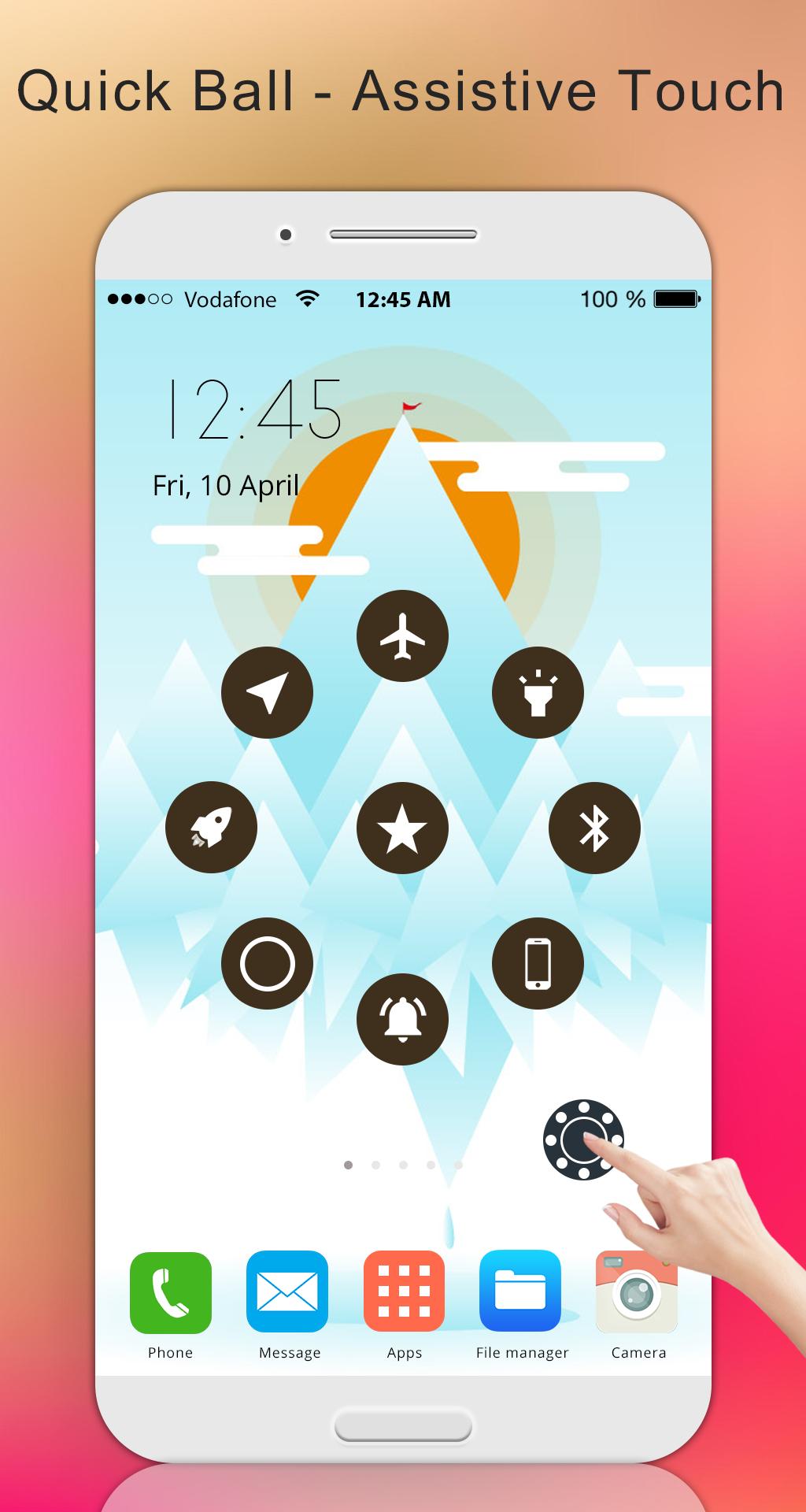
With a floating panel on the screen, you can easily use your Android smart phone. More conveniently, you can quickly access to all your favorite apps, games, settings and quick toggle. You can use smart clean function to clean running background apps, help your phone faster.
Assistive Touch is also an ideal app to protect the physical buttons (home button and volume button). It is very useful for big screen smart phone.
** Quick Touch Setting :
- Capture Screenshot (5.0 and up)
- Power popup (5.0 and up)
- Open Notification
- Auto rotation
- Brightness
- Open recent task
- WiFi
- Bluetooth
- Location (GPS)
- Ring mode (Normal mode, Vibrate mode, Silent mode)
- Screen rotation
- Volume up & down
- Airplane mode
- Go to all settings very quick with a touch
- Flashlight Bright
- All applications on device be installed.
** Ram Booster - Clean Memory
Boost your phone, free up memory (RAM), speed up your device and save battery. Our 1 Tap Boost make it easy to optimize directly from your home screen.
This is a fast and use full booster feature to clear unnecessary apps running background, smart clean ram memory.
Clean your phone when plug in with power, may help your phone charging faster.
** Advance
- You can change icon of Easy Touch with many pretty icons. And if you want others icons, please let us know.
- Funny with more themes and new themes are updated regularly, you can change colour of background with your favourite colour.
** Customize
- You can change color of background with your favorite color
- You can change icon of Assistive Touch easy with many pretty icon, totally free
- Gesture Setting for Floating Button (One click, double click, long click)
** Frequently asked questions:
1. Ask: How to uninstall this app?
- If you use lock screen function, it require turn on Device Administration so If you want to uninstall this Assistive Touch, please open app and go to setting, click on uninstall button.
2. Ask: Why my phone don't have Screenshot Capture function?
- Screenshot Capture only available on Android 5.0 or higher.
Thank for your support.
Latest Version
4.1Uploaded by
ရဲ ခ်စ္တဲ႔ ခင္
Requires Android
Android 4.1+
Category
Free Tools AppContent Rating
Everyone
Report
Flag as inappropriateLast updated on May 1, 2019
Minor bug fixes and improvements. Install or update to the newest version to check it out!



APKPure - A multi-platform app store primarily focused on Android, providing extensive app-related content. Discover the app you want easier, faster, and safer, with quick and efficient downloads and installations.