Scan Date:Mar 28, 2026
Show More
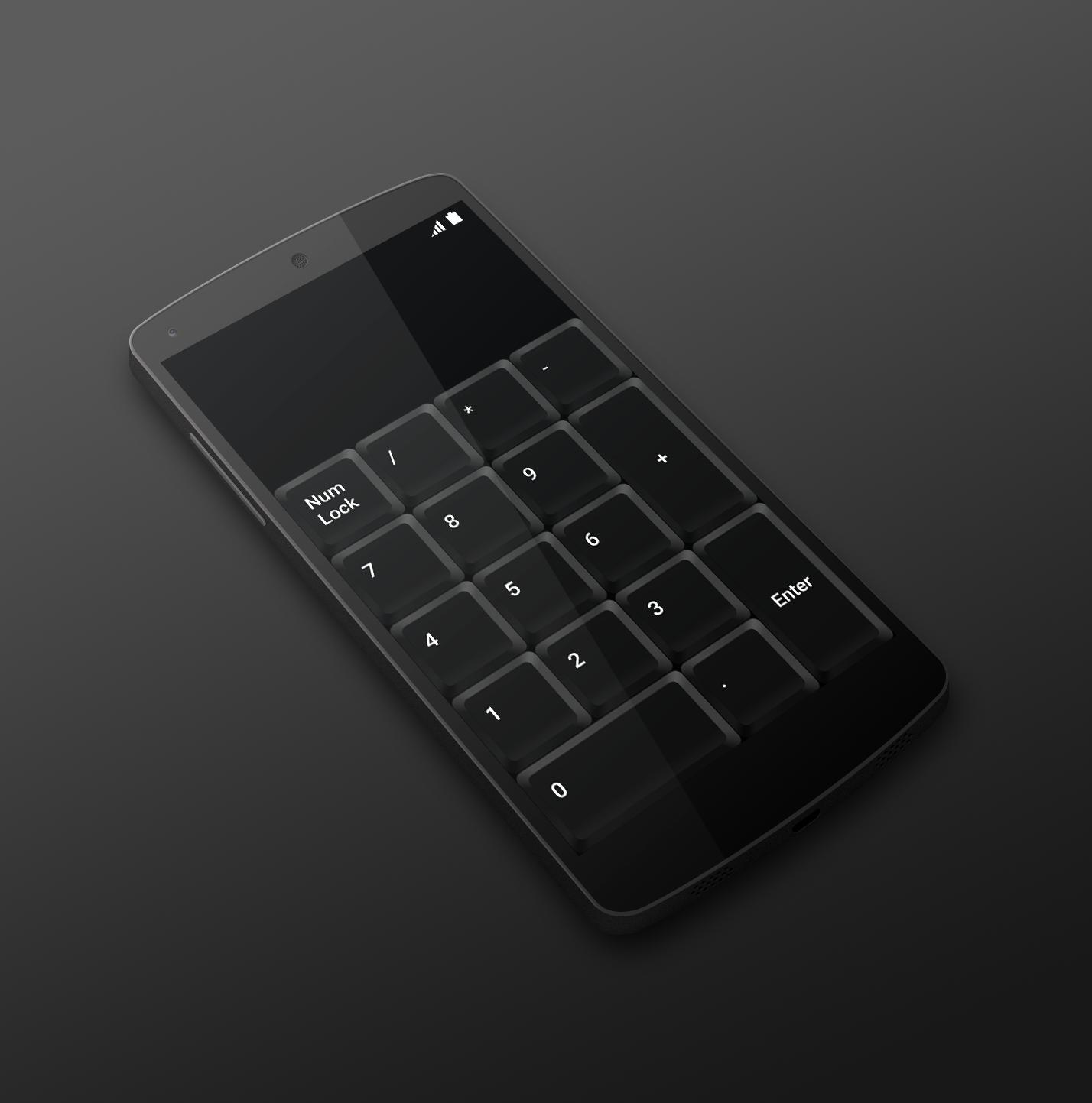
Is your laptop missing numeric keyboard? Download Numeric Keyboard and turn your mobile phone or tablet into a wireless easy-to-use remote control for your computer. Connect with just one click and enjoy your new keyboard.
TO START USING, YOU NEED:
1. Visit http://numerickeyboard.com, download and install NumKey server on your Windows computer
2. Connect your mobile device and computer to the same Wi-Fi network (also bluetooth option for Windows)
3. Open app and select a computer to connect
Latest Version
2.1.2Uploaded by
مهدي اومالك
Requires Android
Android 6.0+
Category
Free Tools AppContent Rating
Everyone
Security Report
Report
Flag as inappropriateLast updated on Jul 18, 2025
Improved performance



APKPure - A multi-platform app store primarily focused on Android, providing extensive app-related content. Discover the app you want easier, faster, and safer, with quick and efficient downloads and installations.