With MP3 Cutter you can cut, save, share, or set the default ringtone, assign the contact as a custom ringtone, or set it as a notification sound.
MP3 cutter Features:
* View all the audio within the app and select one audio file to edit.
* Record your own voice and edit the recorded file easily.
* Select audio from music player with a single click and edit.
* Supports different audio formats like mp3, wav, ogg, m4a, aac...etc.
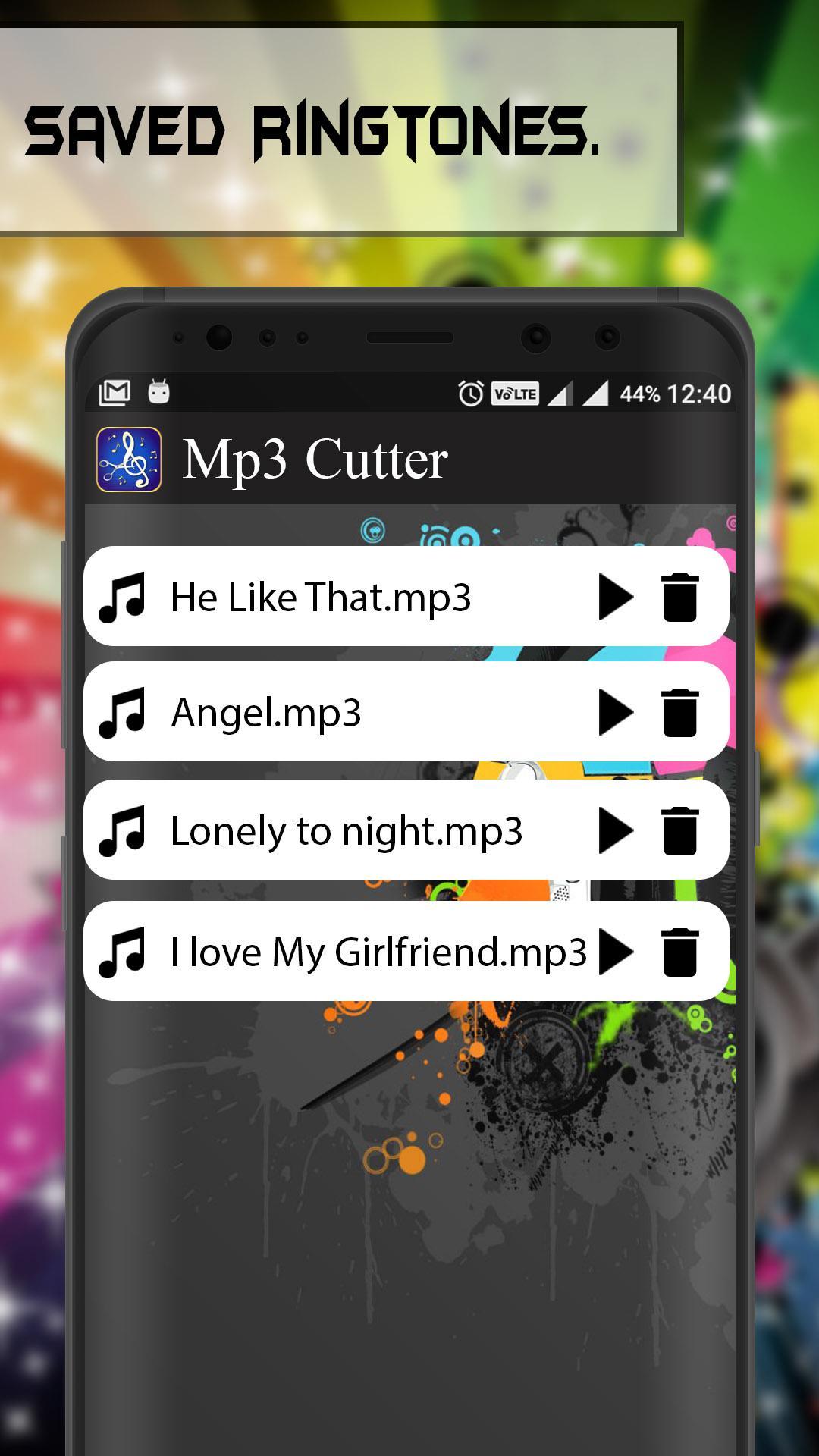
* You can easily find saved ringtones.
How to use Mp3 Cutter:
-> Select audio from list of audio.
-> Select area to be chopped from your audio file.
-> Click on save button.
-> You can assign the chopped ringtone to your favorite contacts.
Supported formats may vary by phone brand or type, your phone may not support some of the listed formats.
MP3 Cutter application is completely free to download!
Note: In some Mobile Phone, the SMS sound will not change after changing the notification sound.
Latest Version
1.2Uploaded by
Phyo Lae Naing
Requires Android
Android 4.0.3+
Category
Free Music & Audio AppContent Rating
Everyone
Report
Flag as inappropriateLast updated on Jun 17, 2018
* Bugs Fixed



APKPure - A multi-platform app store primarily focused on Android, providing extensive app-related content. Discover the app you want easier, faster, and safer, with quick and efficient downloads and installations.