Package Name:androidclockwidget.analogclockwidget.androiddigitalclockwidget
SHA-256:d236956072b31387ae7da98fc4559e25adbe9fa3d3920d6f4e945b2a64f03665
Show More
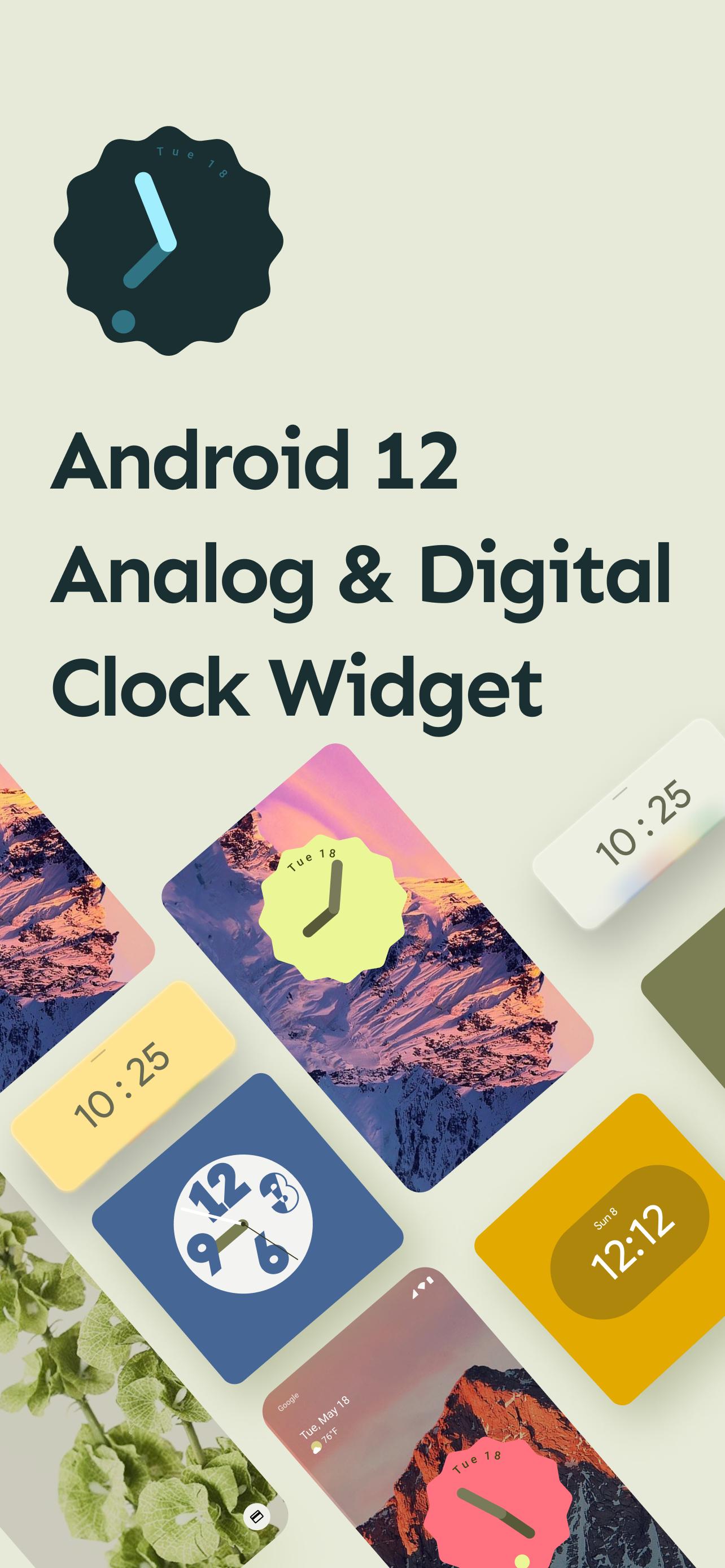
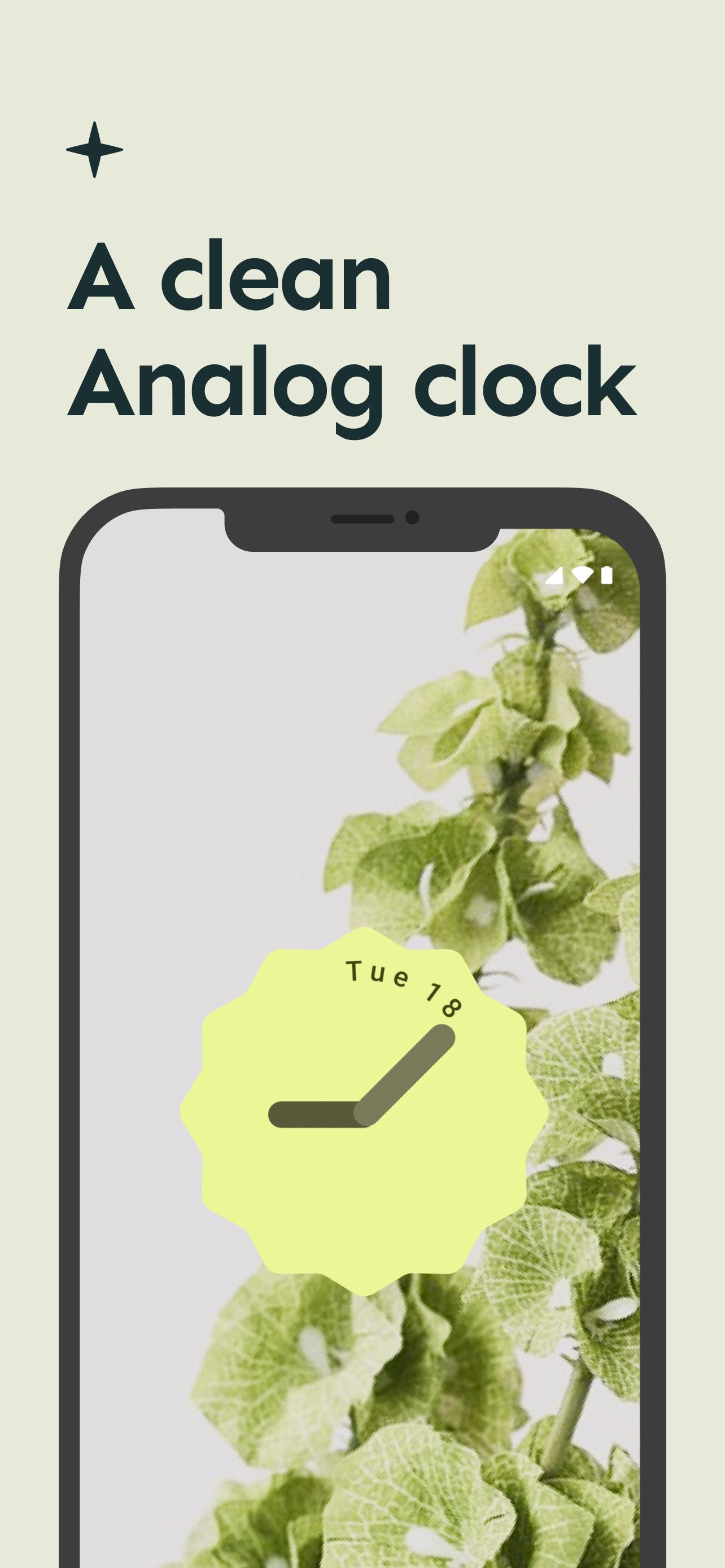
Android 12 Analog & Digital Clock Widget application give you support of android 12 based new material design look cool and latest widget clock on you mobile device without android 12 update needed.
Android 12 Analog & Digital Clock Widget application in very easy to use.
Android 12 Analog & Digital Clock Widget application give you bulk of clock widget in two form.
1 . Analog Clock Widget
2. Digital Clock Widget
Here is some details about the android 12 clock widget update.
Google Clock gets new Material You widget and five clock styles in the latest update
Google officially dropped the stable Android 12 update last week. While the official Android 12 software won’t roll out to Pixel devices for the next few weeks, Google continues to update its first-party apps with Material You design guidelines. The Google Clock app received a significant redesign with Material You colors alongside the Android 12 Beta 5. The update also included some new widgets that Google originally showed off at Google I/O. But it seems Google has been cooking even more delicious widgets, which it’s now starting to roll out to users, just in time for the launch of the Google Pixel 6.
The Google Clock app version 7.1 is rolling out on the Google Play Store and includes a total of five clock styles and a fresh widget
You can check out the new Material You widget and clock styles in the images and GIFs attached above. As you can see, all widgets have rounded corners and take on the dominant color from the current wallpaper. Meanwhile, “Digital Stacked” and “World” have a new “Transparent” style. You can also edit the clock style by long-pressing on a widget that reveals a pencil icon.
After years of neglect, Android widgets finally received much-needed attention in Android 12. Google showed off the redesigned widgets coming to Android 12 at Google I/O 2021. However, it wasn’t until the release of few Android 12 betas that Google began rolling out them.
The new Clock widget and clock styles are rolling out with version 7.1 of the Google Clock app.
Latest Version
10.0Uploaded by
Abdu Hu
Requires Android
Android 5.0+
Category
Free Personalization AppContent Rating
Everyone
Security Report
Check Now
Report
Flag as inappropriateLast updated on Feb 1, 2025
Minor bug fixes and improvements. Install or update to the newest version to check it out!



APKPure - A multi-platform app store primarily focused on Android, providing extensive app-related content. Discover the app you want easier, faster, and safer, with quick and efficient downloads and installations.