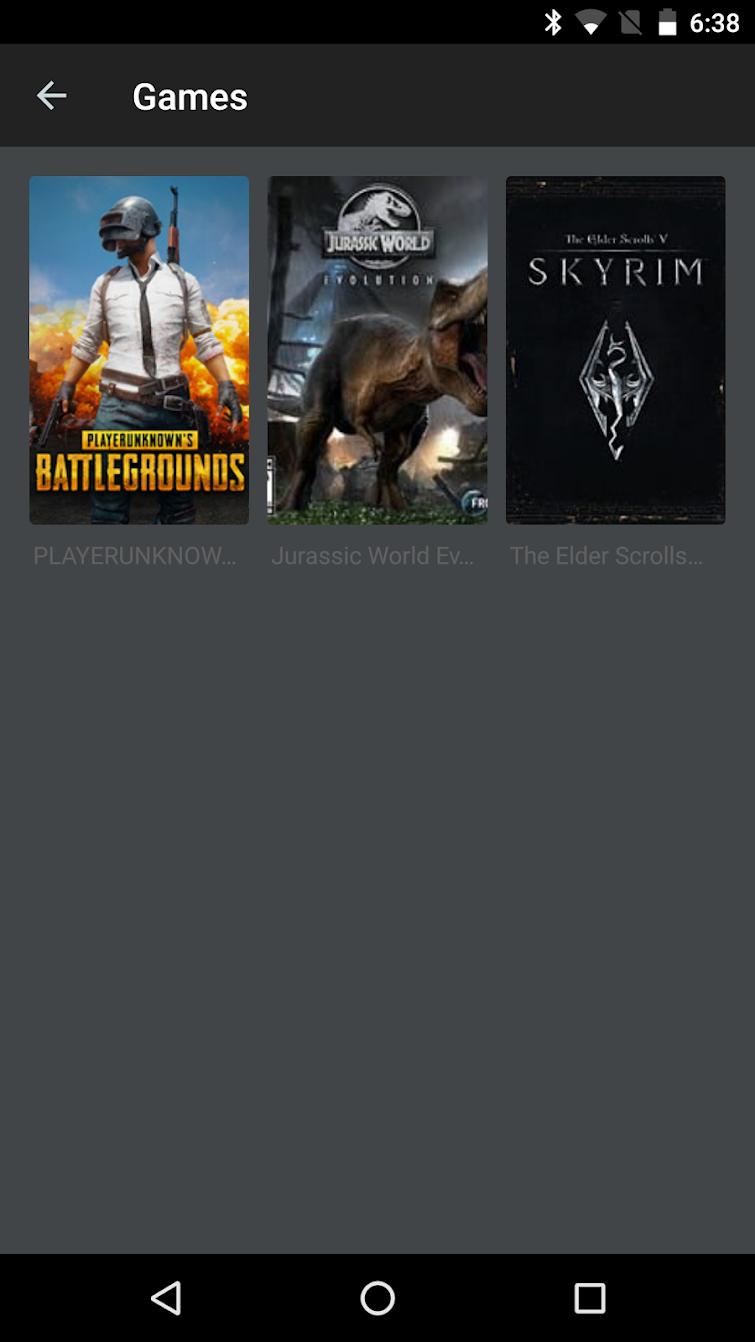
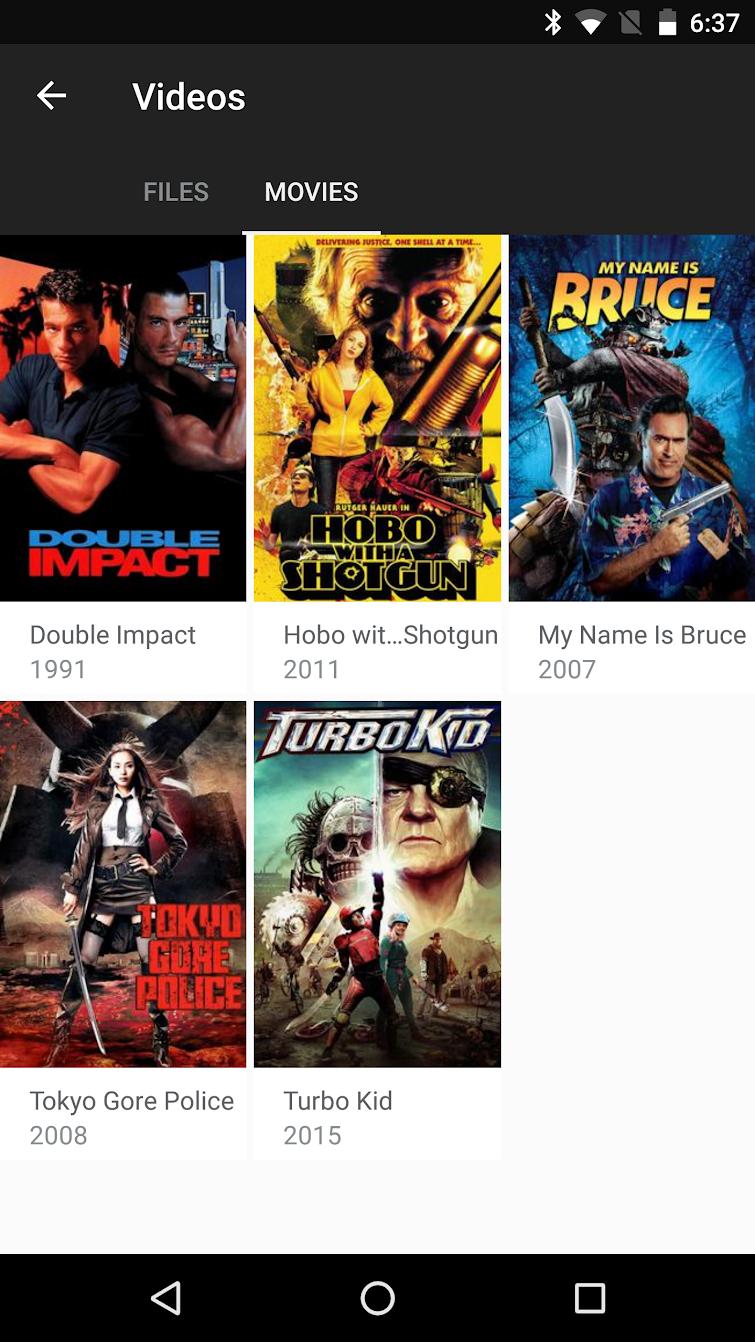
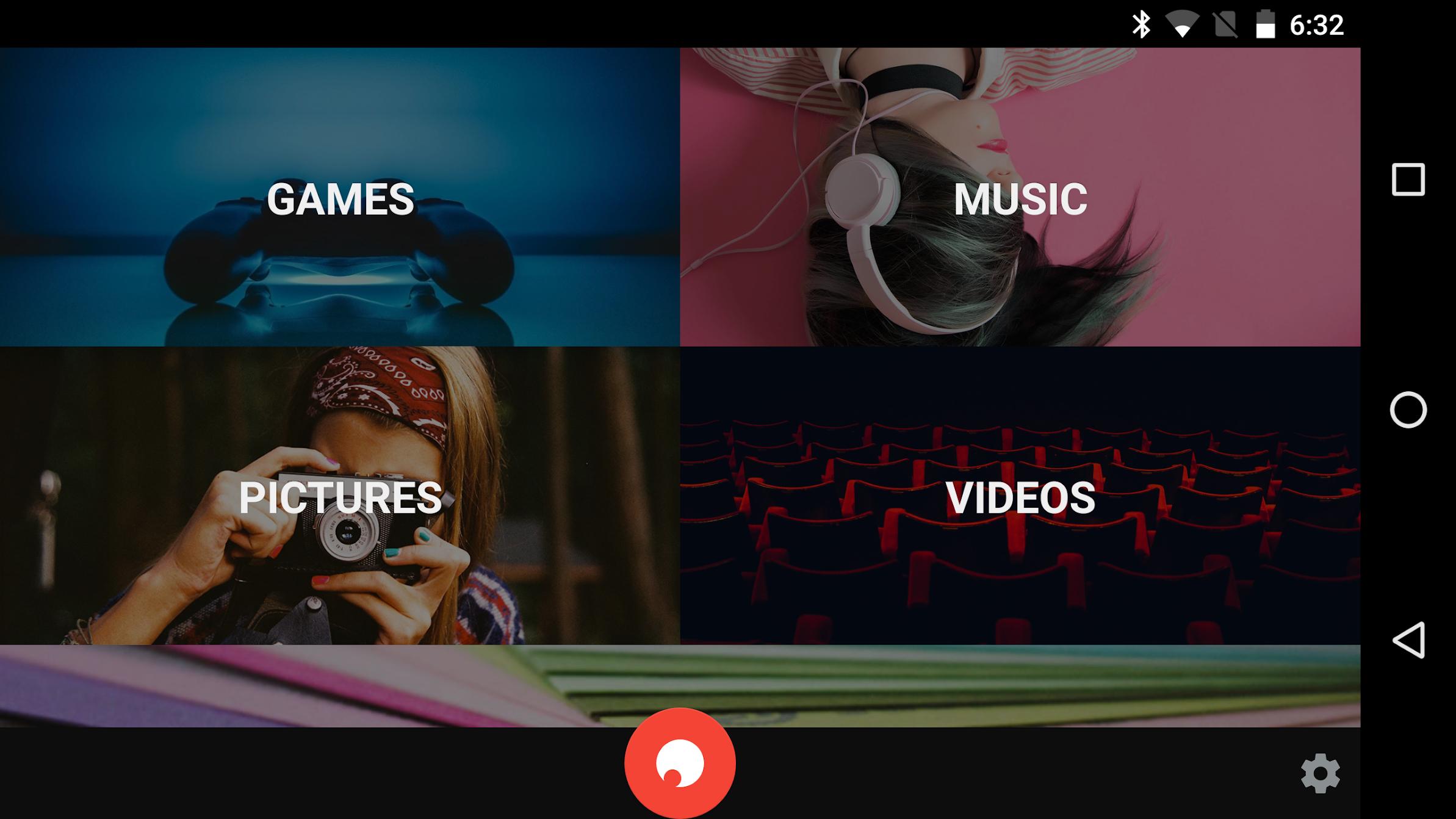
Go to https://go-beyond.io/ from your Shadow and download the installer to activate file and games synchronization.
The Shadow app gives you access to a full Windows 10® PC with high performance from any device.
Connect from your Android phone or tablet and enjoy the power of your PC to play the very last games, edit videos, make some 3D rendering and a lot more.
Shadow is an app tailored to get an easy access to your PC thanks to its user-friendly interface and compatibility with all your screens.
What is Shadow?
Shadow is the first cloud-based high performance personal computer accessible from any device connected to the Internet.
Thanks the to Shadow apps, all your devices become a super powerful Windows 10® PC. On smartphone, laptop, tablet, Mac, or any other compatible device, your computer remains the same and is accessible from one device to another. Shadow components are also automatically upgraded with the latest technologies as time goes, this is the end of obsolescence! With such a technology, you won’t ever need to buy a new computer anymore.
Warning! A Shadow subscription is required to use the Shadow Beyond app, go to shadow.tech to subscribe to our offers.
Follow us on social media:
Facebook : https://www.facebook.com/ShadowUS/
Instagram : https://www.instagram.com/shadowtechofficial/
Twitter : https://twitter.com/Shadow_US_
Youtube : http://www.youtube.com/c/ShadowOfficial
Discord : https://shdw.me/USDiscord
Laatste Versie
1.2.10Geüpload door
Radwan Abdillahi
Android vereist
Android 5.0+
Categorie
Gratis Entertainment APPInhoudsbeoordeling
Everyone
Melden
Rapporteer als ongepastLast updated on Nov 16, 2018
- Fixes and stability improvements
- Android TV: It's possible to use a remote control to sign in and to access the Shadow specific controls (navigation button ‘up’)
- Gesture for invoking the virtual keyboard (2 finger tap) + help screen to explain the gestures
- Various fixes including fix for black screen on Motorola devices




APKPure - Een multi-platform appstore die zich voornamelijk richt op Android en uitgebreide app-gerelateerde content biedt. Ontdek de app die je wilt, eenvoudiger, sneller en veiliger, met snelle en efficiënte downloads en installaties.