Package Name:tools.allpdf.app
SHA-256:f312a9b7ee22189fb197769c8d7c8ce3111009d07b2e9709c06ef870fa5551c3
Show More
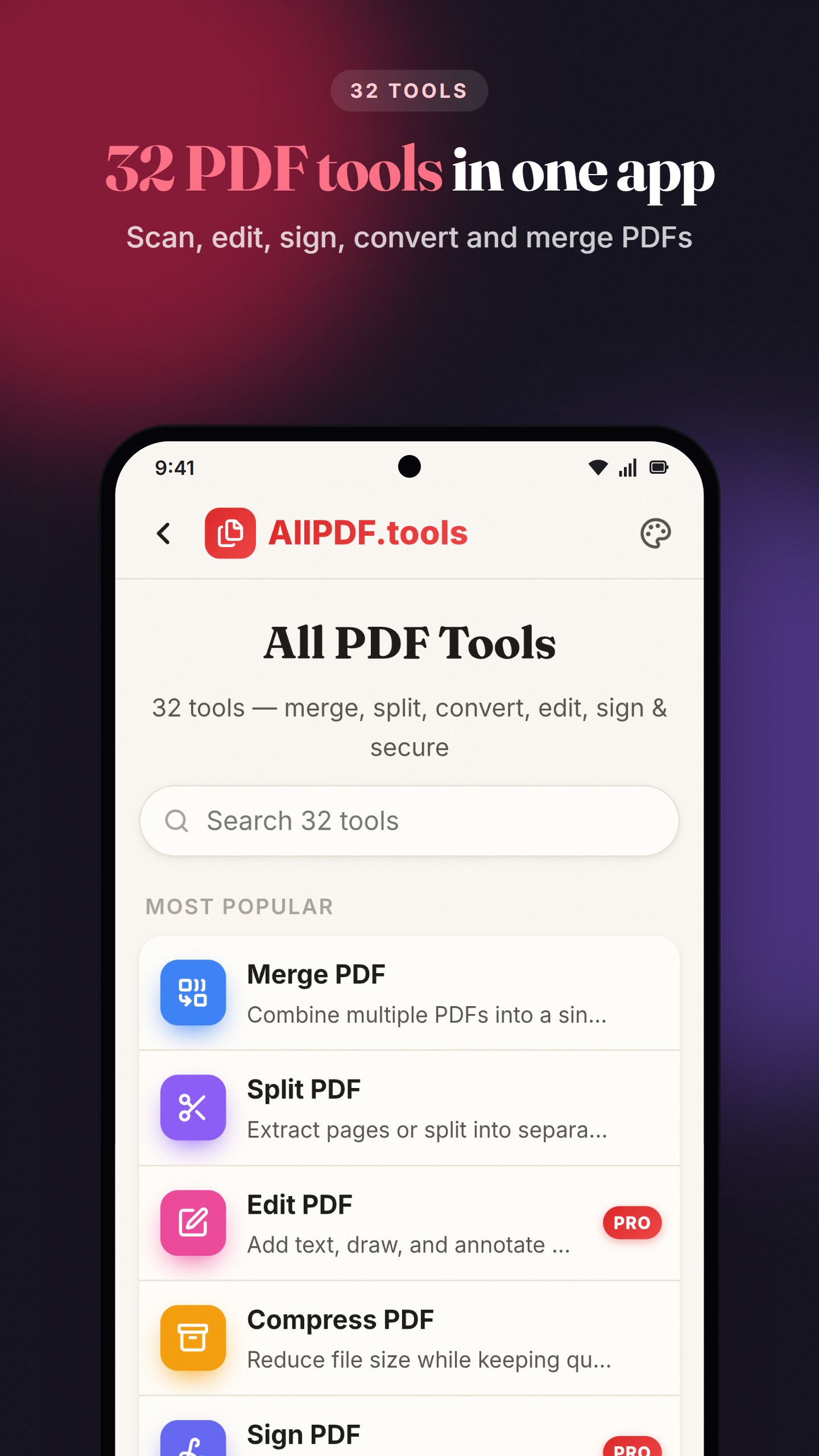
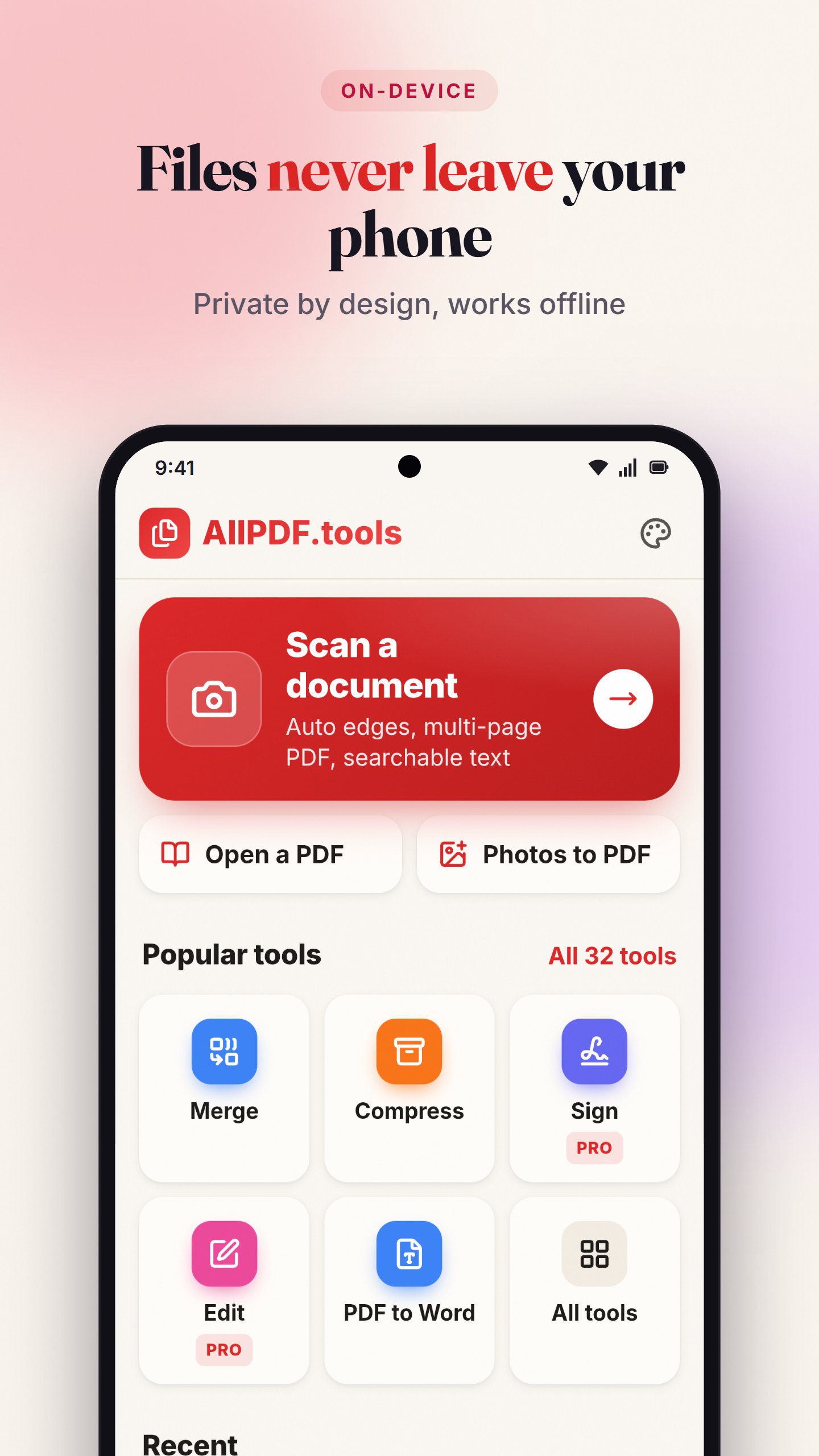
AllPDF is a PDF editor, scanner and converter with 32 tools in one app. Scan documents, edit and sign PDFs, convert to and from Word, Excel and PowerPoint, and merge, split or compress files, right on your phone.
Your files are processed on your device. Nothing is uploaded to a server, there are no accounts to create, and the app has no ads. The regular PDF tools work offline from the first launch.
Scan documents
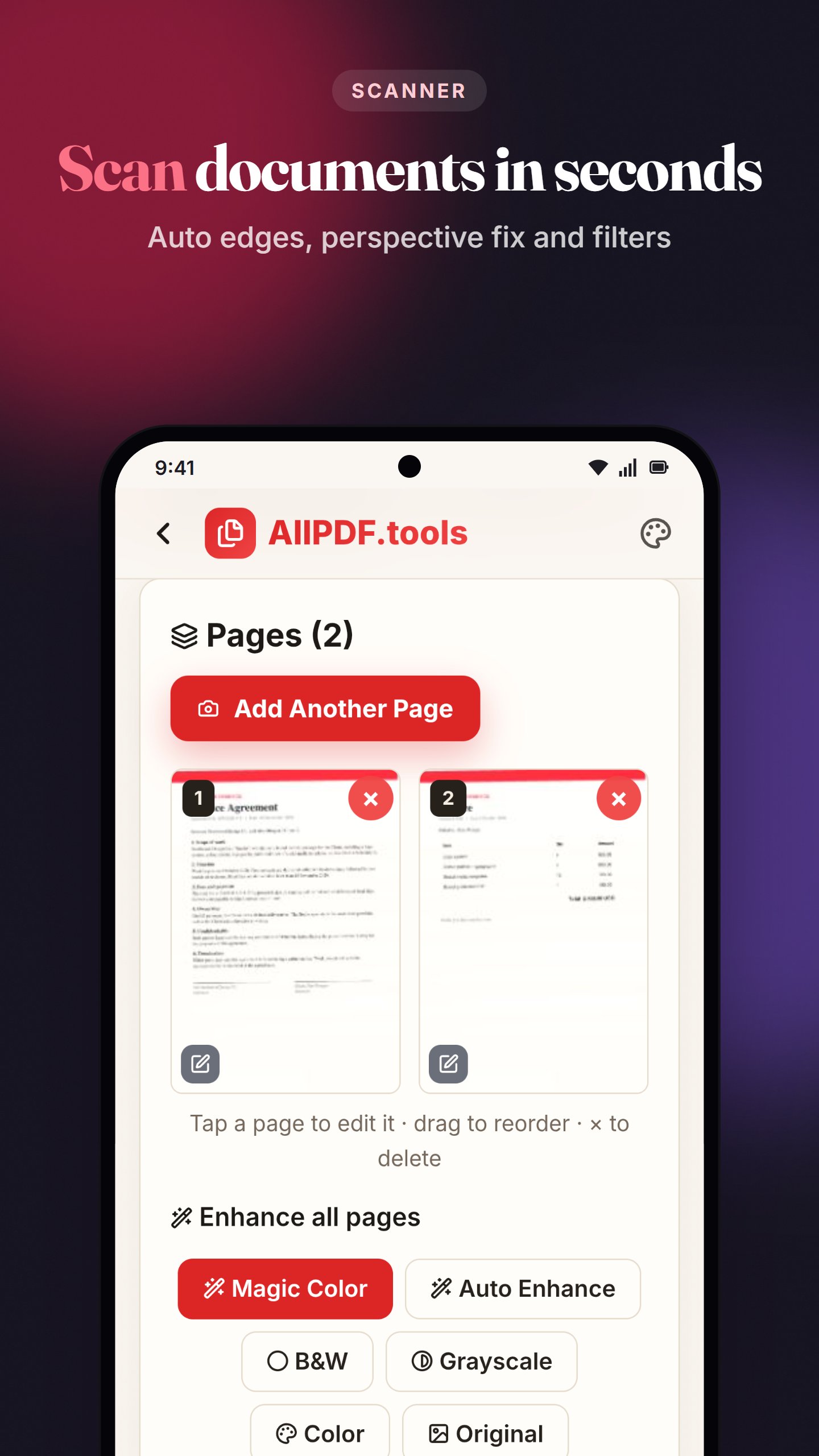
• Scan with your camera, with automatic edge detection, perspective correction and auto-rotation of upside-down pages
• Magic Color, black & white and grayscale filters for clear, readable pages
• Save multi-page scans as a single PDF
• Make scans searchable with OCR in many scripts, including Hindi, Chinese, Japanese and Korean (one-time download on first use, then offline)
• Handy for Aadhaar, PAN, exam forms, receipts and ID cards
• Pro scanner: live camera with Receipt, ID Card, Whiteboard, Business Card, Passport and Book modes, AI shadow and glare cleanup, finger removal, unlimited pages and bulk import
Edit and sign
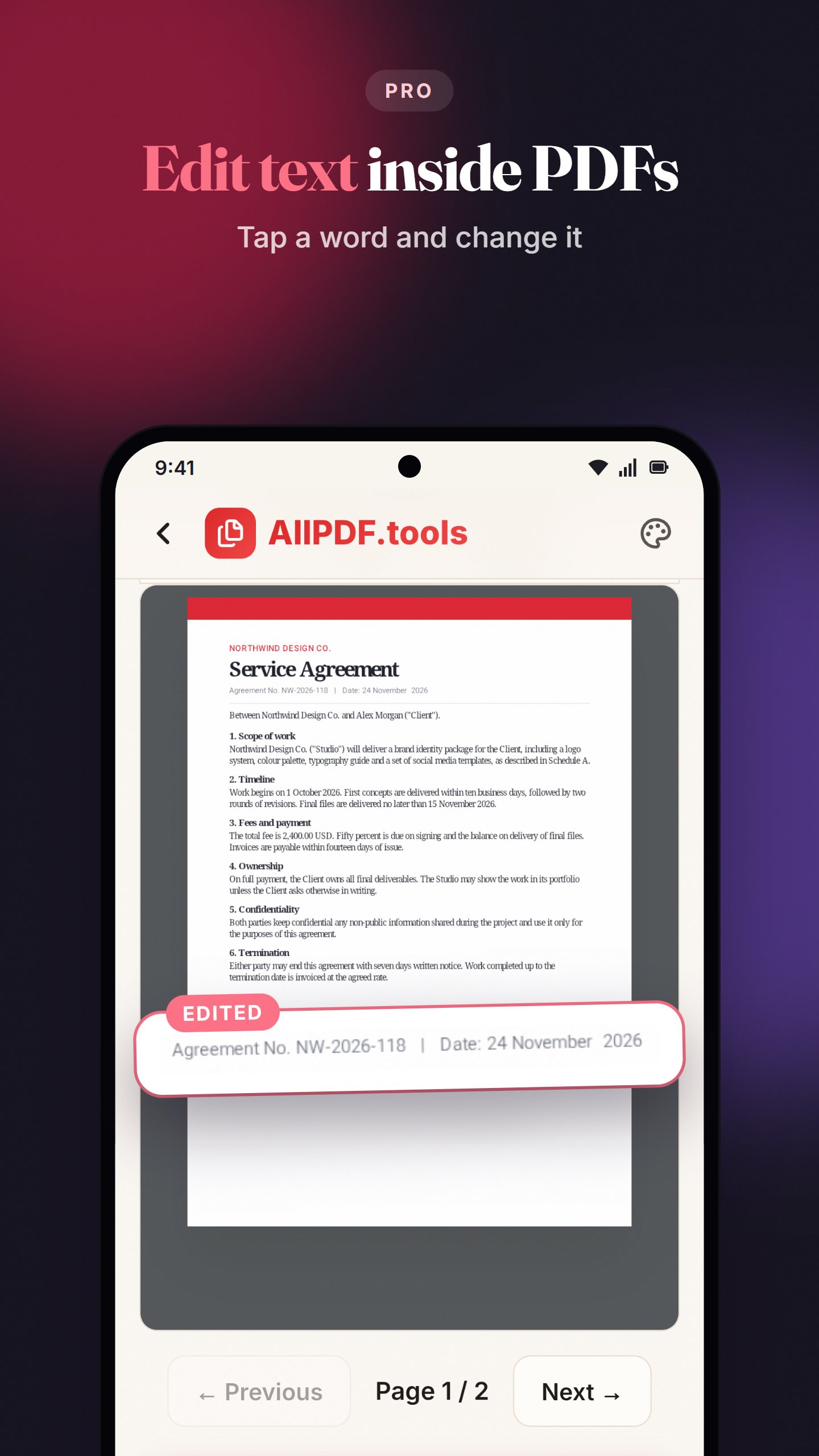
• Edit text inside a PDF: tap a word and change it
• Add text, images, highlights and drawings
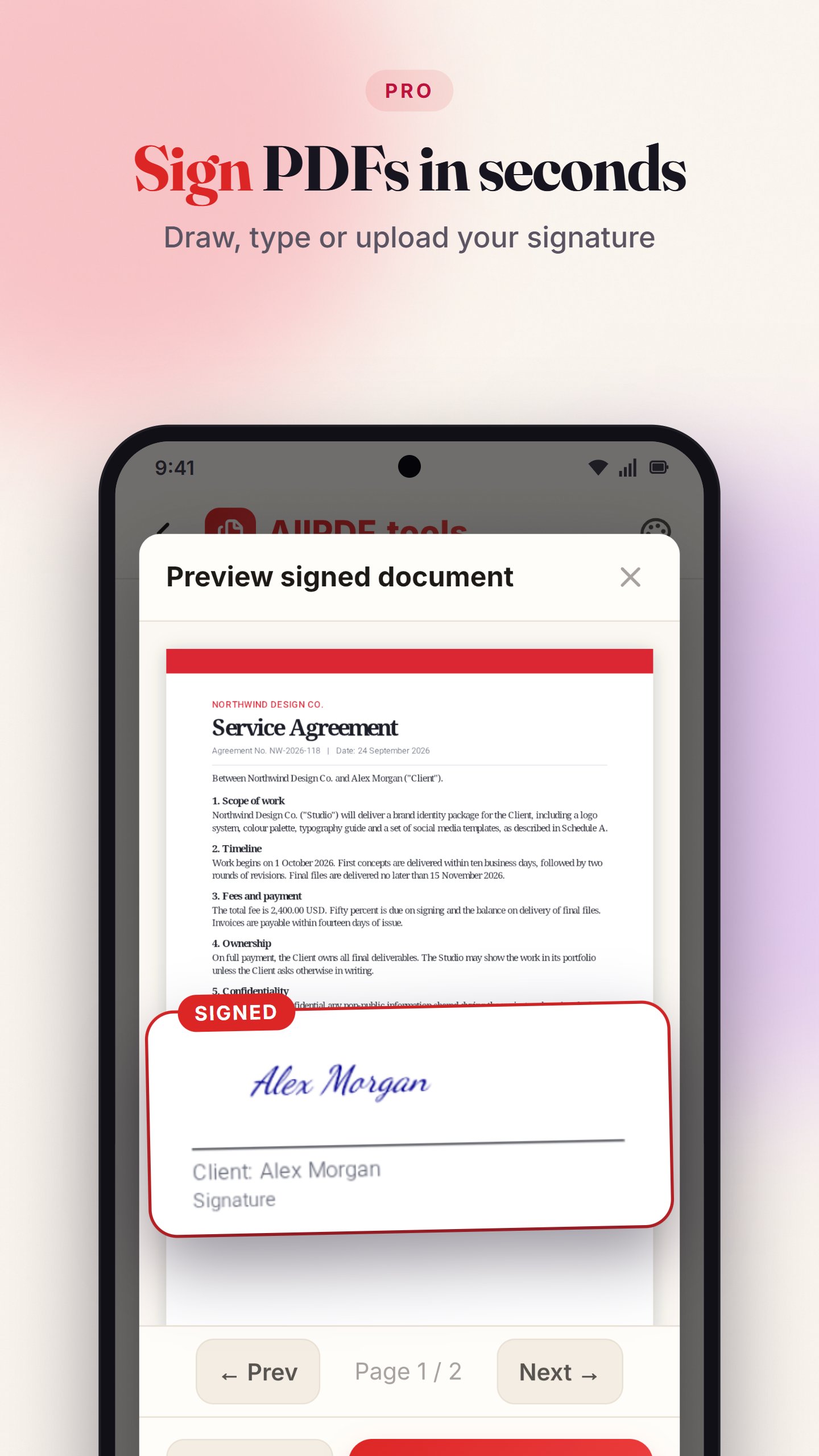
• Sign a PDF by drawing, typing or uploading your signature
• Fill interactive PDF forms
• Redact and black out sensitive information
Convert
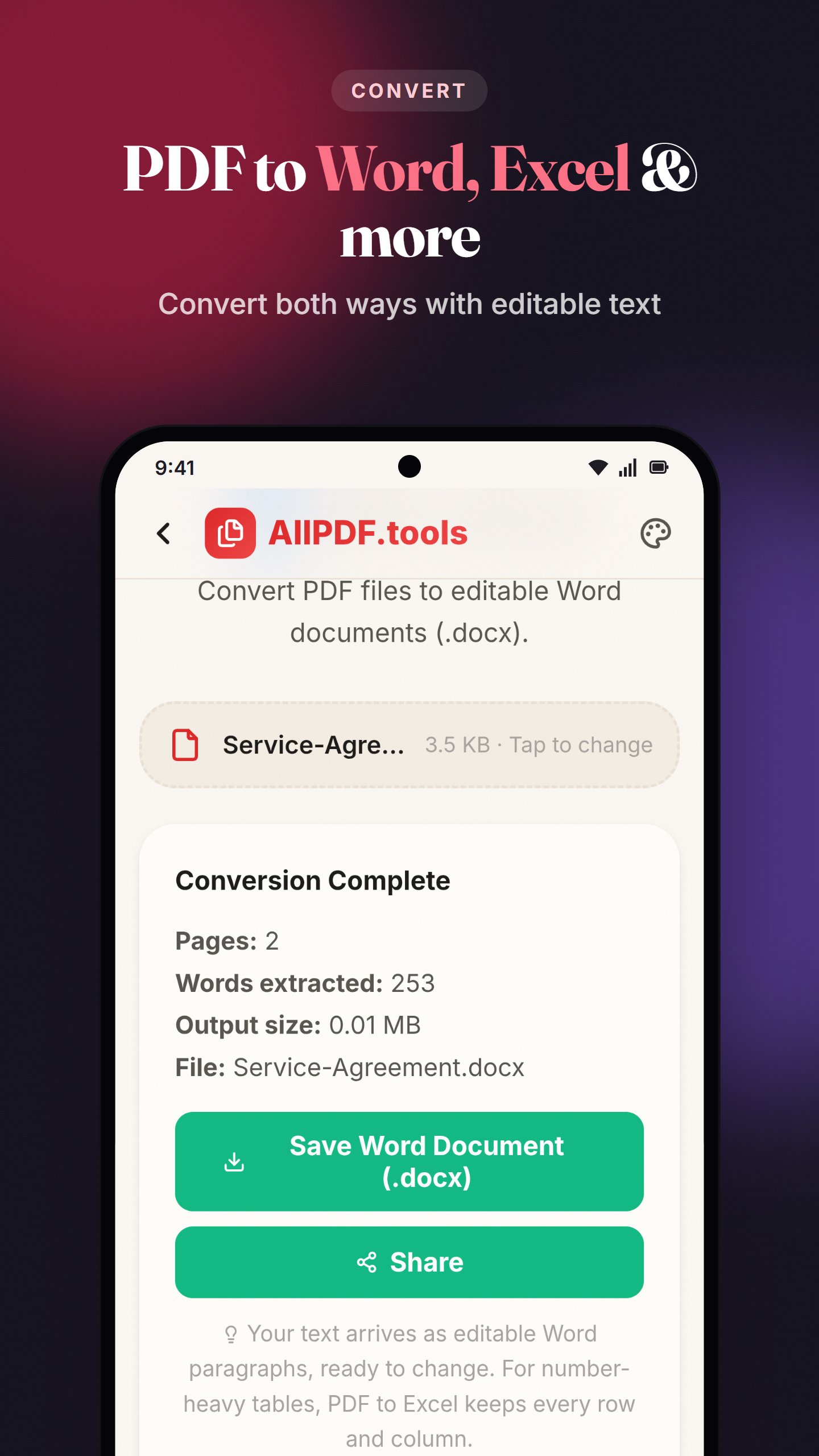
• PDF to Word, Excel (including scanned tables), PowerPoint, text and images (JPG or PNG)
• Word, Excel, PowerPoint and images to PDF
• Passport and visa photo maker with specs for 10 countries
Organise pages
• Merge several PDFs into one file
• Split or extract the pages you need
• Reorder, rotate, delete and insert pages
• Add page numbers, crop pages, flatten forms and edit metadata
Compress and secure
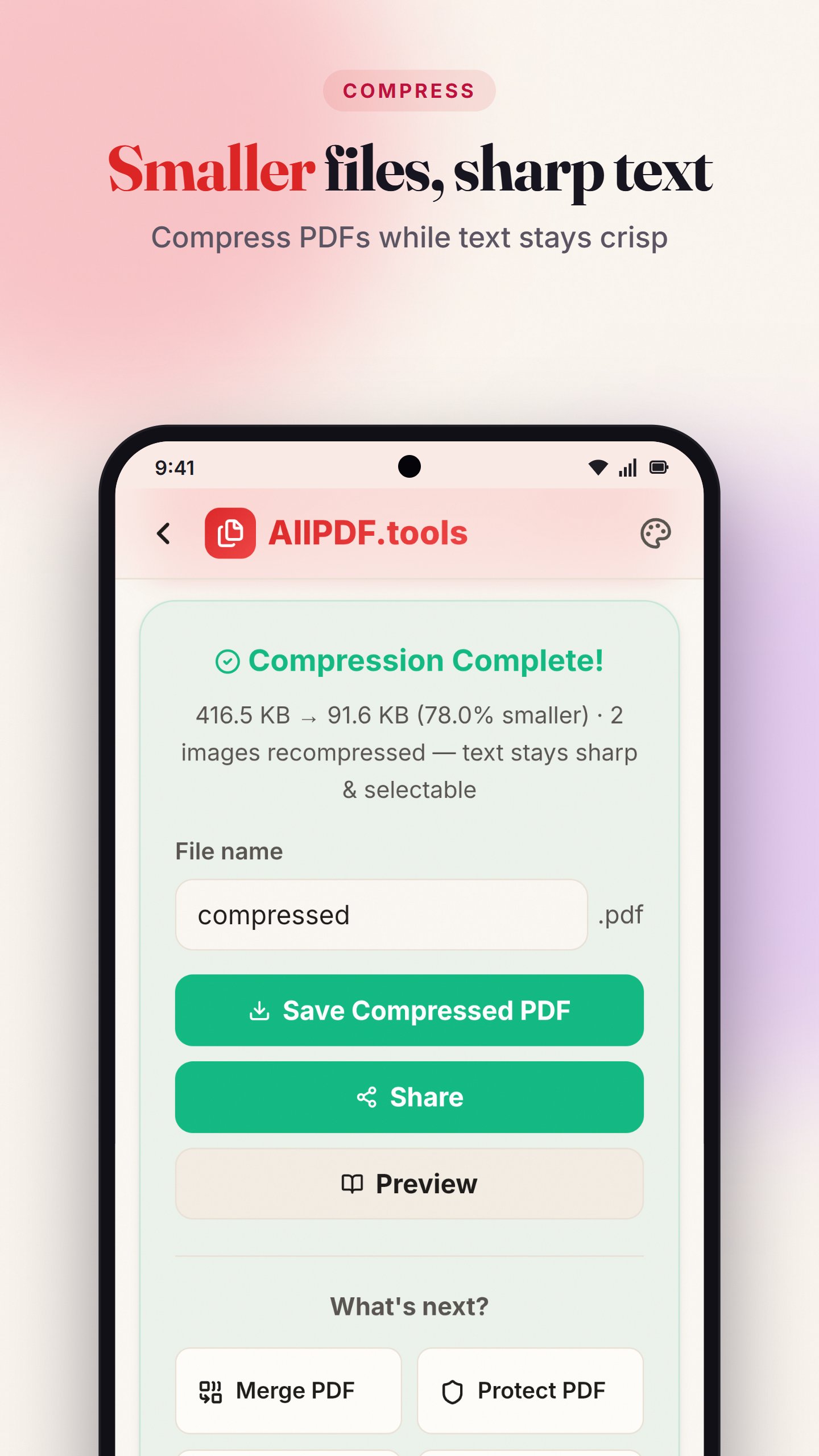
• Compress PDFs to a smaller size while text stays sharp
• Password protect with AES-256 encryption, or unlock PDFs
• Add a watermark
• Repair damaged PDF files
Read and share
• Built-in PDF reader with a night mode
• Share to WhatsApp or email in a tap
• Open PDFs straight from your file manager with Open with
Why AllPDF
• 27 tools are free, with no watermarks on your files
• Private: your files never leave your phone
• Works offline: PDF tools run without internet
• Clean and simple to use
AllPDF Pro unlocks Edit PDF, Sign PDF, Redact, PDF to PowerPoint, the passport photo maker and extra scanner features. Try each Pro tool 3 times free. Choose a monthly, yearly or one-time lifetime plan, with a free trial on the subscriptions. Every other tool stays free.
A few advanced features (OCR, scanned-table conversion in PDF to Excel, the photo maker and some scanner tools) download once on first use, then work offline.
Questions or feedback? Email support@jkcodes.app
Latest Version
1.8.1Uploaded by
حسن ظافر الحمود
Requires Android
Android 7.0+
Category
Free Productivity AppContent Rating
Everyone
Security Report
Check Now
Report
Flag as inappropriateLast updated on Oct 15, 2026
• All PDF tools now work offline from the very first launch, no internet needed.
• OCR and the AI features download once on first use, then work offline too.
• Sharper pages in PDF Reader, Edit PDF and Fill Form on high-resolution screens.
• PDF Reader: zoom in now enlarges the page.
• Small fixes.



APKPure - A multi-platform app store primarily focused on Android, providing extensive app-related content. Discover the app you want easier, faster, and safer, with quick and efficient downloads and installations.