Scan Date:Mar 15, 2025
Show More


LinkedIn suits users who want to explore new roles, follow industry updates, and maintain a clear professional presence on Android. It organizes profiles, connections, and job activity in one place, so you can keep career tasks simple while staying informed. With straightforward navigation, you browse openings, connect with contacts, and manage applications without extra steps. For quick access on your phone, download LinkedIn and sign in to manage opportunities wherever you go.
AI job matching and Quick Apply
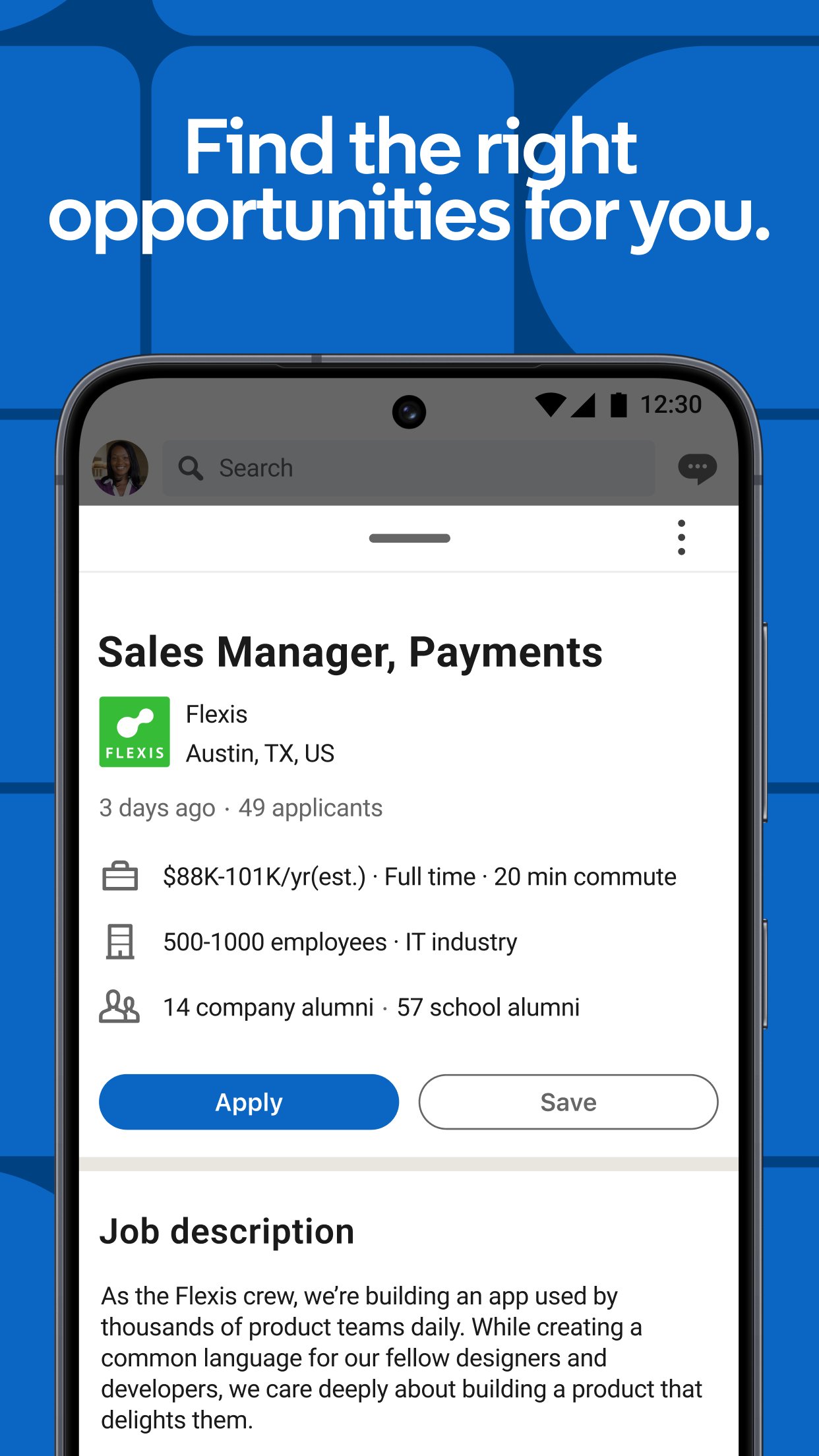
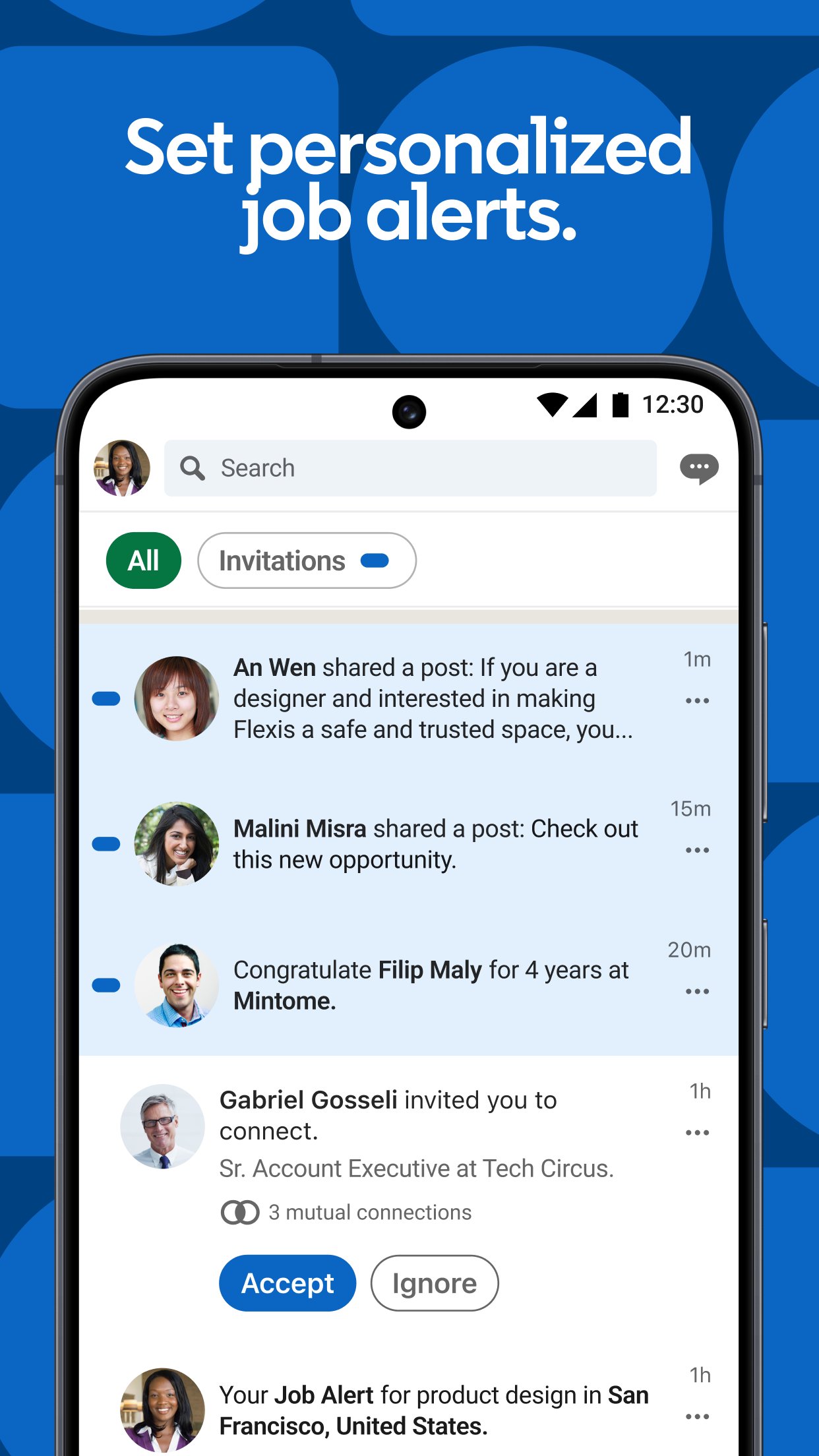
LinkedIn helps you find openings that align with your skills through smart recommendations. You can set personalized job alerts to receive roles when they are posted, which reduces time spent checking listings. When ready to apply, use Quick Apply to submit with your profile or resume and move forward without extra forms.
Business news and collaborative articles
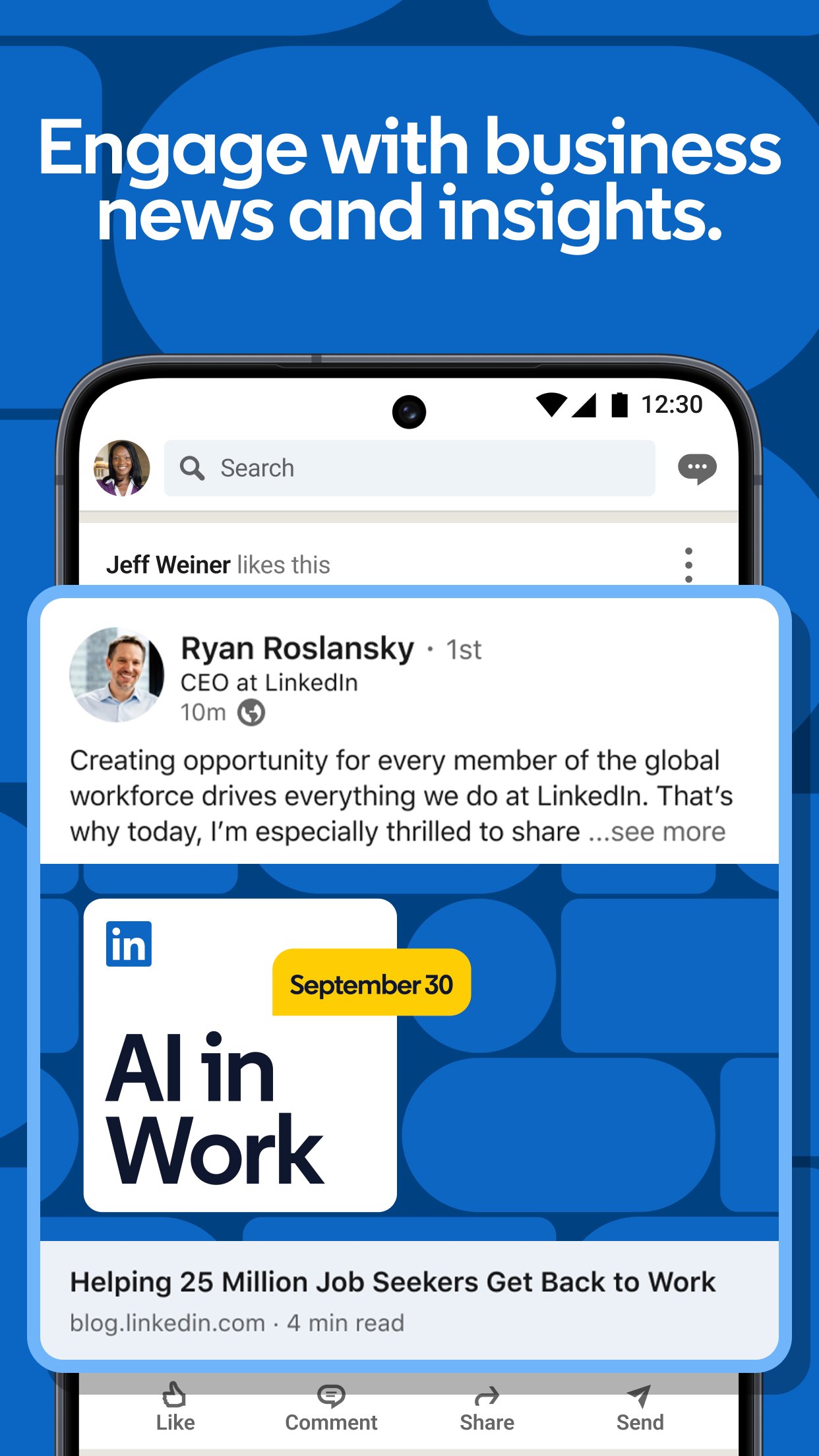
To stay informed, LinkedIn surfaces company updates, posts from industry leaders, and timely news. You can follow organizations to see hiring notices and read collaborative articles that reflect shared expertise. This steady flow of context supports career research and makes it easier to spot relevant opportunities.
Build and grow your network
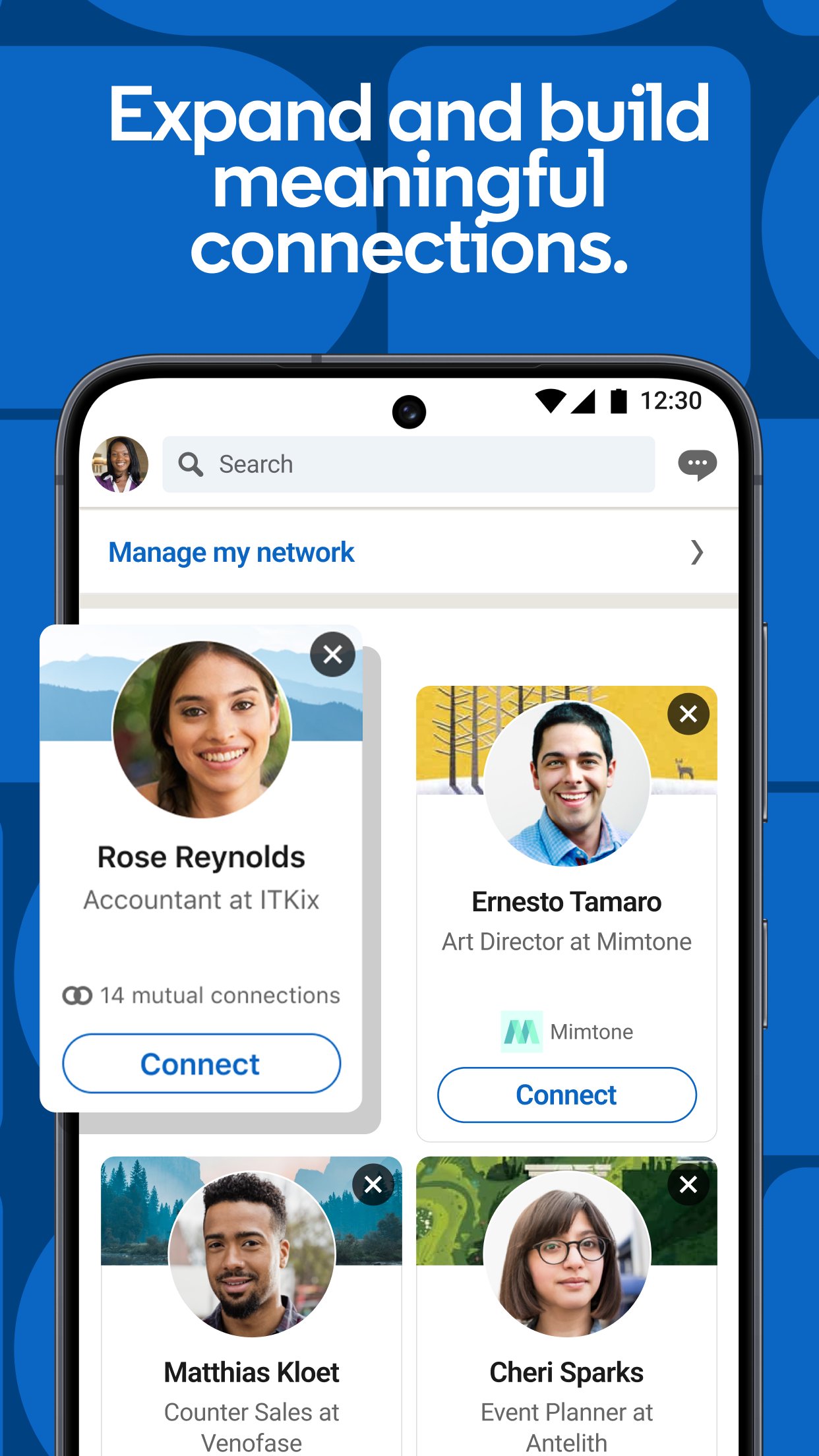
You connect with colleagues, recruiters, and experts to expand reach. Joining groups and conversations introduces new contacts and helps you learn from peers. As your network grows, your profile gains more exposure in searches and feeds, which can improve discovery over time.
Showcase skills and achievements
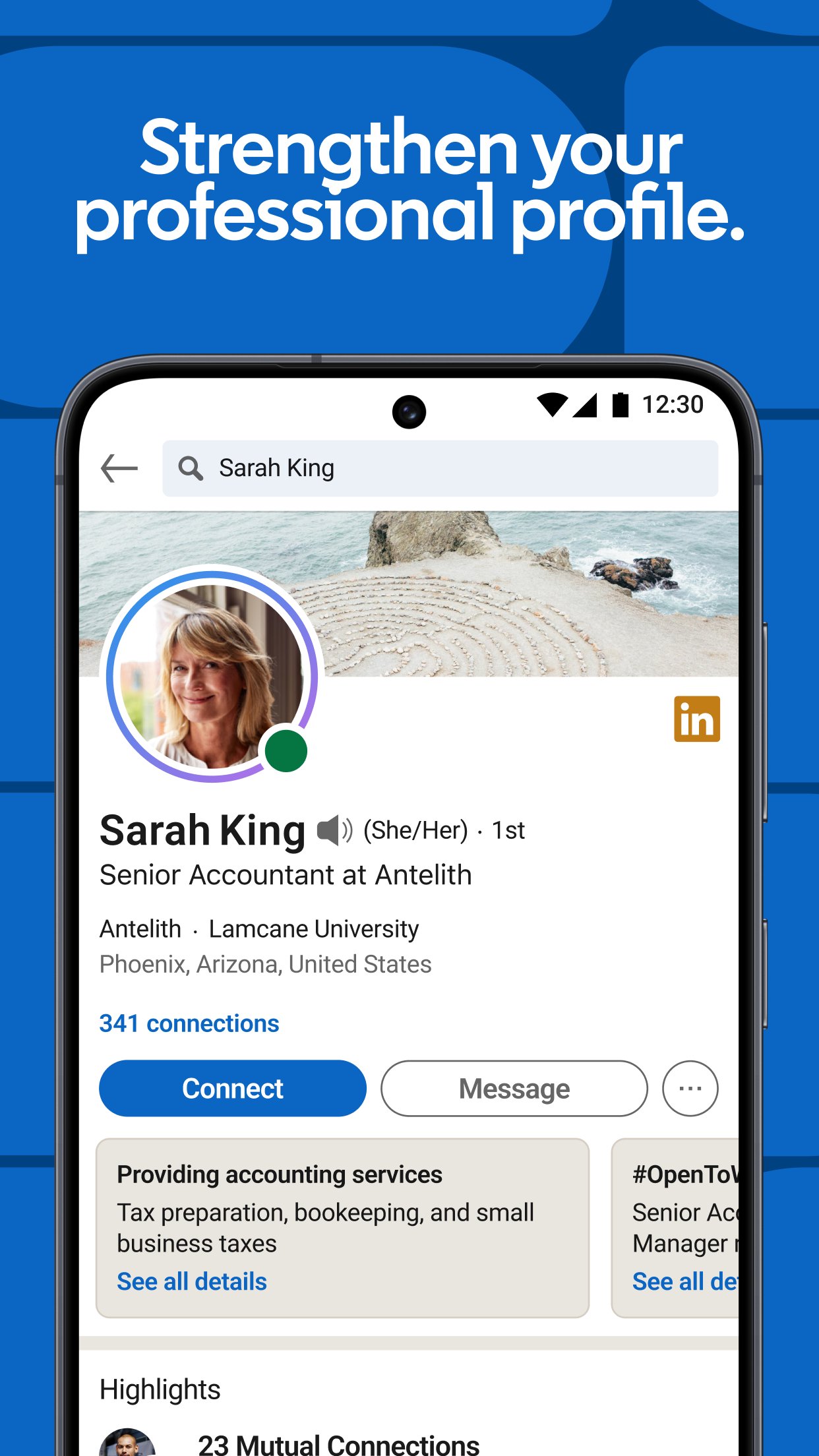
LinkedIn lets you highlight skills, projects, certifications, and results on your profile. Regular posting keeps your expertise visible and can increase profile views. Clear summaries, recent work examples, and consistent updates make it easier for hiring teams to understand your strengths on LinkedIn for Android.
Verification for trust and visibility
You can add identity, workplace, or education verification badges to signal authenticity. Verified members typically gain more visibility, which can improve how often profiles appear in searches. These badges encourage safer interactions and help recruiters confirm details quickly.
Premium tools for active seekers
For deeper insight, Premium shows who viewed your profile and unlocks InMail to reach decision makers. You also get access to learning courses and salary insights to guide preparation and negotiation. These tools are optional but useful if job search is a top priority.
Using LinkedIn requires an account. You can create an account with an email address or phone number and then complete LinkedIn login to access your profile. Content availability, job posts, and messaging options can vary by location and industry. Profile completeness and recent activity often improve how your profile appears in search results.
LinkedIn offers core features at no cost, such as creating a profile, connecting with people, and applying to many jobs. Premium is an optional subscription for added tools like InMail and advanced visibility insights. Evaluate your search pace and outreach needs before upgrading. If you prefer to test the basics first, use the free set of features and then decide.
Posting consistently and joining relevant groups can increase profile views. Many users aim for two posts per week to keep expertise active in feeds. Following target companies and saving roles helps the app refine job alerts. Verification badges further support trust in interactions and help recruiters review profiles faster.
Start with simple steps that help you focus on goals and keep activity organized. For the most stable experience, use the LinkedIn latest version available for your device.
Open the app, choose Sign in, and complete LinkedIn login. If new, create an account with your email or phone and verify details.
Add a photo, headline, and summary, then list skills, experience, and education. Next, upload projects or certifications to show recent work.
Search for roles by title, skill, or company and set job alerts. Save interesting posts so you can compare options later.
Follow companies, join groups, and engage in conversations. This improves your feed and introduces you to new contacts.
Use Quick Apply when available to submit with your profile or resume. Then check Messages and Notifications to track replies and next steps.
LinkedIn brings job discovery, news, and networking into one Android app. To begin, install and open the LinkedIn APK, complete your profile, and set alerts for roles that fit your skills.
For official information and support, visit:
Website: https://mobile.linkedin.com/
Latest Version
6.1.1Uploaded by
Requires Android
Android 5.0+
Category
Free Business AppContent Rating
Everyone
Security Report
Report
Flag as inappropriateLast updated on Sep 8, 2026
This release includes minor bug fixes and general improvements. Update to the latest version for the best experience.

APKPure - A multi-platform app store primarily focused on Android, providing extensive app-related content. Discover the app you want easier, faster, and safer, with quick and efficient downloads and installations.