Scan Date:May 14, 2026
Show More


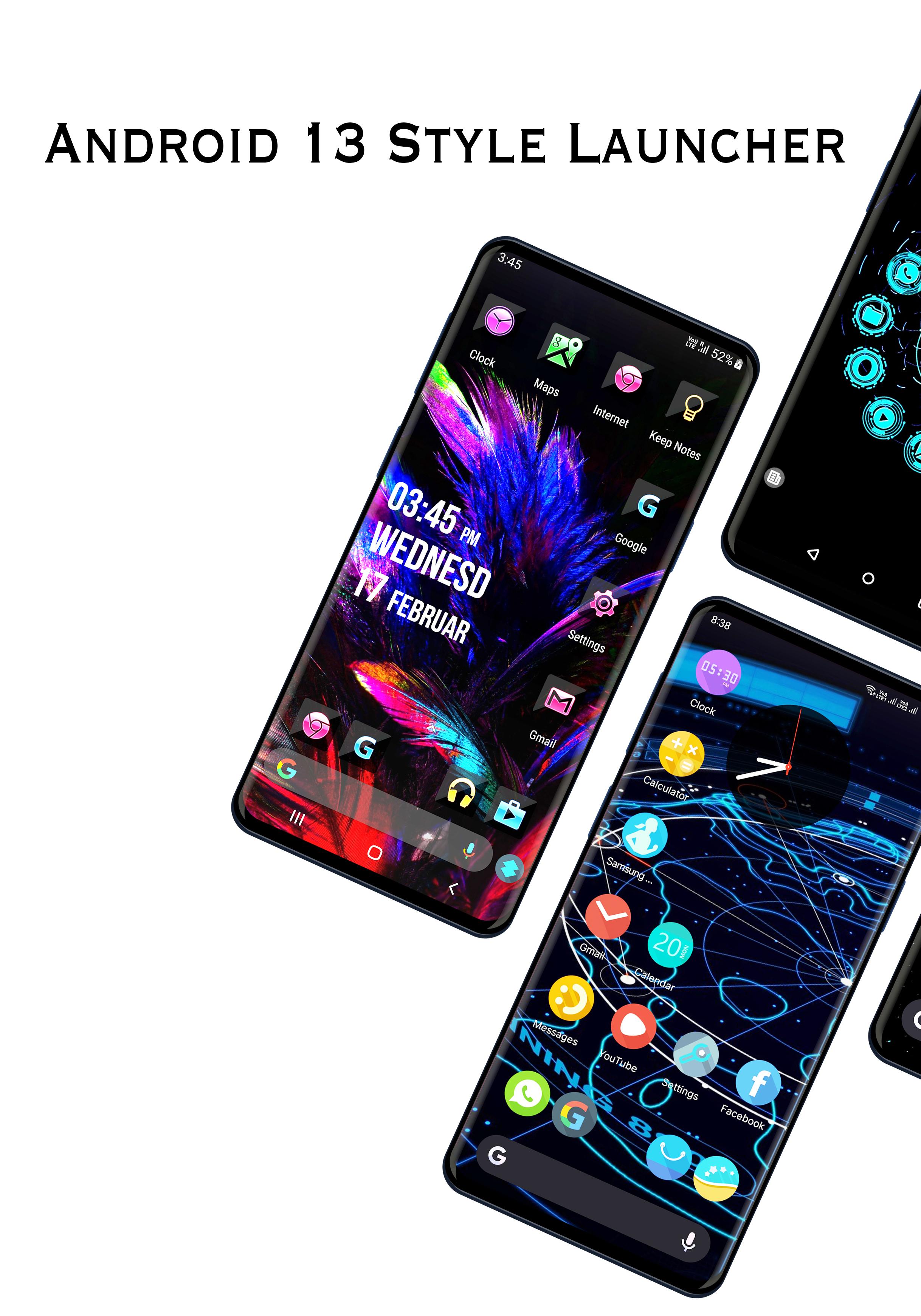
Launcher for Android ™ suits users who want a clean, flexible home screen without slowing down the phone. It targets everyday needs such as quick access to apps, smooth navigation, and simple visual changes, all within a small install size. Because it is optimized for Android 14, it runs efficiently on newer systems while staying friendly to older devices. Also known as Neox Launcher, it focuses on modern controls and fresh wallpapers. To try it directly, get the Launcher for Android ™ APK and explore at your own pace.
Theme and icon control
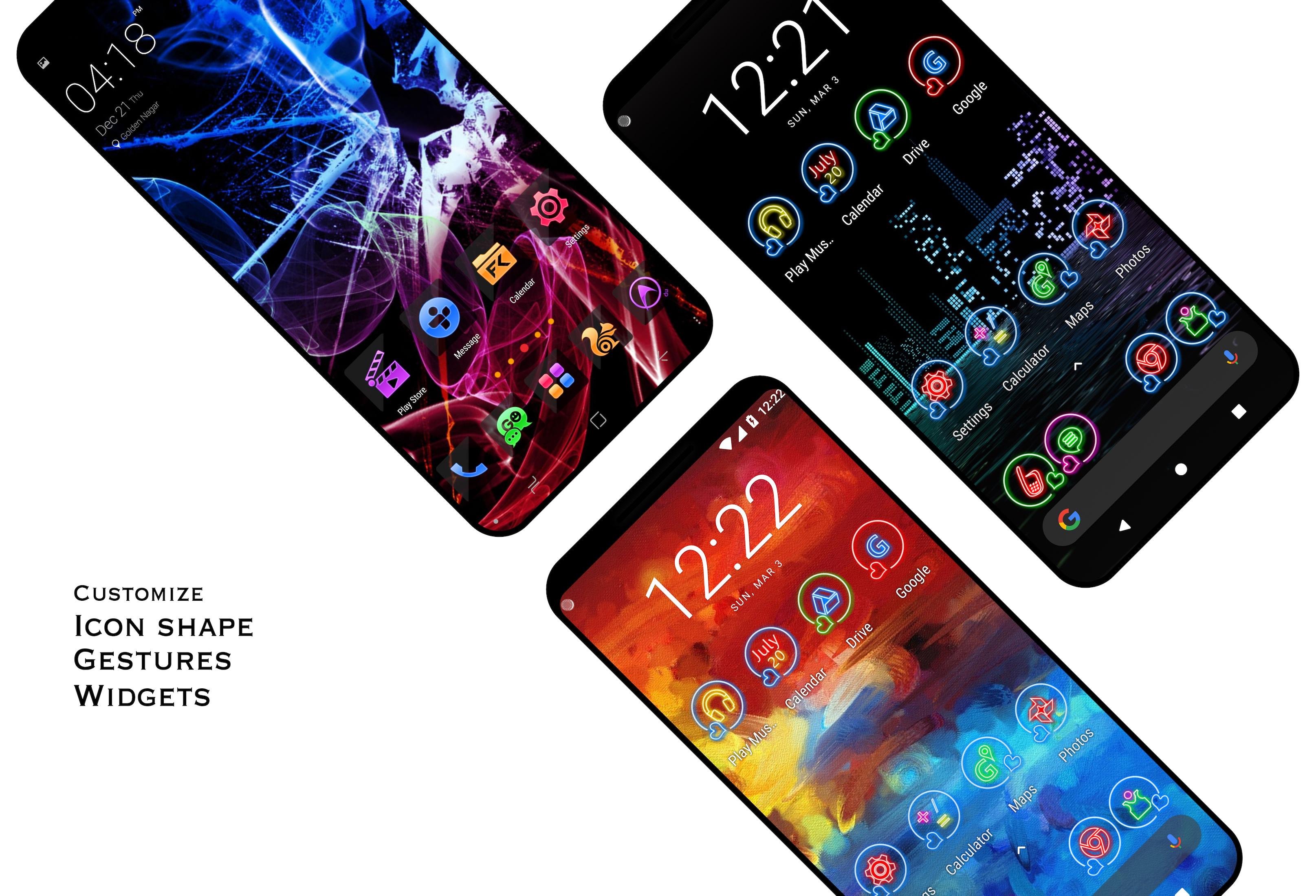
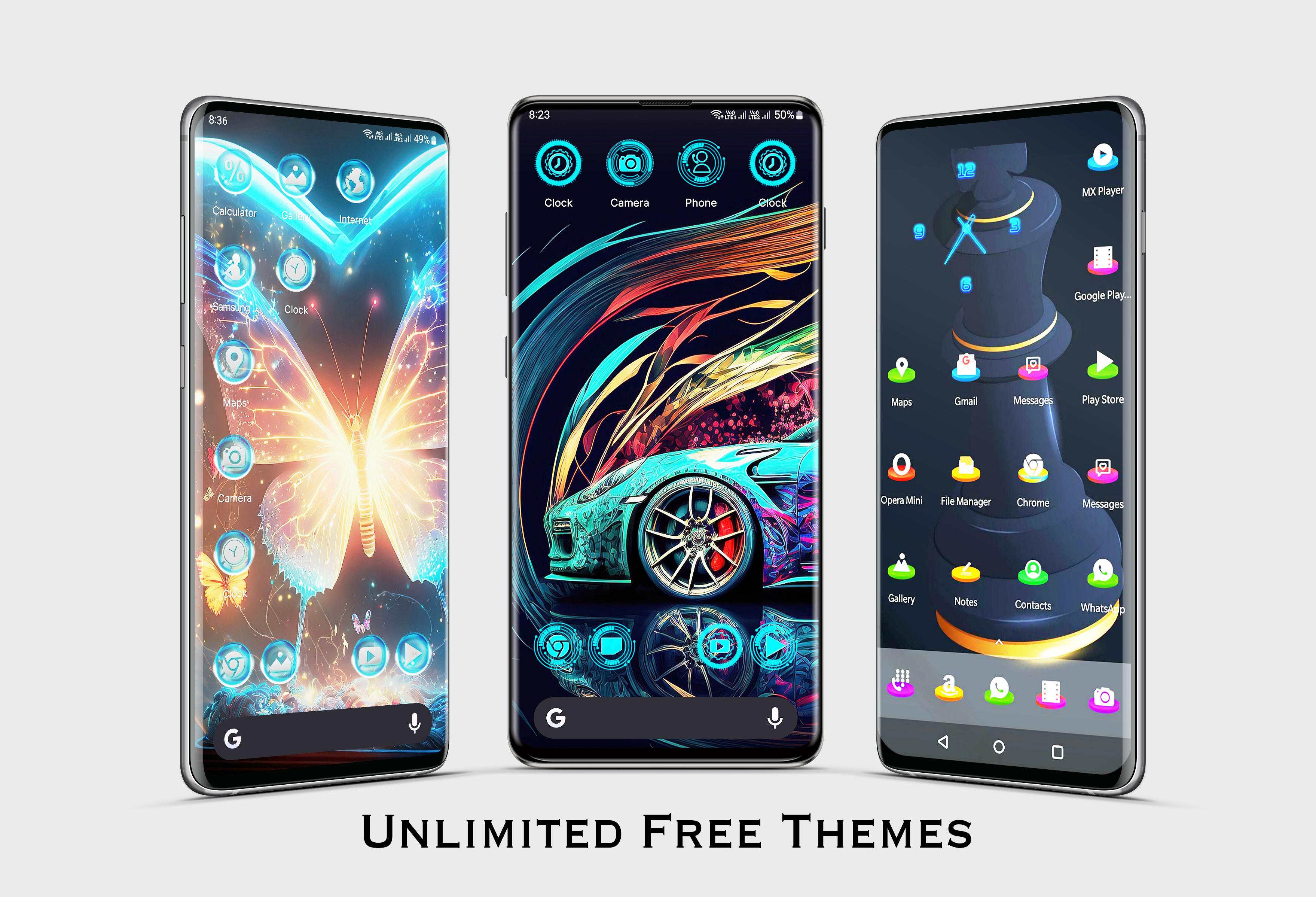
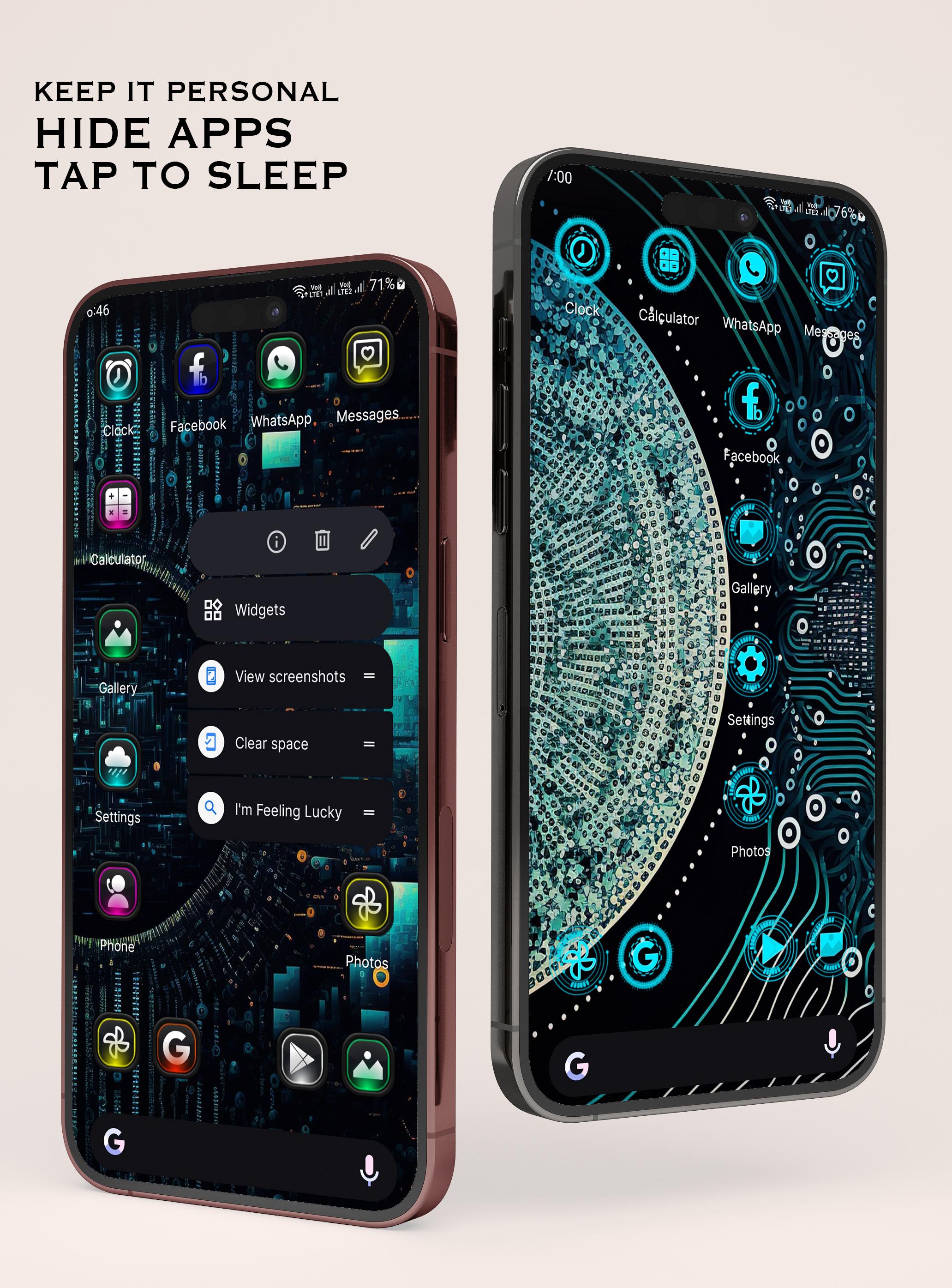
You can switch between light, dark, or automatic themes that adapt to your wallpaper. Icon shape and icon size are adjustable, and the home screen grid can be set to your preference. Launcher for Android ™ also supports popular icon packs so your app icons match the style you like without extra steps.
Gesture shortcuts for everyday use
Navigation is designed to be quick. Swipe up to open the app drawer, then pull down with one finger to check notifications without leaving the home screen. A two finger swipe down opens settings so you can make changes fast, and double tap on the home screen turns the display off for a simple way to lock the phone.
Bottom search with suggestions and voice
A bottom search bar keeps results reachable when using the phone with one hand. It offers app suggestions as you type, which helps you launch common tools in fewer taps. A voice search shortcut is also available for times when speaking is faster than typing.
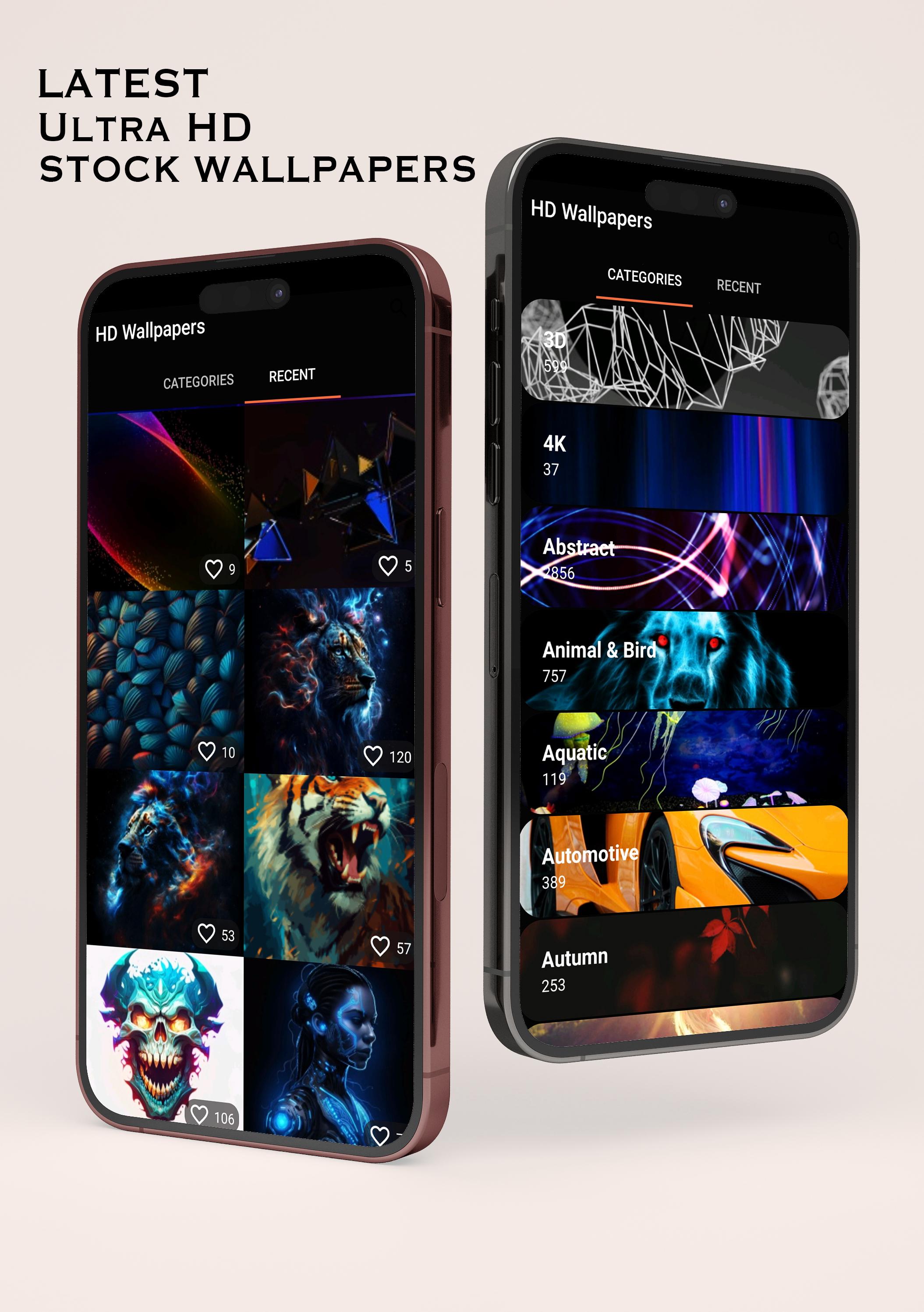
HD wallpapers with quick apply
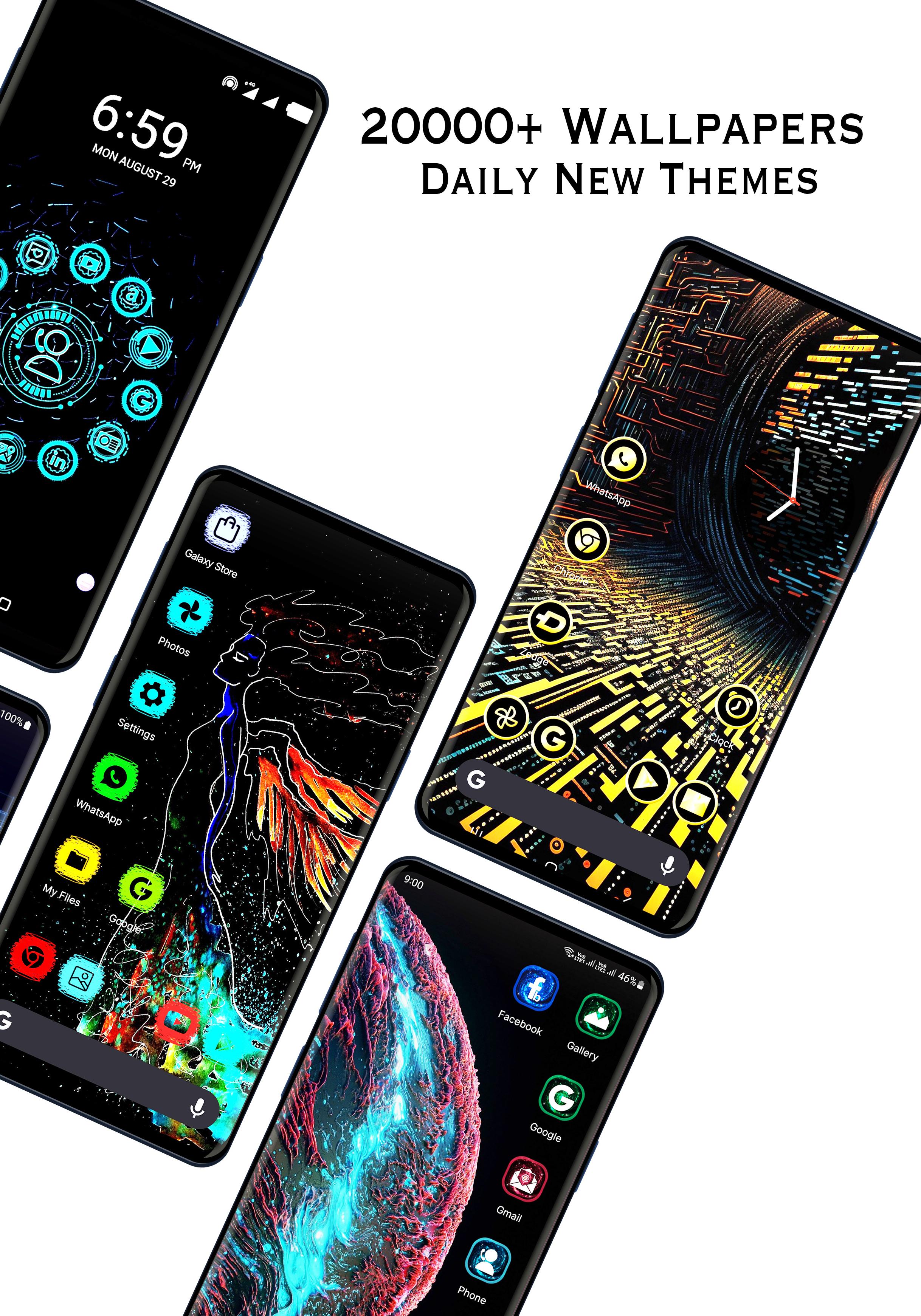
Launcher for Android ™ includes 2024 wallpaper collections so you can refresh your look in seconds. Browse, download with one tap, and set an image as your home or lock screen right away. You can also save images for simple use as a WhatsApp profile picture, which is helpful when you want a consistent style across apps.
Modern home screen options and smooth performance
Notification dots show new activity on app icons at a glance. You can allow home screen rotation, lock the layout after arranging, and use the latest popup menu style for tidy shortcuts. Options to hide apps or app names keep the screen uncluttered. The small app size and Android 14 optimization help it feel responsive while using less storage and memory.
Accessibility is used only for the double tap to turn off screen feature. No data is collected through this service, and it is not used for any other purpose. The QUERY_ALL_PACKAGES permission is requested only to list and organize the installed apps on your device so the launcher can show and manage them properly.
Launcher for Android ™ may display ads. The developer provides a Facebook ads privacy policy link inside the app so you can review how ad related data is handled. Checking that policy before use helps you decide whether the ad setup matches your preferences.
Setup takes only a few steps, and you can adjust everything later. For the most current options, consider using the Launcher for Android ™ latest version when you start.
Launcher for Android ™ offers a light, responsive home screen with modern controls and practical customization. If you prefer quick access and simple styling, it is built to fit that routine. To try it on your device, download Launcher for Android ™ APK and personalize your setup in minutes.
Latest Version
V4.0.0Uploaded by
Hải Mát
Requires Android
Android 7.0+
Category
Free Personalization AppContent Rating
Mature 17+
Security Report
Report
Flag as inappropriateLast updated on May 14, 2026
🔥 THE SPEED & POWER UPDATE IS HERE 🔥
We didn’t just tweak Neox Launcher; we put it into overdrive.
⚡ Blistering Performance: We completely ripped out the old rendering engine. Say hello to zero-lag, butter-smooth scrolling.
🧠 Widgets That Actually Work. Our newly engineered Smart Widgets anticipate what you need—whether it’s work, social, or finance
🎨 Next-Level Visuals: dynamic wallpapers and themes. Glassmorphism, neon, minimal—your home screen is about to look expensive




APKPure - A multi-platform app store primarily focused on Android, providing extensive app-related content. Discover the app you want easier, faster, and safer, with quick and efficient downloads and installations.