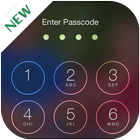
The Screen Passcode is one of the best lock screen to enhance your phone's security.
The Screen Passcode application, to help you protect your privacy, prevent others invade your phone illegally.
No one can enter into your phone without correct four digit password.Also Screen Passcode shows notifications about missed calls and new messages.
You can simply click on the notification to call back or answer on text message.
★ Features:-
1. Show Unread SMS/Missed Call counter on screen locker
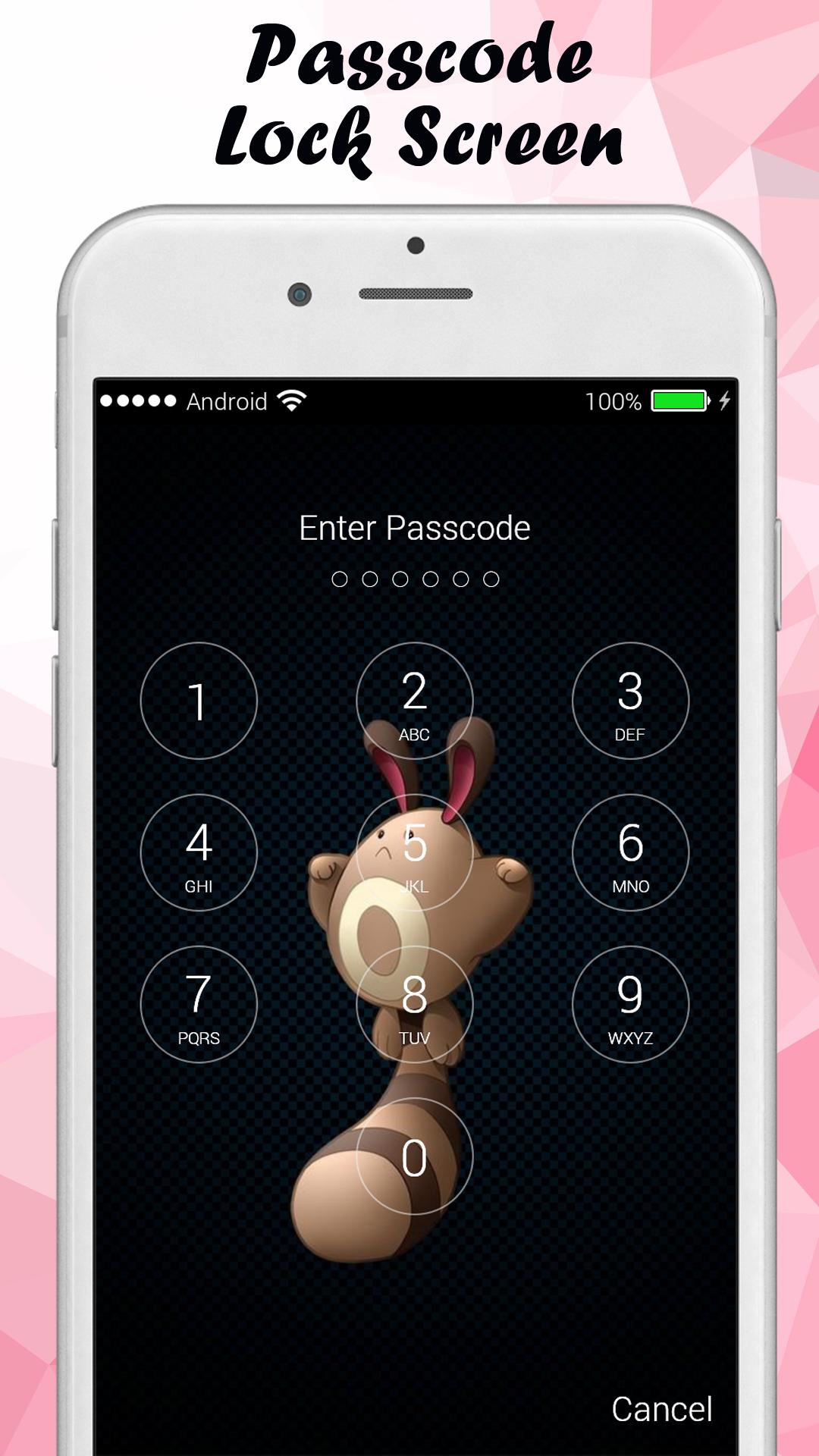
2. Multiple iOS8 HD Wallpaper to choose, you can choose your own HD wallpaper from gallery too.
3. Set PIN to enhance screen lock security, block HOME/MENU/BACK key,no one can access your phone without correct password.
4. Slide To Unlock,can change slide text,you can put your name or your friends's name on your lock screen.
5. Consume less memory and battery,simple and clean design.
6. Unlock sound enable/disable,Unlock vibration enable/disable.
7. Simulate iphone iOS keyboard password,work as iphone password.
8. Enable/Disable vibration,Enable /Disable unlock sound.
9. 12-Hour and 24-Hour format are both supported.
10. Random keypad,Protect your phone better than other lock screen.
Some applications do not perform the origin of the HOME button, BACK, RECENT while this application can do that.
Some applications do not protect your privacy when just a phone call to your phone, your phone will automatically open to allow strangers intrusion ...
and this application will do all that too.
we create many types of lock screen:-
- lock screen passcode
- Screen Passcode
- lock screen keypad photo
- lock screen slider
- lock screen with water droplet effect
- lock screen passcode
- iphone lock screen
- ios10 lock screen
- You can change wallpaper
- Many different types of backgrounds to choose from, these wallpapers are exquisite design, beautiful.
- Also you can select your favorite wallpaper, it could be someone you love, your love, your child ...
- The application is really simple and easy to use, you just select function allows key, then enter password so that your device is protected.
Step 1: Select "Enable lock screen"
Step 2: Enter password and confirm password.
- You can change passcode by click change passcode.
-----------FAQ---------
1) how to avoid double lock screen?
Go to PIP Lock Screen homepage - "Disable system lock".
2) how many times for entering wrong passcode?How can I unlock my device if I forgot the passcode?
you will have recovery code to unlock if you enter wrong password more than 5 times. Contact directly us on Facebook page for more support.
Thank you for using the Screen Passcode application!!!
Last updated on Nov 9, 2017
Minor bug fixes and improvements. Install or update to the newest version to check it out!



APKPure - 안드로이드를 중심으로 한 멀티플랫폼 앱스토어로, 다양한 앱 관련 콘텐츠를 제공합니다. 더 쉽고, 빠르고, 안전하게 원하는 앱을 찾아보세요. 빠르고 효율적인 다운로드와 설치가 가능합니다.