


How to Play Gym or Jail on PC

2023-06-07
Choose wisely in Gym or Jail as a man's weight loss journey takes unexpected turns. Read through this guide to learn how to download and play Gym or Jail on PC.
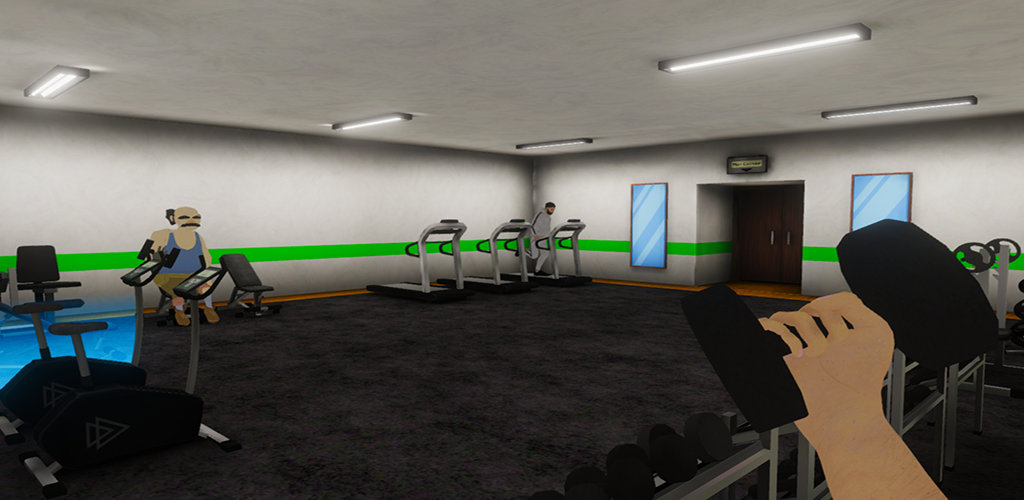
Get ready to make some tough choices in Gym or Jail, the game that puts you in control of a guy who's determined to get fit. As our hero sets out on his weight loss journey, he quickly discovers that things aren't going to be easy - and soon finds himself facing unexpected challenges at every turn. Whether it's choosing between hitting the gym or skipping another workout for pizza night with friends, navigating difficult relationships with family members who don't support your goals, or even dealing with setbacks like injuries and illness along the way – everything is up for grabs when you play Gym or Jail! Each decision you make affecting not only your own health but also those around him; this game will keep players engaged as they weigh their options carefully before taking action. Will our protagonist stay committed despite all odds? Or will he end up behind bars instead of bulking up? The choice is yours!

Why Do People Enjoy Playing Gym or Jail on PC?
A number of reasons can explain why individuals might choose to play games on PCs over mobile devices:
Enhanced Graphics and Performance: PCs typically have more powerful hardware components compared to mobile devices, enabling improved graphics and higher frame rates. This leads to a more immersive and enjoyable gaming experience.
Greater Game Variety: Despite the growing popularity of mobile games, the PC gaming market continues to provide a broader range of games, including more intricate and comprehensive titles.
Modding and Customization Opportunities: PC games frequently support modding and customization, introducing new content, features, and experiences to the gameplay.
Better Controls: PCs typically have more precise input devices, like keyboards and gaming mice, which can provide better control and responsiveness than touchscreens.
Bigger Screen: PC monitors are usually larger than mobile screens, making it easier to view and engage with game elements.
How to Play Gym or Jail on PC?
To enjoy Gym or Jail on your computer, you'll need to install an Android Emulator like Gameloop, which simplifies the process of setting up, launching, and running mobile games on your PC. Follow the instructions below to learn how to download and play Gym or Jail on your computer using the Gameloop Android emulator.
Step 1: Download Gameloop on your PC
Click here to download the Gameloop Android emulator installer. Once the emulator is installed, launch the Gameloop on your PC.
Step 2: Search and Install Gym or Jail on Gameloop
Look for Gym or Jail within Gameloop and select the "Install" button next to the game.
Step 3: Launch Gym or Jail on Gameloop
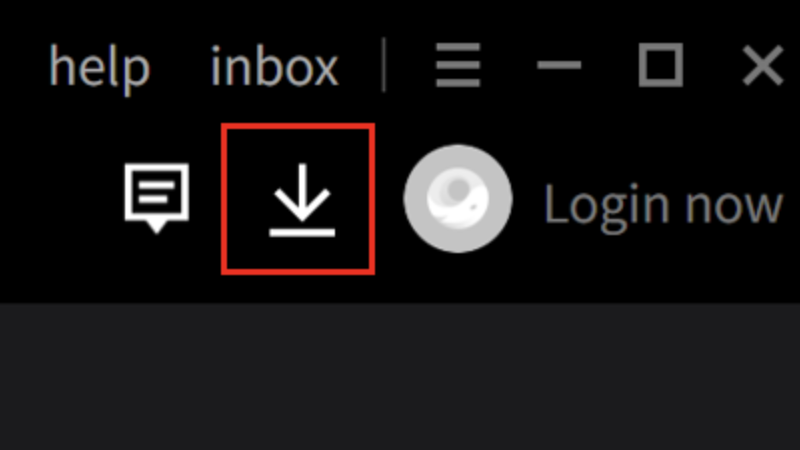
After Gym or Jail is installed, click the download icon in the top-right corner to access the installed list. Find Gym or Jail and press "Open" to start the game.
Step 4: Play Gym or Jail on PC
After granting necessary permissions, begin playing Gym or Jail on your PC using the Gameloop Android Emulator.
Note: If this is your first time launching a game on Gameloop, the emulator will request certain permissions. Accept all permissions to enjoy the game on your PC.
Minimum Requirements
To play Gym or Jail on PC with Gameloop, you have to meet the following minimum system requirements:
- OS: Windows 8.1 64-bit or Windows 10 64-bit
- GPU: GTX 660
- CPU: i3-9320
- Memory: 8 GB RAM
- Storage: 20 MB available space
Besides Gym or Jail, we've got more hot mobile games for you to discover on APKPure! Plus, you can now enjoy even more exciting gameplay experiences on your PC.
- How to Download Garten of Banban 0 on PC
- How to Download Naruto Mugen on PC
- How to Download NINJA GAIDEN 2 Black on PC
 NEWS
NEWS REVIEWS
 HOWTO
HOWTO









