How to Install Google Play Store Latest Version on Huawei

2024-03-28
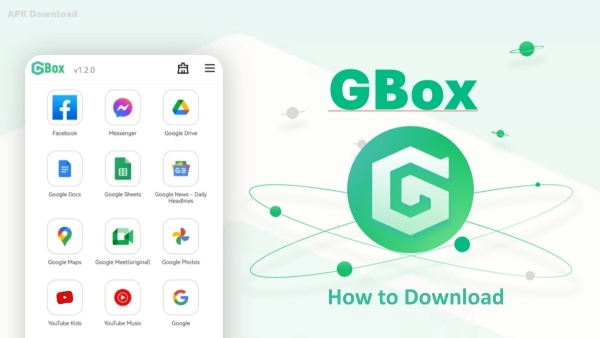
If you are still looking for some easy ways to get some Google apps on Huawei, we'd like to recommend the GBox. Download GBox latest version on APKPure and install any Google apps you want on your Huawei phone.
How to Download Google Play Store on Huawei Phone
If you can't get certain Google apps installed on your Huawei phone and you don't know what to do, we're here to help. We've got you two fast and easy ways to launch or use the Google Play Store on Huawei:
1. Download the Google Play app from the APKPure website directly.
2. Download the GBox tool from APKPure. With the GBox tool, you can download and install a collection of apps accessible on the Google Play Store on your Huawei phone.
Method 1: Download GBox from APKPure
GBox is a tool app, that offers users a wide collection of Google applications, including the Google Play Store. If you are searching for a tool app that provides many official Google products, you may want to try the GBox.

Here's a step-by-step guide about how to use the Google Play Store on your Huawei Phone by downloading GBox:
Step 1: Go to APKPure.com. Search and download GBox on your Huawei device from our website.
Step 2: The GBox app will ask for permission to access your location, media, etc. Accept all permissions, and then you can go to the next step.
Step 3: Sign in to your Google account.
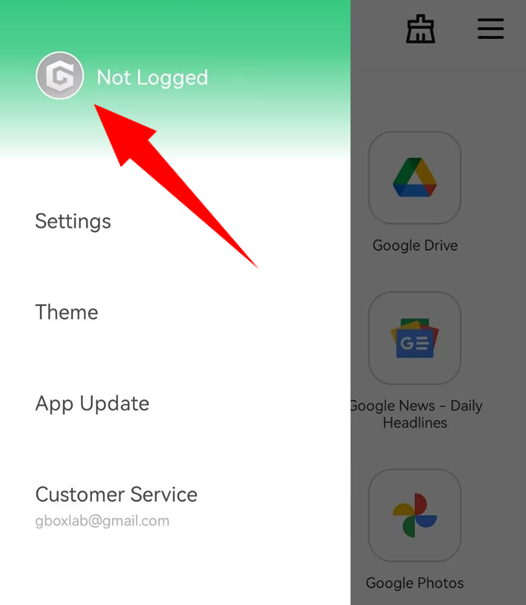
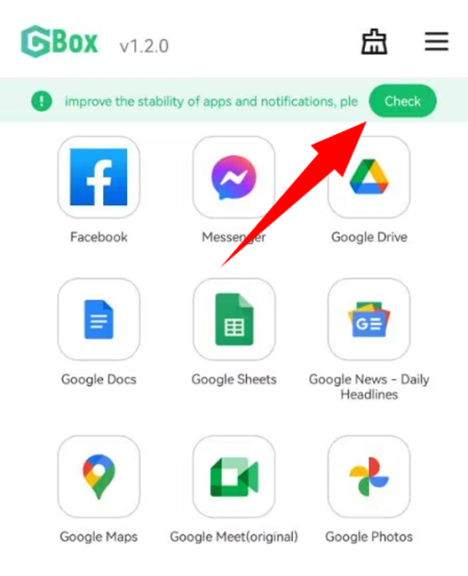
Step 4: Touch and hold the app you want to download, for example, the Google Play Store. Select "Download" in the prompted menu. GBox will create shortcuts for the installed apps on the Homescreen.
Touch the app icon on the home screen and you can launch it on your Huawei phone.
Method 2: Download Google Play from APKPure
If the GBox does not work on your Huawei phone, you may try to download the Google Play Store directly from our APKPure website.
Follow these simple steps to download the Google Play Store on your Huawei device:
Step 1: Search Google Play Store on APKPure.com. Or you can click here to download the Google Play Store directly.
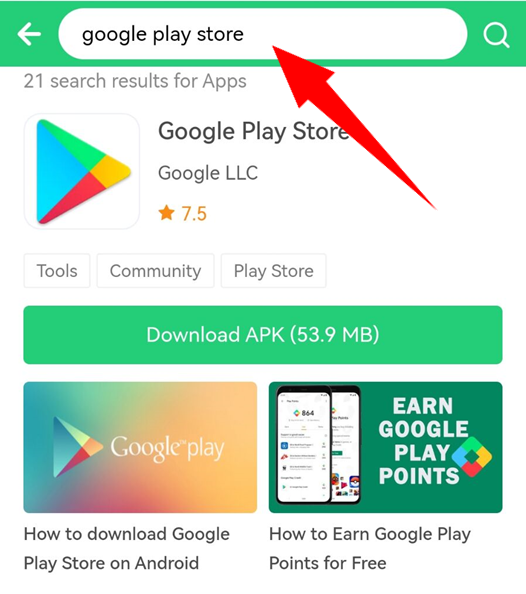
Step 2: Follow the step-by-step instructions displayed on your phone screen and get Google Play installed on your device.
Step 3: Now you can download any Google apps from the Google Play Store.
Google Play Store is a digital marketplace app that helps you discover, install, and manage apps, games, movies, TV, and books.
 NEWS
NEWS REVIEWS
 HOWTO
HOWTO