


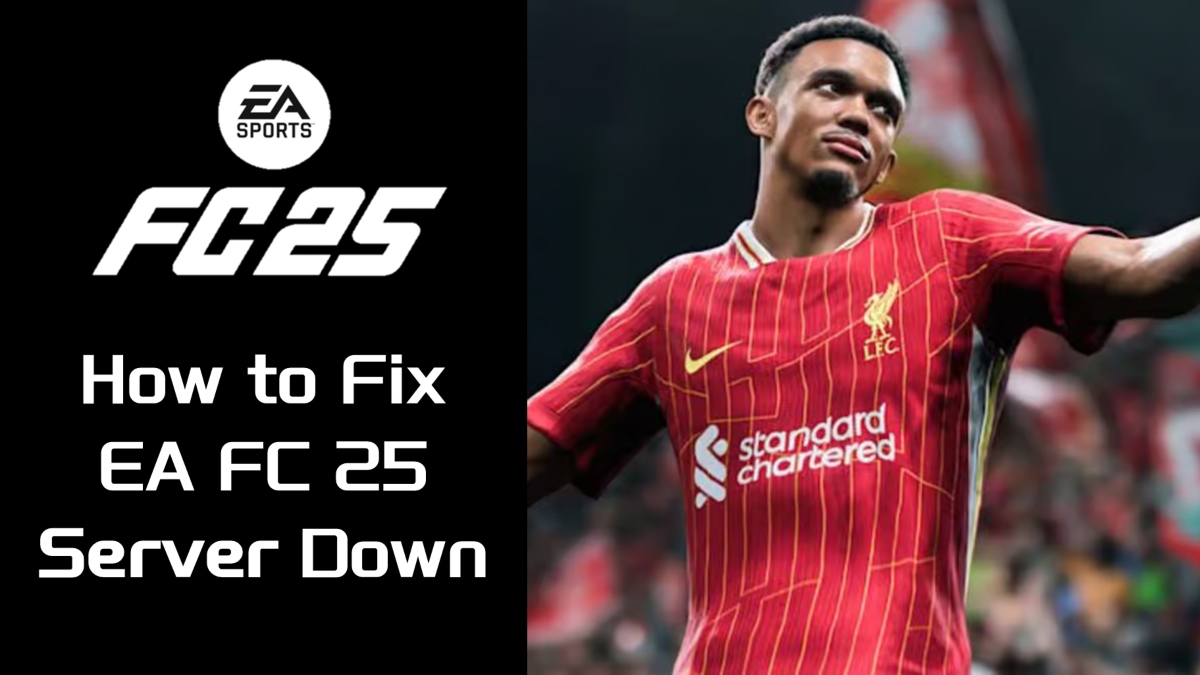
How to Fix EA FC 25 Server Down

2025-05-08
If you're facing server down issues with EA Sports FC 25, here’s a comprehensive guide on how to diagnose and fix the problem to get back online quickly.

Lead your pro team to hit the pitch in EA Sports FC Mobile 26!
EA FC 25 Servers Down is for an extended maintenance from 2:20 UTC on May 6, lasting for about 11 hours! You can also look for announcements on EA’s social media or community forums. Right now, the maintenance is over!
Why Is My EA Not Working
If your EA Sports FC 25 is not working or failing to launch, several common issues might be the cause.
- First, your PC may not meet the game’s minimum system requirements, such as having an outdated CPU, insufficient RAM, or lacking key updates like DirectX or Visual C++ Redistributables, which are essential for the game to start properly. Outdated or incompatible graphics drivers can also prevent the game from launching, so keeping your GPU drivers up-to-date is critical.
- Additionally, antivirus or firewall software might mistakenly block the game’s files, so temporarily disabling these or adding exceptions can help. Corrupted or missing game files, often due to interrupted downloads or installations, can cause launch failures; verifying the integrity of game files through Steam or the EA App can resolve this.
- Lastly, conflicting third-party software like screen recorders or overlay tools (Discord, Steam overlay) may interfere with the game’s startup, so closing such programs before launching EA FC 25 is recommended.
How to Fix EA FC 25 Server Down
The servers are up now. If you still can’t connect, try these simple fixes:
- Restart your console/PC and your router/modem. Power cycling your devices often resolves temporary network glitches. Turn off your modem/router for at least 30 seconds before turning it back on.
- Switch to a wired Ethernet connection if you’re on Wi-Fi. Wired connections are more stable and less prone to interference, which is crucial for online gaming.
- Move your console/router closer if you must use Wi-Fi, or use a Wi-Fi extender to improve signal strength.
- Test your internet speed to ensure you have a stable and fast connection.
If the basic steps above don’t work, try these:
- Flush your DNS cache and reset your network settings. This can clear corrupted network data that blocks connections.
- Change your DNS servers to public ones like Google DNS (8.8.8.8 and 8.8.4.4) for potentially better routing.
- Open necessary ports on your router for EA FC 25 to ensure the game traffic is not blocked by your firewall or NAT settings.
- Configure your firewall and antivirus to allow EA FC 25 and its launcher/executable files through.
Additional Tips
If you experience frequent crashes or errors like "DXGI_ERROR_DEVICE_HUNG," it might be related to GPU drivers or game compatibility issues. Try updating or rolling back your GPU drivers and adjusting graphics settings.
Lead your pro team to hit the pitch in EA Sports FC Mobile 26!
 NEWS
NEWS REVIEWS
 HOWTO
HOWTO How To
 How To








