


How to Download & Use Movies Hub Premium on Android

2025-11-14
Learn how to download and use Movies Hub Premium on Android. Get access to a vast library of movies and TV shows with this comprehensive guide.
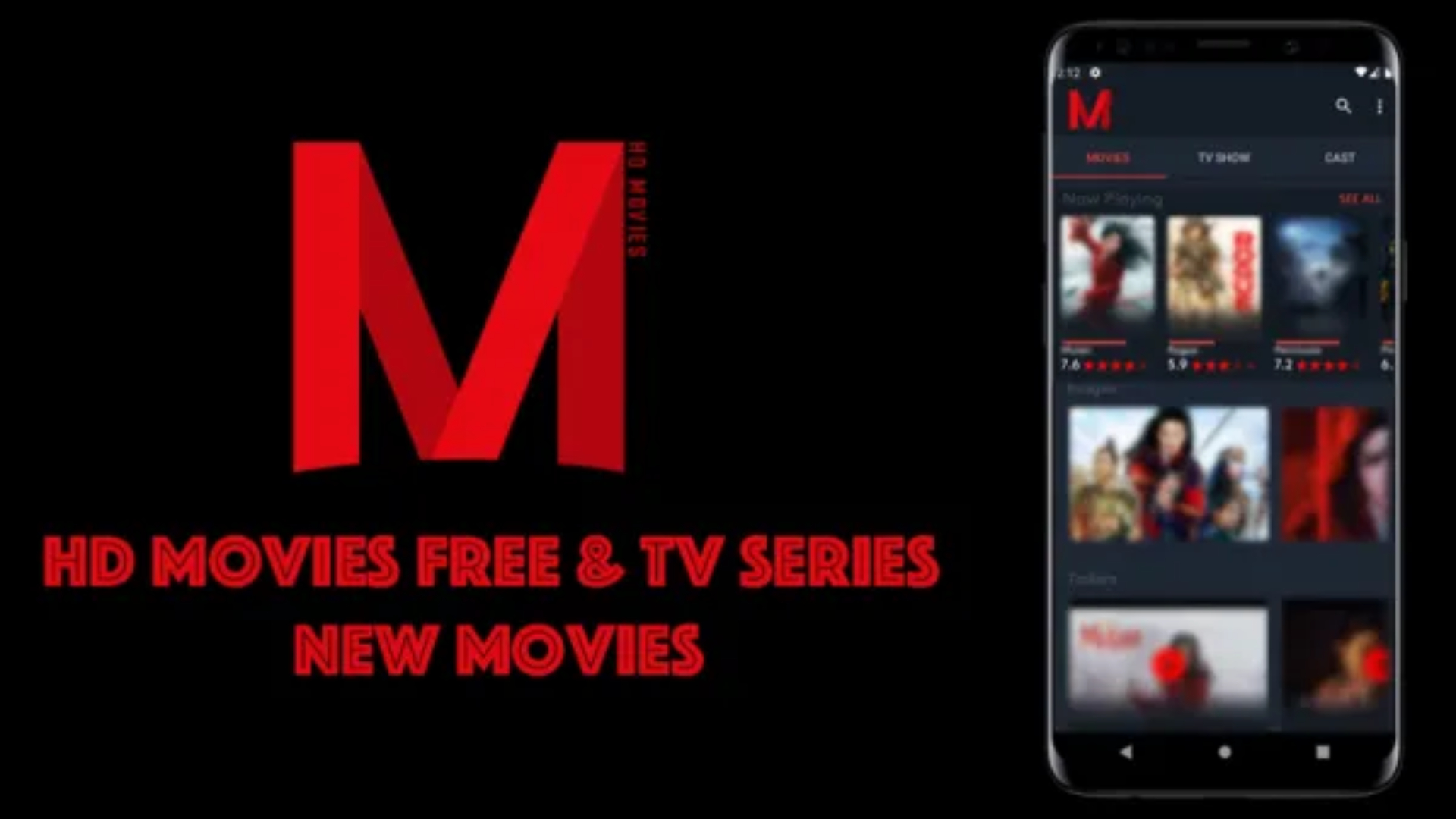
What is Movies Hub Premium?
"Movies Hub Premium" primarily refers to an informational and organizational application for discovering and tracking films and TV shows, rather than a streaming service that hosts content itself.
Key Features and Functionality:
- Content Discovery: The app helps users explore a vast database of movies and TV shows, including trending titles, upcoming releases, top-rated content, and popular categories.
- Personalization: Users can create personalized collections, manage watchlists, and use features like "Swipe & Like" to quickly organize content they are interested in.
- Detailed Information: It provides in-depth details about each title, such as storylines, trailers, cast and crew information, posters, ratings (powered by databases like The Movie Database - TMDb), and release dates.
- Smart Search: The app includes powerful search and filter tools, allowing users to find content by title, genre, actor, or release date.
- Multi-language Support: Entertainment content browsing is available in English and many other languages.
About Movies Hub Premium
Movies Hub Premium is a complimentary streaming application designed for Android users, offering a vast and diverse selection of movies and TV shows. It provides instant access to an extensive content library—featuring everything from the latest releases to beloved classics—all available for seamless streaming directly on your mobile device.
How to Download Movies Hub Premium on Android
To download Movies Hub Premium on your Android device, follow these steps:
Step 1: Navigate to APKPure.com and search "Movies Hub Premium"
Step 2: Tap the "Download APK" button to download the latest version of Movies Hub Premium.
Step 3: Once the downloading is finished, select the APK file to begin the installation process.
Step 4: After Movies Hub Premium is installed, you can instantly immerse yourself in streaming movies, TV shows, anime, and live sports.
How to Use Movies Hub Premium
After successfully installing Movies Hub Premium, here's how to use the app:
Step 1: Open the Movies Hub Premium app by tapping its icon on your home screen or app drawer.
Step 2: Grant any required permissions when prompted at first launch.
Step 3: Explore movies and TV shows through the app's interface, using the search feature or filtering by categories like genre or popularity.
Step 4: Click on a title to see its details like synopsis and streaming quality options.
Step 5: Choose a streaming quality and press play to begin watching.
Step 6: Control playback with the app's player options or download the video for offline viewing, if available.
Remember to use Movies Hub Premium responsibly and be aware of copyright laws in your region. While the app offers free access to content, it's always best to support official streaming services and content creators when possible.
 NEWS
NEWS REVIEWS
 HOWTO
HOWTO TOPICS
 PUBG M
 Roblox Codes








