


How to Download TV (Samsung) Remote Control APK Latest Version 2.10.6 for Android 2026
2026-05-17
Read through this guide to learn how to download and install TV (Samsung) Remote Control apk latest version 2.10.6 on mobile in 2026. Follow the step-by-step tutorial to download TV (Samsung) Remote Control apk for Android.
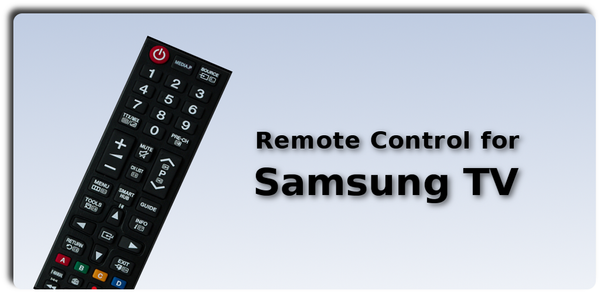
About TV (Samsung) Remote Control
The "TV (Samsung) Remote Control" app allows users to control their Samsung TV with their smartphone over the local network or IR. It works with certain models and requires a connection to the same home network as the TV. If using IR, phones must have an infrared port and be pointed directly at the TV within range.
Remote Control app for Samsung TV. Fast, user friendly and simple to use.
How to download TV (Samsung) Remote Control on Android
Step 1: Visit APKPure.com and search for TV (Samsung) Remote Control.
Step 2: Tap the Download APK button to start the download.
Step 3: Once TV (Samsung) Remote Control has been downloaded, begin the installation process on your phone.
Step 4: Once the installation is finished, launch TV (Samsung) Remote Control and start playing!
What's New in the Latest Version 2.10.6
Last updated on May 17, 2026
Ver 2.10.6
- Bug fixes.
- Updated SDK for Android 15.
Ver 2.1.0
- Comply with the EU's GDPR.
Ver 2.0.6
- Auto-connect on startup (WiFi).
Ver 2.0
- Added touchpad, keyboard and new remote interface (2016+ models)
Ver 1.7
- Update for Android 8.1 Oreo
Ver 1.7
- Improved graphics for xhdpi screens.
Ver 1.5
- Added ability to set vibration, sound etc
Ver 1.3
- Added 3D and media player buttons.
Ver 1.1
- Added newer remote with SmartHub button.
If you're looking for more popular mobile games to download, APKPure has you covered. Our editors have carefully selected the following three articles for you to check out:
- How to Download EVA VPN: Fast VPN Proxy APK Latest Version 1.0.18.2 for Android 2026
- How to Download Yaelokre OC Maker APK Latest Version 1.1.3 for Android 2026
- How to Download Case Simulator 2 APK Latest Version 0.8.5 for Android 2026
 NEWS
NEWS REVIEWS
 HOWTO
HOWTO








