


How to Download SpeedPlay XYZ Latest Version on Android

2024-11-27
Follow this step-by-step guide to download SpeedPlay XYZ Android APK with ease.
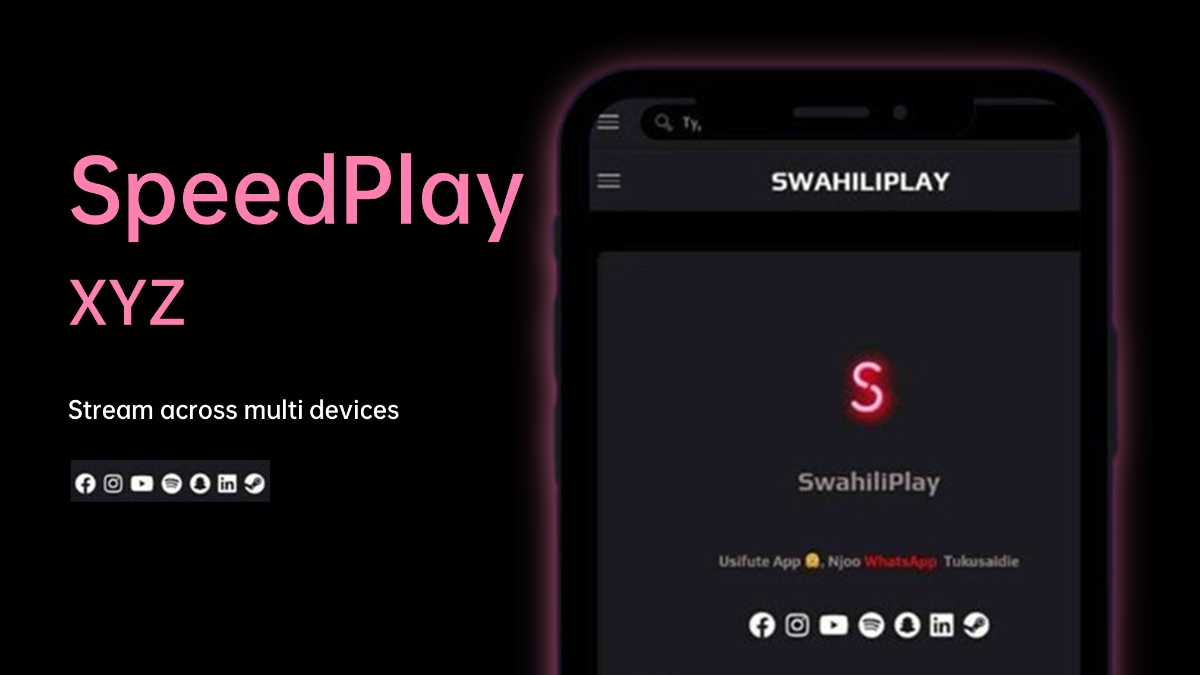

SpeedPlay XYZ is a connectivity app that provides high speed internet access up to 50 Mbps.
Introducing SpeedPlay XYZ
SpeedPlay XYZ is a powerful Android application designed to enhance your gaming and streaming experience. It optimizes device performance, reduces lag, and stabilizes internet connections, making it an essential tool for gamers and streaming enthusiasts. With its user-friendly interface and robust features, SpeedPlay XYZ helps unlock the full potential of your Android device.

How to Download SpeedPlay XYZ on Android
To download the latest version of SpeedPlay XYZ on your Android device, follow these steps:
Step 1: Enable Unknown Sources
Open the Settings app on your Android device.
Navigate to Security or Privacy.
Find the option labeled Unknown Sources and enable it to allow installations from third-party sources.
Step 2: Download the SpeedPlay XYZ APK File
Visit a trusted website such as the official GitHub repository or a reputable APK site.
Search for "SpeedPlay XYZ" and select the latest version available for download.
Step 3: Install the SpeedPlay XYZ APK
Once the APK file is downloaded, open your device's File Manager.
Locate the downloaded SpeedPlay XYZ APK file and tap on it.

Follow the on-screen instructions to complete the installation process.
Step 4: Launch the App
After installation, open SpeedPlay XYZ from your app drawer.
Grant any necessary permissions for optimal functionality.
Start using SpeedPlay XYZ to enhance your gaming and streaming experience!
Top Features of SpeedPlay XYZ
- Game Booster: Automatically clears background applications and allocates system resources to improve gaming performance.
- Network Stabilization: Optimizes internet connections to minimize latency and ensure smooth gameplay.
- Customizable Graphics Settings: Allows users to adjust graphics quality and frame rates based on their device capabilities.
- Streaming Optimization: Enhances video playback for uninterrupted streaming, even on slower networks.
- Battery Management: Monitors battery usage to prevent overheating and extend device usage during intensive sessions.
- One-Tap Optimization: Instantly boosts device performance with a single tap, ideal for quick setups before gaming or streaming.
- Multi-App Compatibility: Works seamlessly with popular games and streaming platforms.
System Requirements
Before downloading SpeedPlay XYZ, ensure that your device meets the following requirements:
- Operating System: Android 5.0 (Lollipop) or higher
- Storage Space: At least 20 MB of free space for installation
- RAM: Minimum of 2 GB RAM recommended for optimal performance
More Info
SpeedPlay XYZ is an excellent choice for anyone looking to improve their gaming and streaming performance on Android devices. With its array of features designed to optimize system resources, users can enjoy smoother gameplay and uninterrupted video playback.
Latest Version: 1.1
Developer: speedplay.xyz
Requires Android: Android 6.0+
Category: Free Entertainment App
SpeedPlay XYZ is a connectivity app that provides high speed internet access up to 50 Mbps.
What's New in the Latest Version 1.1
Last updated on Nov 25, 2024
Minor bug fixes and improvements. Install or update to the newest version to check it out!
 NEWS
NEWS REVIEWS
 HOWTO
HOWTO









