


How to Download Shizuku APK Latest Version for Android 2025

2025-11-20
Read through this guide to learn how to download and install Shizuku apk latest version 13.6.0.r1091.b844bc49 on mobile in 2025. Follow the step-by-step tutorial to download Shizuku apk for Android.

What is Shizuku
Shizuku APK is a powerful Android utility app developed by Xingchen & Rikka that enables users to grant privileged system-level permissions to various apps without rooting their devices. Instead of requiring root access, Shizuku uses ADB (Android Debug Bridge) to create a secure interface between apps and the system, allowing advanced control over app permissions, settings, and operations. It is popular among advanced users who want more customization and control over their devices without compromising security or warranty.

Shizuku is a system utility app that lets supported apps call system APIs with elevated privileges via Binder.
Methods to Download Shizuku on Android
a) Official Channels:
- Google Play Store: Search “Shizuku” on Google Play Store and download the official version directly.
- Official Website: Visit developer’s page or GitHub repository (https://github.com/RikkaApps/Shizuku) for APK releases.
b) App Stores for Android Phone Brands:
- Samsung Galaxy Store: Some newer Samsung devices support downloading utility apps directly from Galaxy Store or Samsung’s official app marketplace, but users usually rely on Google Play.
- Xiaomi Mi Store: Xiaomi’s native app store may provide access or allow APK sideloading verified for Xiaomi devices.
c) Trusted Third-Party Download Channels:
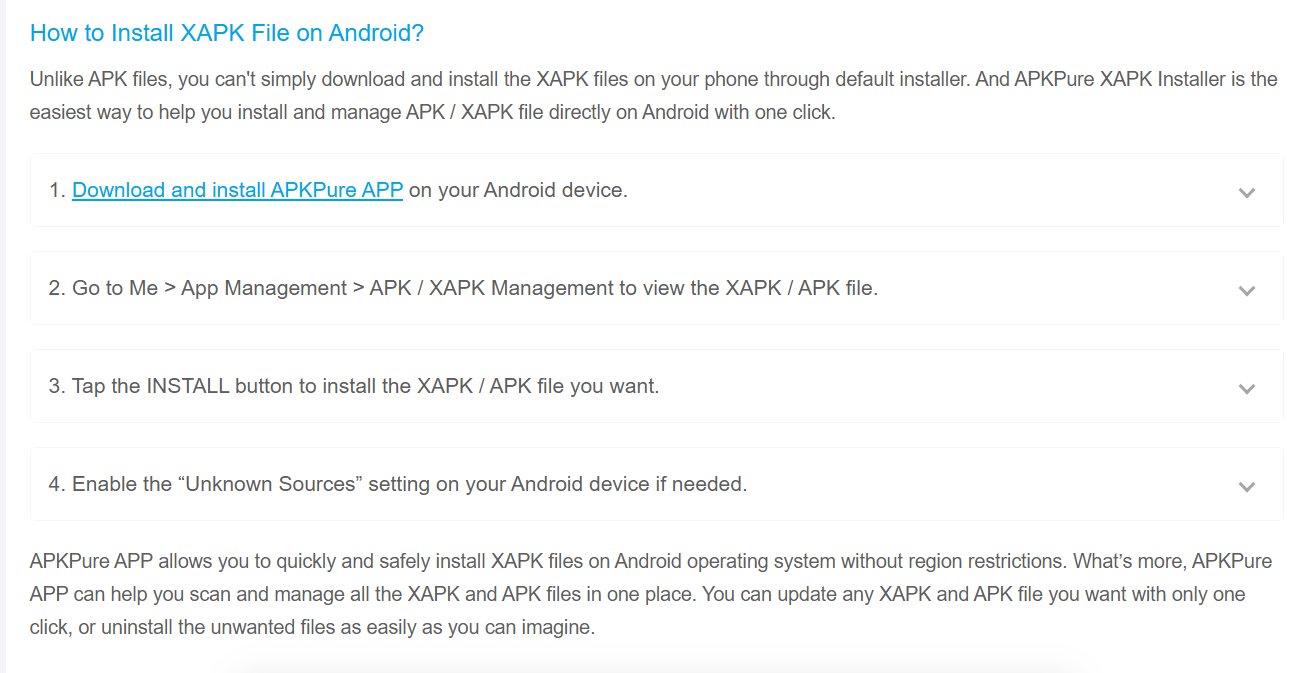
APKPure (Recommended): Step-by-step to download via APKPure:
- Go to the official Shizuku page on APKPure.
- Click the “Download APK” button for the latest release.
- Once downloaded, open the APK file.
- If prompted, enable “Install from Unknown Sources” in device settings (Settings > Apps & notifications > Special app access > Install unknown apps and select your browser or file manager).
- Complete installation and launch Shizuku.
APK Version Information
- Latest Version: 13.6.0.r1091.b844bc49
- Update Date: July 2025
- File Size: Approximately 3.3 MB
- Update Highlights: Improved support for Android 14 beta, updated start commands, bug fixes, and added auto-start without root on Android 13+ when on trusted WLAN.
- System Requirements: Android 7.0 or higher, minimal storage and RAM needed.Verified and virus-free APK files available through official and trusted sites like APKPure and GitHub.
Download Methods for iOS
- iOS: Shizuku is not available for iOS devices due to system restrictions and Apple’s security policies.
Installation Guide and Steps for the APK File
- Download the APK file from a trusted source like APKPure.
- Enable “Install from Unknown Sources” in Android settings.
- Locate the downloaded APK file via the file manager.
- Tap on the APK to start the installation process.
- Follow the on-screen instructions to finish installation.
- Open Shizuku and follow the initial setup guide to connect via ADB or rootless configuration.
FAQs
Q1: What to do if the Shizuku APK download fails?
- Check your internet connection and ensure stable wifi or data.
- Try another browser or clear cache and retry.
- Use alternative trusted channels like APKPure.
Q2: What to do if the installation fails?
- Ensure “Install unknown apps” permission is enabled for your source app (browser/file manager).
- Verify that your device meets minimum Android requirements (7.0+).
- Make sure you have enough storage space.
Q3: How to update the Shizuku APK?
- Download the latest APK version from official or trusted third-party sources.
- Reinstall the new APK; user data and permissions will be preserved.
Q4: How to download historical versions?
- Visit APKPure’s version archive page for Shizuku or GitHub releases page.
- Select the desired older version and download the APK with normal installation steps.
What's New in the Latest Version 13.6.0.r1091.b844bc49
Last updated on Jul 5, 2025
Minor bug fixes and improvements. Install or update to the newest version to check it out!
By following the above steps and choosing trusted download sources like APKPure and the official Google Play Store, users can safely and easily install Shizuku APK to unlock advanced control on their Android devices without root.
 NEWS
NEWS REVIEWS
 HOWTO
HOWTO









