


How to Download Photo Lock App - Hide Pictures APK Latest Version 2.1.15 for Android 2026
2026-05-12
Read through this guide to learn how to download and install Photo Lock App - Hide Pictures apk latest version 2.1.15 on mobile in 2026. Follow the step-by-step tutorial to download Photo Lock App - Hide Pictures apk for Android.
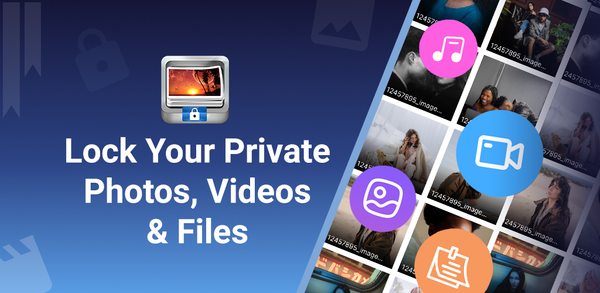
About Photo Lock App - Hide Pictures
The Photo Lock app allows users to hide and secure unlimited photos, videos, audio files, documents, and notes with a numeric PIN or pattern. It also features a safe browser for internet surfing and cloud backup options. Additional premium exclusive features include creating guest lockers with different passwords for dummy media storage; replacing the app icon with secret icons such as news or weather apps; face down locking when device faces downward by user; automatically taking intruder photos when someone enters wrong password/pattern/fingerprint. Users can easily export their hidden media using the Export icon in Photo Lock.
Ultimate Gallery Lock App - Hide Pictures, Videos and Lock Apps Instantly!
How to download Photo Lock App - Hide Pictures on Mobile
Step 1: Go to APKPure.com and search for Photo Lock App - Hide Pictures.
Step 2: Tap the Download APK button to begin downloading it to your device.
Step 3: Once the download is completed, open the APK file and start the installation.
Step 4: Once the installation is finished, launch Photo Lock App - Hide Pictures and start playing!
What's New in the Latest Version 2.1.15
Last updated on May 12, 2026
Minor bug fixes and improvements. Install or update to the newest version to check it out!
If you're looking for popular mobile games to download, look no further than APKPure! Our editors have carefully selected the following three articles for you to read:
- How to Download Finch: Self-Care Pet APK Latest Version 3.73.164 for Android 2026
- How to Download iScreen - Widgets & Themes APK Latest Version 2.2.53 for Android 2026
- How to Download Glam AI: Video & Photo Editor APK Latest Version 1.80.1 for Android 2026
 NEWS
NEWS REVIEWS
 HOWTO
HOWTO








