How to Download Keys Cafe - Make your keyboard APK Latest Version 3.6.4 for Android 2026

2026-04-02
Read through this guide to learn how to download and install Keys Cafe - Make your keyboard apk latest version 3.6.4 on mobile in 2026. Follow the step-by-step tutorial to download Keys Cafe - Make your keyboard apk for Android.
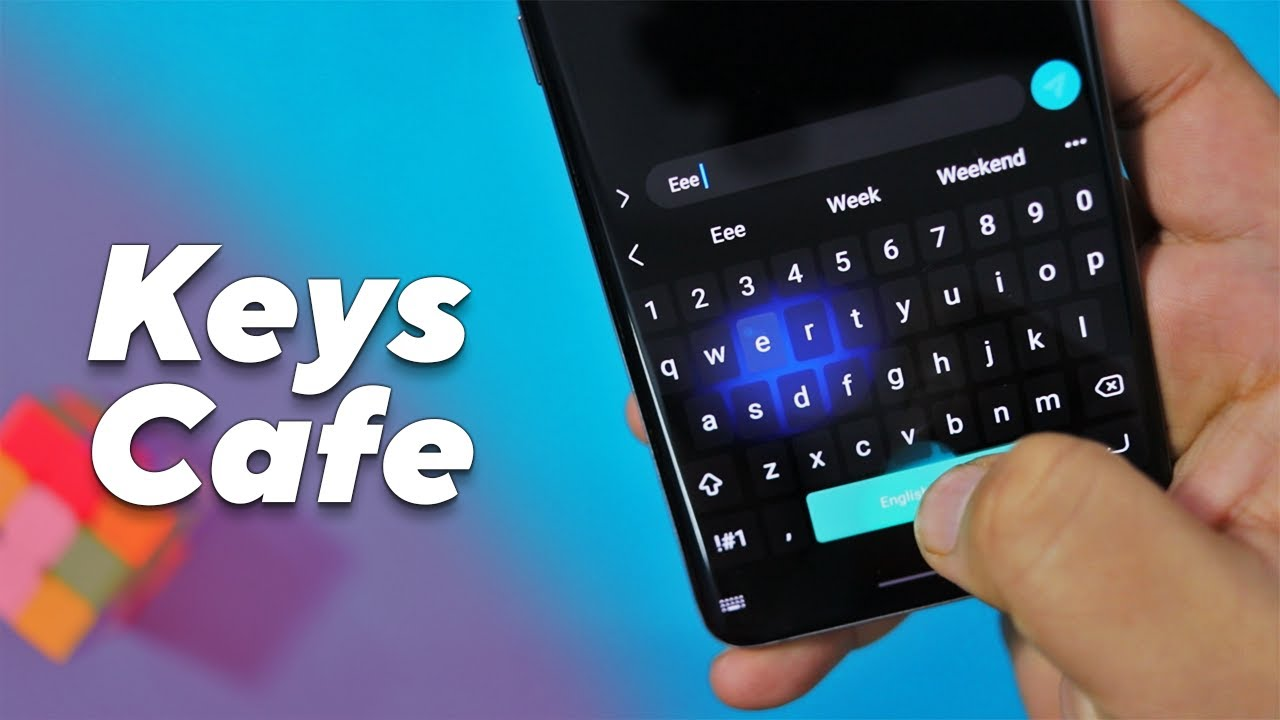

About Keys Cafe - Make your keyboard
Keys Cafe is a cutting-edge keyboard customization app designed to revolutionize the way you interact with your Android device. Developed with a keen eye for detail and user-friendliness, this app offers a vast array of customization options, allowing you to create a keyboard that truly reflects your personal style and preferences.
Keys Cafe Key Features
Extensive Theme Library: Explore a vast collection of themes ranging from sleek and minimalist designs to vibrant and expressive styles, ensuring you find the perfect aesthetic to match your mood or device.
Customizable Layouts: Tailor the keyboard layout to your liking by adjusting key sizes, positions, and even adding or removing specific keys to suit your typing habits.
Gesture Typing and Swipe Input: Enhance your typing speed and efficiency with gesture typing and swipe input capabilities, making text entry a breeze.
Multilingual Support: Seamlessly switch between multiple languages with Keys Cafe's robust multilingual support, catering to diverse linguistic needs.
How to Download Keys Cafe Latest Version on Android
Step 1: Visit APKPure.com, a reliable source for Android applications.
Step 2: Search for Keys Cafe within the directory and click on the "Download APK" button to start the download process on your mobile device.
Step 3: Once the download is complete, proceed to install the Keys Cafe app by following the on-screen instructions.
Step 4: Upon successful installation, launch the Keys Cafe app to experience its diverse range of features.
What's New in the Latest Version 3.6.4
Last updated on Mar 31, 2026
Minor bug fixes
 NEWS
NEWS REVIEWS
 HOWTO
HOWTO TOPICS
 PUBG M
 Roblox Codes