


How to Download iCenter OS 18: X - Status Bar APK Latest Version 4.5 for Android 2026
2026-04-28
Read through this guide to learn how to download and install iCenter OS 18: X - Status Bar apk latest version 4.5 on mobile in 2026. Follow the step-by-step tutorial to download iCenter OS 18: X - Status Bar apk for Android.
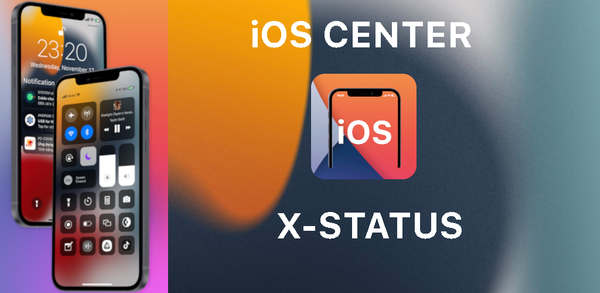
About iCenter iOS 16: X - Status Bar
The iCenter iOS 16:X - Status Bar app allows users to customize their phone's status bar and notch view with various iOS styles, including showing time battery, wifi, wave indicators. It also includes the option to enable auto-change of background color and hide or remove the Notch feature. To use this app effectively on your device without root access permissions you need Accessibility Services permission.

iCenter OS 18: X - Status Bar customize status bar and notch styles OS
How to download iCenter iOS 16: X - Status Bar for Android
To install iCenter iOS 16: X - Status Bar on your mobile device:
Step 1: Search for iCenter iOS 16: X - Status Bar on APKPure.com.
Step 2: Press the Download APK button to begin downloading it onto your mobile device.
Step 3: Once the download has finished, begin the installation process of iCenter iOS 16: X - Status Bar on your phone.
Step 4: After the installation is finished, open it and start playing iCenter iOS 16: X - Status Bar.
What's New in the Latest Version 4.5
Last updated on Apr 28, 2026
Update new app version, fix some bug:
=> To make screen shot with status: go to seting => status setting => disable: exclude status bar from screen shot setting.
Discover and download the hottest mobile games on APKPure! Our editors have carefully selected the following three articles for you to check out:
- How to Download Ceno Browser: Share the Web APK Latest Version 2.9.1 for Android 2026
- How to Download Block Craft 3D:Building Game APK Latest Version 3.34.1 for Android 2026
- How to Download YouTube APK Latest Version 21.20.402 for Android 2026
 NEWS
NEWS REVIEWS
 HOWTO
HOWTO









