


How to Download and Install iOS 18 Developer Beta

2024-06-11
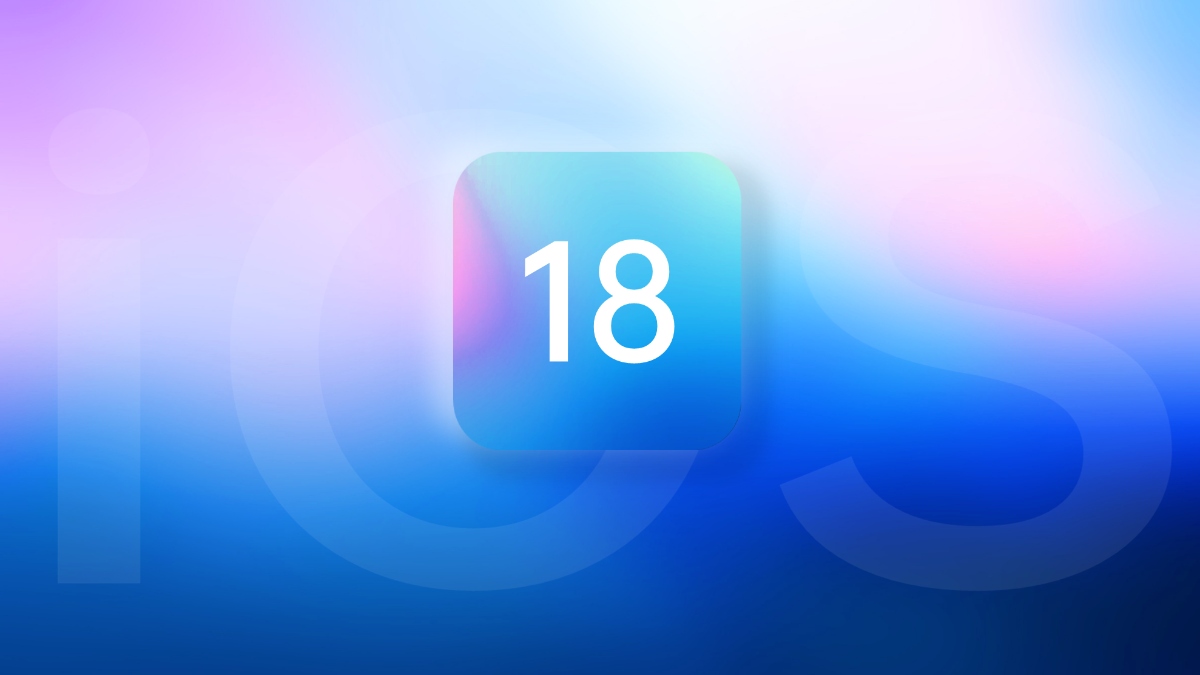
iOS 18 developer beta has been released! Check out the expected release date of the iOS 18, its device requirements, and a detailed guide about how to sign up for it and how to install it on your iPhone.
Bring clean iOS-style home screen, icons, and quick controls to your Android.
Highlights
- The first iOS 18 developer beta is out.
- iOS 18 is expected later in 2024, likely mid-September.
- iOS 18 will be available for iPhone 11, 12, 13, 14, 15, XS, XR models, and far more devices.
Apple has released the iOS 18 developer beta, offering a sneak peek into the latest features and improvements. If you're eager to try out the new operating system, this guide will walk you through the necessary steps to download and install the iOS 18 developer beta on your iPhone and Mac. Before diving in, ensure you follow the preparatory steps to safeguard your data and device.
1. What steps to take before downloading the iOS 18 developer beta?
Before you begin the installation process, it's crucial to take a few preparatory steps:
Step 1: Backup Your Device: Ensure you have a complete backup of your iPhone or Mac. Use iCloud or iTunes for iPhone backups and Time Machine for Mac backups.
Step 2: Check Compatibility: Verify that your device is compatible with iOS 18. Apple typically provides a list of supported devices.
Step 3: Free Up Space: Make sure you have enough storage space on your device for the new update.
Step 4: Update Current Software: Ensure your device is running the latest version of iOS or macOS before installing the beta.

2. How to sign up for the Apple Developer program?
Step 1: To access the iOS 18 developer beta, you need to be a member of the Apple Developer Program:
Step 2: Visit the Apple Developer Website: Go to the Apple Developer website and click on the "Enroll" button.
Step 3: Sign In with Your Apple ID: Use your existing Apple ID to sign in or create a new one if you don't have an account.
Step 4: Complete the Enrollment Process: Follow the on-screen instructions to complete the enrollment, which includes providing personal information and agreeing to the terms and conditions.
Step 5: Pay the Membership Fee: The Apple Developer Program requires an annual fee of $99.

3. How to install the iOS 18 developer beta on an iPhone?
Once you're enrolled in the Apple Developer Program, follow these steps to install the iOS 18 developer beta on your iPhone:
Step 1: Download the Beta Profile: Log in to your Apple Developer account and download the iOS 18 beta profile to your iPhone.
Step 2: Install the Profile: Go to Settings > General > Profile, and install the downloaded profile.
Step 3: Restart Your iPhone: After installing the profile, restart your iPhone to apply the changes.
Step 4: Update to iOS 18 Beta: Go to Settings > General > Software Update, and you should see the iOS 18 beta available for download. Tap "Download and Install."

4. How to install the iOS 18 developer beta on a Mac?
To install the iOS 18 developer beta on a Mac, follow these steps:
Step 1: Download Xcode Beta: Log in to your Apple Developer account and download the latest Xcode beta from the Downloads section.
Step 2: Install Xcode Beta: Open the downloaded file and follow the on-screen instructions to install Xcode beta on your Mac.
Step 3: Connect Your iPhone: Use a USB cable to connect your iPhone to your Mac.
Step 4: Open Xcode: Launch Xcode and navigate to the "Devices and Simulators" section.
Step 5: Install the Beta: Select your connected iPhone and follow the prompts to install the iOS 18 developer beta.

Now you can successfully download and install the iOS 18 developer beta on your devices, allowing you to explore the latest features and enhancements from Apple.
Bring clean iOS-style home screen, icons, and quick controls to your Android.
 NEWS
NEWS REVIEWS
 HOWTO
HOWTO









