DICEOMANCER Pre-Registration on Android: How to Sign Up and What You Can Get

2026-11-10
DICEOMANCER opens Android pre-registration for a 12 January 2027 launch at $6.99. Sign up, prepare your phone and learn the dice before release day.
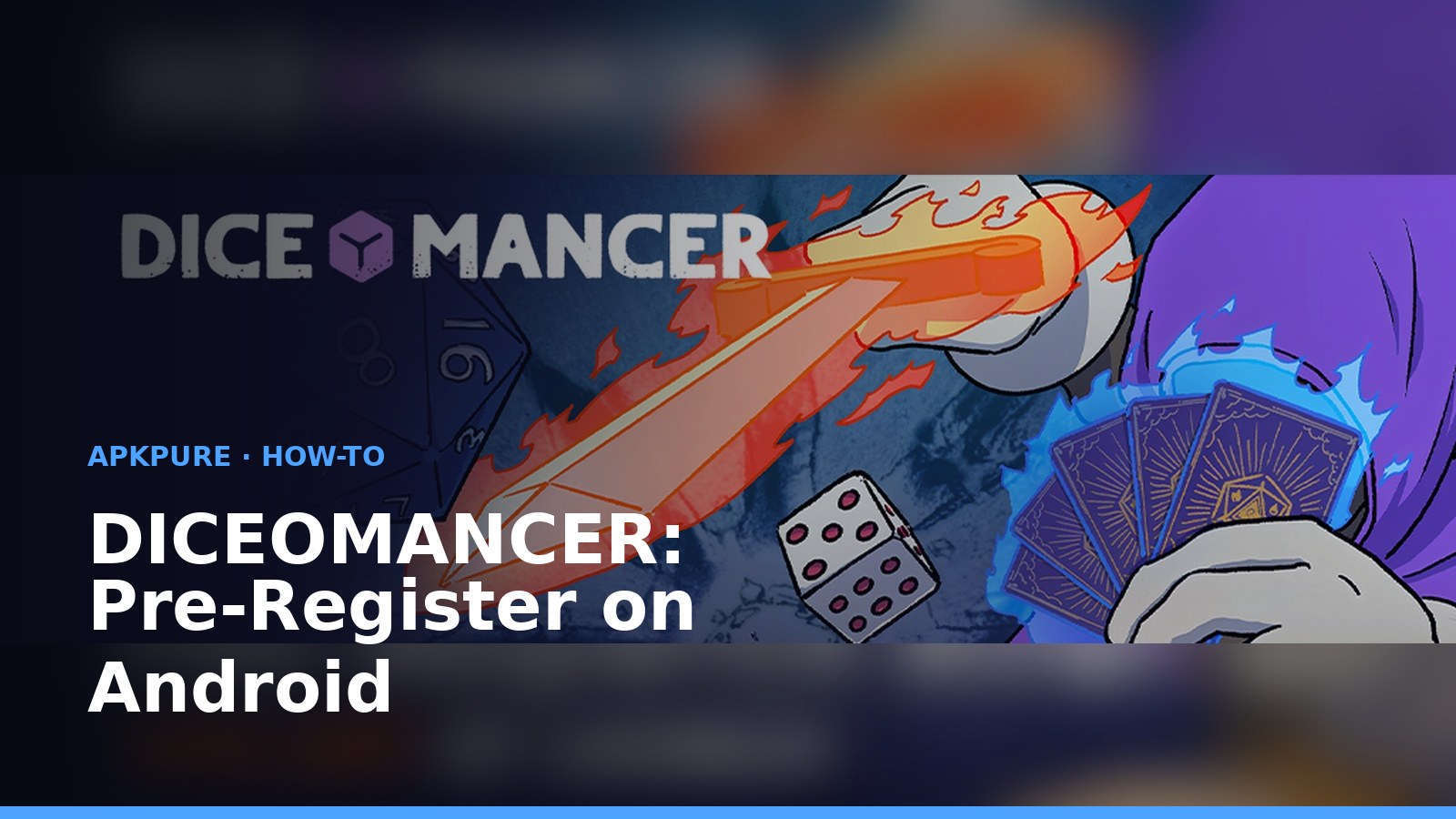
DICEOMANCER is a dice roguelike deckbuilder where the cards are only half the fight. The other half is a set of magical dice you roll to rewrite numbers mid-battle: enemy health, your card values, your mana, even the charges left on a relic. It launched on PC in October 2024 and sits on Overwhelmingly Positive reviews on Steam. Now Plug In Digital has opened pre-registration for the mobile version. The DICEOMANCER release date is 12 January 2027, the DICEOMANCER price is $6.99 on the store listing, and the DICEOMANCER mobile build ships the same card pool as the PC game.
This guide walks through the sign-up in order, then covers the parts most people skip: what pre-registration actually commits you to, what to practice before launch, and how to install the game on Android without fighting your phone.
Step 1: Check that DICEOMANCER fits your phone
Compatibility is the first thing to settle, because pre-registering a game your device cannot run wastes the launch notification. Open the DICEOMANCER store listing on your phone rather than on a laptop, and read the requirements line under the screenshots. The button only shows your device's real status there.
Two things to check while you're in the listing:
- Look for the "This app may not be optimized for your device" warning. It appears on older chipsets and on budget models with low RAM.
- Confirm you have free storage. The mobile build is a first-person game with more than ten hand-drawn environments, so plan for a gigabyte rather than a few hundred megabytes.
- Check that your Android version is still receiving security updates. A phone that stopped getting patches two years ago will run the game, but a stalled OS is where install failures usually start.
If the listing refuses to open at all, your device is filtered out. That's a hardware answer, not a sign-up problem, and no amount of retrying changes it.
Step 2: Pre-register for DICEOMANCER on APKPure
- APKPure
Complete your pre-registration now, and you will receive an alert notification as soon as the DICEOMANCER game officially launches on Android.

*You need to be signed in with the APKPure account you actually use on your Android phone.
Step 3: Set expectations for DICEOMANCER launch day
Launch day is 12 January 2027, and the useful preparation is mental rather than technical. Pre-registration buys you a notification and, usually, a pre-install. It does not buy you a server slot, and it does not lock the price forever if the publisher changes it.
What to expect:
- A notification when the build goes live, often a few hours before the store page updates.
- An automatic download if auto-install is enabled. Turn it off if you're on metered data, because the first download is the whole game.
- A price check. The $6.99 figure comes from the App Store listing at announcement time, so confirm it on your own store page before you pay.
There's no cosmetic tied to signing up early. The store banner advertises 10% off at launch, and that's a discount applied at checkout rather than a reward you collect now. The rest of the incentive is simply not missing the window, which matters more than it sounds for a game that will get talked about heavily in its first week.
Step 4: Learn the dice system before DICEOMANCER unlocks
The month before launch is the best time to learn what the dice do, because DICEOMANCER punishes players who treat it as a normal card game. The core trick is that every number on screen is a target. You can lower a boss's health, raise a card's damage, refill mana, or top up a relic charge.
Start with the vocabulary:
- Mana types. There are six, and each class leans on a different mix. Pick one class for your first run instead of spreading across all six.
- D20 checks. Certain encounters and card effects roll a twenty-sided die. Treat those rolls as a resource you can influence, not as pure luck.
- Dice charges. Manipulating a number costs a roll. Spend them on the fight in front of you, not on a card you might draw later.
- Relic charges. Relics carry limited activations, and the dice can refill them. That combination is where the broken combos live.
The card pool is close to 500 cards and roughly 200 relics, with about 100 distinct card effects. You won't learn that in a guide. You'll learn which twenty cards matter by playing the same class three times.
Step 5: Install DICEOMANCER on Android when it goes live
At launch, the install path is the same as any Android game, and the only real decision is where the file comes from. The APKPure listing carries the same package as the store version, and it's the route to use if you want to install the build on a device or account where the store listing is awkward.
Follow this order:
- Open the DICEOMANCER page and download the APK or XAPK for your CPU type. Most modern phones take the arm64 build.
- If Android blocks the install, allow installs from that source in Settings > Apps > Special access > Install unknown apps. Grant it to the browser or file manager you used, not to everything.
- Read the permissions screen. A paid offline game needs storage and nothing else. Any request for contacts, SMS, or accessibility access is a reason to stop.
- Launch once with a network connection so the game can verify the purchase, then it runs offline.
Keep the file until the first patch lands. If the launch build misbehaves on your phone, reinstalling the same version is the fastest way to rule out a corrupted download.
Step 6: Survive your first DICEOMANCER run
Your first run starts on a fishing trip, which is a calm opening for a game that turns hostile fast. The mistake new players make is hoarding dice for a boss. The game is balanced around spending them constantly to keep a fight winnable.
Three habits that carry a run:
- Roll early in a fight, when the numbers are small and a single adjustment flips the exchange.
- Target the number that ends the fight, not the one that looks impressive. Cutting a big attack to a manageable one beats adding damage you can't deliver.
- Take the D20 checks you can afford. Failing one costs a resource, but skipping them costs card quality for the rest of the run.
Runs are short by design. Losing twice in the first hour is normal, and it's cheaper than losing at the end of a long one.
DICEOMANCER tips that pay off before launch
These go past the sign-up and into the parts that decide whether the game clicks for you.
- Pick a class and stay there. Six classes with six mana identities mean the first hour turns into a tutorial for three different games if you keep switching. One class, three runs, then judge.
- Read relic text twice. Relic charges are a dice target, so a relic that looks weak on paper can become the engine of the run once you can refill it.
- Watch enemy weak points, not health bars. The first-person view hides information in the environment, and enemies telegraph in the room rather than in a status icon.
- Don't expect a port of the PC meta. The card pool is the same, but touch controls slow down how fast you read a hand, and slower reading quietly favors control decks.
- Pre-register on the account you play with. Sounds obvious until you sign up on a tablet account and wonder why the phone never installs the game.
DICEOMANCER troubleshooting for a stuck pre-registration
Three failures come up again and again, and each has a short fix.
- The pre-register button is greyed out. Your device is filtered by the listing, or your account region isn't supported yet. Check the listing on another device to see which one it is.
- Pre-registration worked but the launch install never arrived. Auto-install is off, or the download is waiting on Wi-Fi. Open the listing manually on launch day and install from there.
- The APK won't install after download. This is almost always a partial file or a mismatched CPU type. Delete it, download the arm64 build again, and check free space before you retry.
- The game installs but closes on the splash screen. Clear the cache first, then reinstall. If it still closes, your GPU driver is the likely cause, and no permission change will fix it.
The verdict on pre-registering for DICEOMANCER
Pre-registration costs one tap and buys you a launch-day install on the account you already use, which is the whole point for a $6.99 game with no pre-order bonuses. The part that decides whether you enjoy it happens before 12 January: learn the dice, pick one class, and stop treating the numbers on screen as fixed.
Download DICEOMANCER from APKPure when the build goes live, and give it three runs before you judge it. If the dice system clicks, you'll have a deckbuilder that rewards the one habit most card games never ask for, which is looking at a problem and changing the number.
 NEWS
 REVIEWS
 HOWTO