Scan Date:Apr 13, 2026
Show More

Novelist, are you ready to start writing your next amazing novel? Fortelling provides the tools you need to plot & write your book.
Plotting Tools
Our advanced plotting tools allow you to organize your book and guide you in writing the best version of your story.
World-building Tools
Create characters, languages, species & items. Keep everything consistent while writing and plotting.
Detailed Plotting
Create sublocations and document your unique universe. Remove the overwhelm while plotting your book.
Create Drafts for your Novel
Keeping your story safe is one of Fortelling's top priorities. You can create multiple draft versions of your book chapters.
Create an Overview
Link all your story elements together to create one giant board with related items. Describe their relations and keep your plotting elements organized.
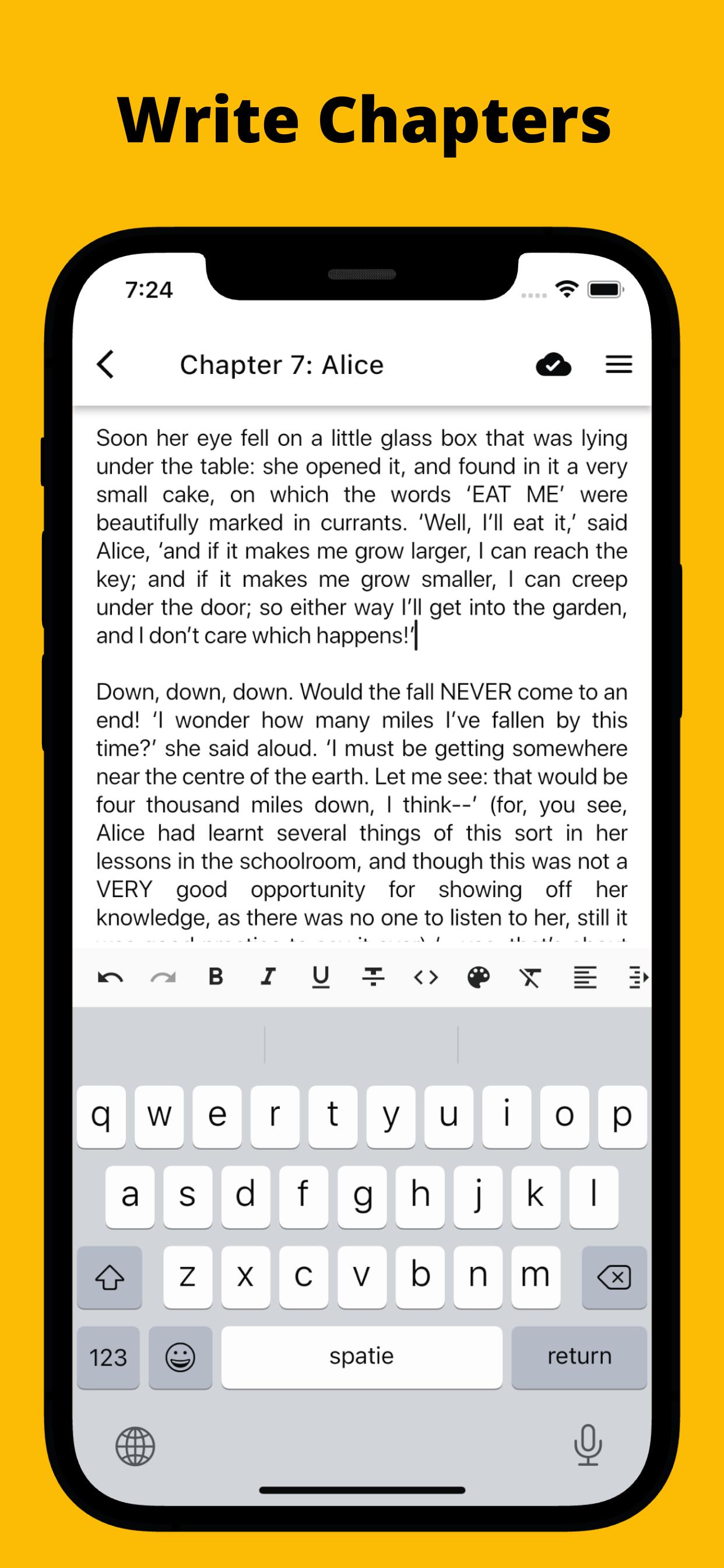
Write your Novel
Make the dream of holding your story as a real book a reality. You can even write your novel within Fortelling. Use our writing statistics and version history to stay in control.
Collaborate
Working together on a story has never been easier. Through our real-time collaboration feature, you can keep the flow going and plot something amazing together.
Weekly Writing Challenges
Every Friday, we launch a fresh writing prompt to challenge your imagination.
Protect your Book and Story.
You retain full ownership of your novel. Create your book securely; there are no AI tools in Fortelling.
Latest Version
4.3.13Uploaded by
Mohamed Aljilawy
Requires Android
Android 7.0+
Category
Free Productivity AppContent Rating
Everyone 10+ · Violent References
Security Report
Report
Flag as inappropriateLast updated on Apr 13, 2026
Update 4.3.12:
- New: Add a timeline event between 2 events
- Improved: Confirm importing InkLink templates
- Improved: Layout improvements when templates are locked
- Improved: Layout improvements when controlling visibility per story element
- Fixed: Clearing the field of a story element kept the previous value
- Fixed: Visibility control for boards not showing on mobile
- Fixed: Timeline no longer resets position after switching to re-order mode





APKPure - A multi-platform app store primarily focused on Android, providing extensive app-related content. Discover the app you want easier, faster, and safer, with quick and efficient downloads and installations.