

FIFA 15 Soccer Ultimate Team suits players who want to manage a football club on a phone and play quick matches during free time. It focuses on assembling a squad with real players and leagues, then taking that team into matches and tournaments. The flow is straightforward, so you can set a lineup, adjust a simple strategy, and start playing without long setup. For users comparing options, FIFA 15 Soccer Ultimate Team APK offers an officially licensed experience on Android.
Licensed players, clubs, and leagues
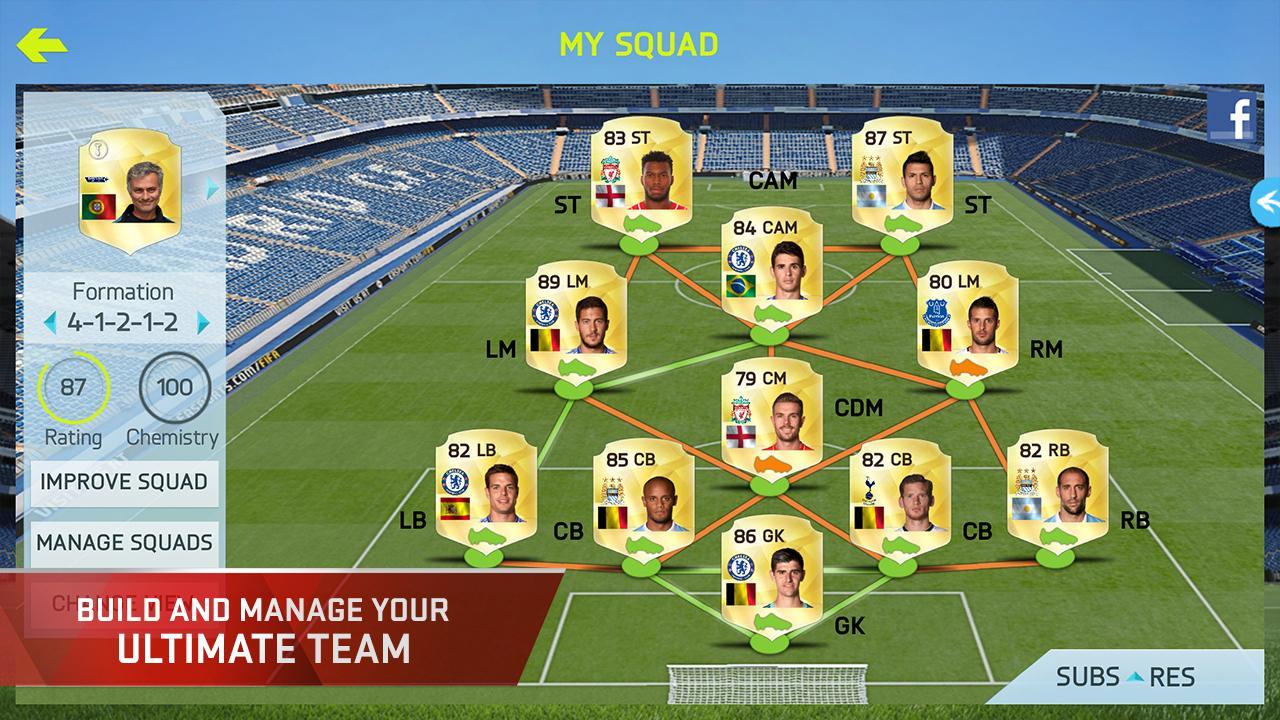
FIFA 15 Soccer Ultimate Team includes over 10,000 real players, more than 500 licensed clubs, and 30 authentic leagues. You build a dream eleven with real world names, then choose kits and a formation that fit your plan. Real licenses keep squads recognizable and make matchups feel familiar. This foundation also supports chemistry links that reflect player backgrounds and club ties.
Live transfer market and chemistry management
You can buy and sell players on a live transfer market to shape a balanced squad. Search for players who match your formation and league choices, then monitor how chemistry changes as you adjust the lineup. Strong chemistry helps a team play better together in key moments. Over time, careful trading and smart role assignments can stabilize performance across different opponents.
Varied modes for different session lengths
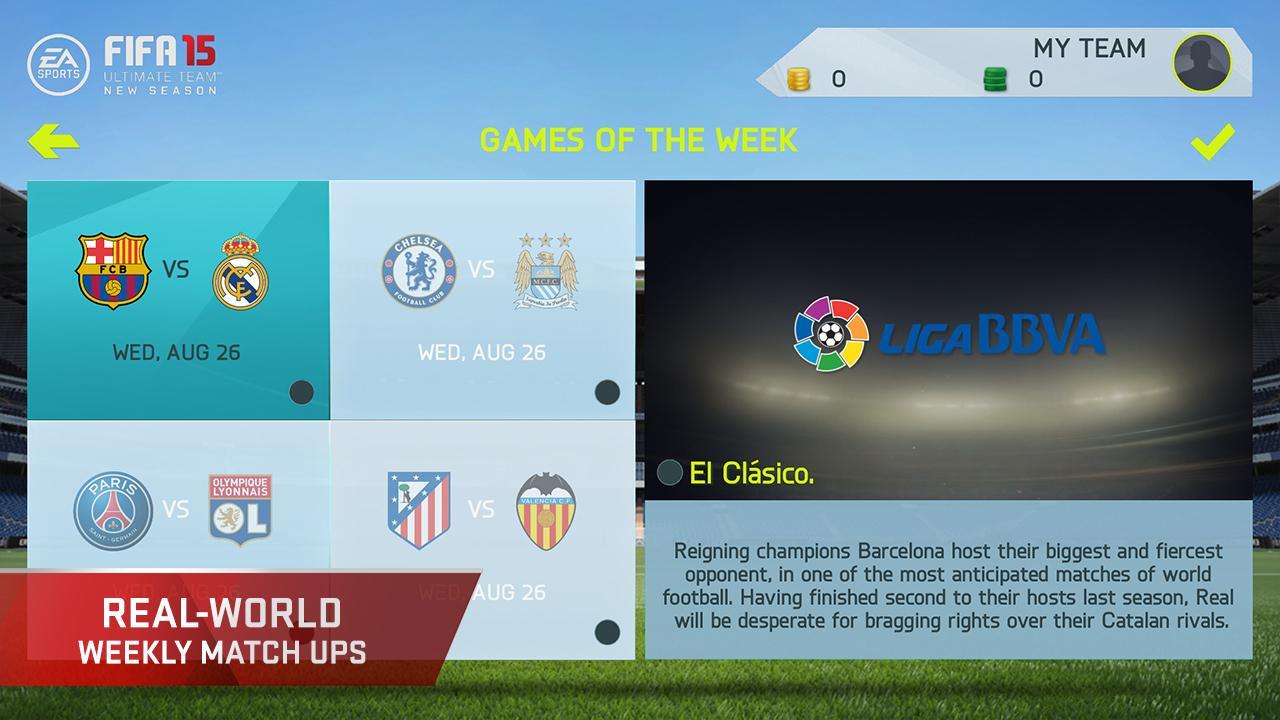
FIFA 15 Soccer Ultimate Team offers quick matches for short sessions and longer paths such as championships and cups. You can also challenge the Team of the Week for a focused test and replay weekly fixtures inspired by real leagues. Each mode provides a clear goal, from a single win to a series of rounds. Progress carries across sessions, so you can pick up right where you left off.
Quick Simulation coaching from the sidelines
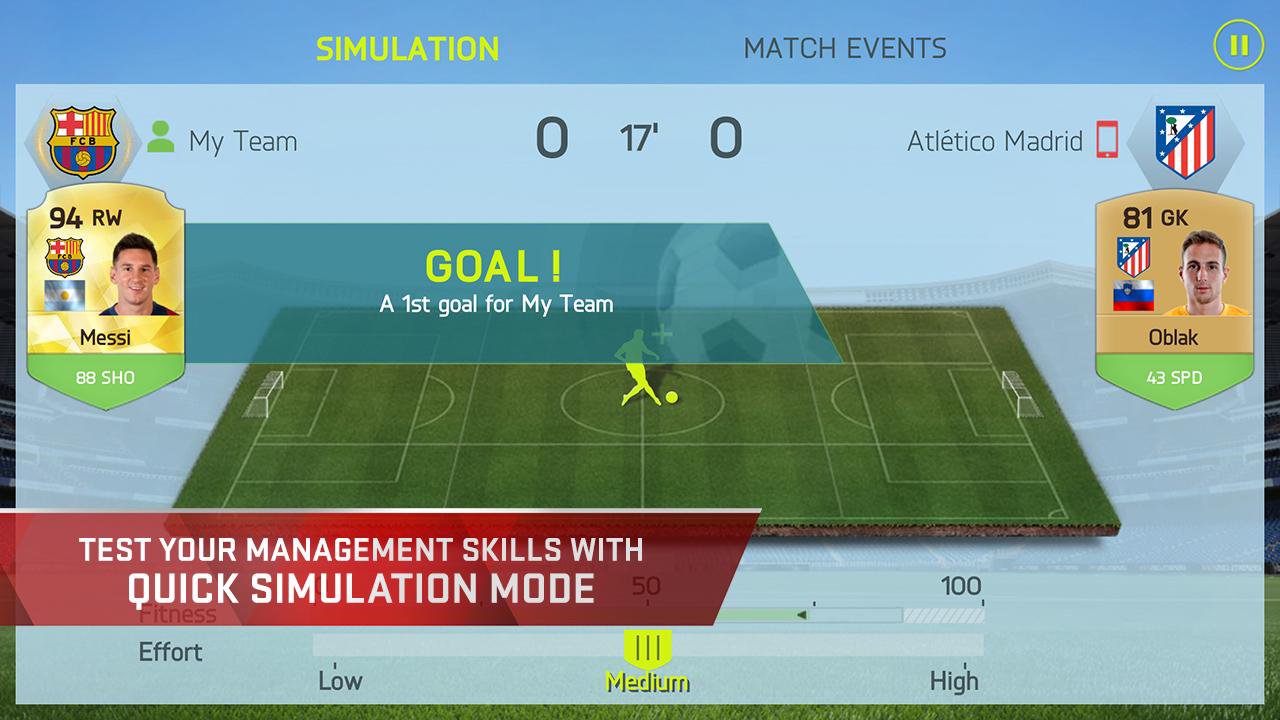
If you prefer management to direct control, Quick Simulation lets you coach from the touchline. Make substitutions and tweak tactics during the match while the engine resolves play based on your squad’s skills and chemistry. Outcomes respond to your decisions as the game unfolds. This option is useful when you want strategic involvement without full manual control.
Flexible controls and clear presentation
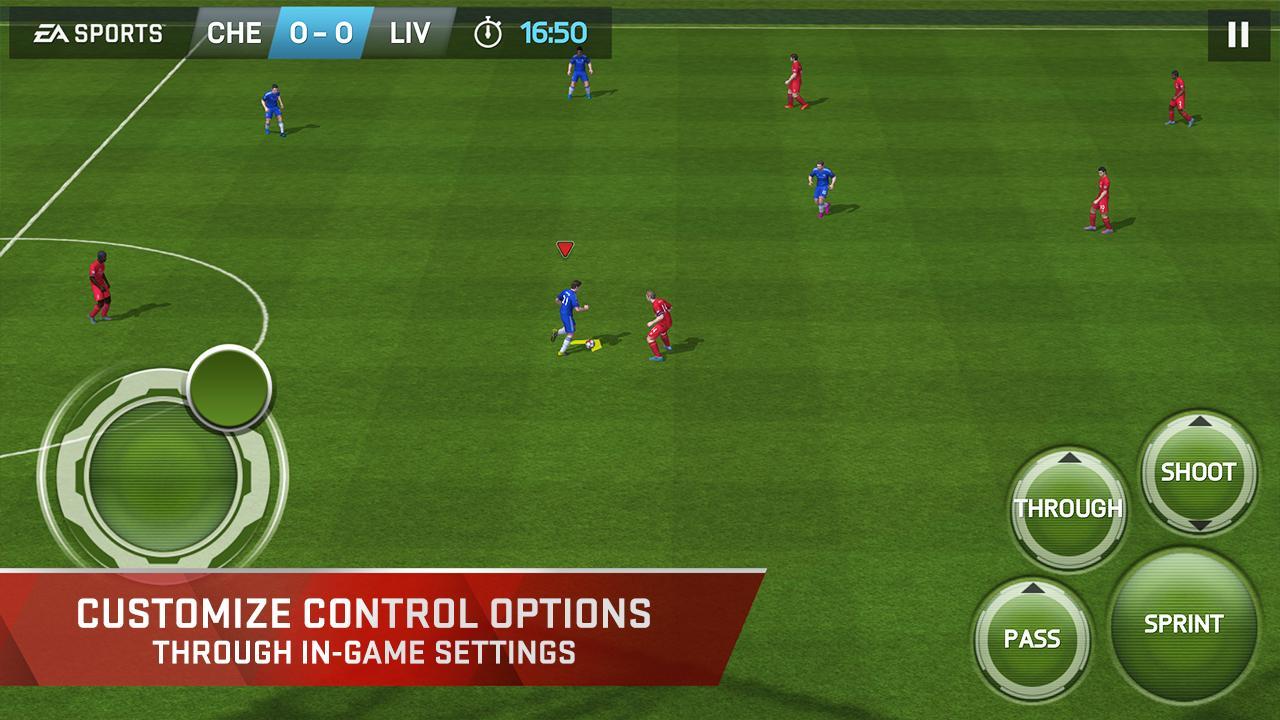
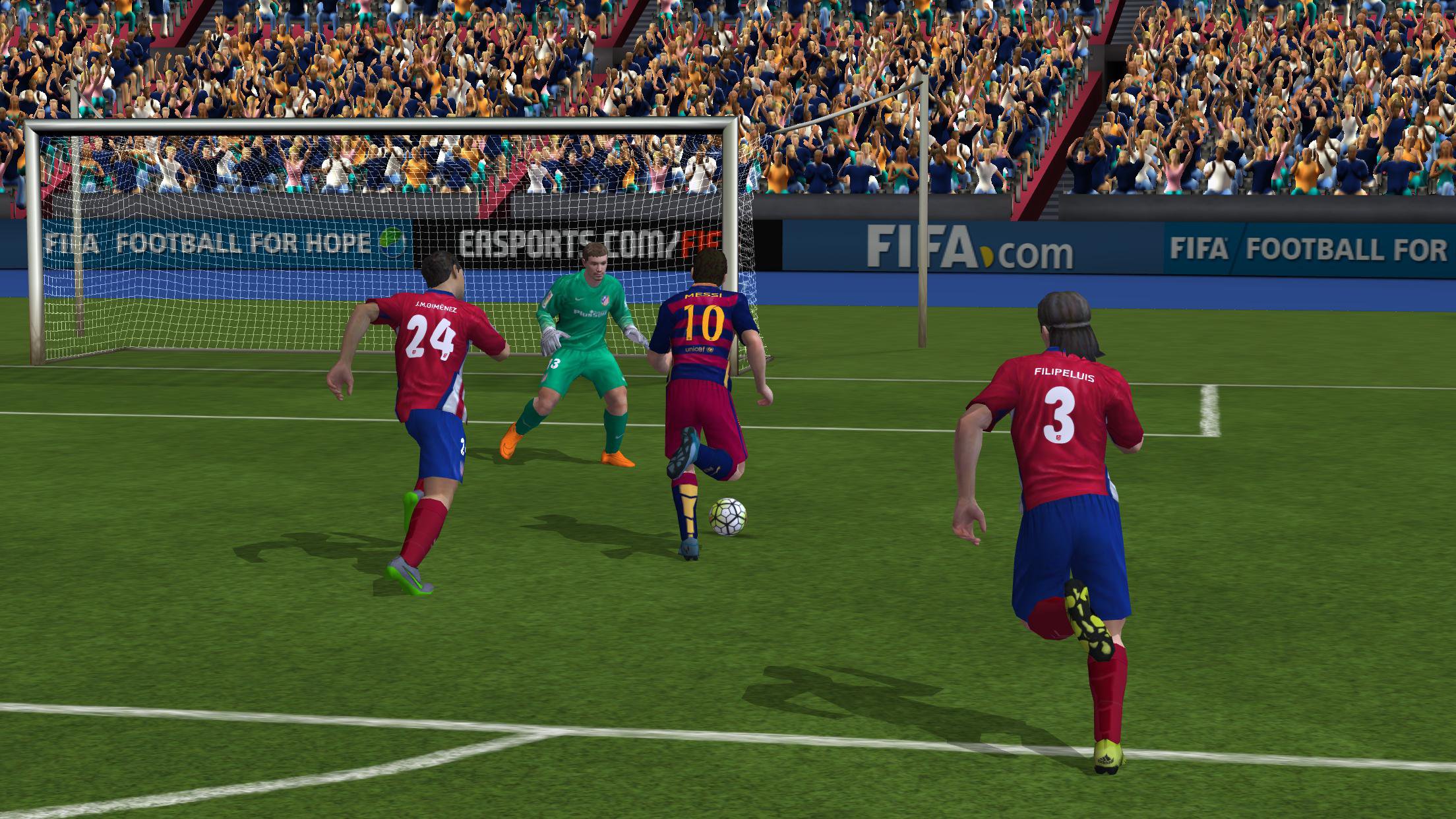
You can choose Casual or Classic control setups and play with simple swipes and taps or a virtual joystick. External controller support is available for those who prefer physical inputs. The presentation uses a broadcast style camera, improved animations, and a strong soundtrack. Adjustable AI difficulty, clear menus, and helpful tutorials support new and returning players.
Some content and modes rely on online services provided by EA. According to EA policy, online features may be retired after notice, and availability can change by region or time. If you have questions about server status or feature availability, check the official EA service page for current details. You can find updates at EA Service Updates.
The game includes in app purchases and advertising. It may collect usage data and analytics to support operations and improve services. Review EA policies to understand terms, data handling, and your choices before you play. The links below provide more information.
This quick guide covers the basics on an Android phone. Use it to move from setup to your first competitive match. If you plan to download FIFA 15 Soccer Ultimate Team, follow these steps to prepare a functional squad.
FIFA 15 Soccer Ultimate Team focuses on licensed football, squad building depth, and responsive mobile play. Users who want real players, flexible controls, and multiple modes can find them here. To begin, get the FIFA 15 Soccer Ultimate Team latest version and set up a team that fits your style.
Latest Version
1.7.0Uploaded by
Rivera Marýùřï Mendoza
Requires Android
Android 2.3.4+
Category
Free Sports GameContent Rating
Everyone
Report
Flag as inappropriateLast updated on Mar 1, 2016
Hey footballers! We’ve made additional behind-the-scenes adjustments to improve overall gameplay stability.
Thanks for playing FIFA 15 Ultimate Team.




APKPure - A multi-platform app store primarily focused on Android, providing extensive app-related content. Discover the app you want easier, faster, and safer, with quick and efficient downloads and installations.