Package Name:com.cleanx.app
SHA-256:13e6153e898cc5603253df6df09b5e1bc91d0f7ee2c2f2a748ccaa8a21ef75df
Show More

CleanX shows what is using your phone's storage and helps you review photos, videos and other media you may no longer need. You decide what to remove. How much space you get back depends on your own files.
Storage overview
See used and free storage, and how much space photos, videos and other media take up.
Duplicate Photos
Find identical copies of photos and choose which ones to remove.
Similar Photos
Group photos taken close together that look alike, then keep the ones you prefer.
Large Videos and Screenshots
List your largest videos and all your screenshots in one place and review them before removing anything.
App media
Review images and videos saved in folders of the messaging and social apps on your phone.
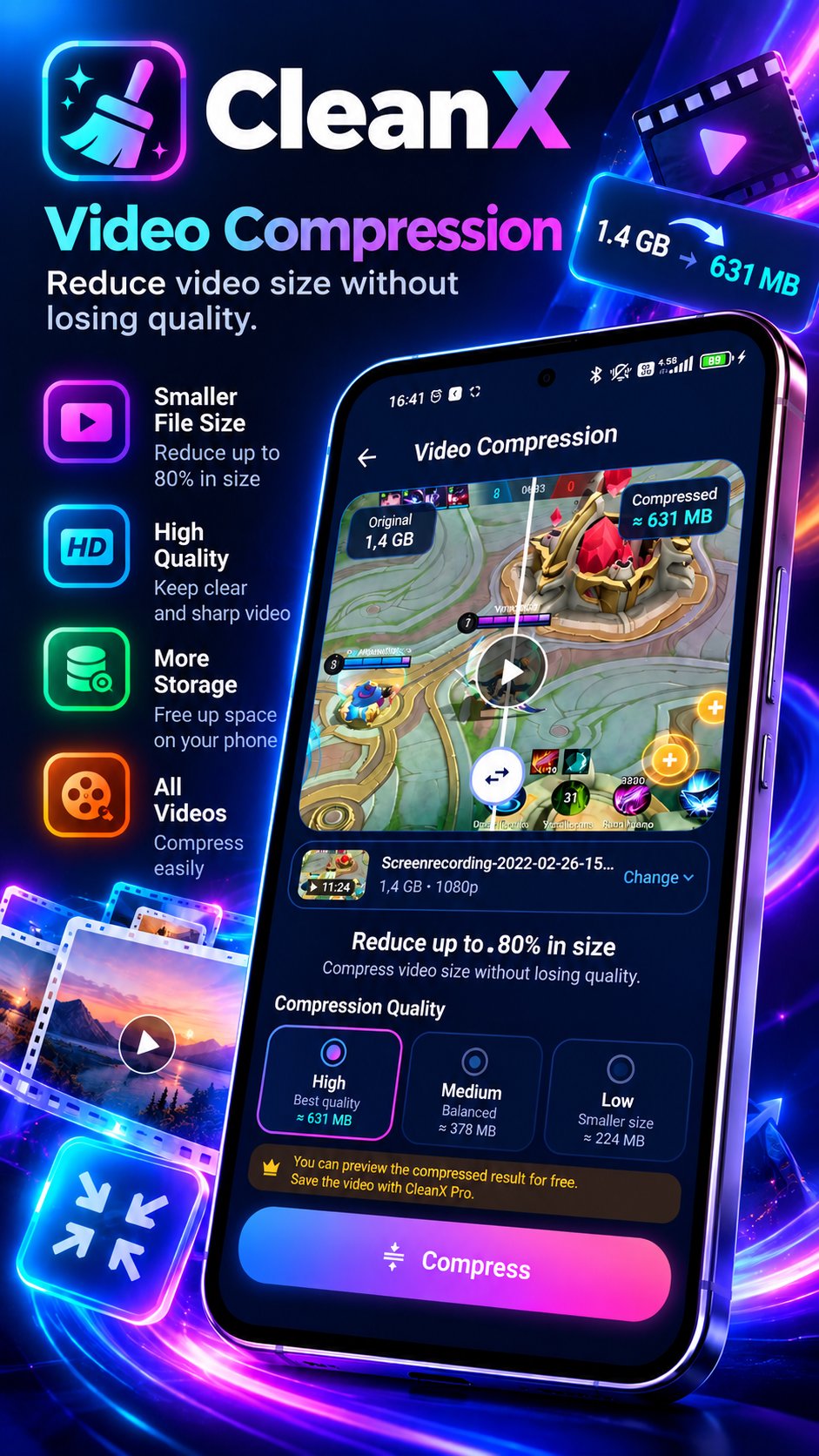
Video Compression
Create a smaller copy of a video at the quality you choose. Compressed videos may lose some quality.
Trash
On Android 11 and later, removed items can go to the Android trash so you can restore them for a limited time.
More tools
• Extract Text: copy text from your photos and save it in My Notes
• Privacy Scan: find photos on your device that may contain card or ID numbers
• Secret Vault: keep selected files in an encrypted folder inside the app
• Auto Rules: set your own reminders and cleanup rules
• Motion Memory: turn photos into a short video
• Target Mode: set a storage goal and get a plan of files to review
Phone Care
Stops the background processes of other apps that Android allows to be stopped, and clears CleanX's own temporary files. It is a routine tidy-up tool and does not promise a speed or performance increase.
Device Check
Lists apps with sensitive permissions and device settings you may want to review, with shortcuts to the related Android settings. It is not an antivirus and does not detect or remove malware.
Subscription
Some features and unlimited use require a CleanX Pro subscription. Prices and any free trial are shown before you subscribe. Subscriptions renew automatically and can be cancelled in Google Play.
Permissions
CleanX asks for access to your photos and videos to scan them on your device. Files are deleted only through Android's own confirmation or through rules you turned on yourself.
Latest Version
1.0.4Uploaded by
Alexis Antonio Muñoz Herrera
Requires Android
Android 8.0+
Category
Free Tools AppContent Rating
Everyone
Security Report
Check Now
Report
Flag as inappropriateLast updated on Nov 4, 2026
This release includes minor bug fixes and general improvements. Update to the latest version for the best experience.





APKPure - A multi-platform app store primarily focused on Android, providing extensive app-related content. Discover the app you want easier, faster, and safer, with quick and efficient downloads and installations.