AI QR Code — create, customize, and scan QR codes quickly, with an AI assistant for styling.
Whether you share a link, Wi‑Fi network, contact card, or calendar event, you can do it in seconds from your phone.
━━ CREATE A QR CODE ━━
Choose the content type:
• Text or URL
• Wi‑Fi (network name and password)
• Contact card (vCard: name, phone, email, organization)
• WhatsApp (open a chat directly)
• Pre-filled email (recipient, subject, message)
• SMS ready to send
• Calendar event (title, dates, location, notes)
Customize the look:
• Code and background colors
• Module and finder pattern shapes
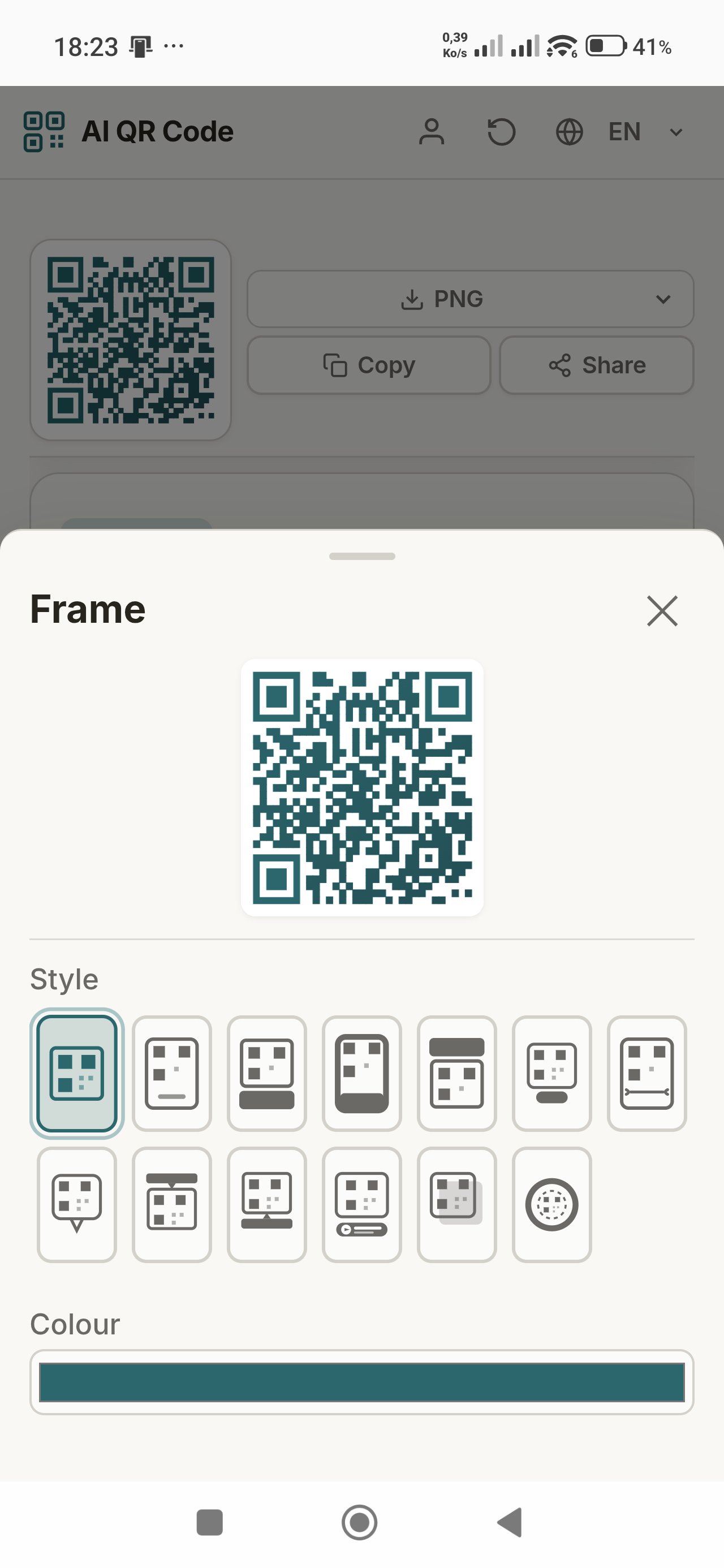
• Frame with custom text
• Built-in logo (presets or your image)
• Error correction level suited to your use case
━━ SCAN A QR CODE ━━
• Use your device camera in real time
• Or import a photo containing a QR code
• View decoded content, copy it, open links, or share via apps on your phone
━━ EXPORT & QUALITY ━━
Export your designs as:
• PNG — great for screens and social media
• SVG — vector, scalable without quality loss
• PDF — handy for printing or document sharing
━━ AI ASSISTANT “DESCRIBE” ━━
Describe the QR you want in plain language (colors, style, logo, link type…). The app suggests a matching layout.
• Works without an account (daily guest quota)
• Optional free account for a higher daily AI quota
• Option to use your own API key for some providers, if you choose
━━ HISTORY & LIBRARY ━━
• Local history: find recent QR codes on this device
• Cloud library (signed in): save up to 20 codes and access them on another phone or tablet with the same account
• Delete individual entries without closing your account
━━ ACCOUNT (OPTIONAL) ━━
No sign-up required to generate, scan, or export QR codes.
Create a free account with your email to:
• sync your cloud library;
• get a higher daily AI quota;
• delete your account and associated data from within the app at any time.
━━ LANGUAGES & UI ━━
Interface in English, French, and Arabic.
Light and dark mode.
Designed for comfortable use on mobile.
━━ PRIVACY & DATA ━━
We do not sell your personal data.
• Privacy policy:
https://sites.google.com/view/ai-qr-code
• Account and associated data deletion:
https://www.ai-qrcode.net/delete-account.html
• Delete some data without deleting your account:
https://www.ai-qrcode.net/delete-account.html#sec-partial
━━ SUPPORT ━━
Developer: Ilyes Abchouk
Email: mathgraph.support@gmail.com
Website: https://www.ai-qrcode.net/
Thank you for using AI QR Code. Your feedback helps us improve the app.
Latest Version
Varies with deviceRequires Android
Category
Free Productivity AppContent Rating
Everyone
Report
Flag as inappropriateLast updated on Jun 24, 2026
This release includes minor bug fixes and general improvements. Update to the latest version for the best experience.



APKPure - A multi-platform app store primarily focused on Android, providing extensive app-related content. Discover the app you want easier, faster, and safer, with quick and efficient downloads and installations.