Wireless File Share is an application that will enable super fast data sharing between two devices.
It utilizes Wi-Fi technology to its full capacity ensuring fast and smooth file sharing.
]
How to use it
1. Install the App on both devices
2. Make sure there is a WiFi connection between the devices (on the same WiFi router or hotspot. You can also start the portable hotspot feature on one device and connect the other)
3. Click on the pink "upload" button.
4. Select the file(s) you wish to transfer.
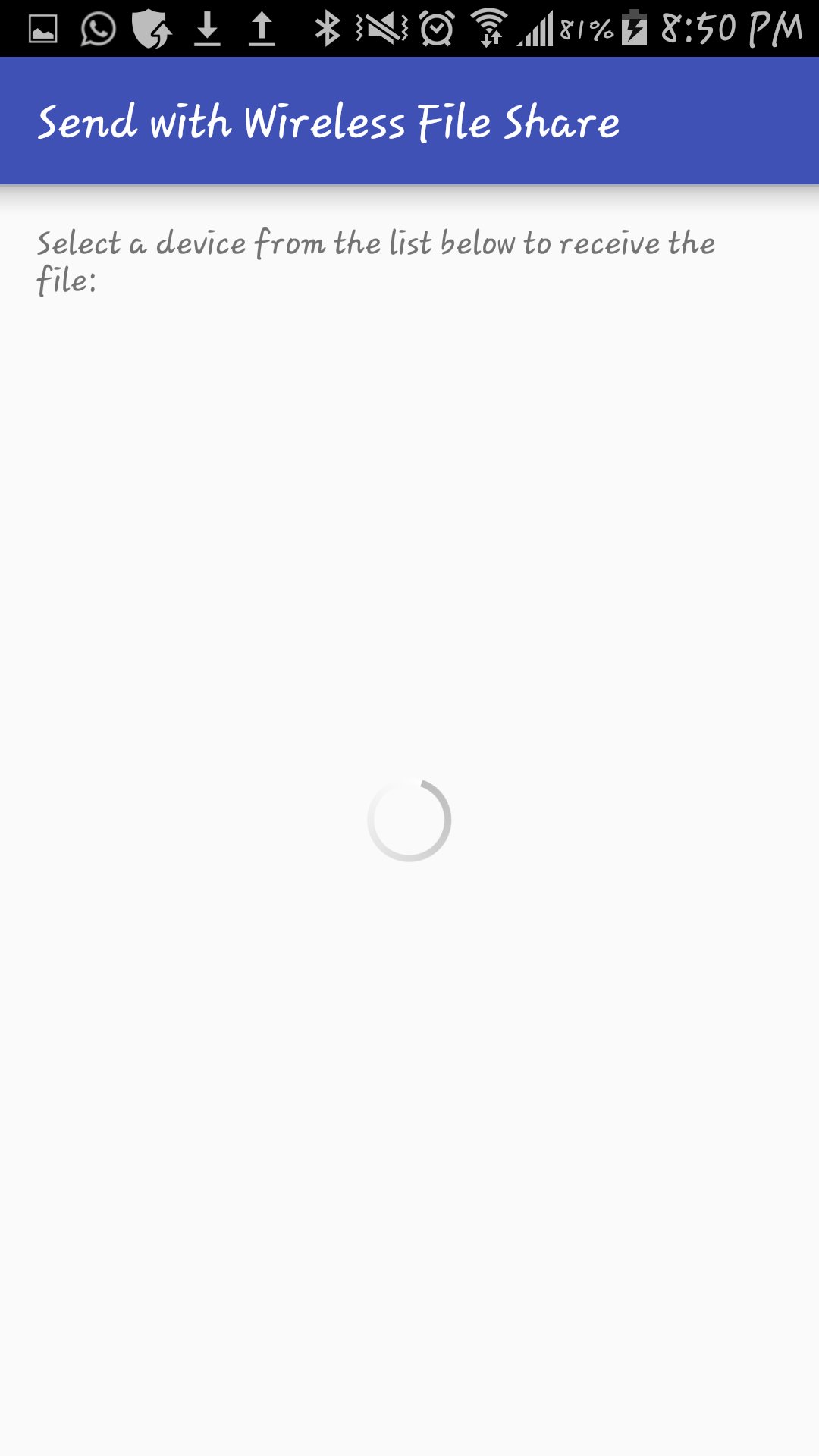
5. Select the device which you want to transfer the files to.
6. See the magic!
Our app is free. Get it now!
11034dd48b
Aktuelle Version
2Von hochgeladen
Ahmad Omed
Erforderliche Android-Version
Android 4.1+
Kategorie
Gratis Tools APPAltersfreigabe
Everyone
Last updated on Aug 18, 2017
Minor bug fixes and improvements. Install or update to the newest version to check it out!



APKPure – Ein plattformübergreifender App-Store mit Fokus auf Android, der eine Vielzahl an Apps und relevanten Inhalten bietet. Entdecken Ihre gewünschte App, laden und installieren Sie schneller, sicherer und effizienter.