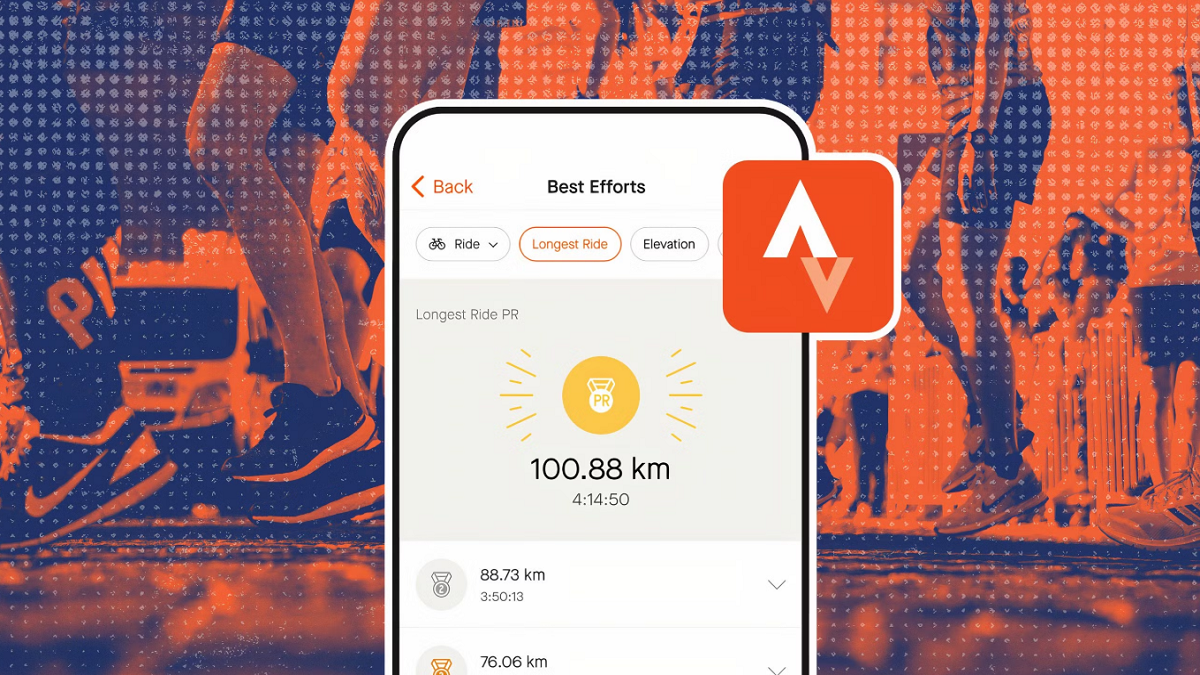

Strava helps users who want a clear way to record exercise and stay consistent over time. It brings GPS activity tracking, training insights, route ideas, and community interactions into one simple place, so progress is easy to review. With built in privacy and safety controls, outdoor users can share carefully while keeping control of their maps. Whether you are starting with short walks or following a training plan, the Strava app adapts as your goals change and works with many devices.
Record across sports and sync your devices
Strava supports running, cycling, walking, hiking, yoga, and many other activities with distance, pace, route, and core stats. You can connect Garmin, Fitbit, Peloton, and other supported gear to bring workouts into one log. On Wear OS, a quick launch tile and a watch face complication help you start and stop from your wrist. Strength and indoor training from compatible apps and devices can import sets, reps, and weights to round out your activity history.
Maps and routes that guide your outings
Strava helps you find route ideas based on popular paths and your preferences. You can also build custom routes for runs and rides, then follow them during recording to stay on course. The map view shows your track in real time, so it is simple to confirm you are still aligned with your plan.
Segments and leaderboards for focused effort
Strava segments break routes into well known sections where you can compare your efforts. Leaderboards show how your time stacks up, and you can earn digital trophies for notable performances. With a subscription, Live Segments can give real time cues during an effort, which helps you pace and understand how a run or ride is going.
Community and challenges that keep you engaged
Strava makes it easy to follow friends and athletes, view their activities, and give kudos or comments. You can join clubs that match your interests to see group feeds and events. Monthly and group challenges offer clear goals and badges, which provide steady motivation without changing your routine.
Privacy and safety tools built for outdoor use
Strava gives you control over who sees your activities and profile details. You can adjust map visibility at the start and end of an activity to protect private locations. Beacon shares real time location with chosen contacts, so they can check in while you train outside.
Strava offers a free tier that covers activity recording, basic stats, route viewing, and social features. A subscription adds advanced route building, deeper training logs and goals, Live Segments, Group Challenges, Recover Athletics exercises, and Athlete Intelligence insights. Plans can vary by region, and a Family option is available in some areas. Regional discounts are available in the United States for students, teachers, military personnel, and medical workers.
Device connections depend on each brand and permission settings. Some features require linking supported services before data can sync. Users who prefer direct installs on Android can use the Strava APK as an alternative install path.
After you download Strava, setup takes only a few moments. The app guides you through permissions and pairing so you can start recording right away. Your first activity can be a short walk or a familiar route to check settings.
Open Strava, then sign up or sign in with your account. Confirm your email and choose your default sport.
Review privacy controls and choose who can see your activities. Set map visibility for your home or work area.
Connect a watch, bike computer, or training app if you use one, then grant permissions for location and sensors.
Tap Record, choose your activity type, and wait for a stable GPS signal. Start when ready, and follow a saved route if you have one.
Finish and save your activity. Add a title and photos, then review stats, give kudos to friends, and join a club or challenge if you like.
Strava combines activity recording, routes, segments, and community tools in one place. It suits quick walks and structured training alike, with privacy options that are simple to manage. To stay current with improvements, consider the Strava latest version when installing or updating.
Official resources:
Website: https://www.strava.com/
Latest Version
477.14Uploaded by
Prengki
Requires Android
Android 10.0+
Category
Free Health & Fitness AppContent Rating
Teen
Report
Flag as inappropriateLast updated on Aug 19, 2026
We've refreshed the Progress Tab with a new look and feel, plus stability and quality improvements throughout, making it easier than ever for subscribers to track your training, trends, and streaks all in one place.



APKPure - A multi-platform app store primarily focused on Android, providing extensive app-related content. Discover the app you want easier, faster, and safer, with quick and efficient downloads and installations.