

SMS Edit focuses on quick fixes inside conversations you already have on your phone. It loads your local SMS threads so you can correct message details without creating a new chat. This approach is helpful when you need to tidy up your message history, align details for organization, or correct mistakes made while texting. Everything happens on your device, and the workflow is kept simple so you can move from loading a thread to saving changes in just a few taps. Get the SMS Edit APK on APKPure for a straightforward Android APK download experience.
Edit message details with precision
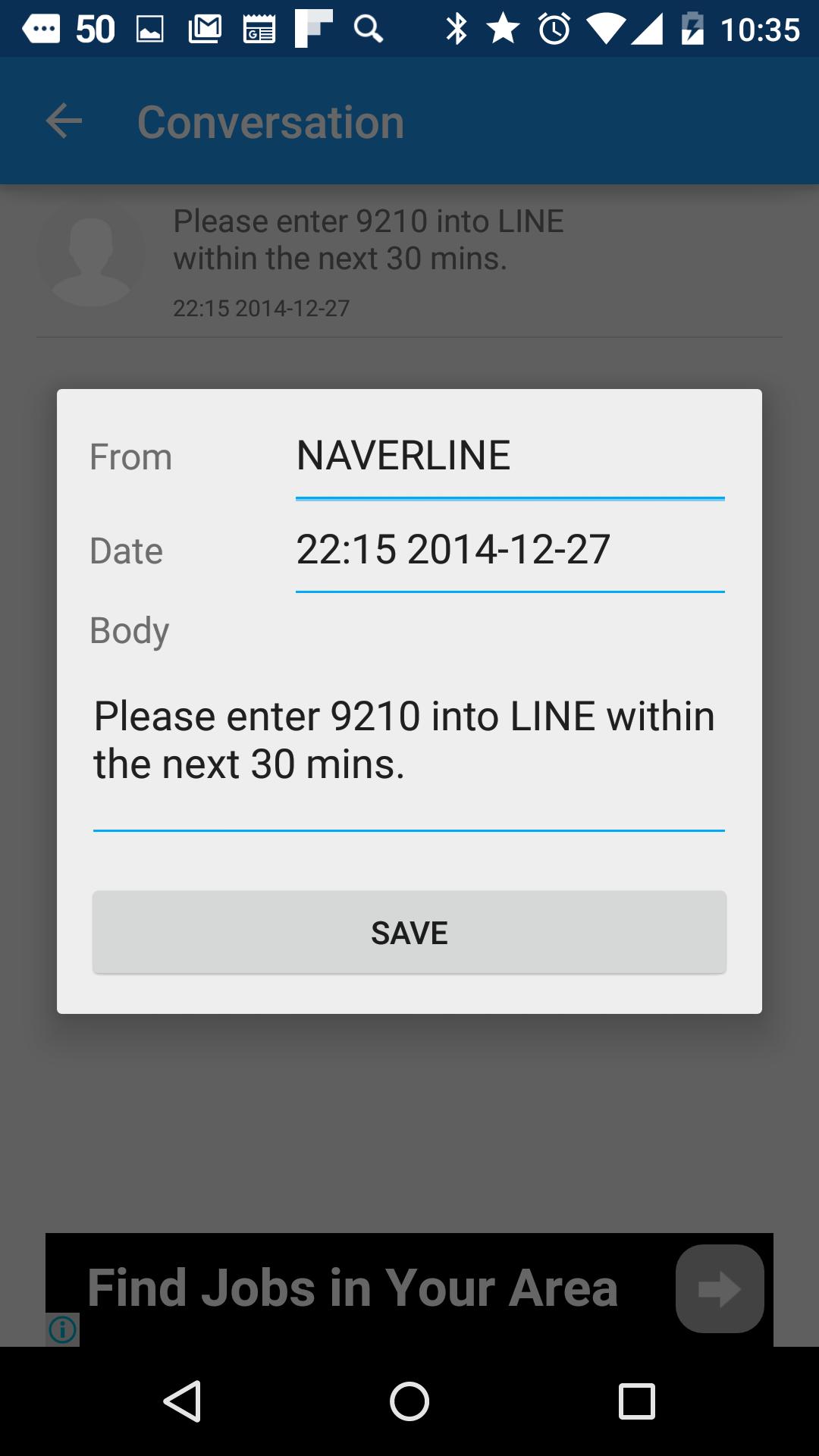
SMS Edit lets you change core fields of a selected SMS. You can update the message body, adjust the date and time, and refine sender or recipient information. These edits help keep your conversation history accurate.
Load and modify existing conversations
Instead of composing a new text, SMS Edit opens your existing threads for direct editing. This keeps your timeline intact and avoids duplicate conversations. Moreover, you stay focused on fixing what is already in your inbox or sent items.
Fast workflow for quick fixes
The interface is straightforward, so you spend less time navigating and more time editing. You move from thread selection to field changes in a few steps. In addition, the app reduces extra prompts to keep the process efficient.
Fix typos, timestamps, and contact attribution
Use SMS Edit to correct a misspelled word, align a wrong timestamp, or attribute a message to the right contact. These small corrections make long threads easier to read later. Also, they help you curate conversation context when you need clarity.
Lightweight APK focused on core editing
SMS Edit keeps its scope narrow so it runs quickly on most devices. It focuses on local SMS records and avoids unnecessary extras. Therefore, you can make changes without distractions and keep your messaging tidy.
To reduce confusion between composing and editing, here is a simple explainer of editable fields inside SMS Edit. The app works with messages already saved on your device, and it updates details inside those entries.
A typical flow looks like this. You open a thread, pick a message, edit the fields shown on the screen, and save. Then you return to your conversation to confirm the change appears as intended.
SMS Edit needs specific permissions to access and update your local message database. These are requested at first launch on Android.
APK files on APKPure include a Security Report so you can review scans before installation. Check the Security Report section on this page for details and proceed when you are comfortable with the results.
If your device shows errors after a major Android update or if your brand’s firmware limits SMS database edits, an earlier build can sometimes work more reliably. You can find older releases in the Old Versions section below on APKPure.
Some models may restrict editing through vendor policies. For example, users have reported limits on certain devices such as specific realme models. In those cases, confirm SMS and Contacts permissions are granted, then try another build from the Old Versions list.
This quick guide shows the core workflow from installation to saving your first edit. It focuses on loading an existing thread and updating selected details.
SMS Edit is designed for quick, local corrections to your message history. Download SMS Edit to adjust message content, timing, and participant details inside existing threads. Get the SMS Edit APK latest version on APKPure or choose an older build if your device works better with it.
Can SMS Edit modify received texts inside my existing threads?
Yes, SMS Edit updates entries in your local SMS records, which includes received messages. You load a conversation, select the received text, and apply changes to its content or details. The result appears in your default messaging view after you save.
Does SMS Edit support mass editing or batch delete across many messages?
No, SMS Edit focuses on precise edits to individual messages inside existing threads. It does not offer batch edit or mass delete tools. For large cleanups, repeat the edit steps on selected messages so you can keep control over each change.
Why did SMS Edit stop working after updating to Android 14, and what should I do?
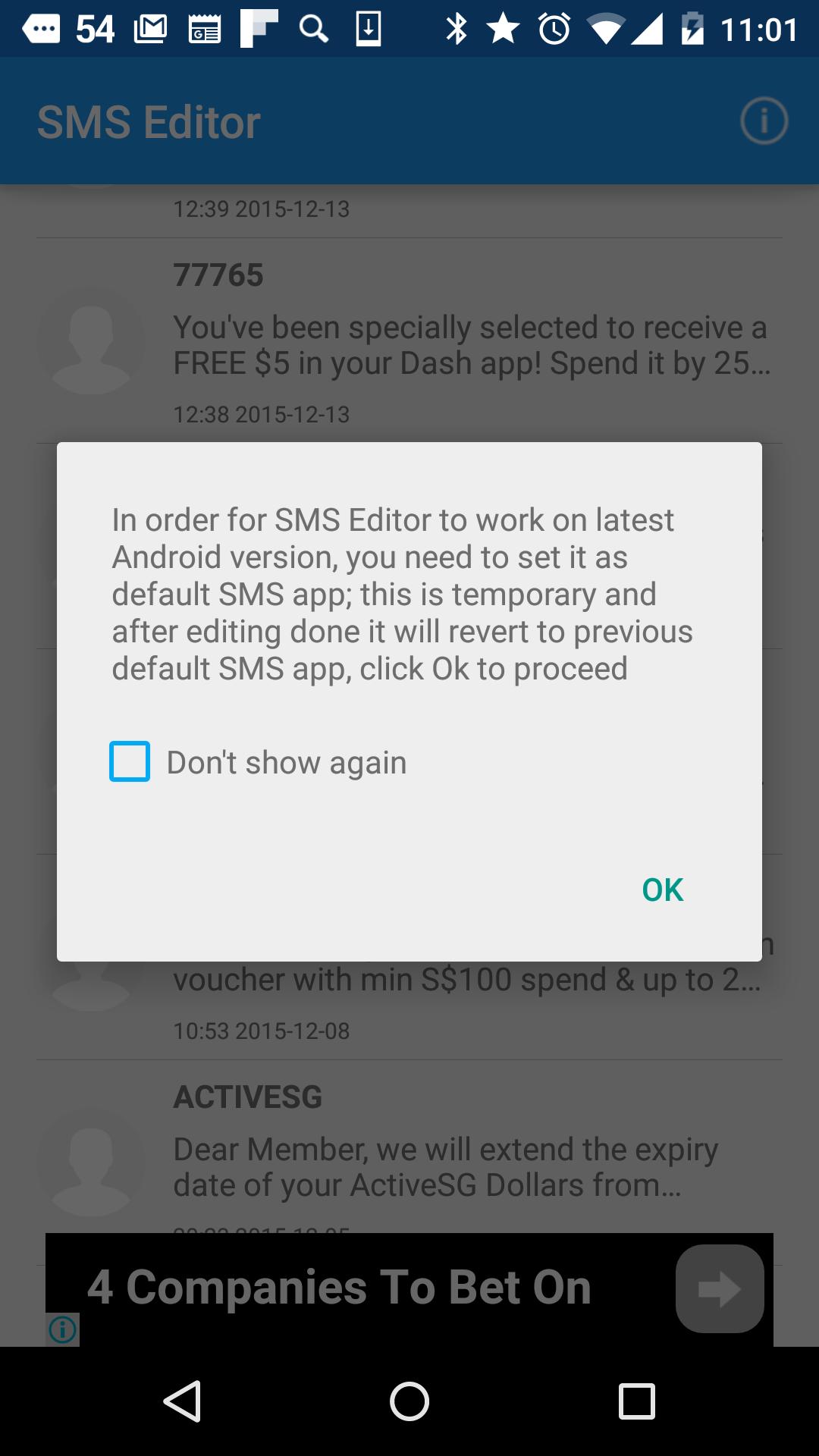
Some devices on Android 14 add restrictions that limit third party changes to the SMS database. First, get the SMS Edit APK latest version from APKPure and test again. If issues persist on your model, open the Old Versions section on APKPure to download SMS Edit in an earlier build and check which release works best on your device.
Where can I download older versions of SMS Edit APK?
Old builds of SMS Edit APK are listed in the Old Versions section on APKPure. Choose a previous release when the latest version does not function correctly on your phone, then install and test a single edit before you continue with more changes.
Latest Version
2.0.8Uploaded by
Raja Kishor
Requires Android
Android 3.0+
Category
Free Communication AppContent Rating
Everyone
Report
Flag as inappropriateLast updated on Mar 15, 2017
v 2.0.8
- crash fix


APKPure - A multi-platform app store primarily focused on Android, providing extensive app-related content. Discover the app you want easier, faster, and safer, with quick and efficient downloads and installations.