
VancedTube suits users who want videos to play smoothly while keeping controls simple and familiar. The interface follows the standard layout for browsing channels, playlists, and search, so you can find content quickly. Installation is straightforward with a single package and a quick setup process, which helps new users get started without extra steps. As a result, VancedTube APK offers a practical option for those who value consistent playback and easy navigation without relearning how to use a new player.
Ad-free viewing with fewer interruptions
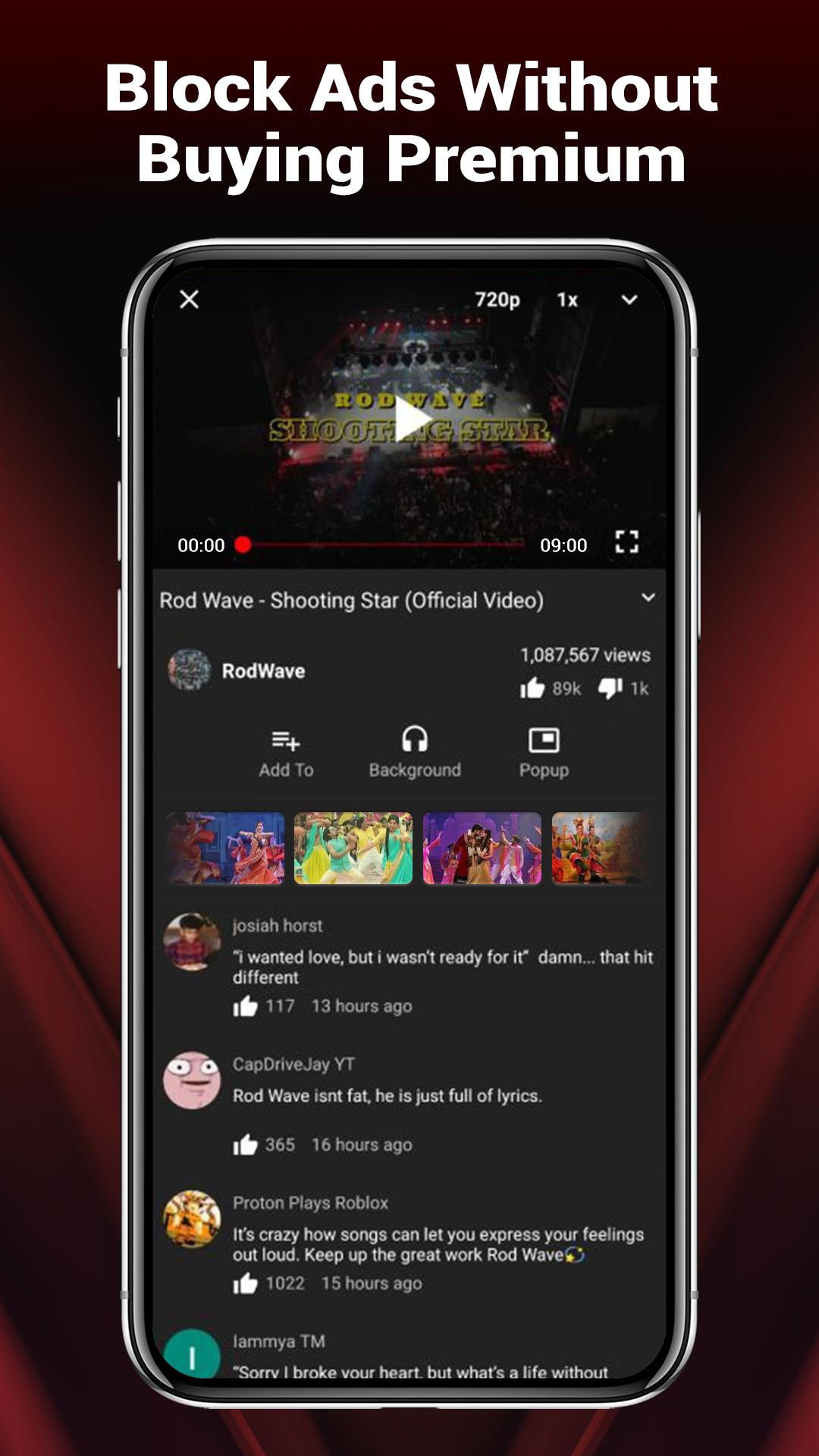
VancedTube focuses on uninterrupted playback by blocking ads in many cases and skipping common intro segments where possible. This helps videos start faster and continue without breaks, especially during longer sessions. You can watch multiple clips in a row with fewer pauses, which makes browsing feel more consistent.
Background playback for audio-first use
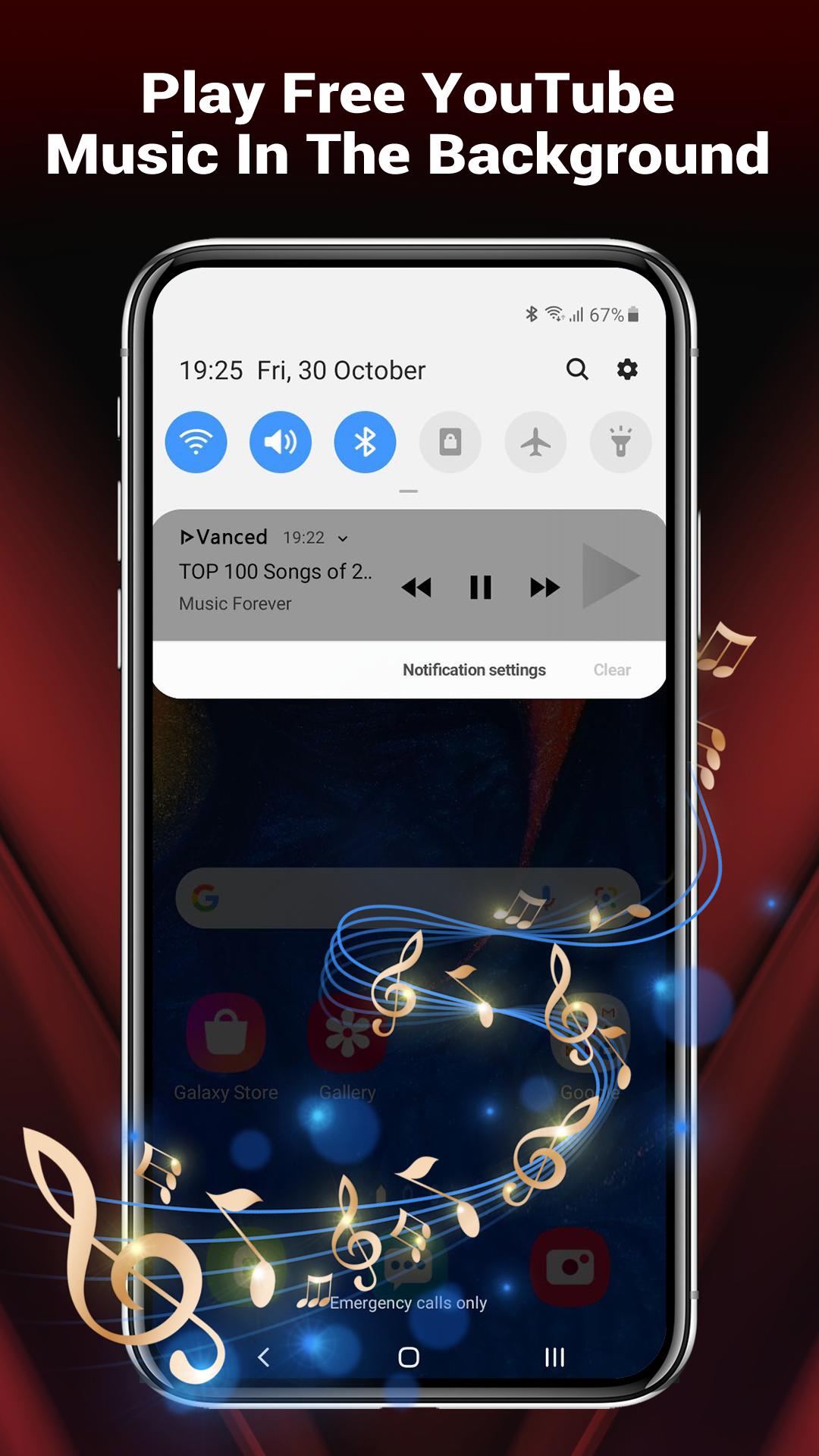
You can keep videos or music playing while the screen is off or while using other apps. This suits podcasts, long talks, and playlists you want to listen to on the go. Simply start a video, then switch tasks, and the audio continues so your queue does not stop.
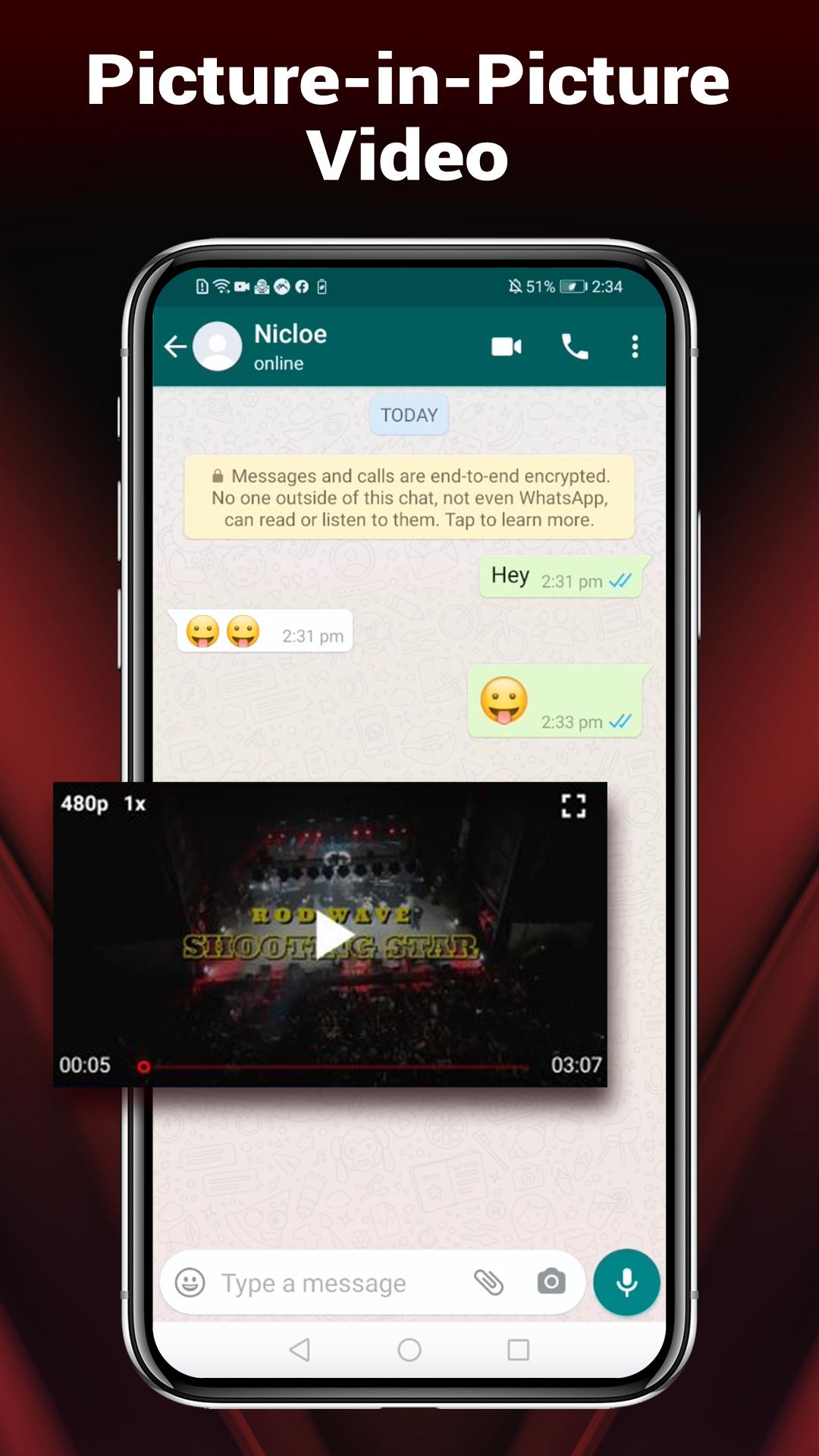
Floating pop up player for multitasking
VancedTube includes a movable, resizable picture in picture style player that stays on top of other apps. You can drag it to any corner and adjust the size for comfort. This lets you read, chat, or browse while a video stays visible and in control.
Controls and quality settings made simple
Gesture controls let you swipe to adjust volume and brightness without opening menus. Video detail is set to the highest available resolution by default for a sharp picture, and you can change quality manually if you prefer to save data. These options keep playback flexible while still being easy to access.
Single APK installation and easy updates
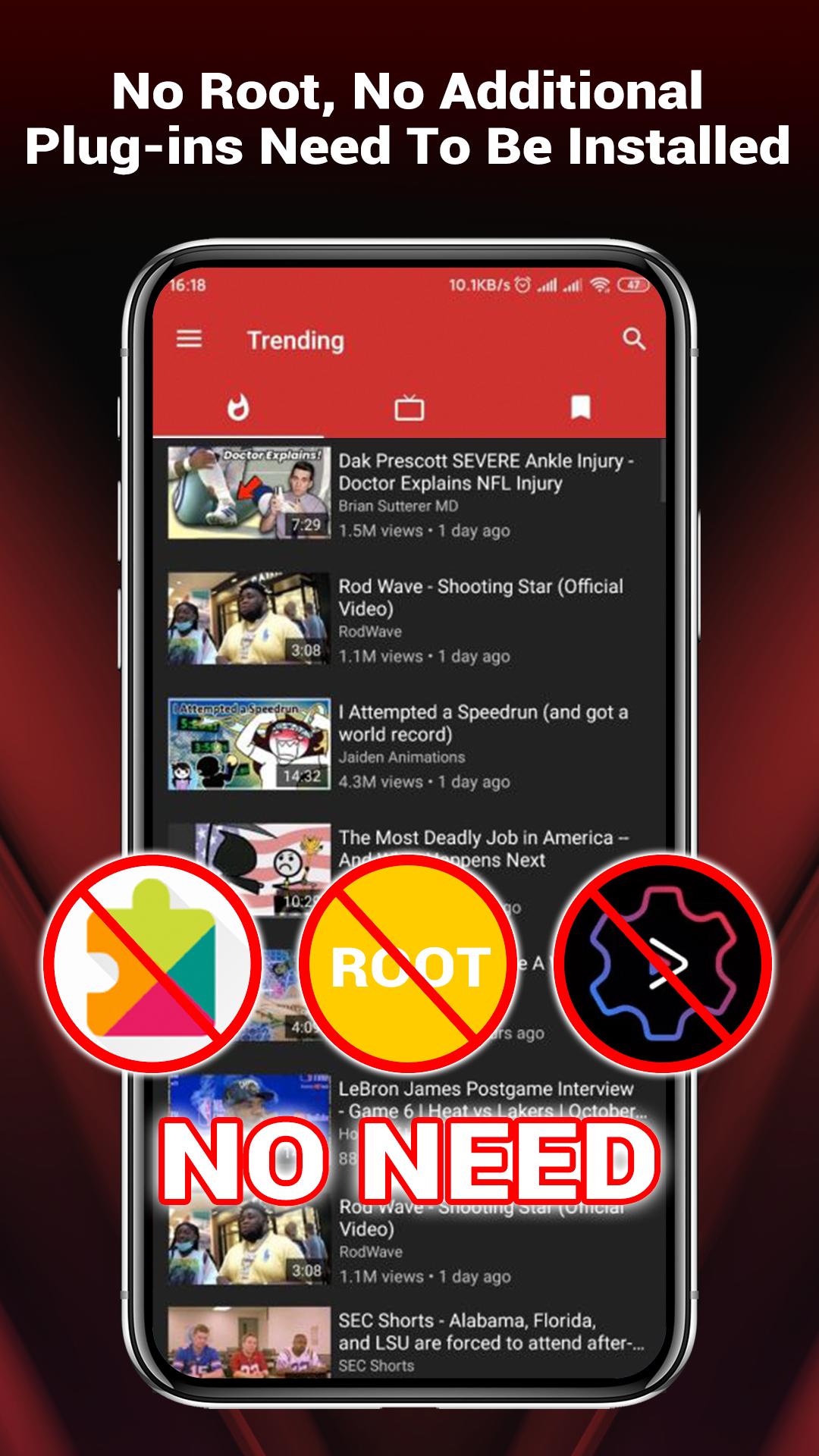
VancedTube installs with one APK, so there is no need for MicroG or a separate manager. Setup takes only a few steps, and keeping the app current stays simple. This approach reduces extra tools and helps users finish installation faster.
VancedTube is an independent, third party client for YouTube content and is not affiliated with Google or YouTube. The app follows a familiar layout so most users can navigate right away. It is available for Android phones and tablets; there is no iOS version at this time.
Getting started takes only a few minutes, and most controls are simple. After you download VancedTube and install it, you can browse channels, search videos, and start playback right away. The steps below cover the most used actions on Android.
Open VancedTube, then use search or your home feed to pick a video. Tap the thumbnail to start playing.
For background playback, start a video, then press Home or turn off the screen. Audio continues while you use other apps.
To open the pop up player, tap the picture in picture icon in the player controls. Drag the window to move it and resize it as needed.
Adjust volume or brightness with simple swipes on the player screen. Swiping up or down changes the selected setting instantly.
To change video quality, open the quality menu in the player and select your preferred resolution. The app starts with the highest available by default.
VancedTube offers smooth playback, convenient background audio, and a flexible pop up player in one Android app. Use the simple controls and single file setup to begin quickly, then adjust quality and gestures to match your habits. When you are ready, download VancedTube apk latest version on APKPure and start watching in the way that fits your day.
Latest Version
5.6.80.312Uploaded by
Vanced Office
Requires Android
Android 5.0+
Category
Free Video Players & Editors AppContent Rating
Teen
Report
Flag as inappropriateLast updated on Jul 16, 2026
fixed bugs

APKPure - A multi-platform app store primarily focused on Android, providing extensive app-related content. Discover the app you want easier, faster, and safer, with quick and efficient downloads and installations.