Advance PDF Tool is simple, easy with a wide range of options for Android users. Where you can easily convert any file (image, text, QR or barcodes, Excel) to pdf.
You can explore more features that are used in your daily life.
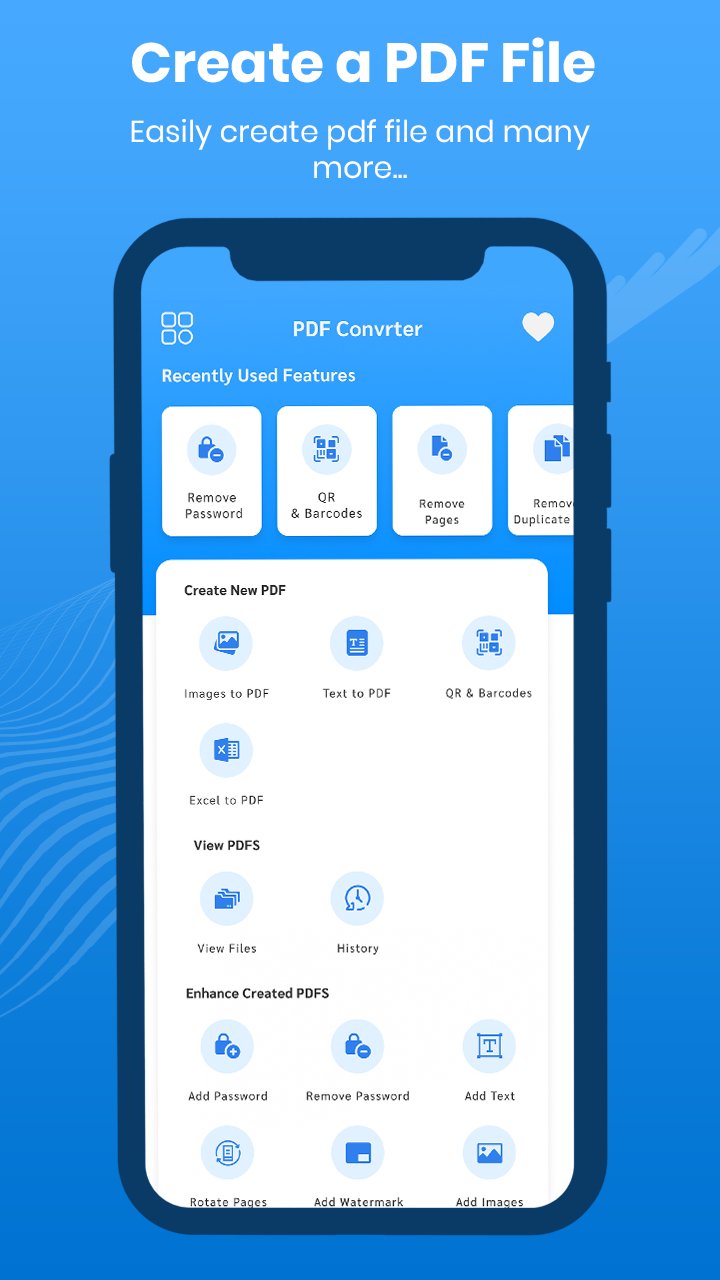
Basic functions:
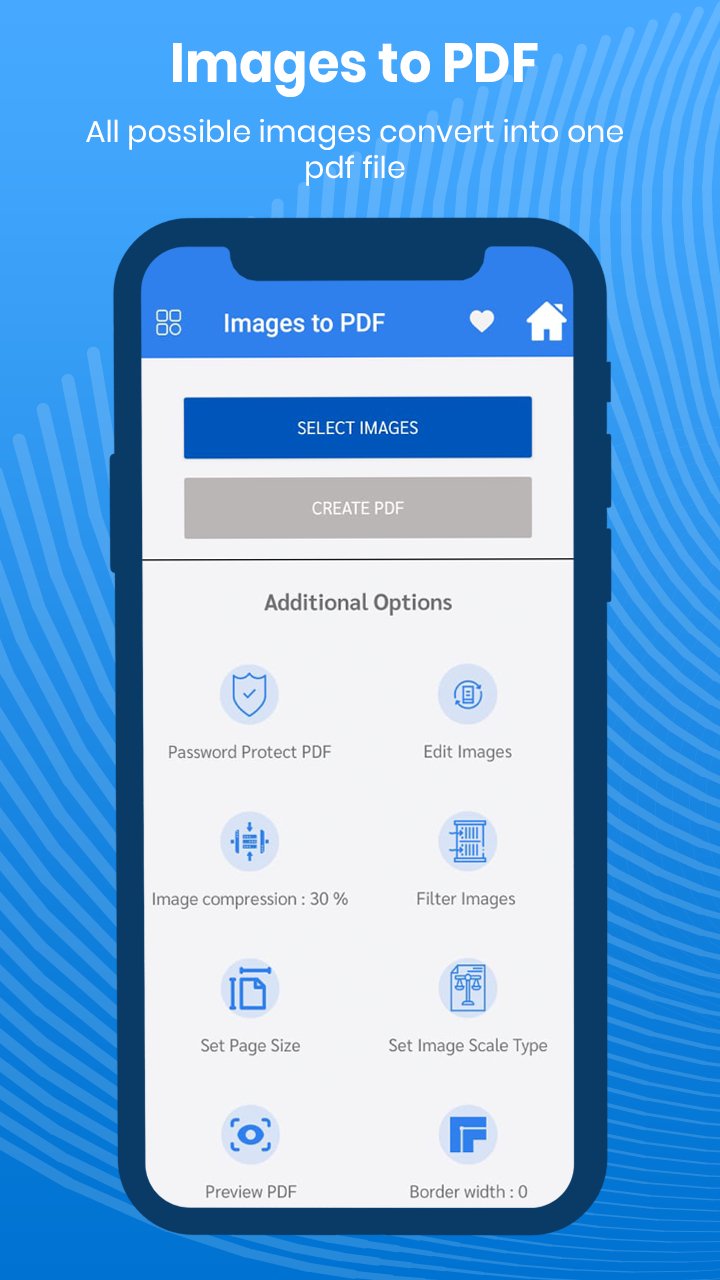
> Images in PDF
Select one or multiple images and click with one click to convert them to PDF
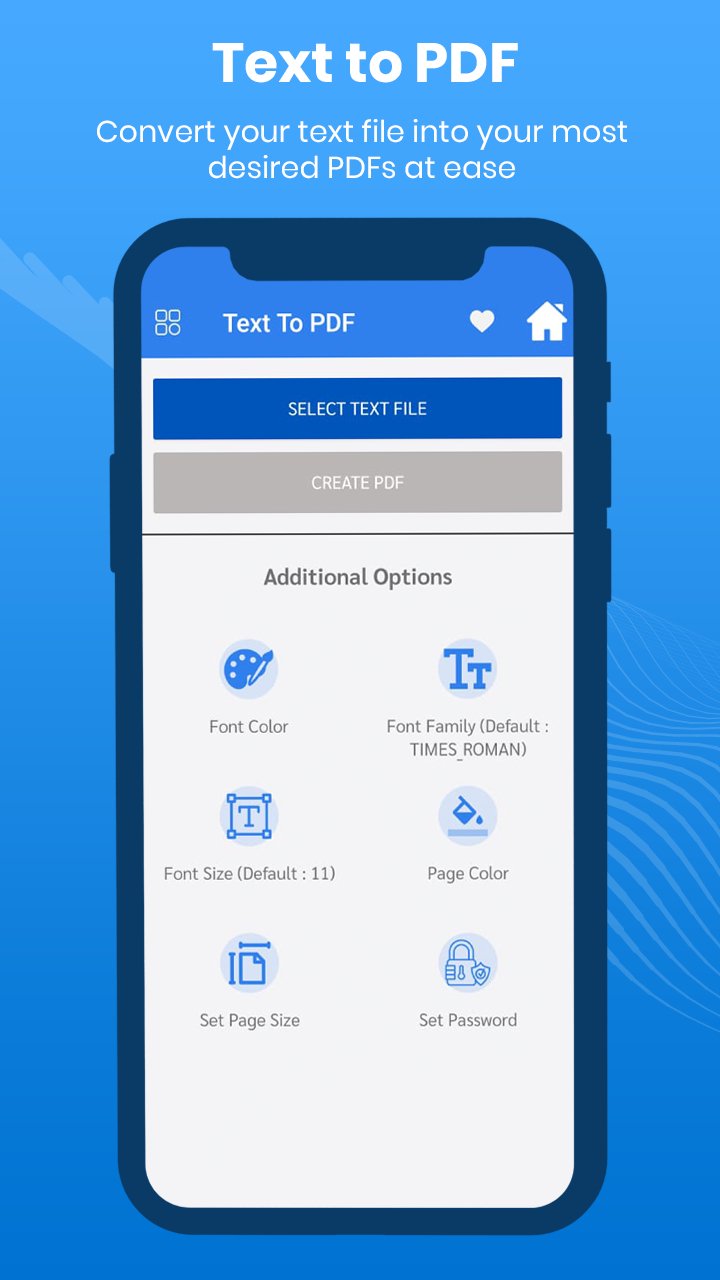
> Text in PDF
Select one or more text files and create a PDF
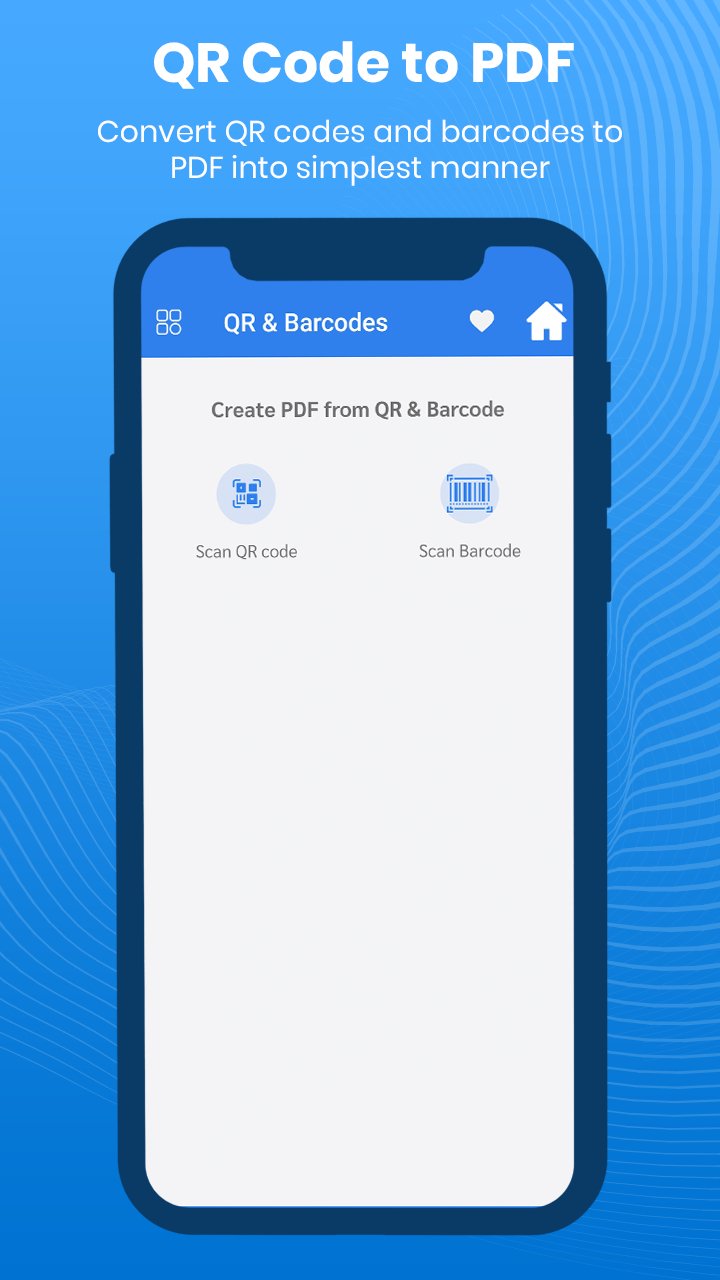
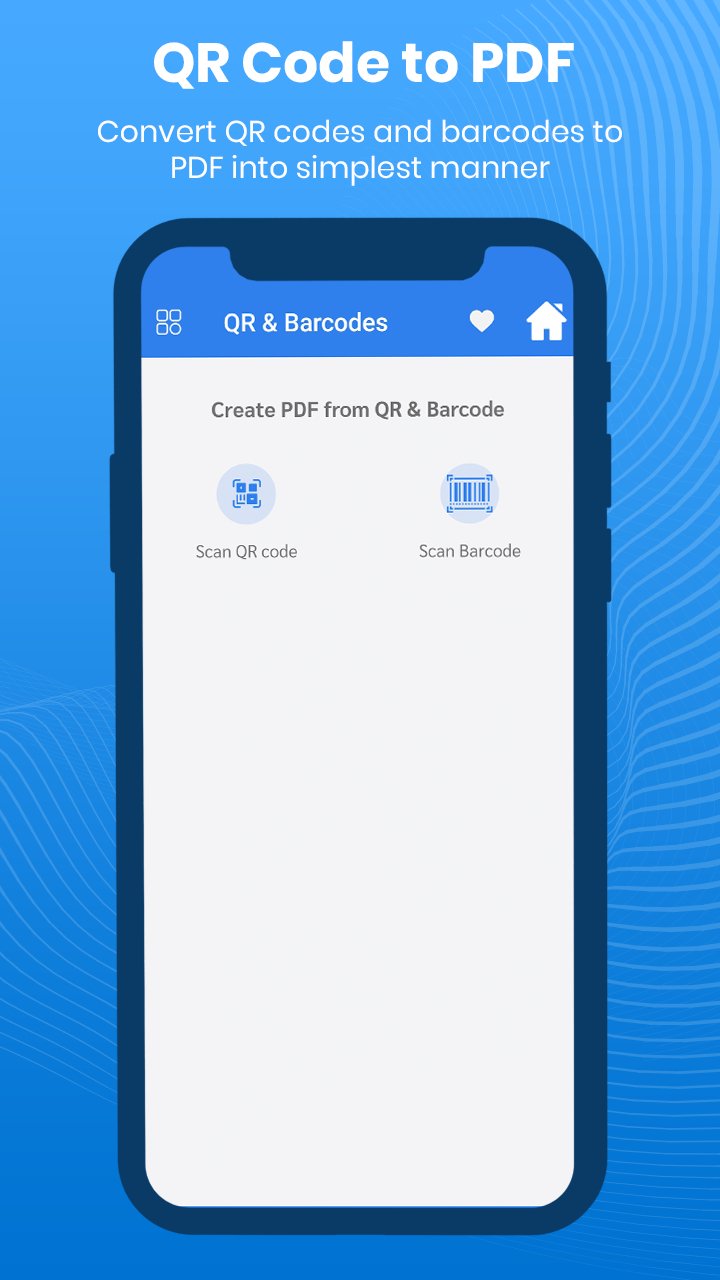
> QR and barcodes to create PDF
Scan the QR/Barcode so the content
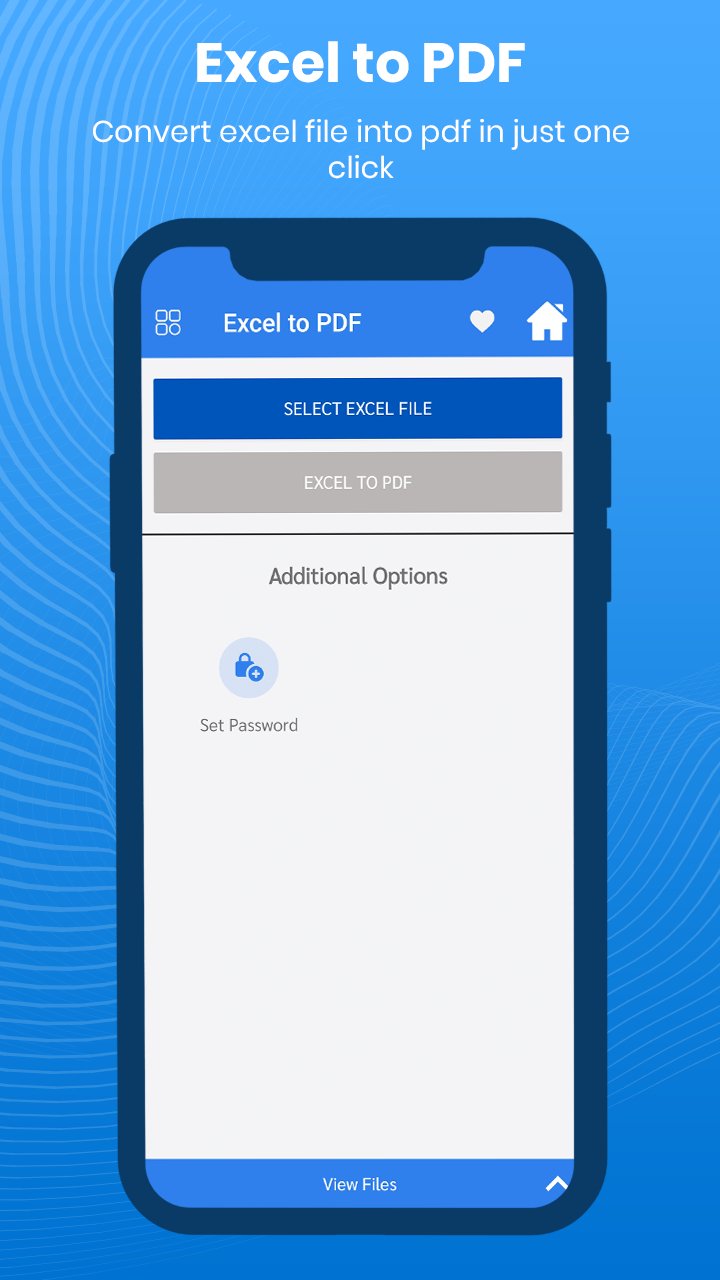
> Excel to PDF
Just select any Excel file and create a PDF file easily.
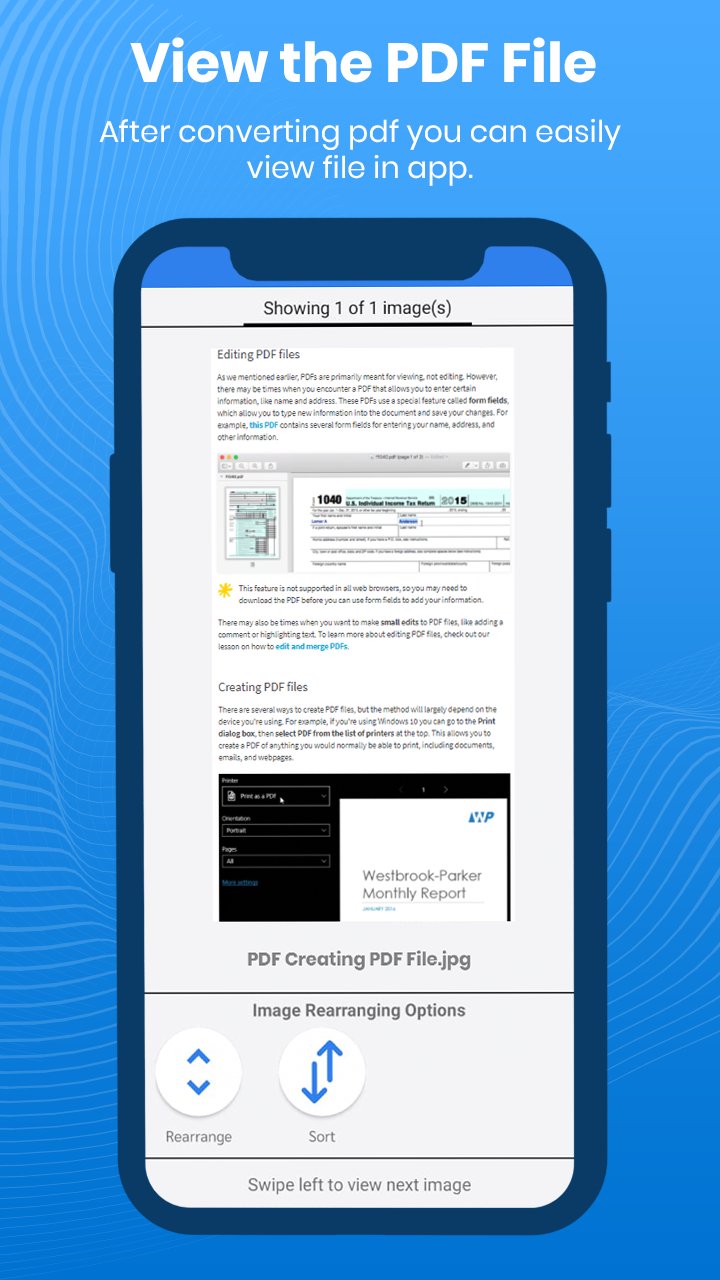
> View PDF files and history
You can see all existing files created by this tool.
> Add password
You can add a password to any pdf document.
> Remove password
The password can be removed from any PDF file.
> Add text
You can add any text in the PDF file to customize it.
> Turn pages
Pages can be rotated in a pdf document.
> Add watermark
Watermark text can be added to any existing PDF.
> Add images
You can add multiple images to the existing PDF file.
> Merge PDF
Download to more PDFs can be merged.
> Split PDF
You can split any PDF into parts.
> Invert PDF
Using this option can invert any pdf with a black or white background.
> PDF compression
Using the compression method, each of your PDF sizes can be reduced.
> Remove duplicate
With the help of this tool, duplicate PDF can be removed in one click.
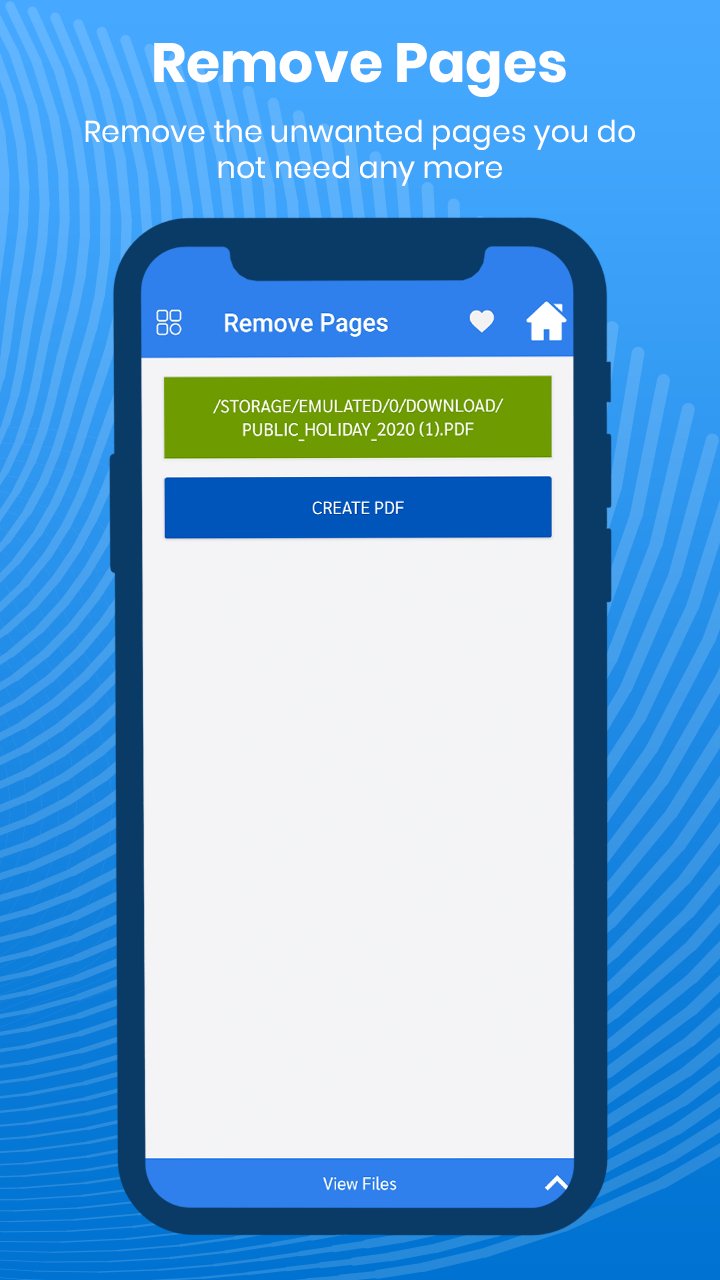
> Remove pages
With this function you can remove any of the pages from the selected pdf.
> Rearrange pages
You can rearrange any of the pages of the selected pdf document.
> Image retrieval
Images can be extracted from any of the selected pdf documents.
> Extract text
You can extract text from a pdf document.
> ZIP to PDF
You can make a zip file into a pdf document.
Latest Version
3.0Requires Android
5.0
Category
Free Tools AppContent Rating
Everyone
Report
Flag as inappropriateLast updated on Jan 26, 2023
This release includes minor bug fixes and general improvements. Update to the latest version for the best experience.


APKPure - A multi-platform app store primarily focused on Android, providing extensive app-related content. Discover the app you want easier, faster, and safer, with quick and efficient downloads and installations.