Our website uses necessary cookies to enable basic functions and optional cookies to help us to enhance your user experience. Learn more about our cookie policy by clicking "Learn More".
Accept All Only Necessary Cookies
2016-11-03
举报  |  回复

Sideloaded to Amazon Fire Stick and the app will not open. Xfinity TV Go used to work well. Any tips?

注册
我已阅读并接受APKPure相关条款
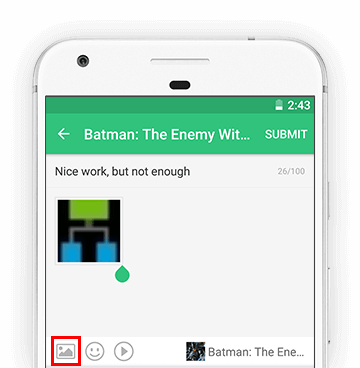
添加图片

注意:帖子图像添加功能仅适用于APKPure应用市场客户端,支持的图像格式包括:GIF, JPEG, PNG, WebP等。立即下载!

  • IIRC, 3.2.1.028 version is on my AFTV box and working. The newest version will not work for me on my 2nd AFTV box. (I am sideloading from my tablet)

    举报
    • Jae

      Hello, how did you get past the Get Started screen? I was able to sideload it but I get a message saying unsupported browser link.

      举报
    • I did get that earlier version to work on my 2nd aftv. I did not write it down so here goes. I downloaded the old apk to a thumb drive on my pc. Connected thumb drive to aftv and used es file explorer to find it and install it from the thumb drive. It installed but the icon does not show up in the aftv apps. I launched it from es file explorer and/or the settings menu. I have a fosmon bluetooth mini keyboard with mouse pad and the aftv controller (back button is used a lot) to get past the first page and input xfinity credentials. I think the input did not show on the screen but was taken anyway. It registered and i was able to navigate to tv channel numbers including local stations. Need aftv control and blutooth keyboard with mouse pad!


      举报
    • Jae Steve Johnston

      Thanks for your response. I will try the steps you mentioned above.

      举报
  • hi, can you please add the philippines channel... thank you...

    举报
没有符合条件的内容
  • 😊
  • 😂
  • ❤
  • 😭
  • 😍
  • 😘
  • 🙄
  • 💀
  • 😫
  • 🤔
  • 😊
  • 😂
  • ❤
  • 😭
  • 😍
  • 😘
  • 🙄
  • 💀
  • 😫
  • 🤔
订阅APKPure
第一时间获取热门安卓游戏应用的首发体验,最新资讯和玩法教程。
不,谢谢
订阅
订阅成功!
您已订阅APKPure。