Scan Date:Apr 27, 2026
Show More


Clone App, also known as XClone App, helps users keep work and personal accounts separate on one Android phone. It creates an isolated space where social apps and games can run in parallel without sharing data. This setup is practical for dual WhatsApp, Instagram, or game accounts, and it also supports account switching with clear boundaries. Meanwhile, the app focuses on privacy and control, so you can manage sensitive content more comfortably. If you prefer a direct install, Clone App APK is available for Android devices.
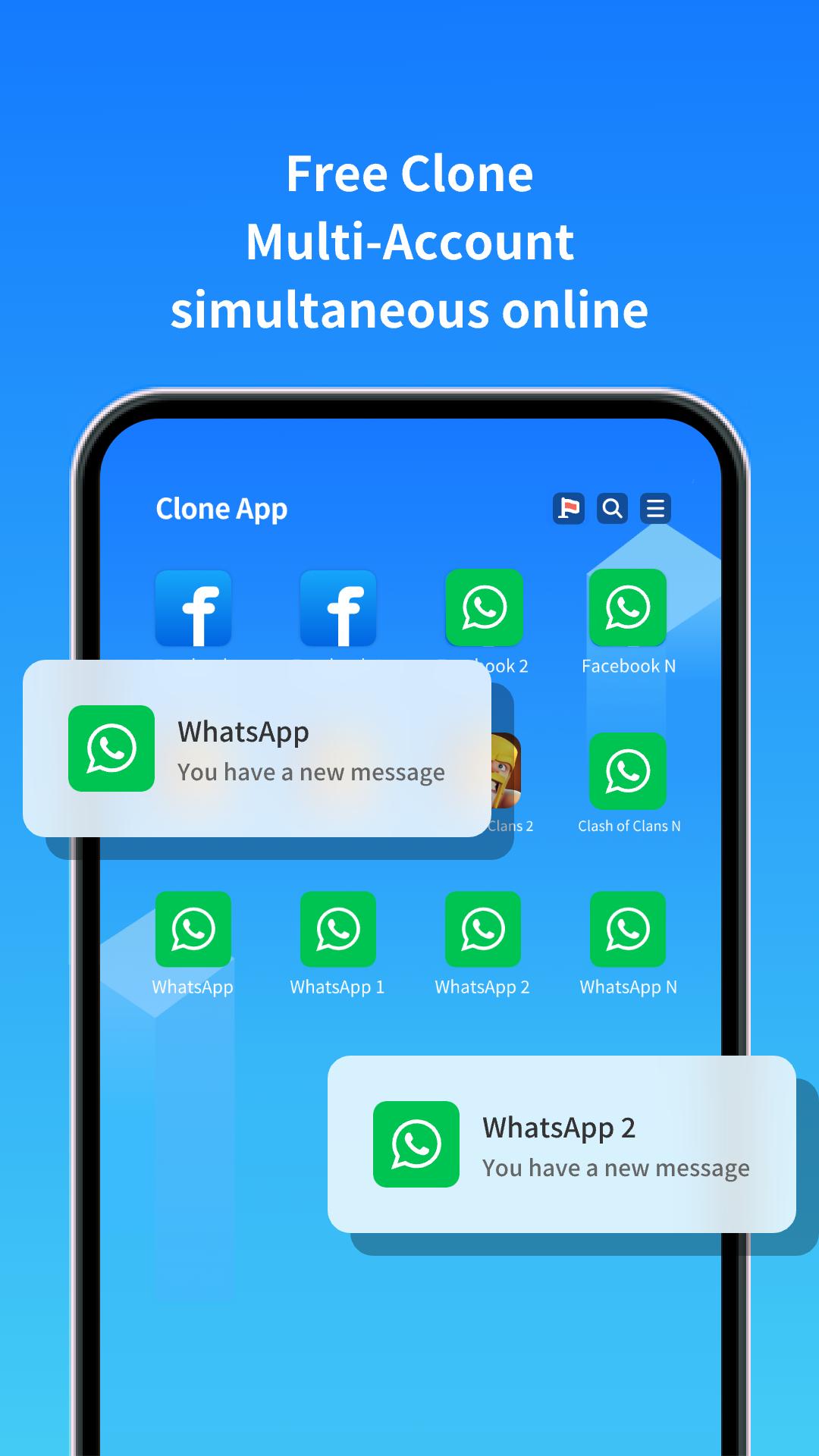
Run multiple accounts in parallel
Clone App lets you open a second instance of social and gaming apps in a virtual space. You can log in with different accounts at the same time and keep conversations and game progress separate. Data does not cross between the original and the cloned app, which helps avoid mixups between work and personal activity.
Privacy toolkit for daily protection
You can secure access to clones with an app lock and keep private photos or videos in a vault album. Clone App also hides selected apps from the main interface and adds a virtual keyboard to block untrusted input methods. These tools work together to reduce exposure of sensitive content on shared devices.
Advanced spoofing without root
Clone App provides fake GPS with movement simulation to test location based features inside the virtual space. You can also mask device details such as device ID, IMEI, IMSI, brand, and model, and adjust MAC and GAID. Extra options include hiding SIM and GPU info or setting a webview proxy. All of this runs without root, which lowers the setup barrier for power users.
Stable virtual engine and app controls
The internal virtualization engine is designed for stable daily use and keeps clones isolated. You can enable or disable Google services inside the space when certain apps require them. Window mode helps you view clones in a resizable window, and you can rename or change icons to tell clones apart at a glance.
Utilities and VIP options
Clone App includes a video and music downloader that saves directly into the vault, so media stays private. A transfer tool helps move clones and private albums to a new device with minimal setup. The optional VIP upgrade removes limits on the number of clones per app and adds enhanced features such as simulated GPS movement.
Some cloned apps may need permission to install apps from unknown sources. If a clone requests this, open your Android settings and allow the install unknown apps option for the clone host. Certain system prompts may appear due to virtualization behavior and can be reviewed before you proceed. This guidance applies to apps installed inside the virtual space and not to your device’s main system.
Not every app, custom ROM, or Android emulator works with virtualization. If you meet crashes, login failures, or notification delays, use the in app Feedback option to report the issue with device and app details. For better delivery of time sensitive alerts, enable notifications for the clone host and turn on Google services inside the space when a specific app depends on them.
Some users may receive experience codes for a seven day VIP trial with a limited redemption window of seventy two hours. You can also follow the official Telegram channel for tips and service updates when available. Notifications should remain enabled to avoid missing code notices or important service messages.
This quick guide covers the basics, from first launch to managing your first clone. It also shows where to find key privacy and spoofing tools in the virtual space. To begin, download Clone App and prepare your target apps for cloning.
Clone App creates a separate space for extra accounts and private tools on one device. It supports social apps and games while keeping data isolated. For the latest fixes and features, consider installing the Clone App latest version.
For official help or service information, use the links below.
Latest Version
4.1.3Uploaded by
حيدر اياد الساعدي
Requires Android
Android 7.0+
Category
Free Tools AppContent Rating
Everyone
Security Report
Report
Flag as inappropriateLast updated on Apr 27, 2026
Minor bug fixes and improvements. Install or update to the newest version to check it out!




APKPure - A multi-platform app store primarily focused on Android, providing extensive app-related content. Discover the app you want easier, faster, and safer, with quick and efficient downloads and installations.