Package Name:com.kdcstudio.lectorpdf
SHA-256:ef8647c4612e97f69bc67a50de6809066c66d684cac66a624aac3e219684704d
Show More
PDF Reader & Tools opens every document that lands on your phone: PDF, Word, Excel, PowerPoint, TXT and CSV. It also packs 12 tools to edit your PDFs and annotations to mark them up. It works offline and needs no account.
Your documents never leave your phone. The app has no servers: it does not upload, copy or analyse your files.
OPENS WHATEVER THEY SEND YOU
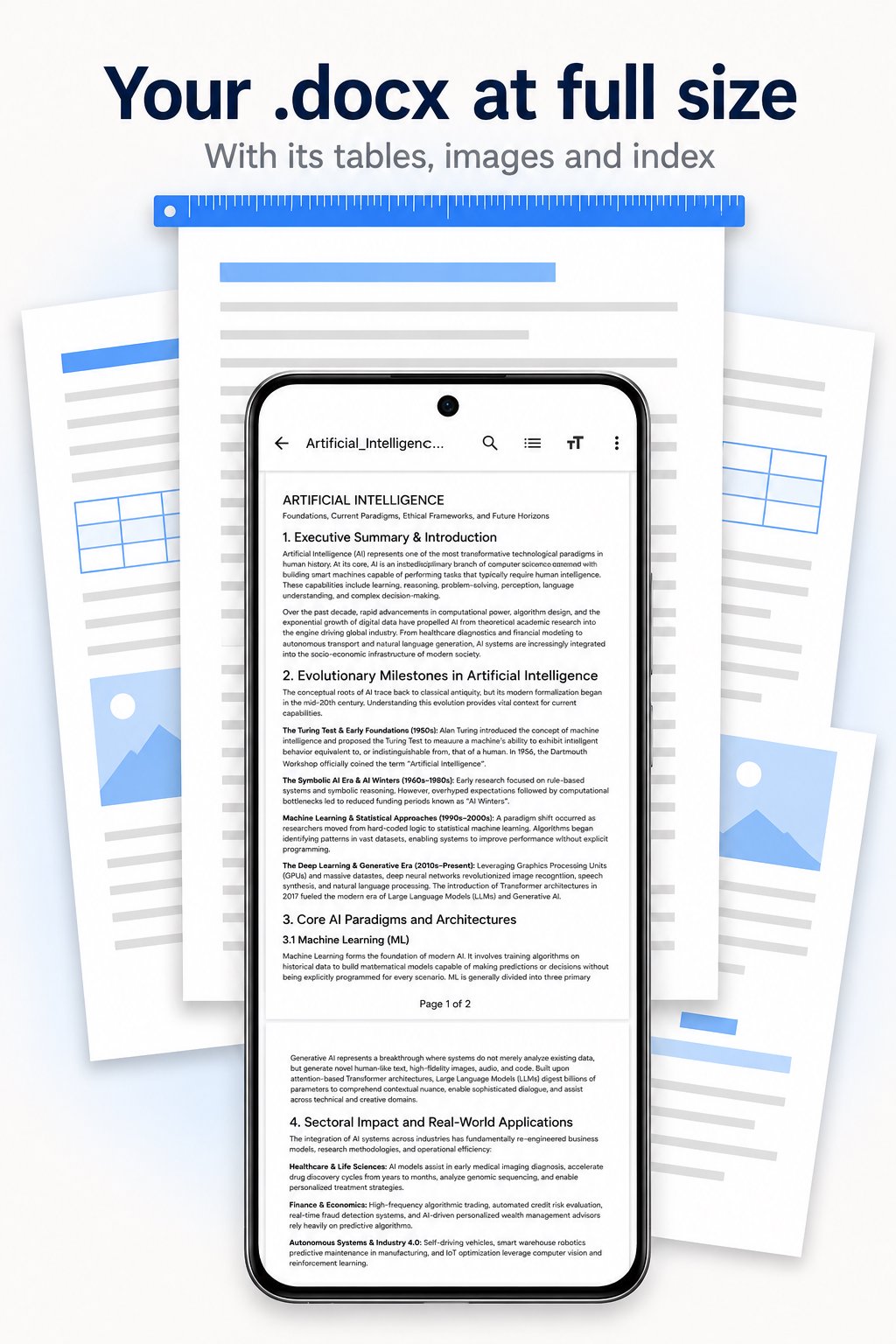
• Word (DOCX): true-size pages, with their tables, images, lists and outline
• Excel (XLSX) and CSV: headers always in view, sort by tapping a column, and see the formula behind each cell
• PowerPoint (PPTX): slides at their real proportions, plus a presentation mode
• Text (TXT): read it, and edit and save it too
• Export any of them to PDF
All five open for reading: this app is not a replacement for an Office editor.
A READER THAT GETS OUT OF THE WAY
• Continuous scrolling or page by page, whichever you prefer
• Pinch to zoom, sharp at any magnification
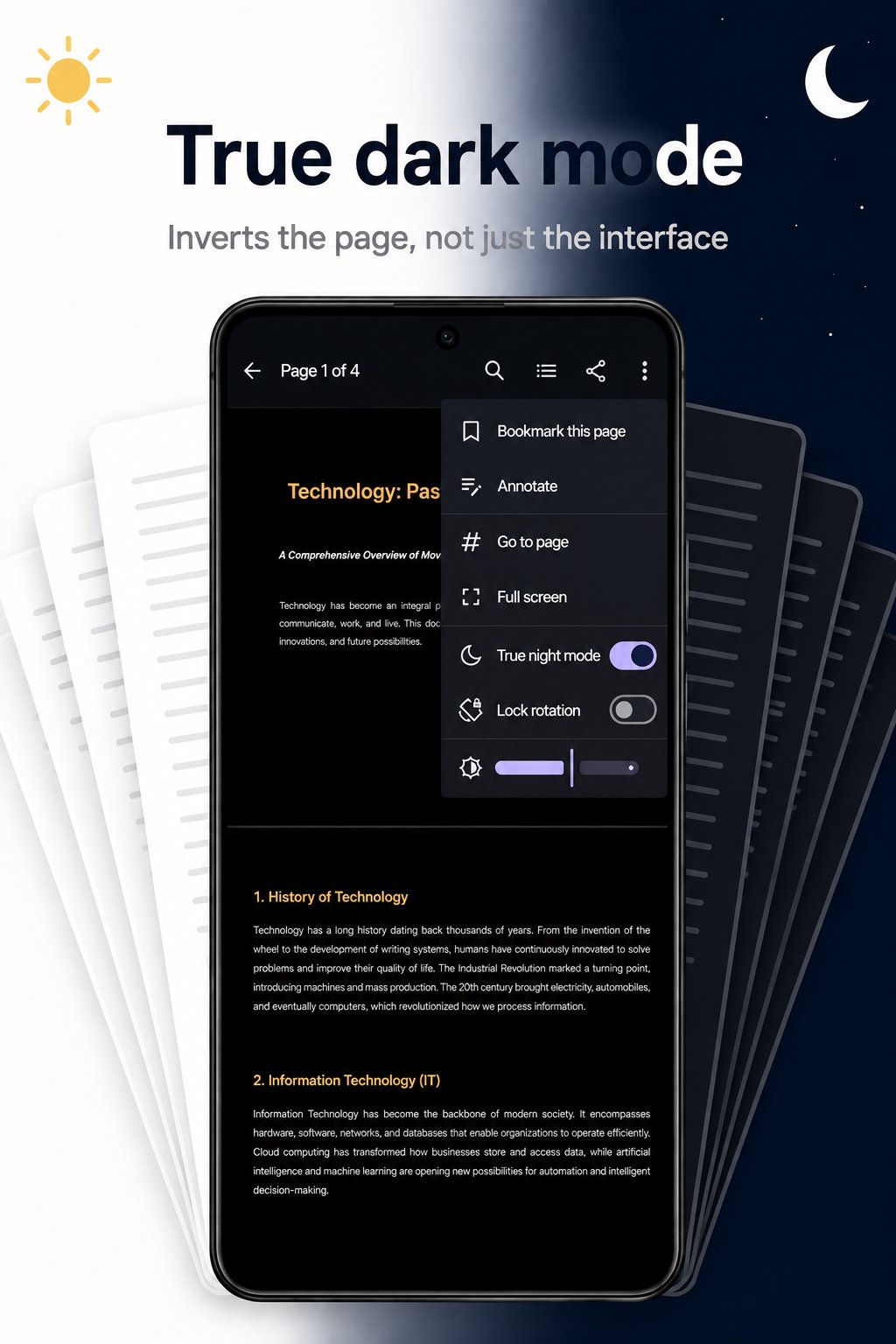
• True night mode: it inverts the page, not just the interface
• Full screen and rotation lock
• Opens password-protected PDFs
• Always reopens on the page you left off
A LIBRARY THAT SORTS ITSELF
• Your documents show up on their own, no folder-by-folder hunting
• Filter by format: only PDFs, only Word files, only spreadsheets
• Covers, favourites, search, and sorting by date, name or size
• List or grid view
• A "continue reading" widget for your home screen
SEARCH AND MOVE AROUND THE DOCUMENT
• Text search, highlighted right on the page
• Document outline and your own bookmarks
• Page thumbnails and jump to any page
12 PDF TOOLS
• Merge several PDFs into one
• Split a PDF into separate files
• Extract, delete and reorder pages
• Rotate pages
• Compress to make the file smaller
• PDF to JPEG images
• Images to PDF
• Password-protect a PDF, or remove the password
• Watermark
No tool ever touches the original file: the result always goes to a new PDF, so getting it wrong costs you nothing.
ANNOTATE AND SIGN PDFS
• Highlight, underline and strike through, snapped to the lines of text
• Sticky notes, text and freehand drawing
• Drop in an image or your signature
Everything is saved into a new PDF and shows up in any reader.
MAKE IT YOURS
• Light, dark and AMOLED black themes
• Dynamic colour (Material You)
• English, Spanish, Portuguese, French, Hindi and Indonesian
• Back up your library and bookmarks to a file
PRO VERSION
One single payment, no subscription and no recurring fees: it removes the ads and unlocks every premium theme.
PDF Reader & Tools is built by an indie studio. If something does not work the way you expected, write to us — we answer.
KDC STUDIO
Latest Version
1.1.14Uploaded by
Arturo Gonzalez Aguirre
Requires Android
Android 8.0+
Category
Free Productivity AppContent Rating
Everyone
Security Report
Check Now
Report
Flag as inappropriateLast updated on Oct 17, 2026
You can now select and copy text inside a PDF: press and hold a word, then drag to take as much as you need.
The selection carries on from one page to the next, and the document scrolls by itself when you reach the edge. In Word it no longer stops at the end of a page either.
On small screens everything is tighter, so more documents, tools and settings fit at once.
And you can now share the app from Settings.





APKPure - A multi-platform app store primarily focused on Android, providing extensive app-related content. Discover the app you want easier, faster, and safer, with quick and efficient downloads and installations.