Scan Date:Mar 9, 2026
Show More

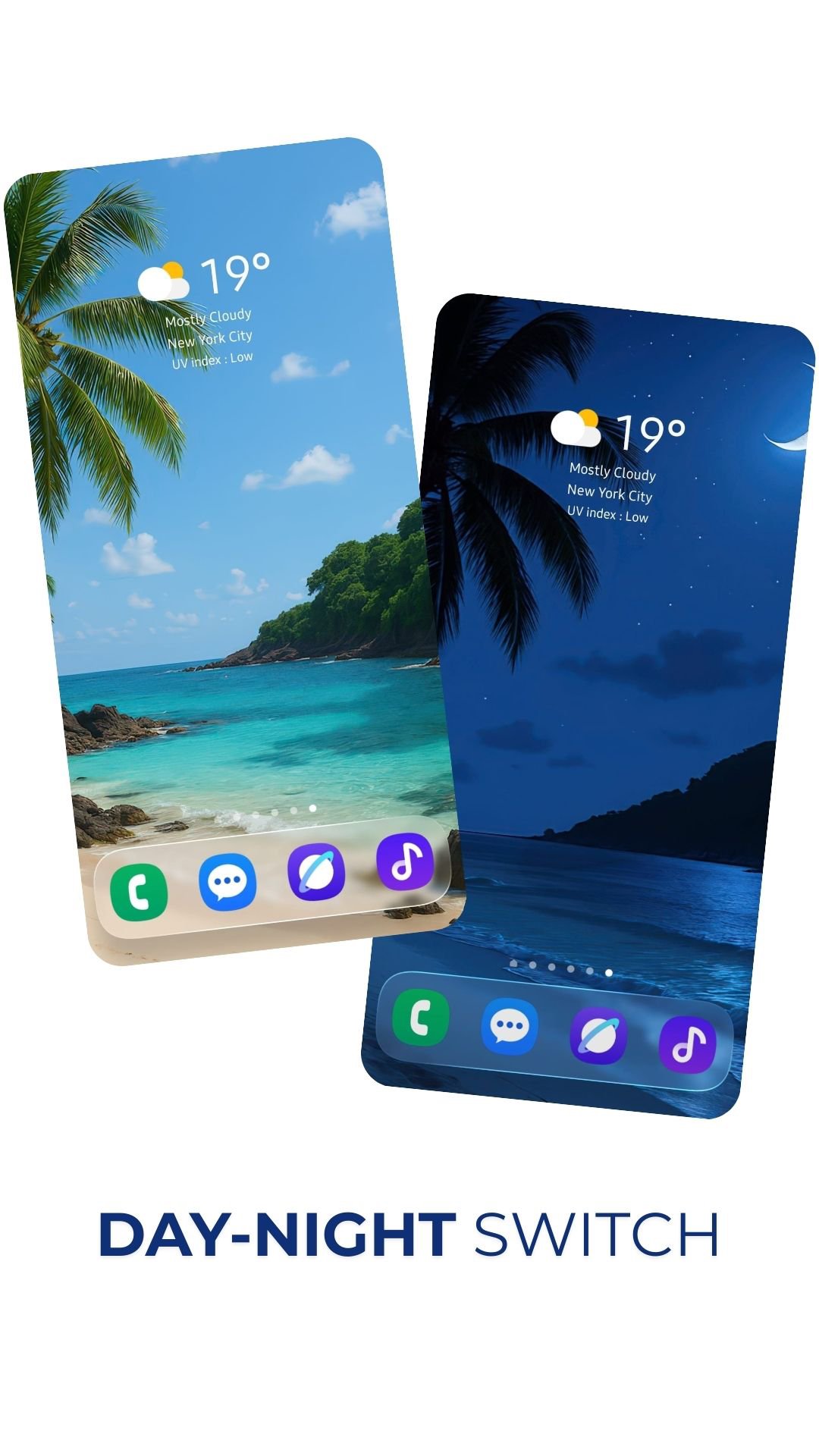
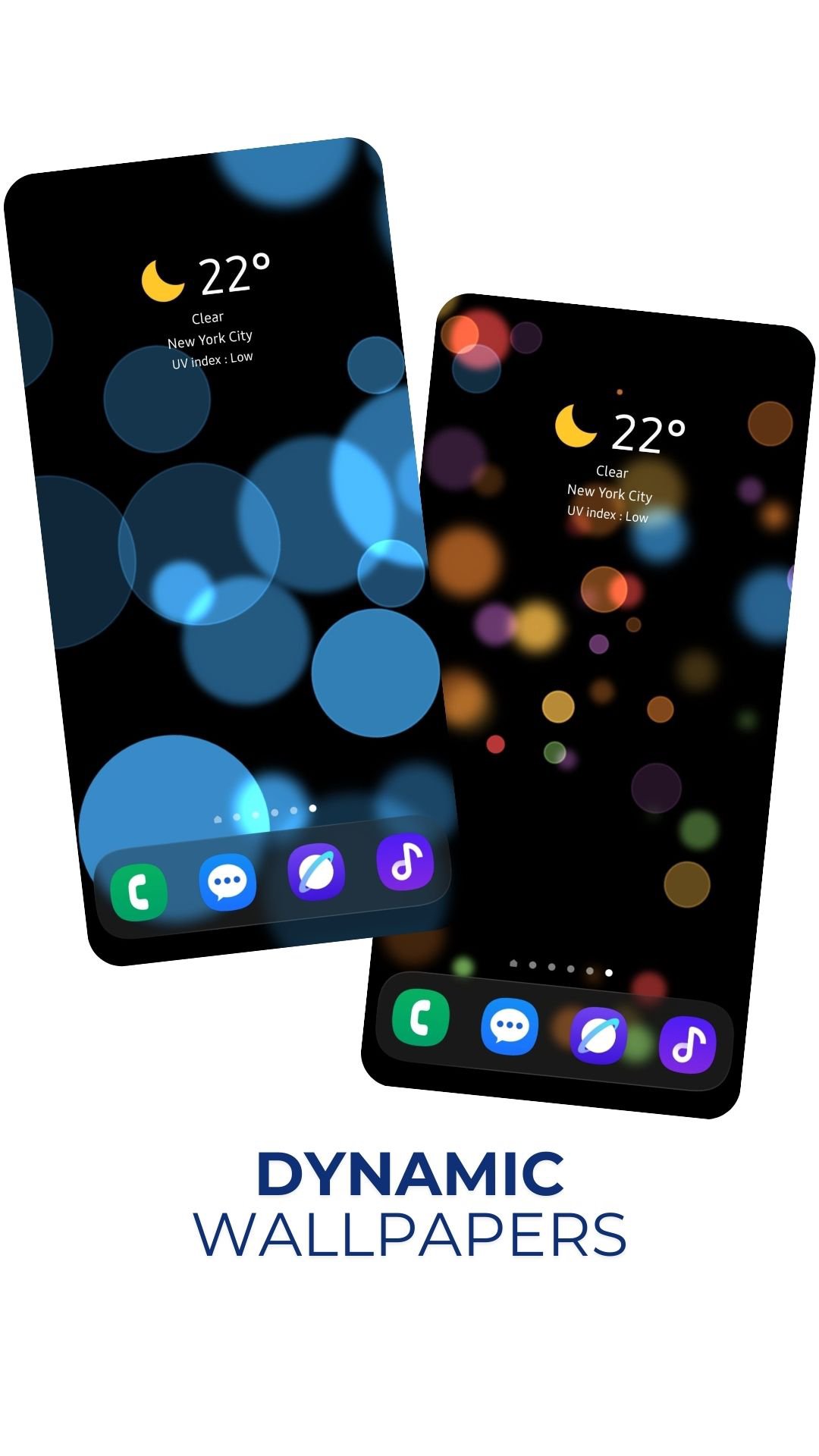
BlurDock suits users who want a tidy home screen with a soft blur around the dock and icons. It recreates a live, blurred interface that adapts to your device and keeps attention on your apps. Additionally, it helps you manage backgrounds in one place while keeping your existing launcher. To begin, download BlurDock and set it as a live wallpaper, then adjust the interface until it fits your style. Controls are simple and designed for quick access with just a few taps.
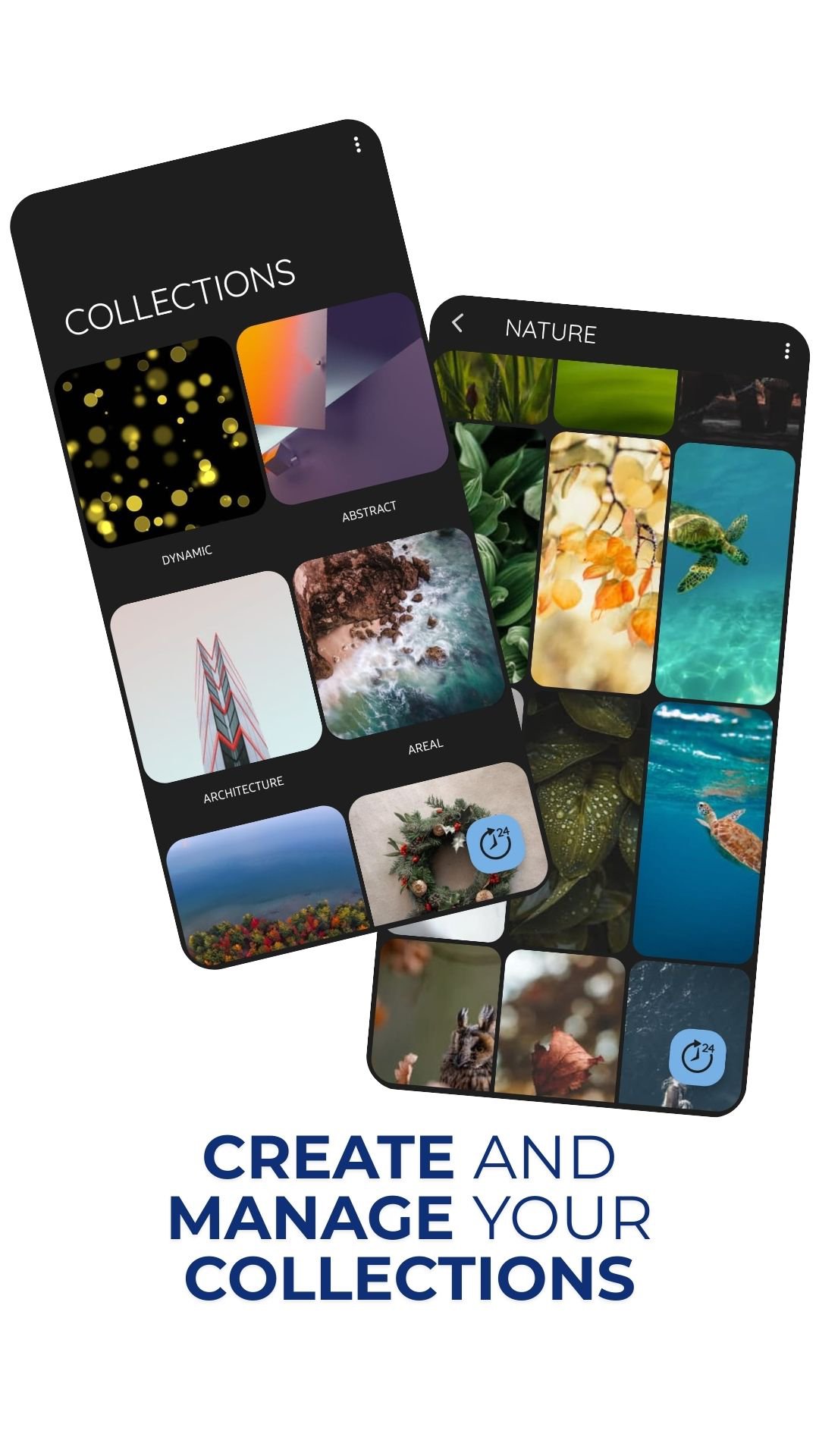
Organize and import wallpapers
You can create collections for different looks and keep your library tidy. Import images from other apps or the web by using the share option to send them into BlurDock. Sharing themes with friends is supported for quick setup. After installing the BlurDock APK, building and maintaining your wallpaper library becomes straightforward.
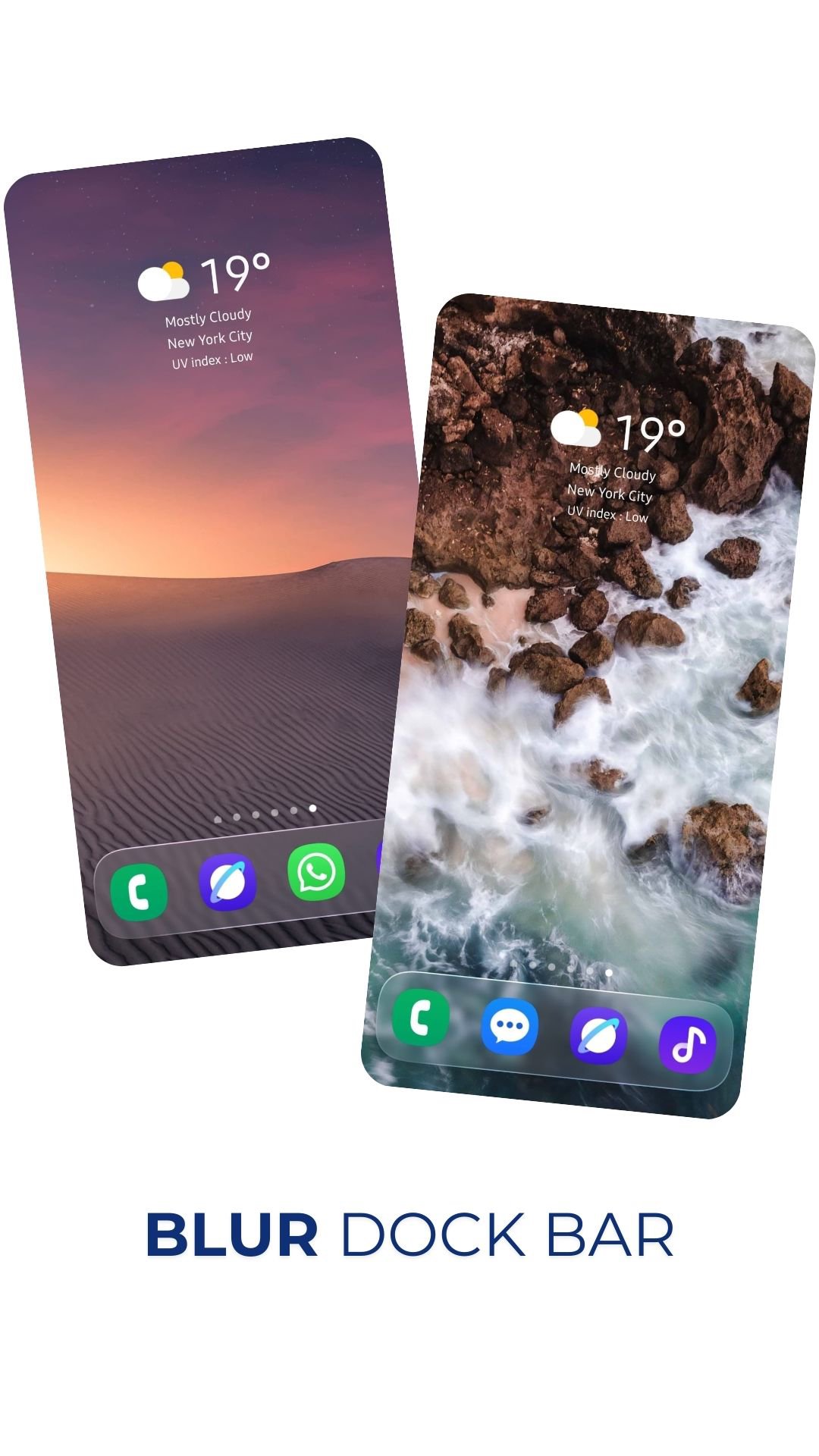
Build a blurred dock and interface
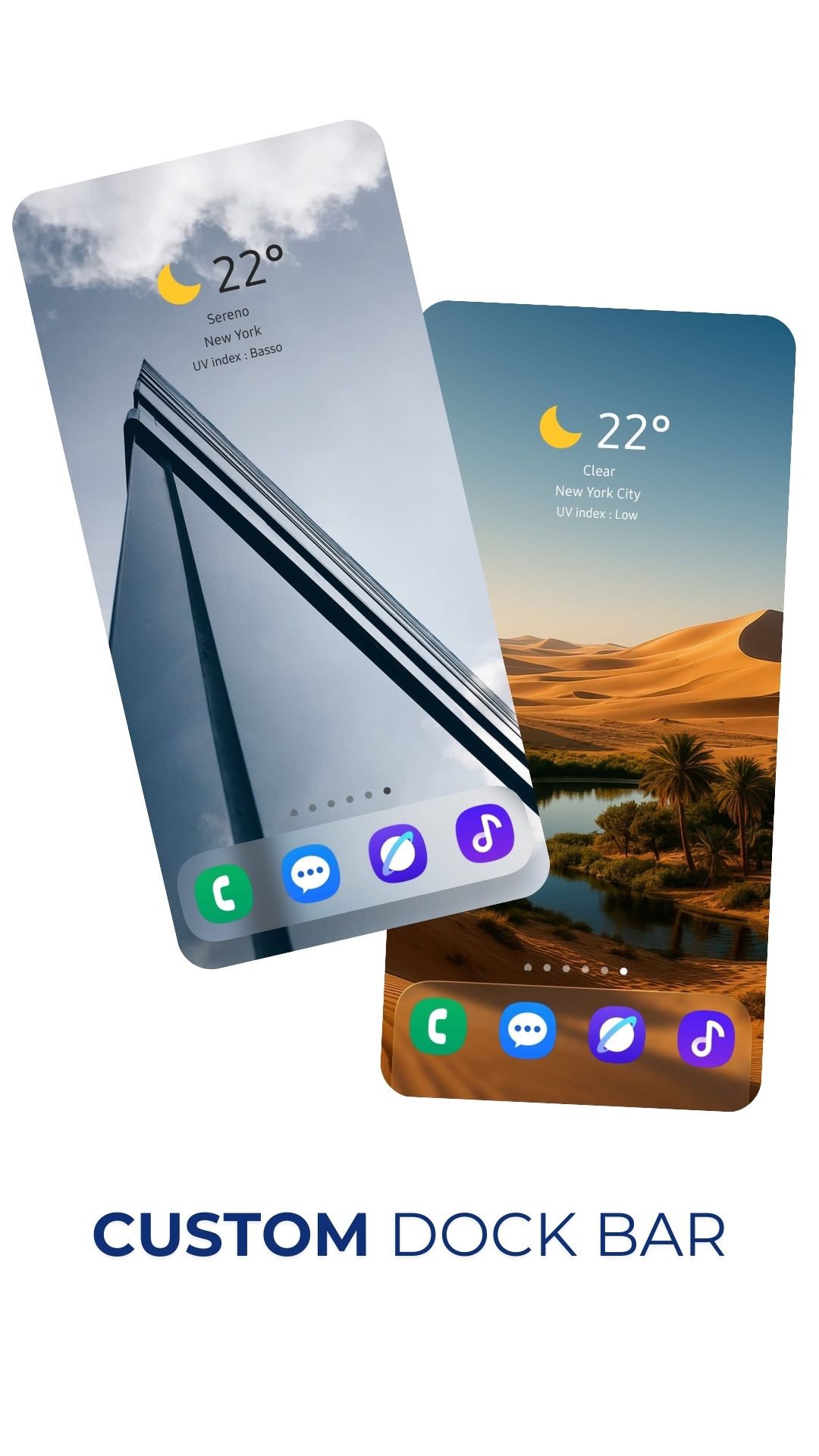
BlurDock recreates a blurred dockbar that works with your current launcher. You can customize the blur interface to better match icons and backgrounds. Real-time blur and a liquid glass simulation add depth, while a parallax perspective effect brings subtle motion as you move the phone.
Theme-aware effects and battery options
Quick changes and daily updates
Change the current wallpaper with a single tap when you want a fresh look. The Daily Wallpaper option rotates backgrounds automatically, so your home screen stays updated without extra steps.
Set BlurDock as your live wallpaper, then fine-tune the blur and effects to suit your device. For current features, check the BlurDock latest version before configuring effects. Some wallpapers shown in screenshots are not included, so import your own images to create the look you prefer.
Latest Version
2.30Uploaded by
Valeria Fortoso
Requires Android
Android 6.0+
Category
Free Personalization AppContent Rating
Everyone
Security Report
Report
Flag as inappropriateLast updated on Mar 9, 2026
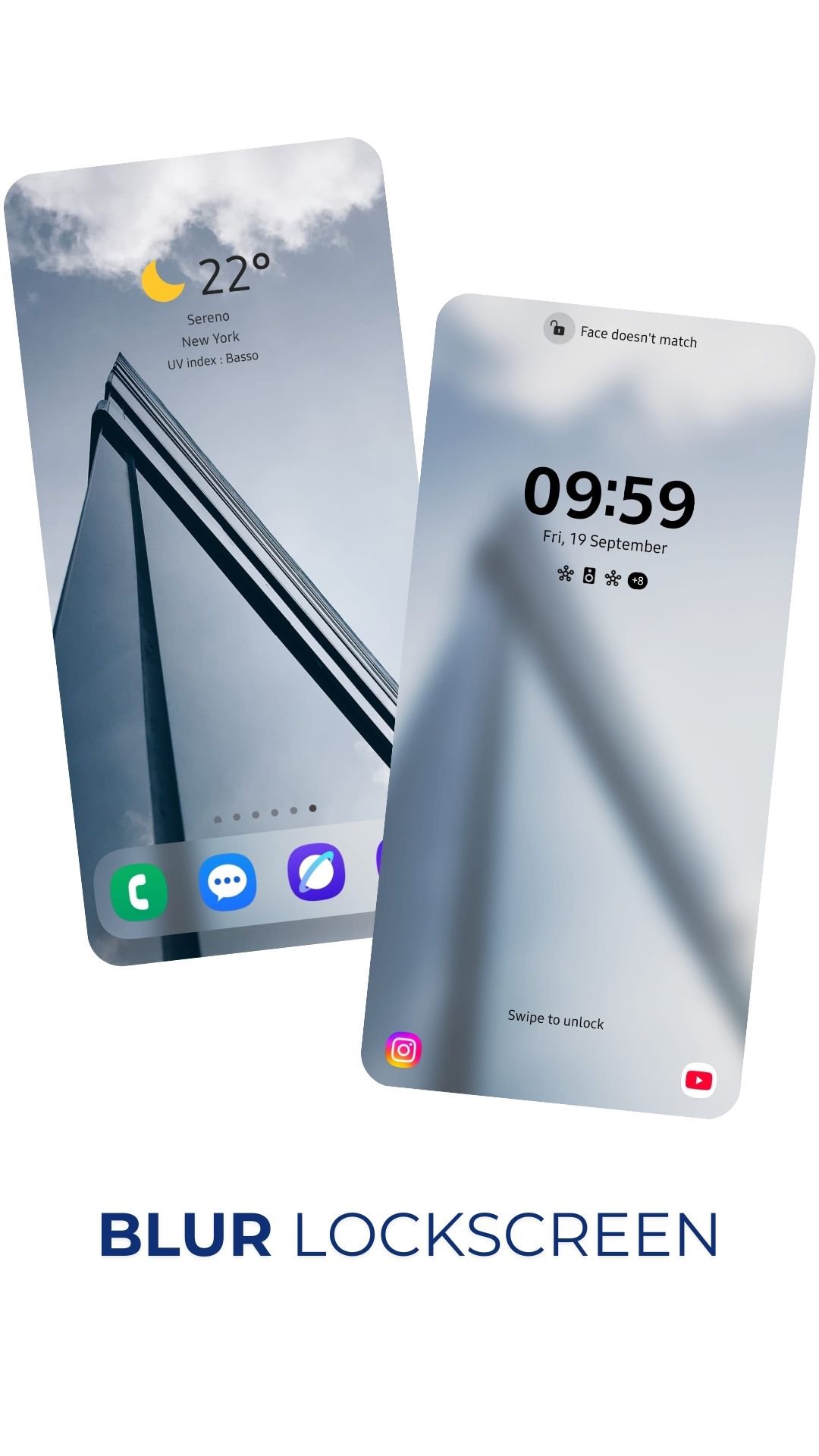
Added Lockscreen blur clock, bug fix


APKPure - A multi-platform app store primarily focused on Android, providing extensive app-related content. Discover the app you want easier, faster, and safer, with quick and efficient downloads and installations.