Mihon helps users who want control over their reading sources and a simple way to keep chapters organized on Android. The app provides a clean reading experience with catalogs you choose to install, then keeps your place while you continue at your own pace. Because sources are added by you, it works across different preferences and storage limits with smart handling of downloads. As a free open‑source project, it suits readers who value transparency and choice.
Extensions and sources
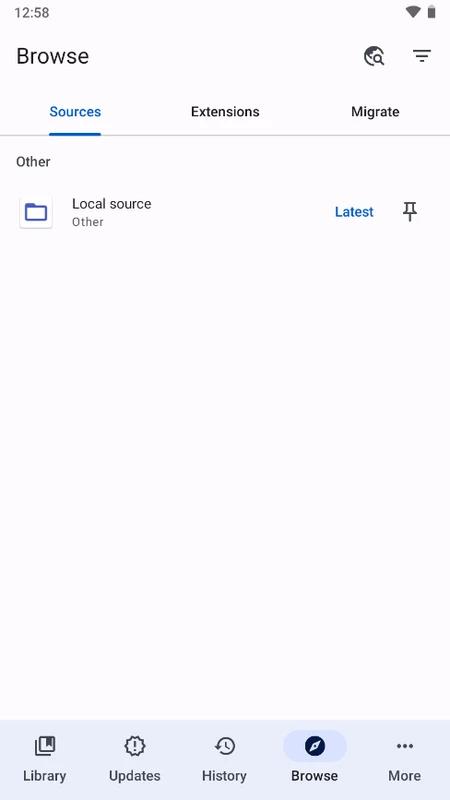
Mihon supports extensions so you can add repositories and browse many catalogs from one place. After installing the extensions you need, each source can be searched separately to find titles that match your interests. This approach helps you build a library from catalogs you pick, rather than relying on a single list. It also keeps browsing organized by separating results per source.
Library organization and chapter updates
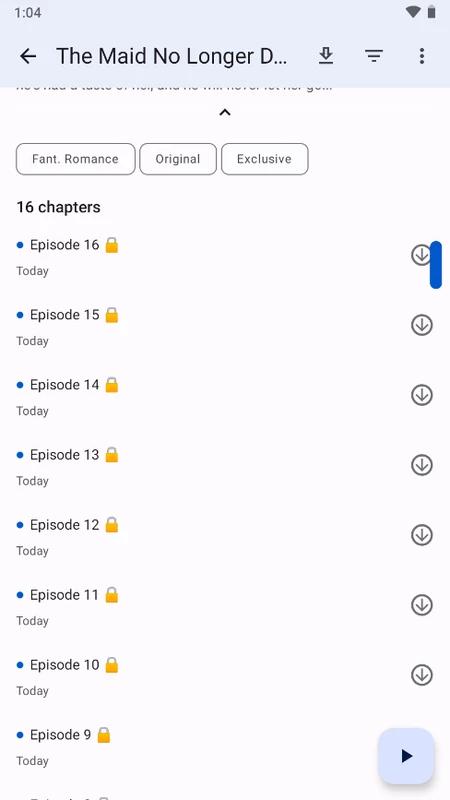
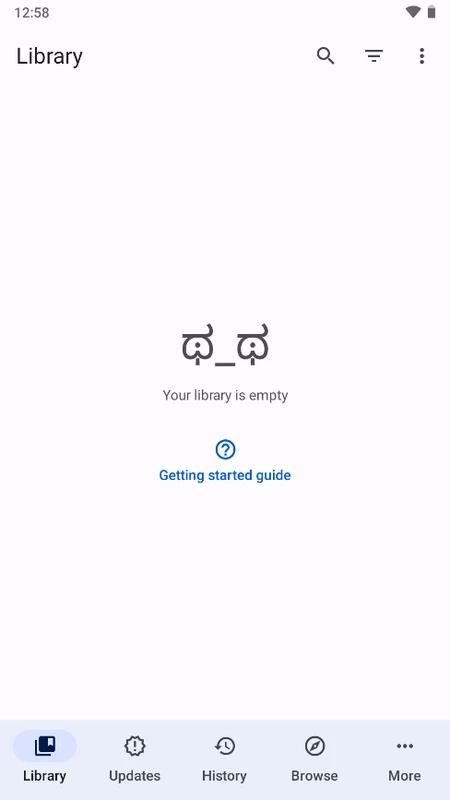
You can save favorites and sort them into categories to keep ongoing series tidy. Mihon checks for new chapters from your chosen sources and can send alerts when updates arrive. This helps you track active series without manual checks. As your list grows, categories make it easier to focus on what to read next.
Progress tracking integrations
Mihon connects with services like MyAnimeList, AniList, and Kitsu to keep your reading status in sync. Once linked, your progress updates automatically as you finish chapters, which reduces manual updates across platforms. This keeps your series lists aligned when you read on your phone. It also helps you resume where you left off if you switch devices later.
Reading modes and controls
You can set reading mode and orientation to match different content types, including long webtoons and paged comics. Mihon supports gesture controls and lets you map volume keys for page turns so you can read one handed. Page size and transitions are adjustable to fit your screen and comfort level. These options make it easier to stay focused on the chapter.
Smart downloads, storage, and backup
Mihon lets you limit downloads to Wi‑Fi and read offline when a connection is not available. Finished chapters can be removed automatically to save storage while keeping your library intact. Backup and restore tools preserve your categories, tracking links, and reading settings for later. This helps when moving to a new phone or reinstalling the app.
Mihon is an Android app and works through extensions, which means no catalogs are included by default. You need to install extensions from repositories before browsing titles, and availability depends on which sources you choose. Notifications only appear for items saved to your library, so add favorite series to receive chapter alerts. For offline reading, download chapters in advance and consider enabling Wi‑Fi only to manage data use.
As an open‑source project, the Mihon manga reader focuses on flexibility and user control rather than preloaded content. Extensions may be updated independently from the app, so keeping both current helps maintain browsing and downloads. If you plan to switch devices, make a backup first to carry over your setup with minimal effort.
Getting started is straightforward once extensions are set up. After you download Mihon and open it, a quick visit to the extensions area prepares your catalogs for browsing. Then you can build a library, enable updates, and start reading without extra steps.
Install the app on your Android phone, open it, and go to the Extensions section from the main menu.
Add a repository if prompted, then install extensions for the catalogs you want to browse and enable the sources you prefer.
Open Browse, pick a source, search or explore, open a title page, and tap to add it to your library.
Turn on chapter update notifications in settings and choose categories to keep your series organized.
Open a chapter to start reading, adjust the reading mode and controls, and set downloads to Wi‑Fi only if you plan to read offline.
Mihon offers a flexible way to discover, organize, and read chapters from sources you add. Its customization, tracking, and storage tools fit both casual reading and long archives. To keep current, download Mihon APK latest version from APKPure when updating your setup.
Latest Version
0.19.9Uploaded by
Mihon
Requires Android
Android 8.0+
Category
Free Comics AppReport
Flag as inappropriateLast updated on Apr 13, 2026
This release includes minor bug fixes and general improvements. Update to the latest version for the best experience.






APKPure - A multi-platform app store primarily focused on Android, providing extensive app-related content. Discover the app you want easier, faster, and safer, with quick and efficient downloads and installations.