Scan Date:May 12, 2026
Show More

VN Video Editor suits users who want quick edits on a phone while keeping precise control over timing and layout. It helps with day to day clips, social posts, and longer projects, and it stays simple enough for beginners. At the same time, it scales for more detailed work as your skills grow. Besides basic trimming, it supports layered editing, color work, and audio tools so you can finish an entire project on one device. For convenient access, many users look for VN Video Editor APK when setting up on Android.
Multi track timeline with precise control
VN Video Editor uses a timeline that lets you place video, images, text, and audio on separate tracks. You can reorder clips by dragging them and make fine timing changes down to 0.05 seconds. Edits are non destructive, so undo and redo returns you to earlier versions without losing work. This setup is friendly for beginners and still flexible for experienced editors, also known as VlogNow users.
Keyframing, speed curve, and advanced motion tools
You can animate properties with keyframes to control position, scale, opacity, and more across time. Speed Curve supports time remapping for smooth slow motion or ramped speed changes. Reverse, zoom, freeze frame, transitions, and picture in picture help you build sequences that match your storyboard. These tools work together, so you can combine motion with timing edits without switching apps.
Color grading with filters and LUT import
For color work, VN Video Editor includes filters for quick looks and supports LUT import in .cube format. This lets you apply consistent film style grading across multiple clips. You can adjust tone and color to balance different shots and keep a clean result. With LUTs and filters available, it is easier to match footage from various cameras.
Audio tools and AI assisted text
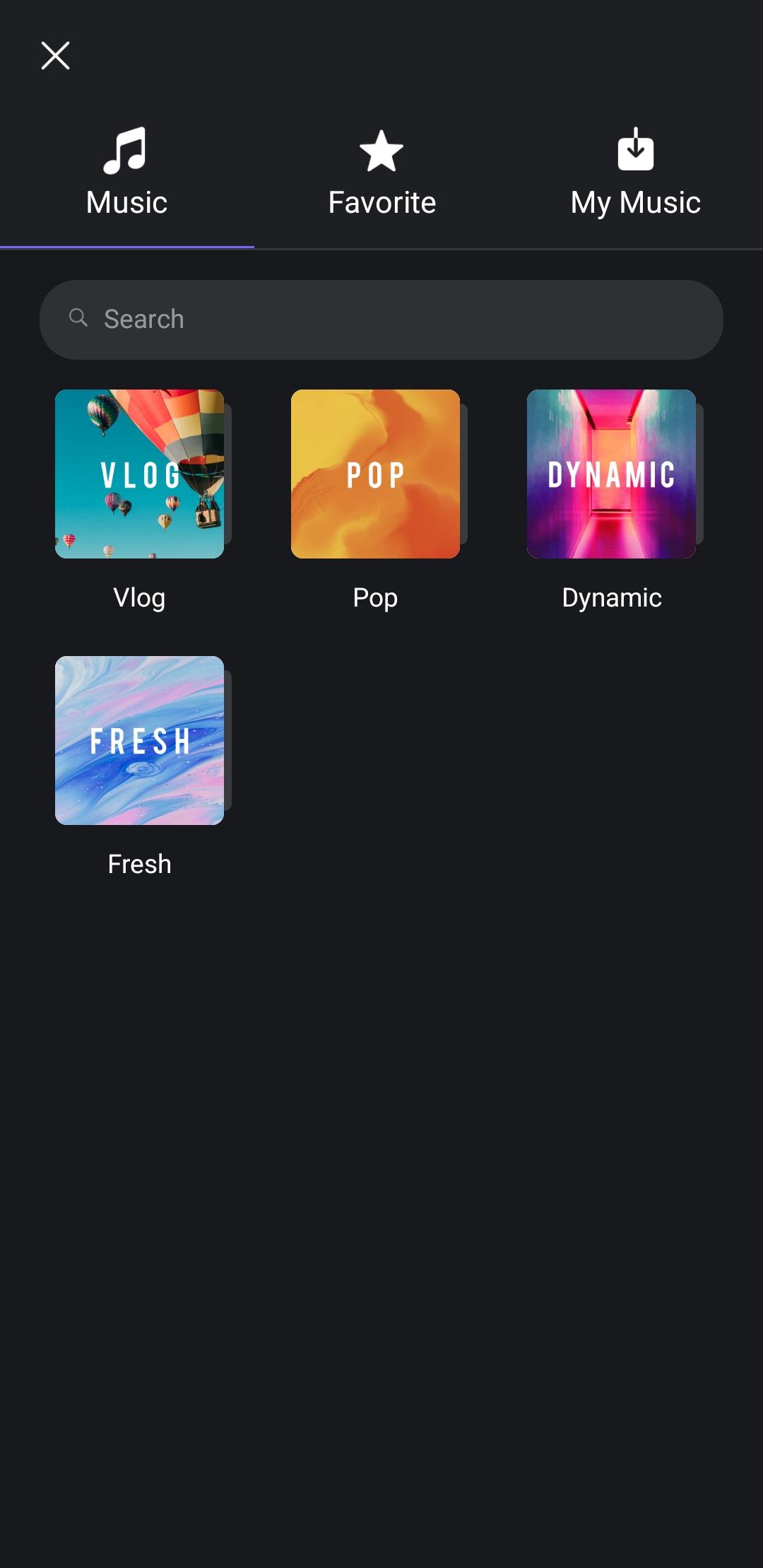
VN Video Editor adds beat markers so you can align cuts to music without guessing. You can record voice over directly in the timeline and adjust levels to keep speech clear. Auto Text Caption converts speech to on screen text, which saves time on subtitles. Text to Speech offers multiple AI voices for narration, so you can produce drafts even when recording is not possible.
Materials, templates, export, and project protection
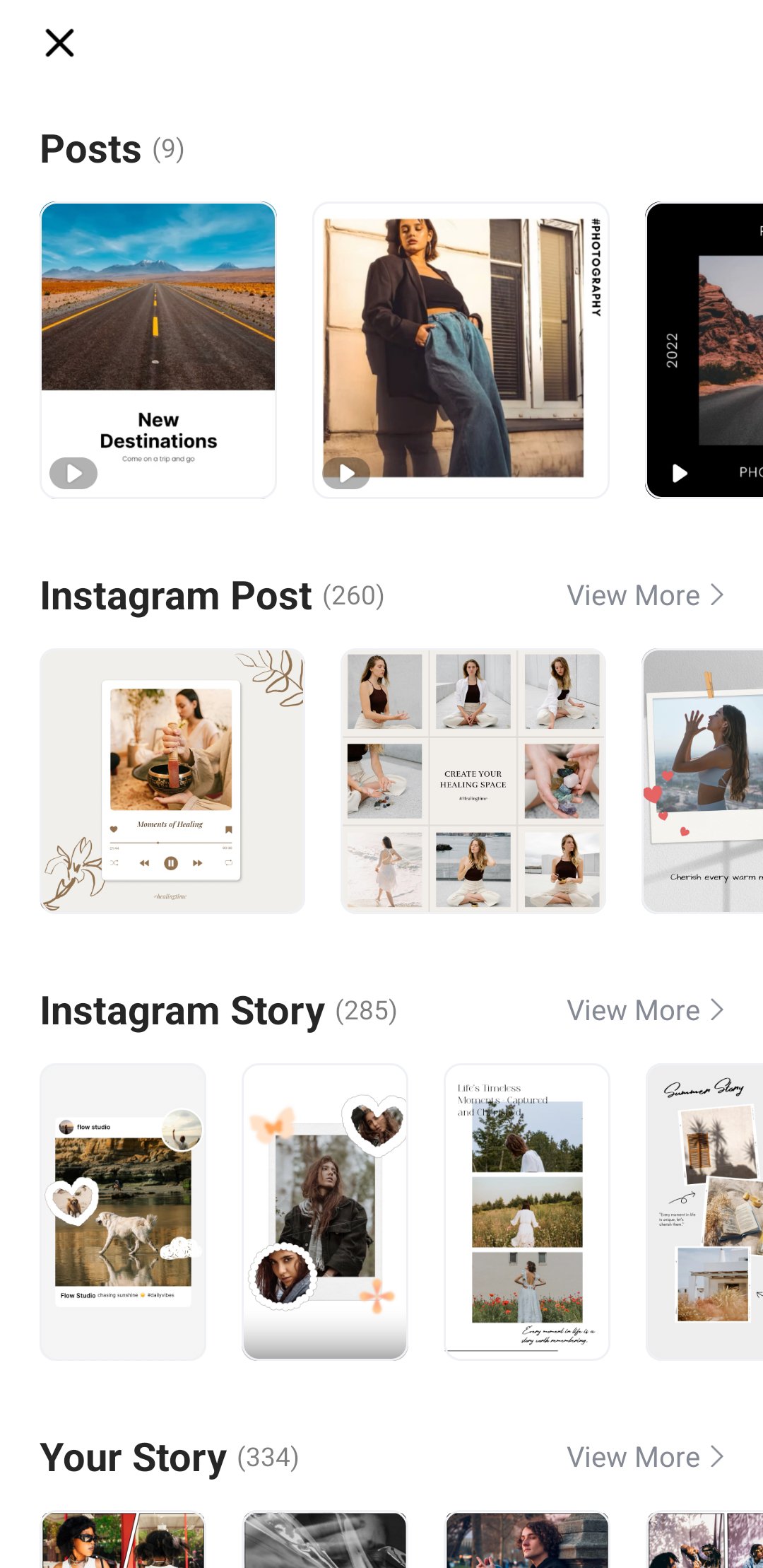
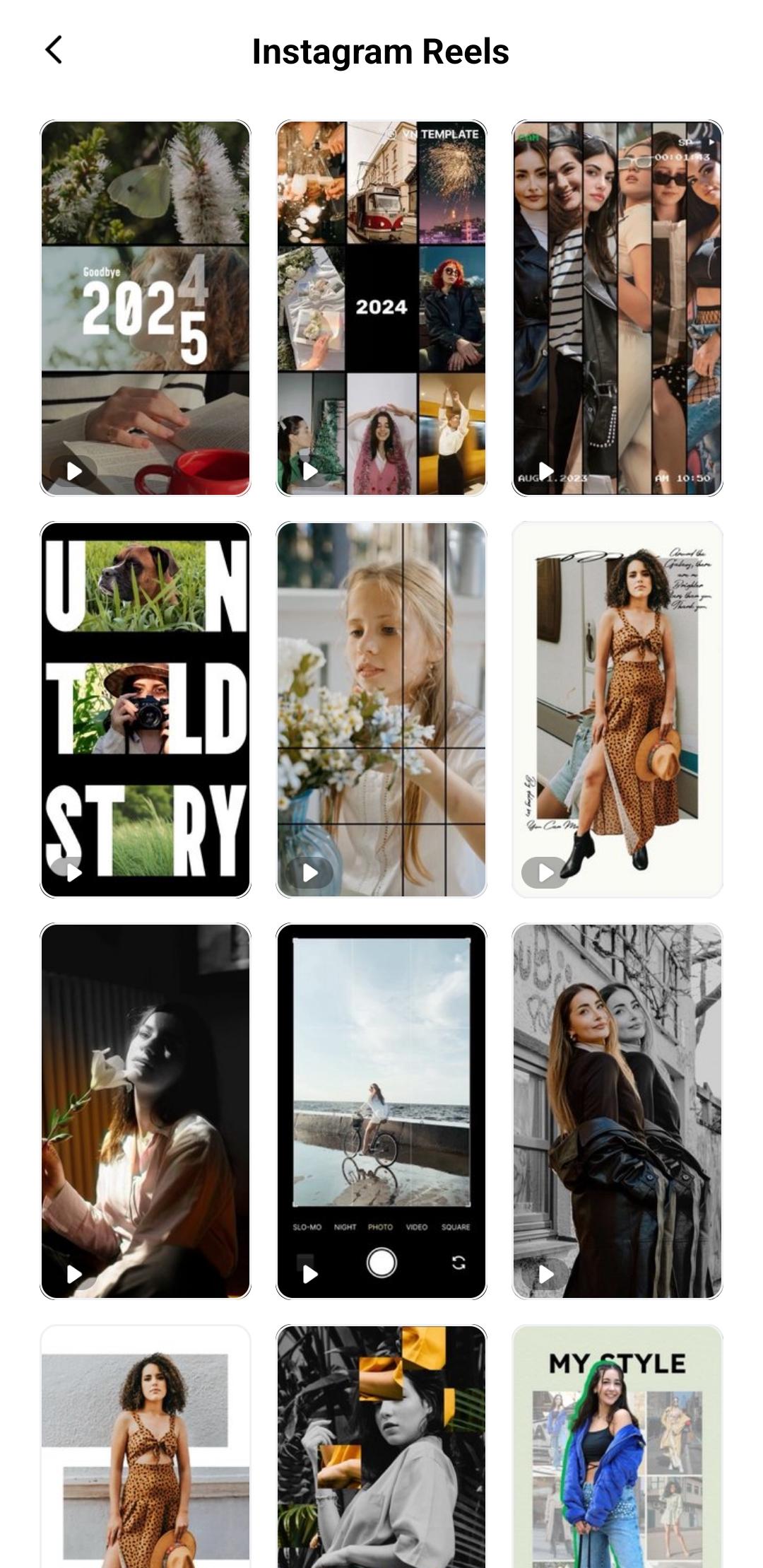
Import fonts and stickers through common channels such as WiFi, messaging apps, or zip files, then keep assets organized in the material library. Templates help you save and share repeatable edits for fast setup on new projects. When you export, VN Video Editor supports custom settings up to 4K at 60 FPS, and HDR workflows are available for supported footage. Protection Mode secures drafts and templates to reduce the risk of unwanted changes when collaborating.
Core editing functions are free and export without a watermark. Some advanced resources or cloud powered features may require VN Pro or AI credits. Ads can appear in the free experience, and an ad free subscription is available for users who prefer a quieter workspace. Before starting a long project, check which tools you rely on most and decide if a paid option is needed.
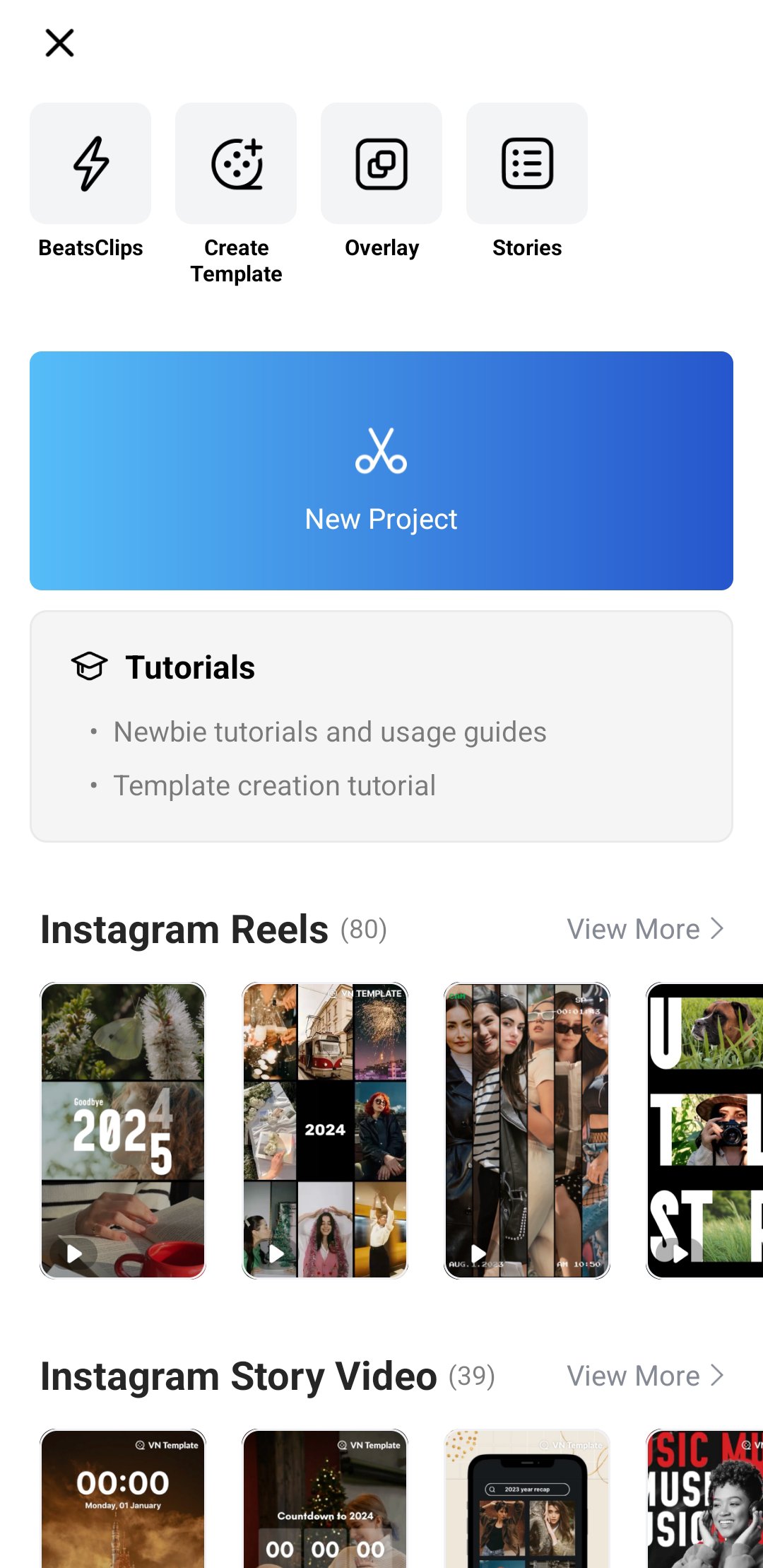
VN Video Editor opens with a project dashboard where you can start a new timeline or continue a draft. To begin smoothly, plan a short sequence and gather clips and music first. If needed, download VN Video Editor on your device before following these steps.
VN Video Editor provides practical tools for multi track edits, motion control, color, and audio on Android. To finish a project in one app, consider your editing plan and choose the settings that match your footage. Users who want the VN Video Editor latest version can install it and start editing right away.
For official support and resources, visit the links below.
Latest Version
2.14.0Uploaded by
Velensia Sandova
Requires Android
Android 7.0+
Category
Free Video Players & Editors AppContent Rating
Teen
Security Report
Report
Flag as inappropriateLast updated on May 11, 2026
- Added Teleprompter to help you record talking videos smoothly
- BeatsClips now allows leaving segments unfilled
- Other improvements and bug fixes
If you encounter problems during using VN app, please feedback in the Settings on the VN app and contact us at vn.support+android@ui.com for emergency. We will help you out as soon as possible.


APKPure - A multi-platform app store primarily focused on Android, providing extensive app-related content. Discover the app you want easier, faster, and safer, with quick and efficient downloads and installations.