
Scan Date:Mar 10, 2026
Show More

V2Box suits users who need private, configurable network access on public Wi‑Fi or in restricted networks. It is a proxy client rather than a bundled VPN service, so you supply your own servers or provider subscriptions. You can import links or JSON configs and keep control of how your connection works. Because setup stays simple and activity is not recorded, it fits users who want encrypted traffic and masked IP with minimal friction. Many users install the V2Box APK when they prefer direct Android setup.
V2Box supports common transport protocols used by modern proxy setups. You can connect through Shadowsocks, V2Ray using VMess or VLESS, Trojan, SSH, Hysteria and Hysteria2, as well as Ping Tunnel. This range gives you options to match the server types offered by your provider.
Advanced compatibility for modern setupsV2Box works with advanced extensions often used in current deployments. Reality under Xray, vless vision and uTLS are supported, and you can import V2Ray or Xray subscriptions and JSON configurations directly. This helps you keep compatibility with servers that apply newer transport and handshake methods.
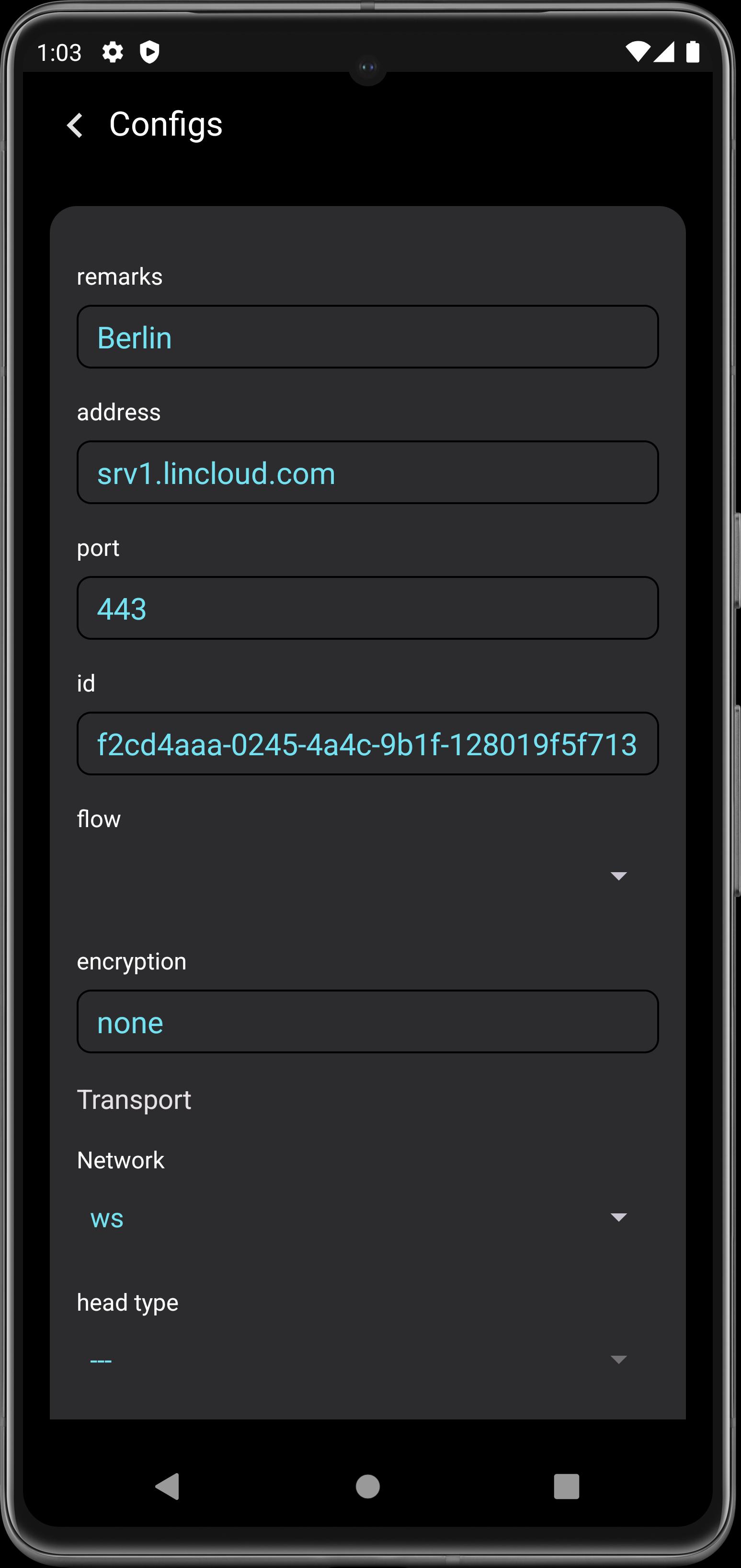
Fast server import and managementYou can add custom servers in a few steps using links or files. Copy a subscription link, paste it, or import a JSON file to create or update your node list. This approach keeps configuration flexible, and you can manage multiple nodes and switch as your network conditions change.
Privacy‑first designV2Box does not require an account and does not save user logs. When connected, it masks your IP and encrypts traffic between your device and the server. These behaviors reduce exposure on public hotspots and help keep personal browsing details out of local networks.
Modern ciphers and stable performanceV2Box uses ciphers aligned with current best practice, including AES‑128, AES‑192 and AES‑256 in GCM mode, plus chacha20‑ietf and xchacha20‑ietf‑poly1305. The app is built on the V2Ray and Xray core, which aims to maintain reliable speed and stability during daily use. This foundation helps connections stay responsive across different network environments.
V2Box is a proxy client. It does not include servers or bandwidth. To use it, you need your own server access or an active subscription provided by a service that issues V2Ray or Xray links, JSON configs, or protocol details for Shadowsocks, Trojan, SSH or Hysteria. If you do not have server credentials or a subscription, the app will not connect. Prepare this information first to avoid setup delays.
Providers often give a subscription link that contains several nodes, or a single node link with protocol, address, port and cipher settings. V2Box can import these directly, and it also accepts JSON configuration files. If your provider uses Reality under Xray or Hysteria2, confirm the exact parameters they require. Matching the protocol and settings from your provider ensures a successful connection and helps avoid handshake or routing issues.
Set up is straightforward once your server or subscription details are ready. Before you download V2Box, gather your links or JSON files from your provider so the import goes smoothly.
V2Box helps you connect to your own servers using familiar protocols and modern encryption. For stable setup and current protocol support, install the V2Box latest version and import your provider details.
For official information, visit the developer’s website below.
Latest Version
5.3.4Uploaded by
ابواكرم الحجامي
Requires Android
Android 7.0+
Category
Free Tools AppContent Rating
Everyone
Security Report
Report
Flag as inappropriateLast updated on Mar 10, 2026
- Add DNSTT Protocol (Multi DNS Server)
- Bug Fixes





APKPure - A multi-platform app store primarily focused on Android, providing extensive app-related content. Discover the app you want easier, faster, and safer, with quick and efficient downloads and installations.