Scan Date:May 12, 2026
Show More


Uber helps users handle everyday travel in cities and at airports, whether it is a quick errand or a scheduled trip. It focuses on simple booking, clear information, and reliable service so you can move with less stress. Moreover, you can request on demand or plan ahead based on your schedule. If you prefer installing directly on Android, Uber APK gives easy access to the service, and setup takes only a short moment.
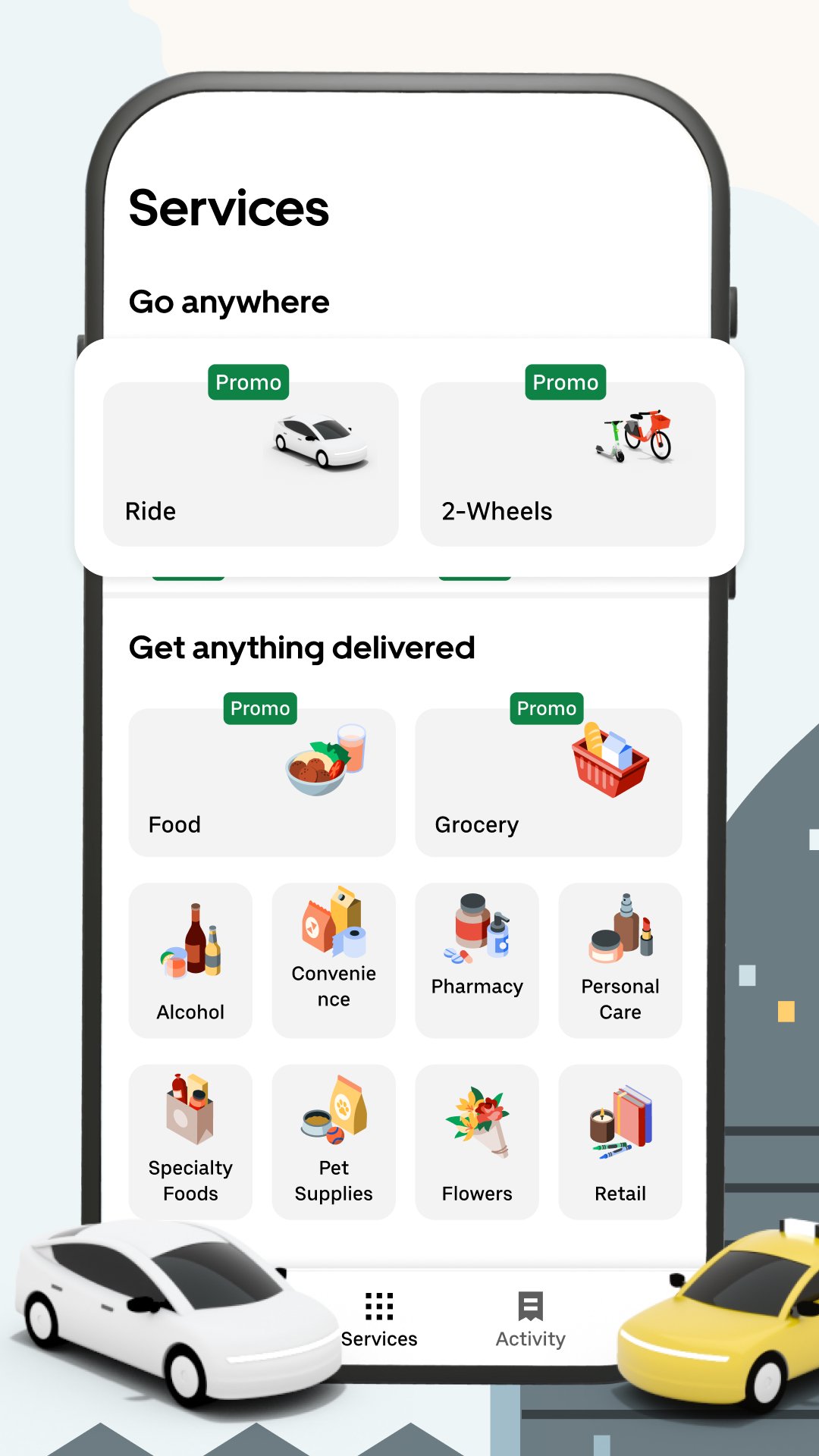
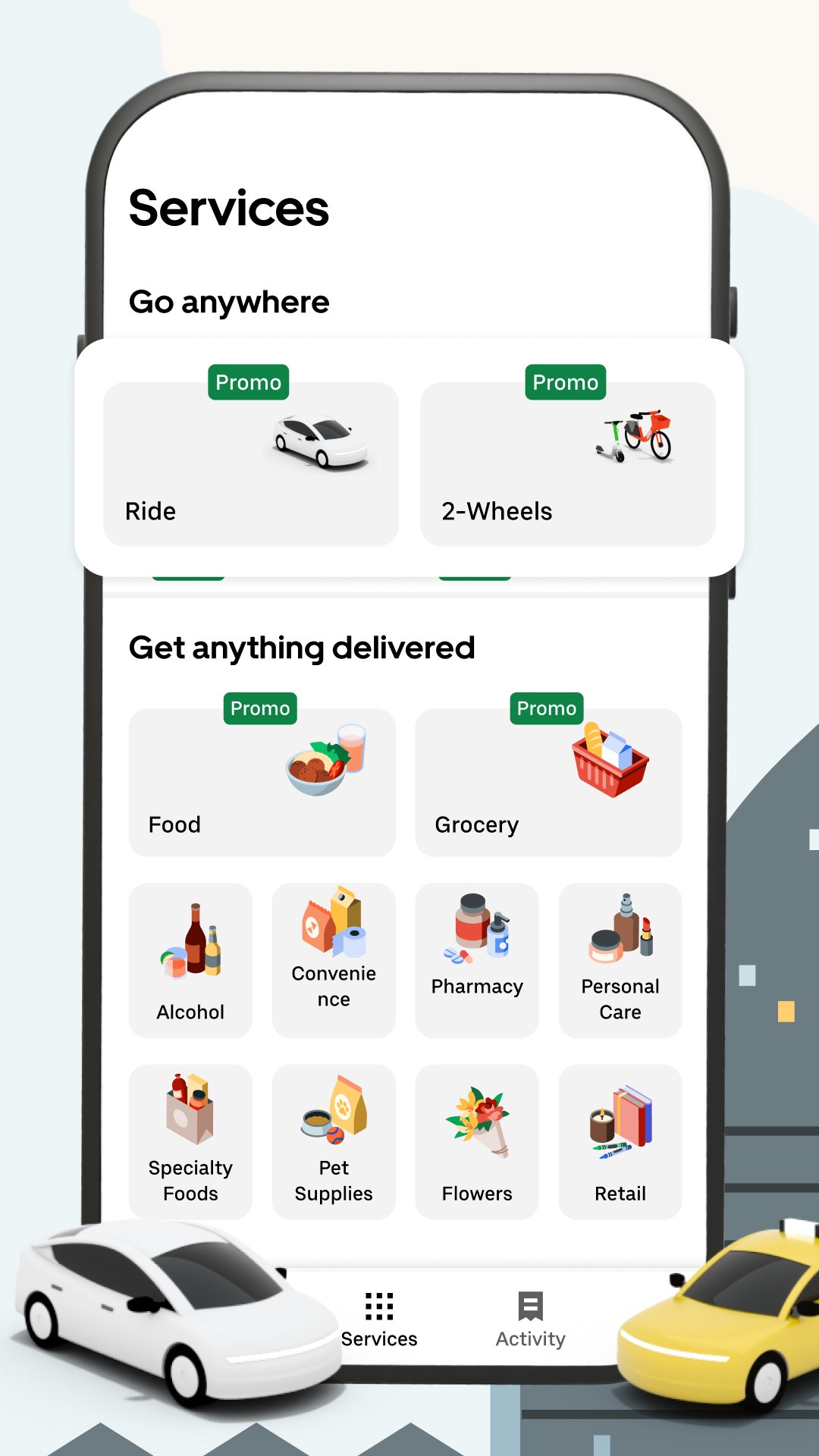
Uber offers a range of ride types so you can match the car to your plan. Options include UberX, UberXL, Comfort, Priority, Electric, Pet, Black, and Taxi. In India, local choices such as Uber Auto and Uber Moto appear where available. Actual availability varies by city and region, and the Uber app shows what you can book near you.
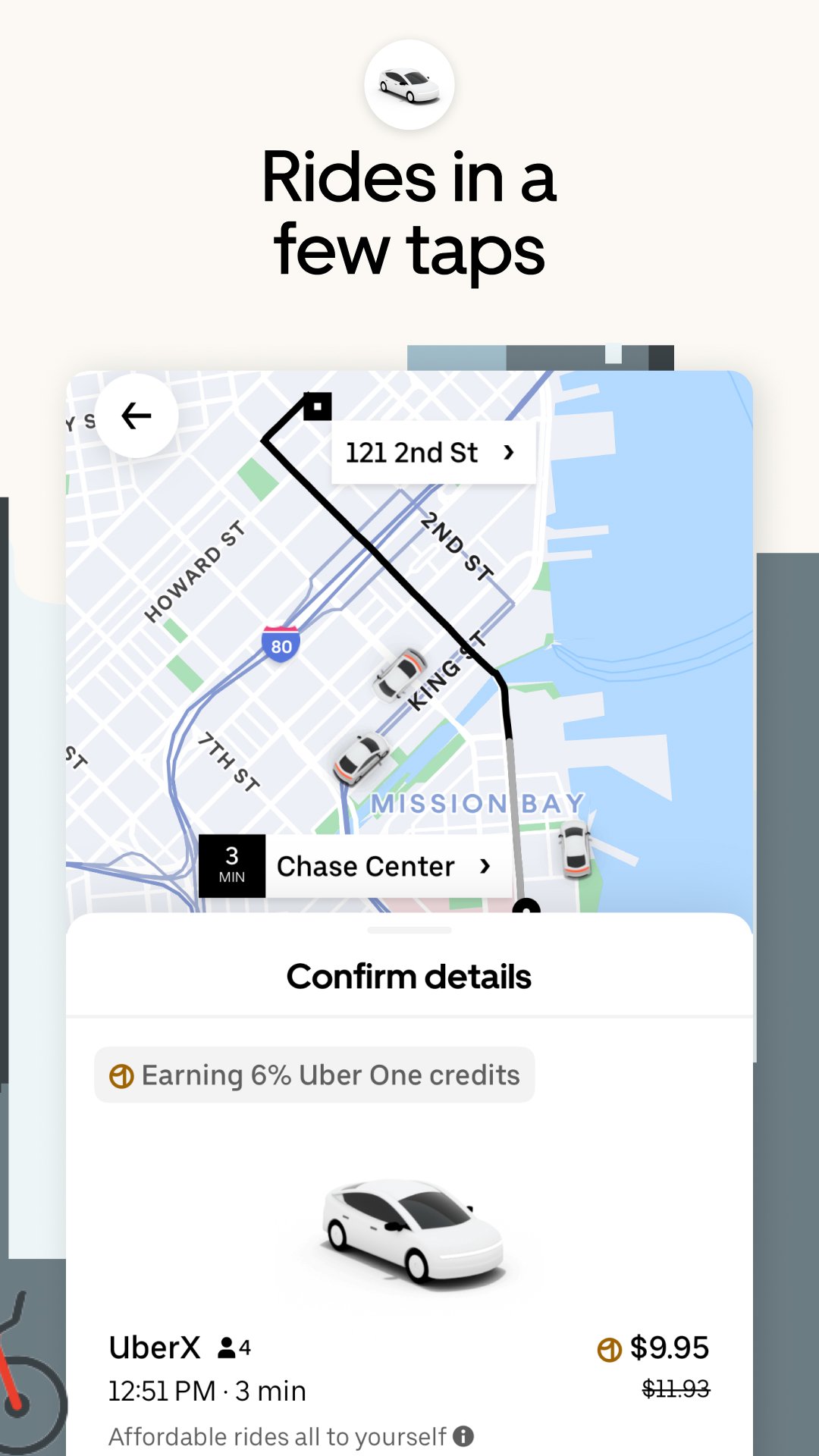
Clear pricing and arrival timesBefore you request, Uber shows an upfront fare estimate and the expected pickup time. This helps you decide quickly and avoid surprises. As traffic and demand change, the app updates the ETA so you can plan your next steps.
Reserve rides in advanceFor scheduled plans, you can reserve a pickup up to 90 days ahead. Uber adds extra wait time and allows free cancellation up to 60 minutes before the reserved window. This is useful for early flights, appointments, or important events.
Group rides and shared savingsWhen traveling with friends or heading the same way, Uber supports group riding. You can use Split Fare to share costs or choose UberX Share for matched trips going in a similar direction. This approach helps coordinate plans while keeping budgets in check.
Reliable city and airport coverageUber operates across more than 15,000 cities and serves over 700 airports. You can plan airport pickups with clear scheduling tools and request rides in many destinations worldwide. Coverage depends on local regulations and service availability, which the app reflects in real time.
In many Indian cities, you may see Uber Auto and Uber Moto alongside cabs. New riders in India can receive discounts on the first five trips within 15 days of signup, with caps per ride and terms that apply. Offer details appear in the Uber app and may change, so check the current information before you book.
Uber includes in app safety features designed for riders and drivers. These tools are accessible during the trip and support faster help when needed. Availability and specific options can vary by location.
If you do not use the app, you can request a ride through the mobile website at m.uber.com. If you are not ready for an Uber app download, this option helps you book a trip using a browser. Feature availability and pricing differ by location, time, and local rules, so verify options where you are.
Getting started follows a short flow from pickup to dropoff. To begin, download Uber and open the app on your phone, then follow these steps.
Uber centers on simple requests, clear fares, and ride options for different plans. To begin, choose a ride that suits your trip and follow the steps in the app, or explore Uber latest version features for reserved and group rides.
For official information and support, visit the Uber website.
Latest Version
4.630.10001Uploaded by
Matej Bukaj
Requires Android
Android 9.0+
Category
Free Maps & Navigation AppContent Rating
Everyone
Security Report
Report
Flag as inappropriateLast updated on May 12, 2026
We update the Uber app as often as possible to help make it faster and more reliable for you. This version includes several bug fixes and performance improvements.
Love the app? Rate us! Your feedback helps us to improve the Uber app.
Have a question? Tap Help in the Uber app or visit help.uber.com.



APKPure - A multi-platform app store primarily focused on Android, providing extensive app-related content. Discover the app you want easier, faster, and safer, with quick and efficient downloads and installations.