Scan Date:Feb 12, 2026
Show More


Termux starts with a minimal Linux base, so you can grow it into the setup you need. It uses a familiar APT workflow to install tools, manuals, and libraries, which makes it comfortable for anyone who knows Debian or Ubuntu. You can open a shell, edit files, manage servers, or learn command line basics on your phone or tablet. Therefore, it suits quick tasks as well as longer sessions with a Bluetooth keyboard and an external display. Moreover, Termux keeps development, scripting, and remote access in one place for a focused mobile workflow.
Install Linux packages with APT
Termux uses Debian-style APT so you can search, install, and update thousands of packages. You get man pages and libraries on-device, and you can keep everything current with simple commands.
No root required with secure networking tools
It runs without root, which reduces risk and setup time. It includes OpenSSH for remote access plus curl and rsync for transfers, so you can move files and connect to servers safely.
Flexible shells and editors
Termux supports Bash, Zsh, and Fish, and it works with editors such as nano, Vim, and Emacs. You can also manage files in the terminal with nnn to stay productive without leaving the app.
On-device development and debugging
Termux lets you compile with clang, build with cmake and make, and debug using gdb, lldb, and strace. Therefore, you can write, build, and test C, C++, Go, Rust, or Swift on the go.
Powerful scripting and runtimes
The Termux app provides Python, Node.js, Perl, and Ruby so you can automate tasks, learn languages, or prototype utilities. Moreover, scripts run locally, which keeps your workflow portable and fast.
Hardware and input support
Also, it scales with your device. It supports Bluetooth keyboards, mouse input, keyboard shortcuts, and external displays, so longer sessions feel natural and efficient.
Termux is open source, and its documentation helps you solve problems quickly. You can learn concepts, find package tips, and read guides that cover everything from first-time setup to advanced use. In addition, community spaces offer practical answers from users who work with Termux daily.
Project site: termux.dev
Docs and guides: wiki.termux.com
Issue tracker: bugs.termux.com
User community: r/termux
Therefore, you can explore how packages fit together and find examples that match your goals. Also, when you need help beyond basics, these links are good starting points.
Termux supports add-ons that extend the terminal to system features. The Termux:API add-on exposes Android functions to shell scripts, including SMS, contacts, battery status, camera information, and location. As a result, you can build scripts that react to device data without writing a full app.
Grant permissions when prompted, then call commands such as termux-battery-status or termux-location from your scripts. Moreover, you can combine these calls with Python or Node.js to automate recurring tasks.
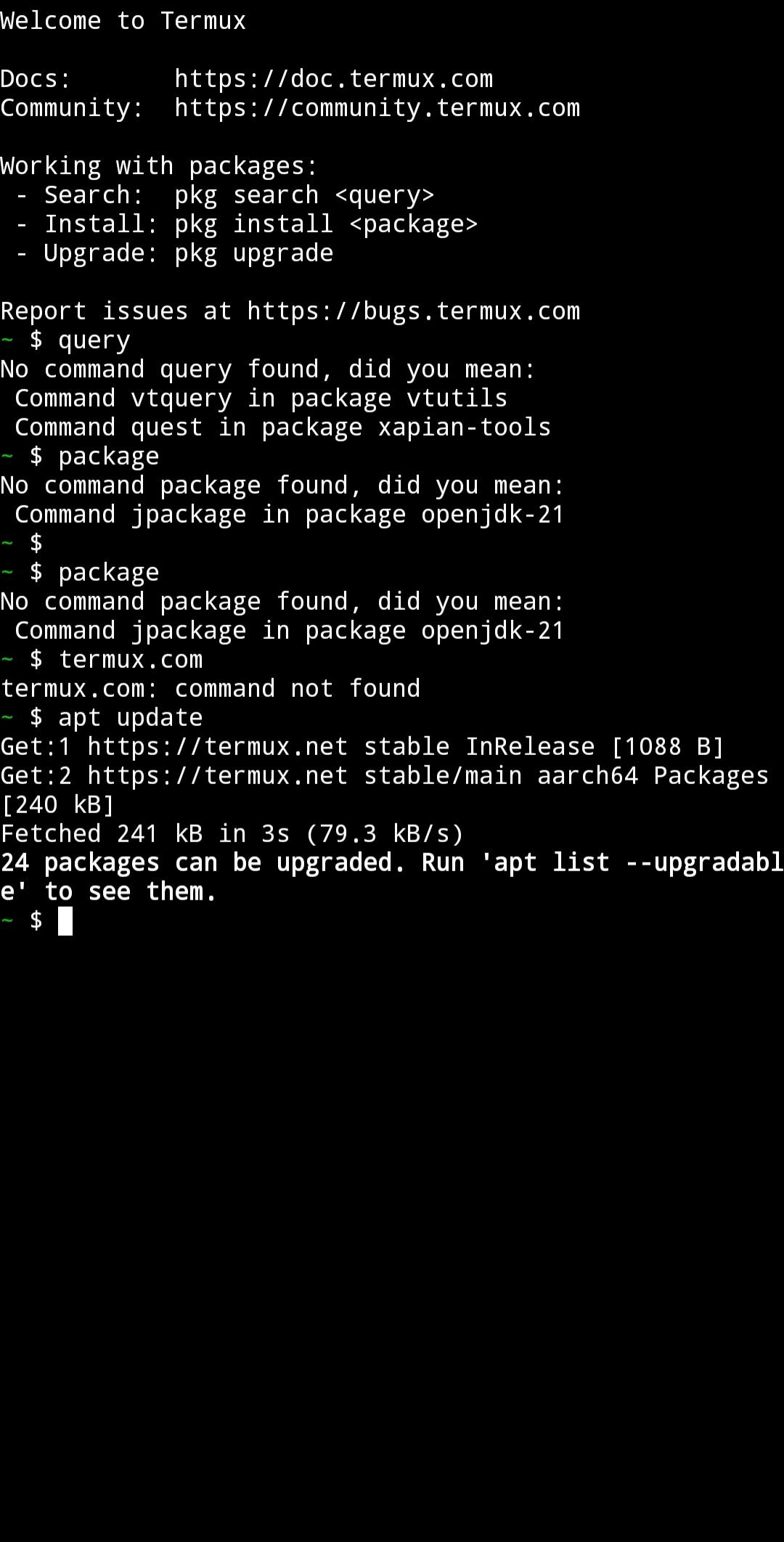
Keeping your environment healthy is straightforward. First, update package lists and apply upgrades with apt update followed by apt upgrade. This ensures you have the latest fixes and features for installed tools.
Also, when you need a program, install it directly by name. For example, use apt install vim or apt install python to add editors or runtimes. Therefore, your Termux APK stays clean and focused on the tools you actually use.
This quick guide shows the basic flow to set up a working environment. It focuses on package updates, essential tools, and simple customization so you can start working right away.
Open Termux and wait for the minimal base system to initialize. Run apt update to refresh repositories and make sure package lists are current.
Run apt upgrade to apply available updates. After that, install essentials with apt install, for example, apt install nano git curl to add an editor, Git, and a transfer tool.
Then, enable shared storage access if needed by running termux-setup-storage. This creates folders and grants access to Downloads and other shared directories.
Choose your shell and editor. Install zsh or fish if you prefer them, and pick nano or Vim for everyday editing so your workflow stays consistent.
So add development tools as required. For instance, install clang and build a small C program, or install Python and nodejs to run scripts and utilities.
Termux brings a Linux terminal, packages, and development tools to Android in a simple way. You can download Termux APK latest version on APKPure to set up coding, administration, and scripting on your device.
Official project information:
Website: https://termux.dev
Latest Version
googleplay.2026.02.11Uploaded by
Cristobal Alarcon
Requires Android
Android 11.0+
Category
Free Tools AppContent Rating
Everyone
Security Report
Report
Flag as inappropriateLast updated on Feb 12, 2026
• Add built-in support for additional termux-api methods: termux-camera-info, termux-job-scheduler, termux-media-player, termux-microphone-record, termux-notification, termux-notification-channel, termux-notification-list, termux-notification-remove, termux-speech-to-text, termux-tts-engines, termux-tts-speak.
• Update bootstrap packages.




APKPure - A multi-platform app store primarily focused on Android, providing extensive app-related content. Discover the app you want easier, faster, and safer, with quick and efficient downloads and installations.


 #geek# full sandboxed linux using android kernel, i use it for managing my static website with git. starting on android 11 the best way to access files in it is through a saf enabled file manager such as material file... so i can enjoy jota editor.#coding#