Scan Date:May 7, 2026
Show More


TeraBox helps when device space runs low or files are scattered across phones and computers. It keeps photos, videos, and documents in a single cloud drive so you can sign in from different devices without moving cables or memory cards. In addition, the app adds AI tools that make finding, organizing, and creating content faster for everyday use. Whether you need quick access on the go or a simple way to keep large libraries manageable, TeraBox APK provides a practical setup for daily files.
1TB free cloud space and cross‑platform access
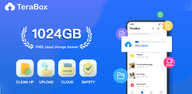
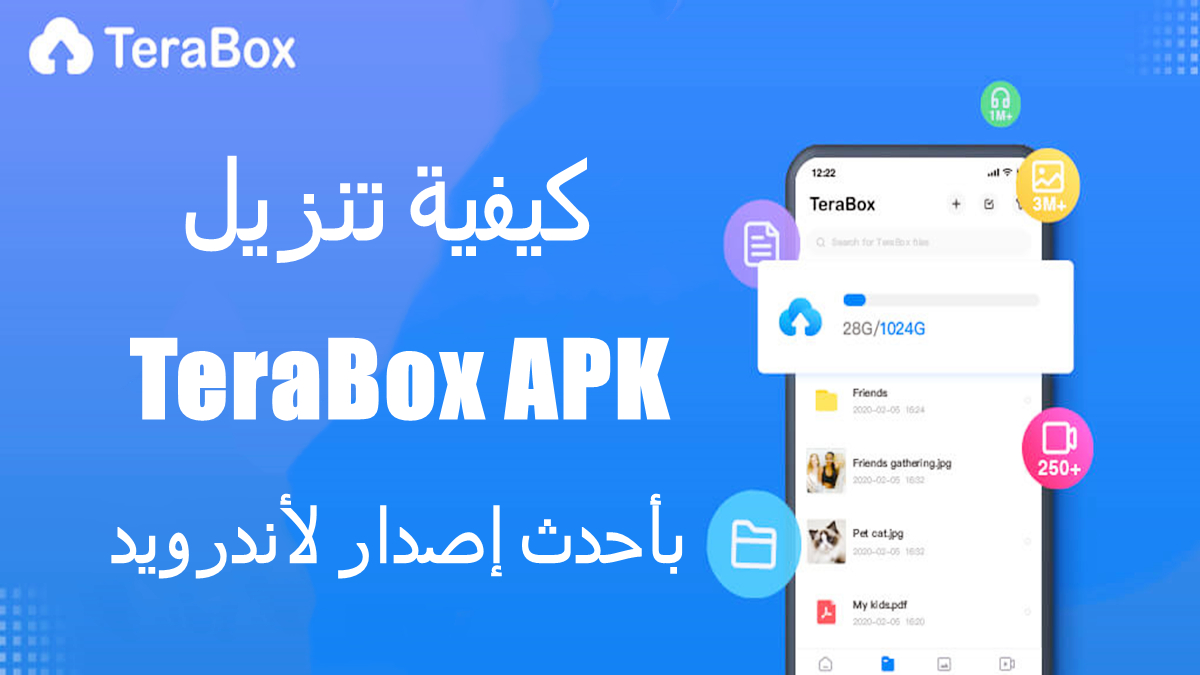
TeraBox gives you 1024GB of free storage for large photo albums, long videos, and documents in one place. After uploading, you can sign in on mobile, desktop, or the web to reach the same library without manual transfers. This keeps device storage light while files stay available wherever you go.
Automatic backup and real‑time sync
You can set automatic backups for photos, videos, documents, and folders so new items upload in the background. Changes stay in sync across devices, which reduces the chance of duplicates or missing versions. When you switch phones or use a laptop, your latest files appear right away.
AI search and creation toolbox
TeraBox adds AI tools that speed up daily work. You get AI search and browsing, smart album classification, and quick filtering so recent or relevant files surface faster. Creation tools include AI image generation and editing with style options like Snoopy, Miyazaki, or Cyberpunk, plus document scanning to PDF with OCR and audio or video transcription for notes and lectures. These tools help you turn scattered content into usable files without extra apps.
Built‑in media player with AI subtitles
For playback, TeraBox lets you preview images and stream videos directly from the cloud. AI‑generated subtitles improve understanding for courses, recorded meetings, or foreign films. With Premium, you can enable original quality 1080p playback and multi‑speed controls for more flexible viewing.
Sharing controls and privacy protection
TeraBox supports link sharing for large files, along with passwords and optional expiration dates for better control. You can revoke access at any time if a link is no longer needed. For sensitive content, use the Private or Locked Vault and enable two‑factor authentication; data transfers use TLS or SSL protection in transit. Premium and Premium Plus add options like 2TB storage, ad‑free use, a 30‑day recycle bin, batch high‑speed downloads, cloud decompression, uploads up to 128GB, and automated backups for videos and folders.
TeraBox uses TLS or SSL during transfer, supports two‑factor authentication, and offers a Private or Locked Vault for added access control. As with any cloud service that does not claim end‑to‑end encryption, avoid uploading highly sensitive data unless you pre‑encrypt those files yourself. These steps help keep personal libraries safer while still benefiting from cloud convenience.
TeraBox works across Android, iOS, Windows, macOS, Linux, and the web, so you can reach the same files from phones and computers. Use your account to complete TeraBox login on each platform; this keeps one library consistent everywhere. If you prefer working on a computer, TeraBox for PC provides convenient desktop access for large uploads and long sessions.
TeraBox includes a referral program that can reward users for inviting new sign‑ups and activity. Earnings can come from new user referrals, video plays, ad displays, Premium conversions, or paid content engagement. This setup may suit creators and frequent sharers who already distribute files or media to audiences.
The basic setup takes only a few minutes and keeps uploads running in the background afterward. For a smooth start, update to the TeraBox latest version and sign in with a consistent account across your devices. Then pick the tools you need most, such as auto backup, AI search, or link sharing.
Open TeraBox, sign up or complete TeraBox login, and grant storage and media permissions when prompted.
Enable automatic backup for photos or other folders, then confirm whether mobile data usage is allowed or limited to Wi‑Fi.
Tap Upload to add files or create folders; use Scan to convert documents to PDF with OCR if needed.
To share a large file, generate a link, set a password or expiration if required, and send the link to recipients.
When switching devices, sign in on another phone, desktop app, or the web to access the same library; use AI search or the built‑in player to find and view content quickly.
TeraBox combines large free cloud space with practical backup, sharing, playback, and AI tools for everyday files. If this setup matches your needs, download TeraBox to keep libraries accessible across devices while saving phone storage.
For official support and more details, visit the links below.
Website: https://www.terabox.com
Email: helpdesk@terabox.com
Latest Version
4.16.7Uploaded by
Said Ayyad
Requires Android
Android 6.0+
Category
Free Tools AppContent Rating
Everyone
Security Report
Report
Flag as inappropriateLast updated on May 7, 2026
The image beautification features have been fully upgraded!



APKPure - A multi-platform app store primarily focused on Android, providing extensive app-related content. Discover the app you want easier, faster, and safer, with quick and efficient downloads and installations.