Scan Date:Apr 1, 2026
Show More


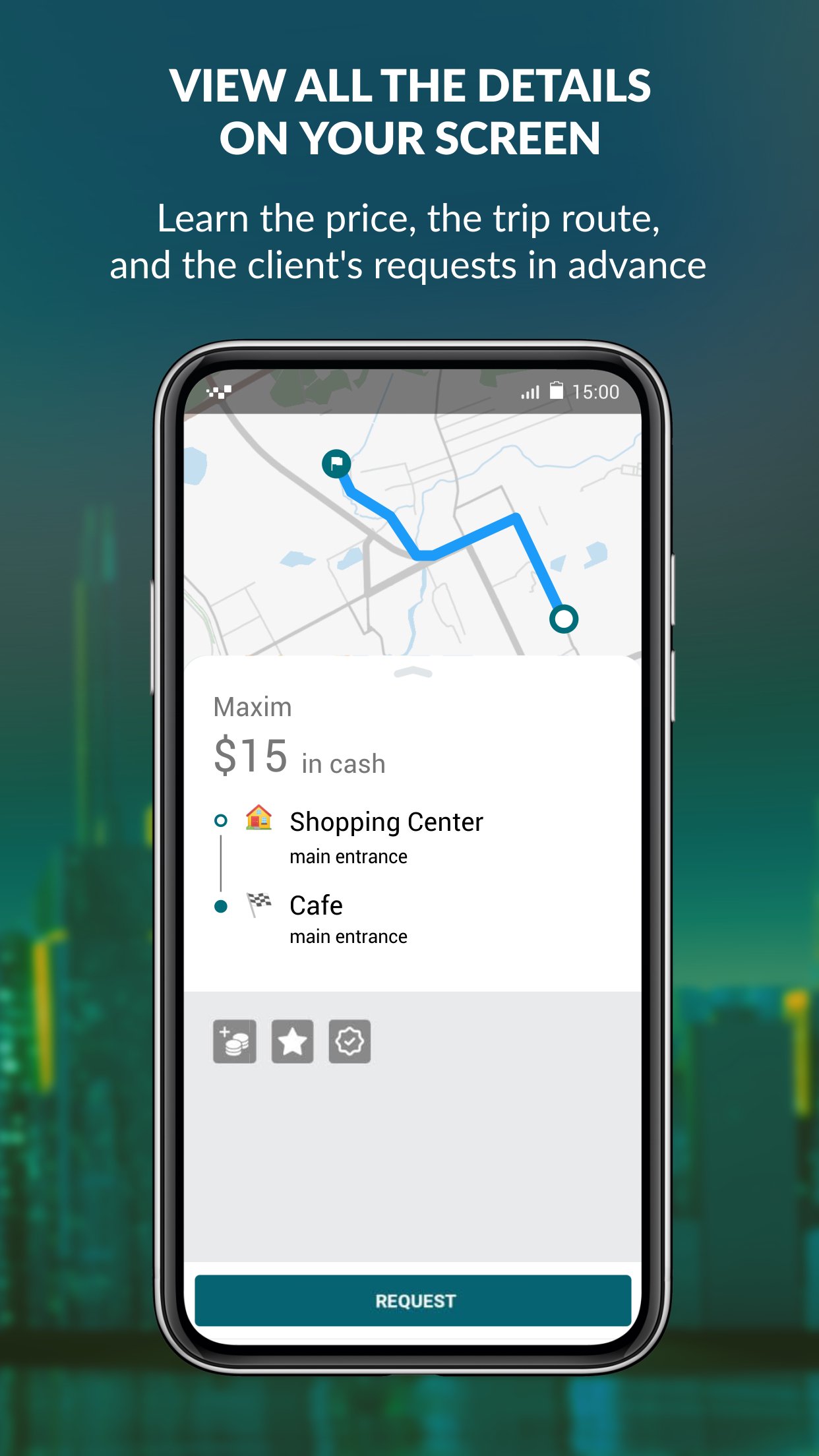
Taxsee Driver suits drivers who want flexible work without office visits. It brings orders to your phone so you can choose when to drive and which rides to take. The app is designed for drivers who work with several taxi companies and prefer clear, simple tools for pricing and trip management. Additionally, it supports remote setup to help you start faster and keep moving. If you prefer installing by file, Taxsee Driver APK is available through official sources.
You can connect to several partner companies and switch availability whenever it suits your day. Taxsee Driver lets you manage your schedule directly from the app, so there is no need to visit an office. This approach helps you accept rides from different sources and stay busy when demand changes.
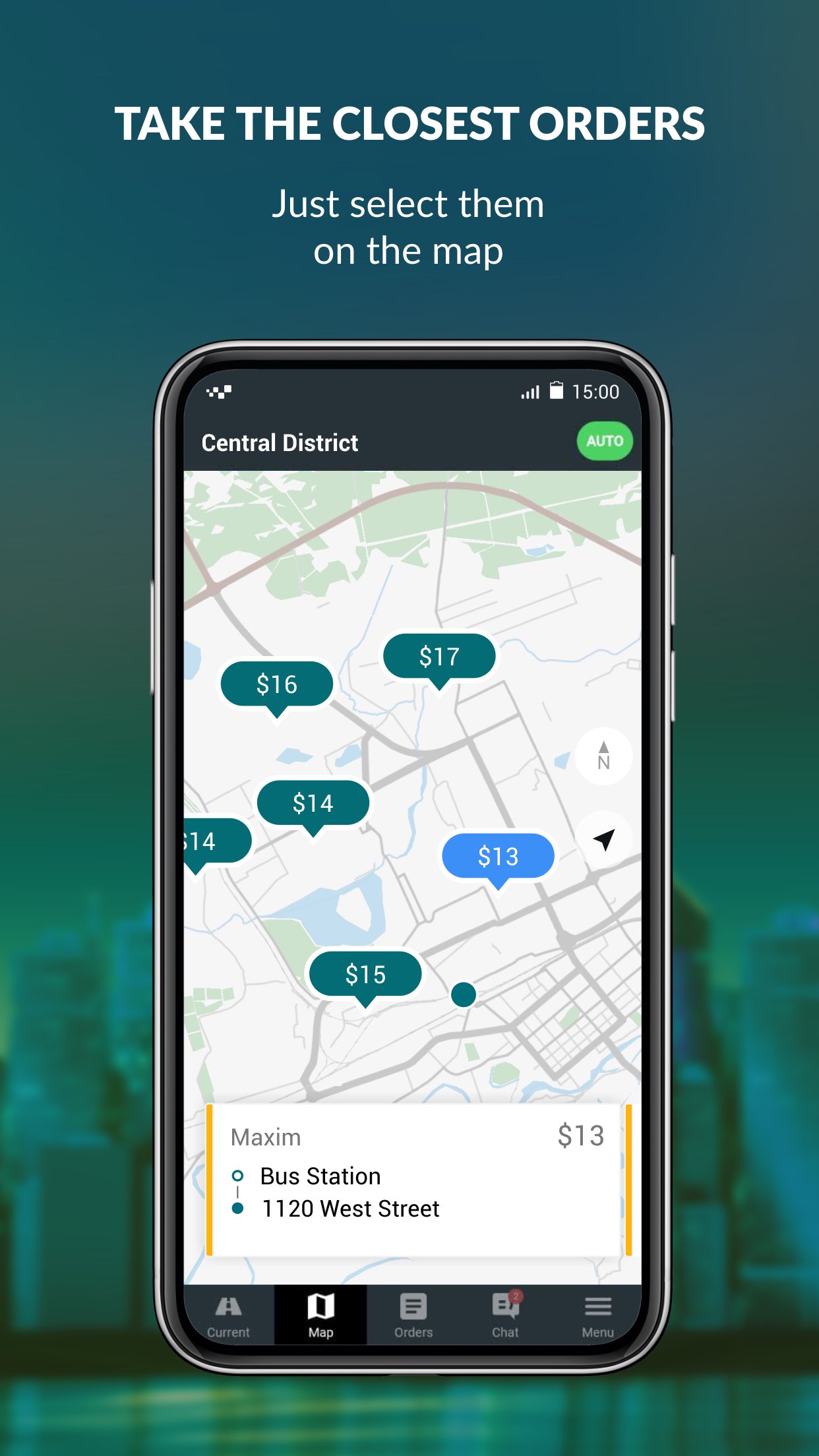
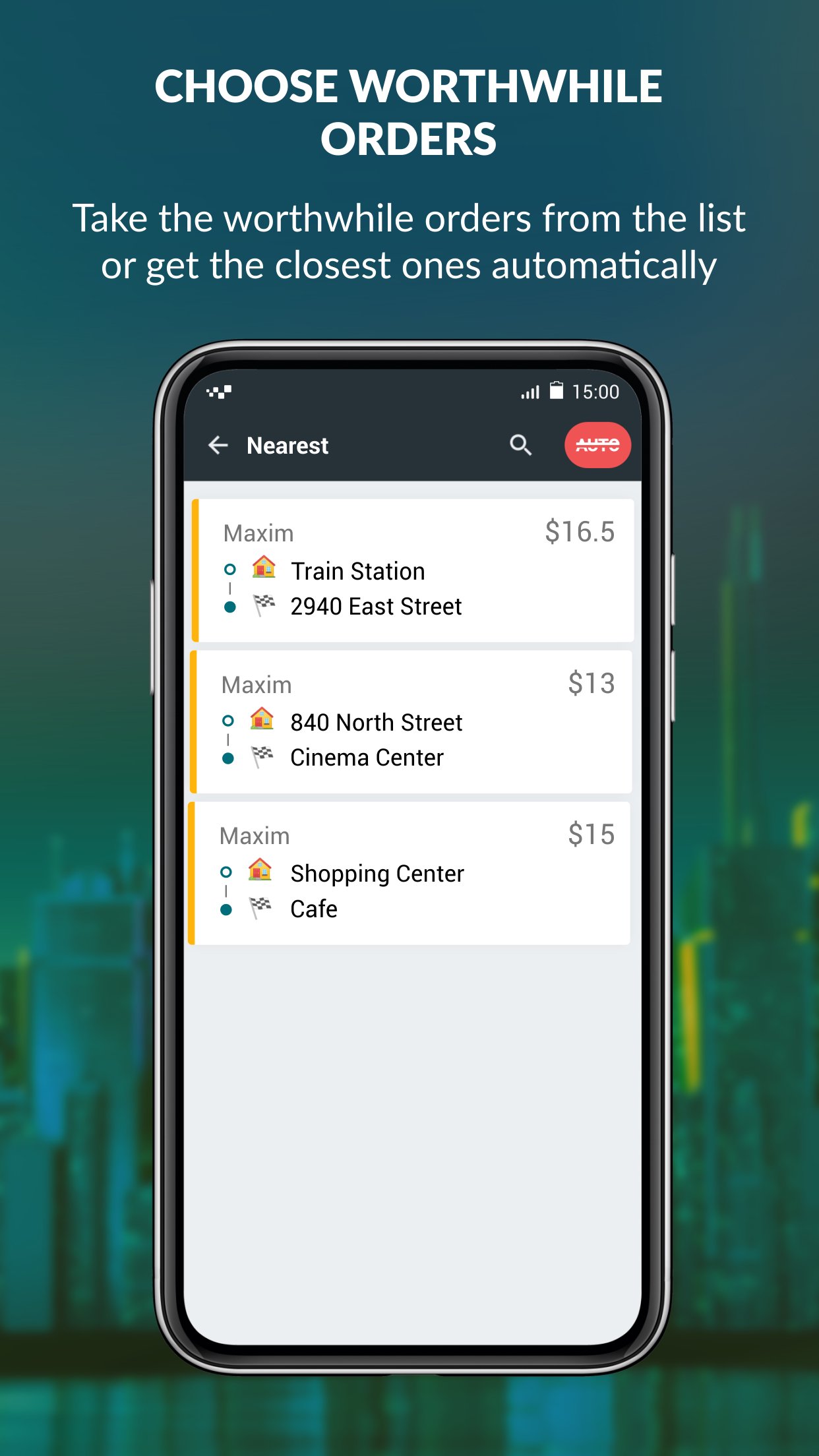
Order filters and auto modeSet filters by rate and destination to see only the requests you want. When you need fewer taps, turn on the automated mode to receive the nearest rides one by one. This keeps the flow steady while you focus on driving and navigation.
Clear pricing optionsChoose between fixed price trips or a built in taximeter that counts time and distance. Taxsee Driver shows cost details before you start, so you know how the fare is calculated. This helps reduce misunderstandings and keeps earnings straightforward.
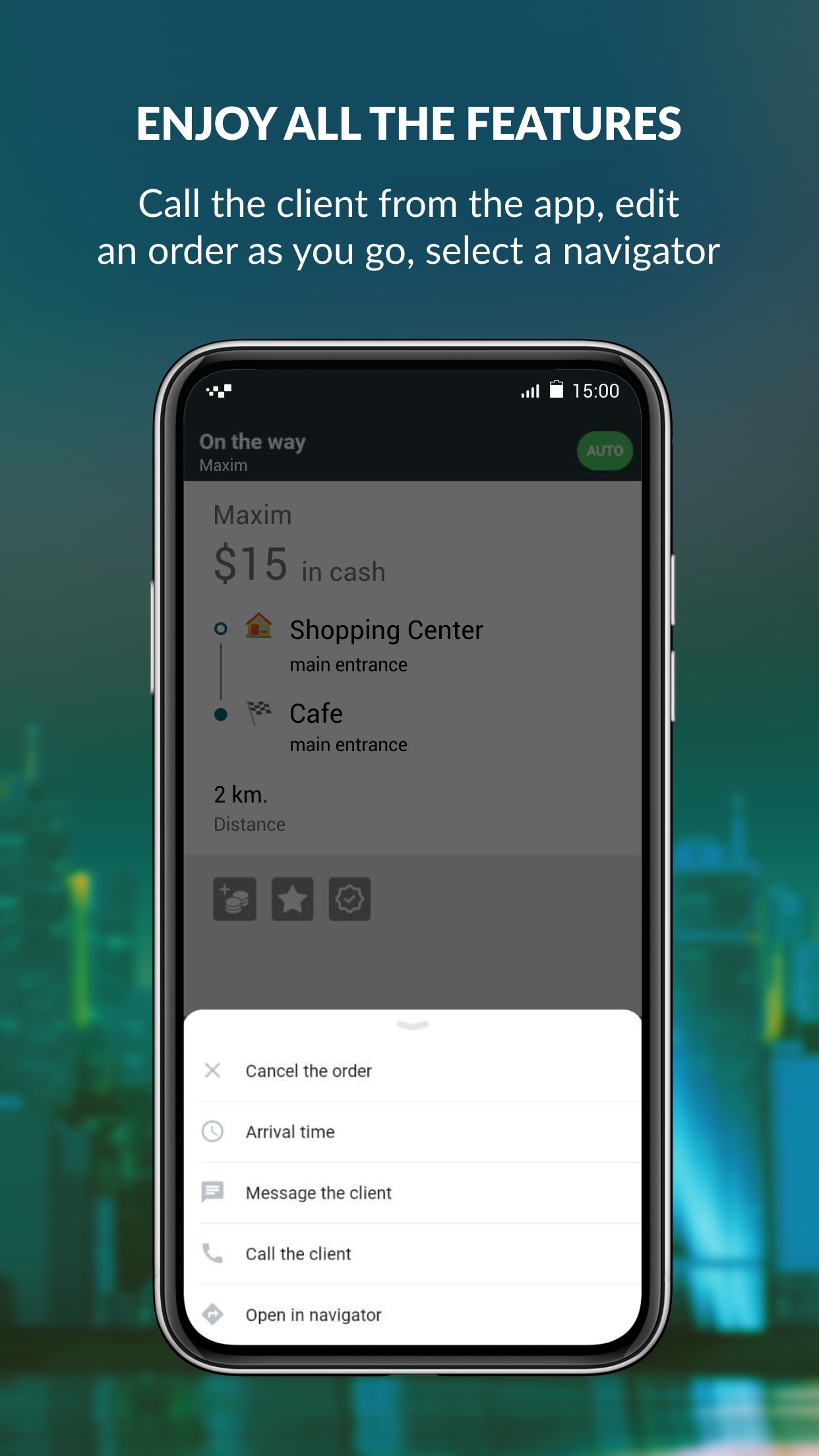
Adjust trips on the goIf a route changes or a passenger asks you to wait, you can edit the order inside the app. The fare recalculates instantly after you add the new segment or waiting time. This way, your records stay accurate from pickup to drop off.
Remote setup, safety and trainingYou can top up your in app balance with a bank card and complete photo verification without visiting a branch. The emergency alarm button helps alert nearby drivers if assistance is needed. A built in video course provides quick training so you can learn essential steps fast.
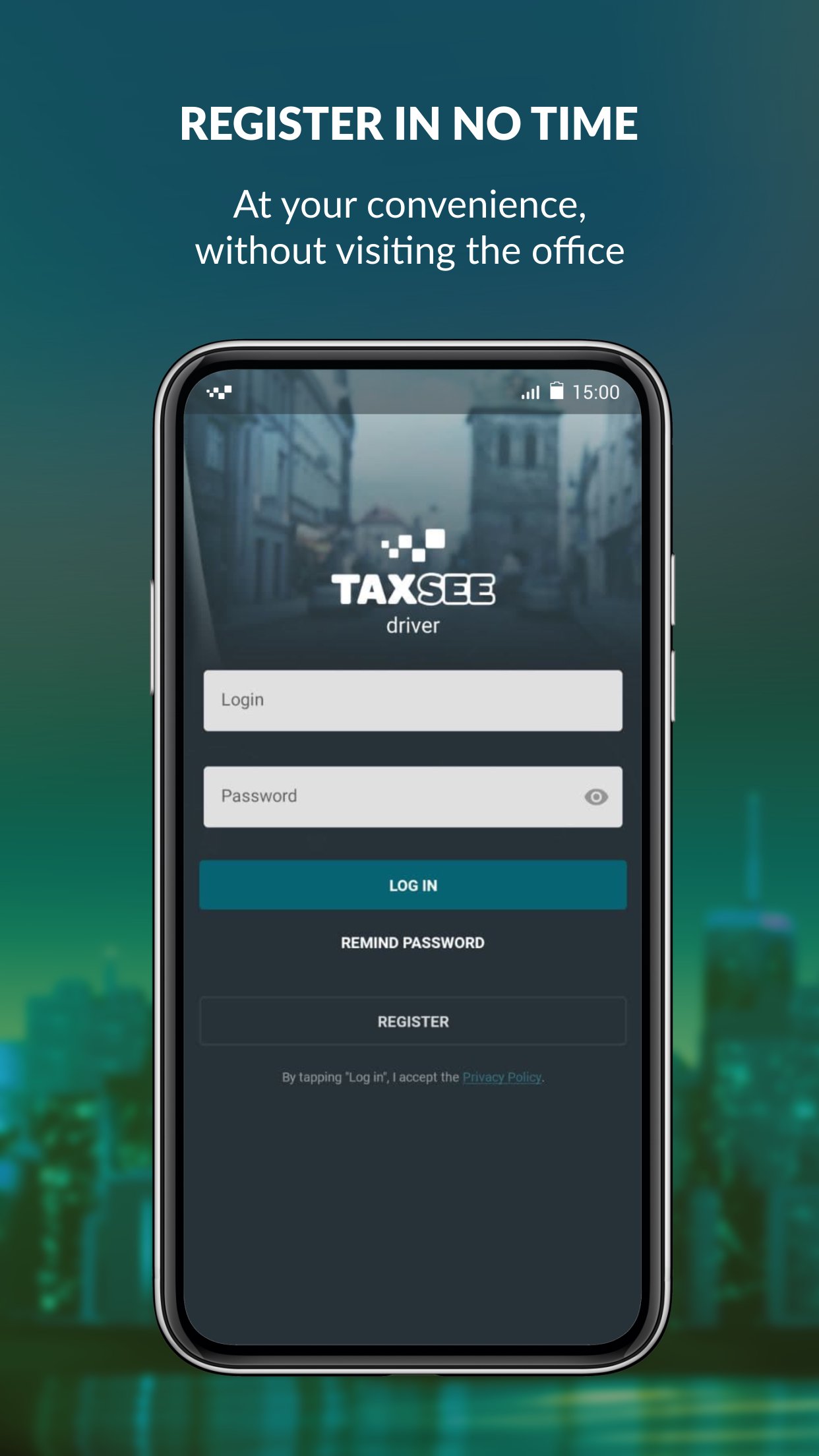
Registration and setup happen inside the app, including phone confirmation and photo verification. You can then select which taxi services to connect with and decide when to go online. If you are looking for a Taxsee Driver download, keep your bank card ready in case you need to add funds to your in app wallet.
There may be stable and test builds available at times. Some alternative builds can run side by side, which is useful if a dispatcher requires a specific version. Choose the build that matches your work needs and confirm stability before regular use.
The service operates in 16 countries, and available partner companies can vary by city. Inside the app, you can check whether local services are present in your area. Some drivers also refer to this as the Maxim Driver app, which can appear in regional materials or conversations.
To get started, download Taxsee Driver and complete basic registration. The app will guide you through setup, then you can begin accepting orders.
Taxsee Driver helps you manage orders, pricing, and trip changes while keeping a flexible schedule. Install the Taxsee Driver latest version to use current tools for selection, pricing, and safety.
For official information and resources, use the link below.
Latest Version
3.27.1Uploaded by
PT. SITO
Requires Android
Android 8.1+
Category
Free Maps & Navigation AppContent Rating
Everyone
Security Report
Report
Flag as inappropriateLast updated on Apr 1, 2026
Minor bug fixes and improvements. Install or update to the newest version to check it out!


APKPure - A multi-platform app store primarily focused on Android, providing extensive app-related content. Discover the app you want easier, faster, and safer, with quick and efficient downloads and installations.