Scan Date:Feb 25, 2026
Show More


Ridmik Keyboard focuses on comfortable Bangla and English typing on Android. It brings familiar Bangla layouts and phonetic input so you can type the way you prefer. The app is designed with privacy in mind, and it explains every permission clearly so you know why access is requested. Moreover, voice dictation support is available for quick text entry when you need it. Therefore, whether you type in Bangla, switch to English, or add more languages, Ridmik Keyboard keeps the experience straightforward. Get the Ridmik Keyboard APK latest version on APKPure to stay up to date.
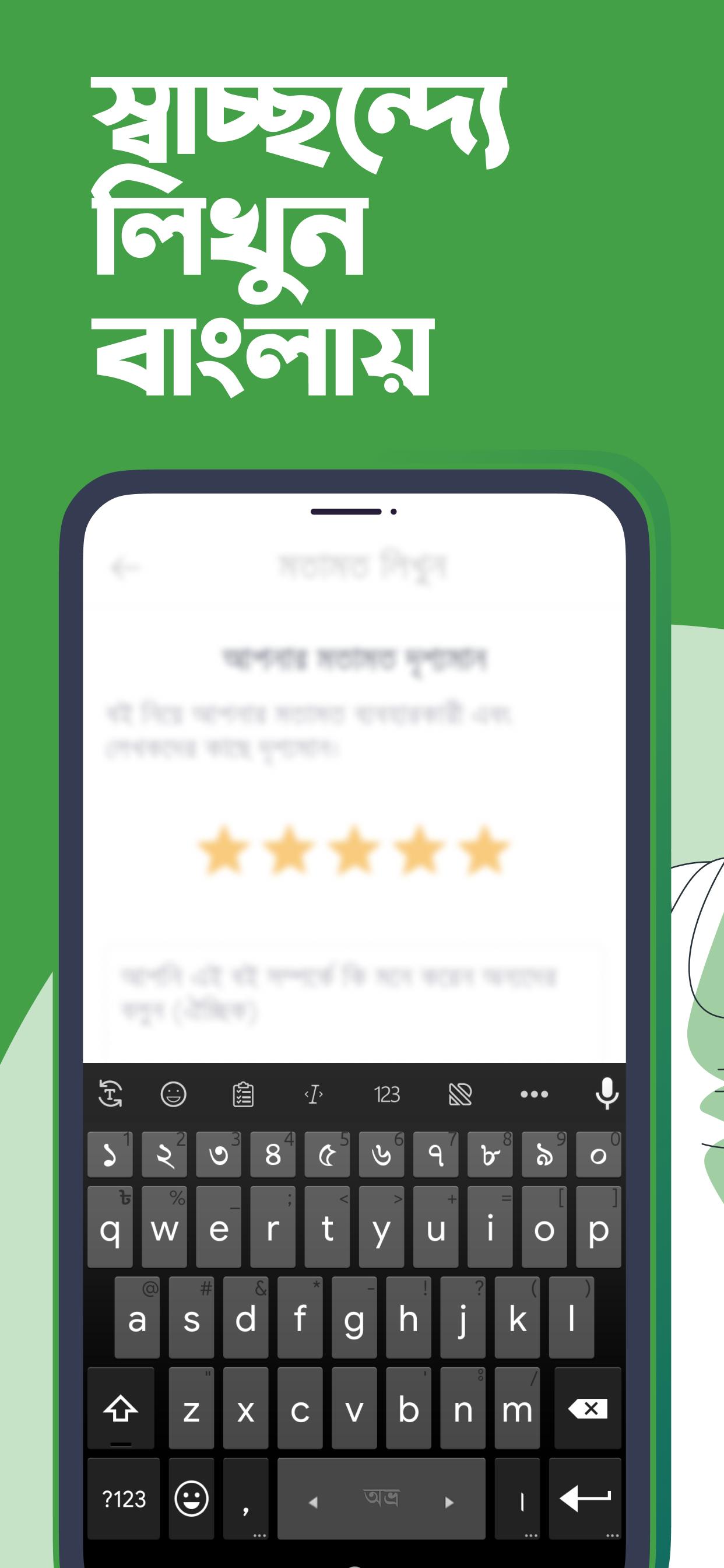
Flexible Bangla layouts
Ridmik Keyboard supports phonetic input similar to Avro and also provides National and Probhat layouts for users who prefer native key positions. Therefore, you can pick a style that matches your typing habits and switch anytime without friction.
Privacy by design
Ridmik Keyboard does not collect or send your typing data. The app learns suggestions on device and stores word frequency locally. In addition, every permission request is explained inside the app so you can make informed choices.
Voice typing support
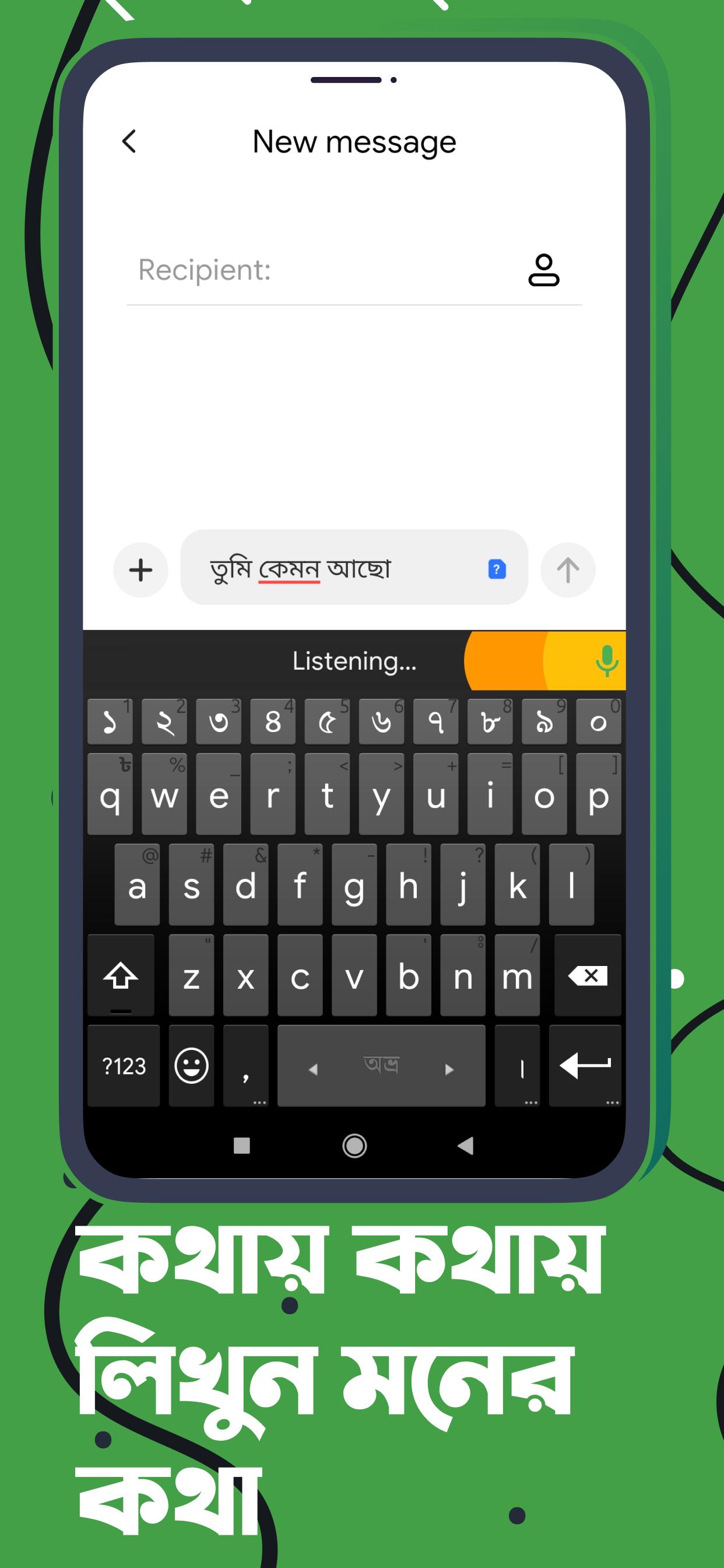
Voice dictation uses Google’s speech service to convert speech to text in supported languages. This helps when you want hands free input or faster note taking. Also, you can switch back to manual typing instantly.
Smart typing tools
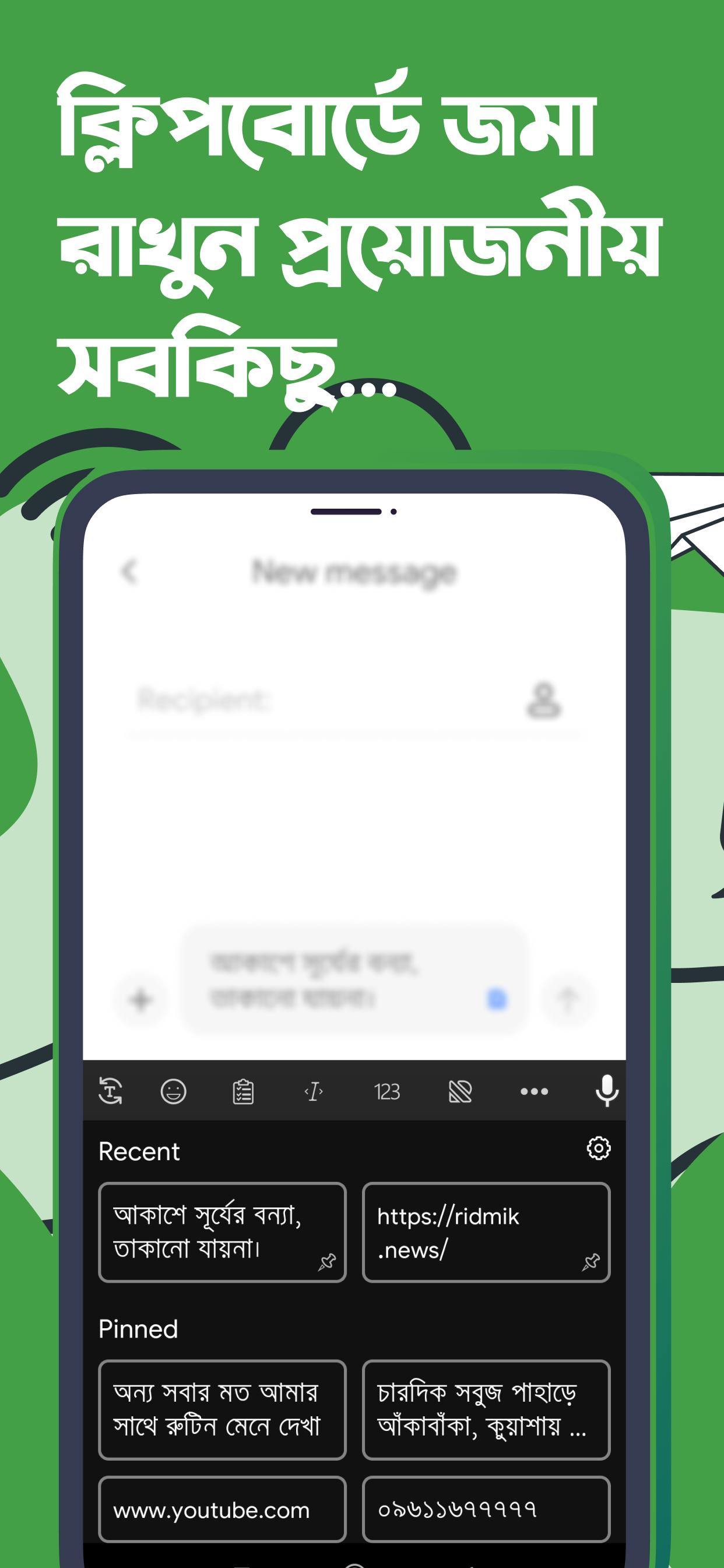
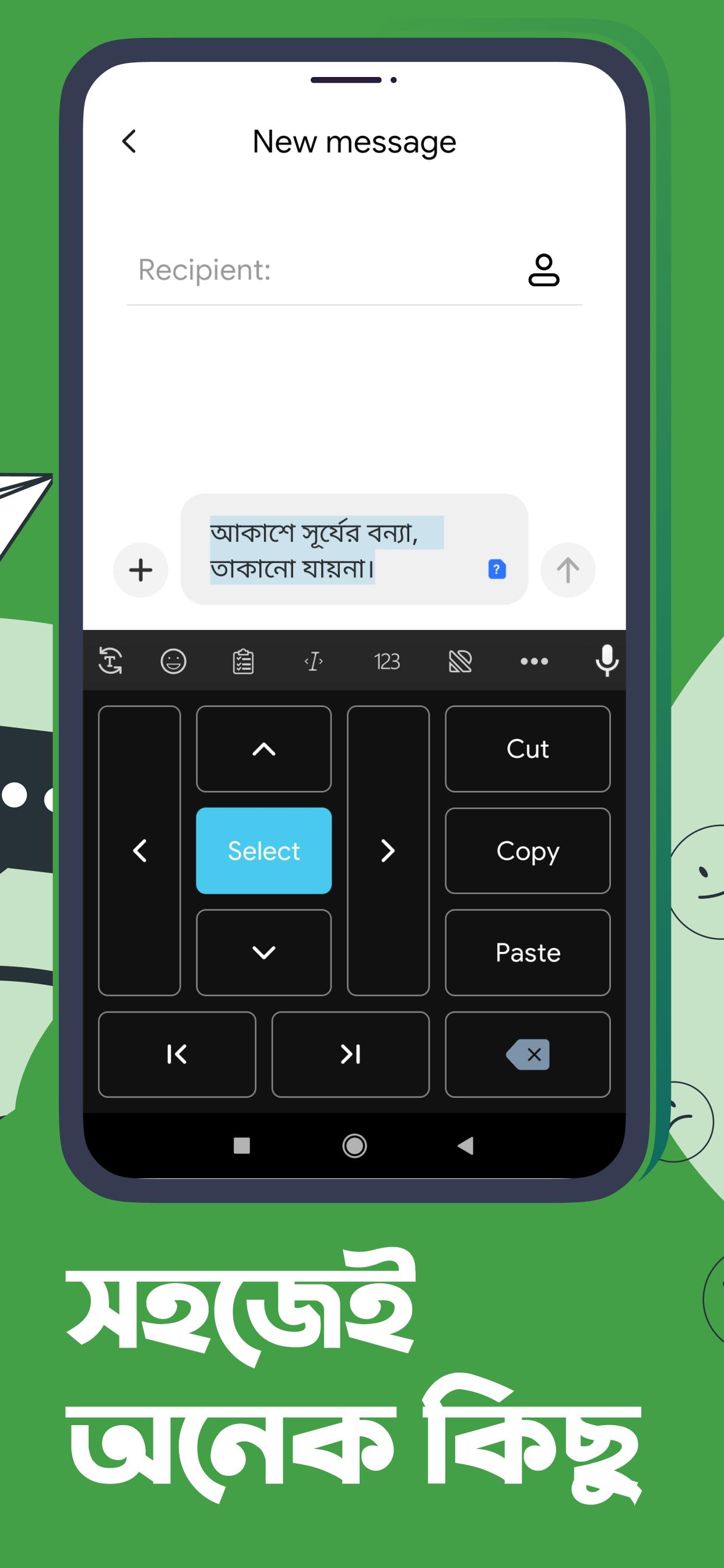
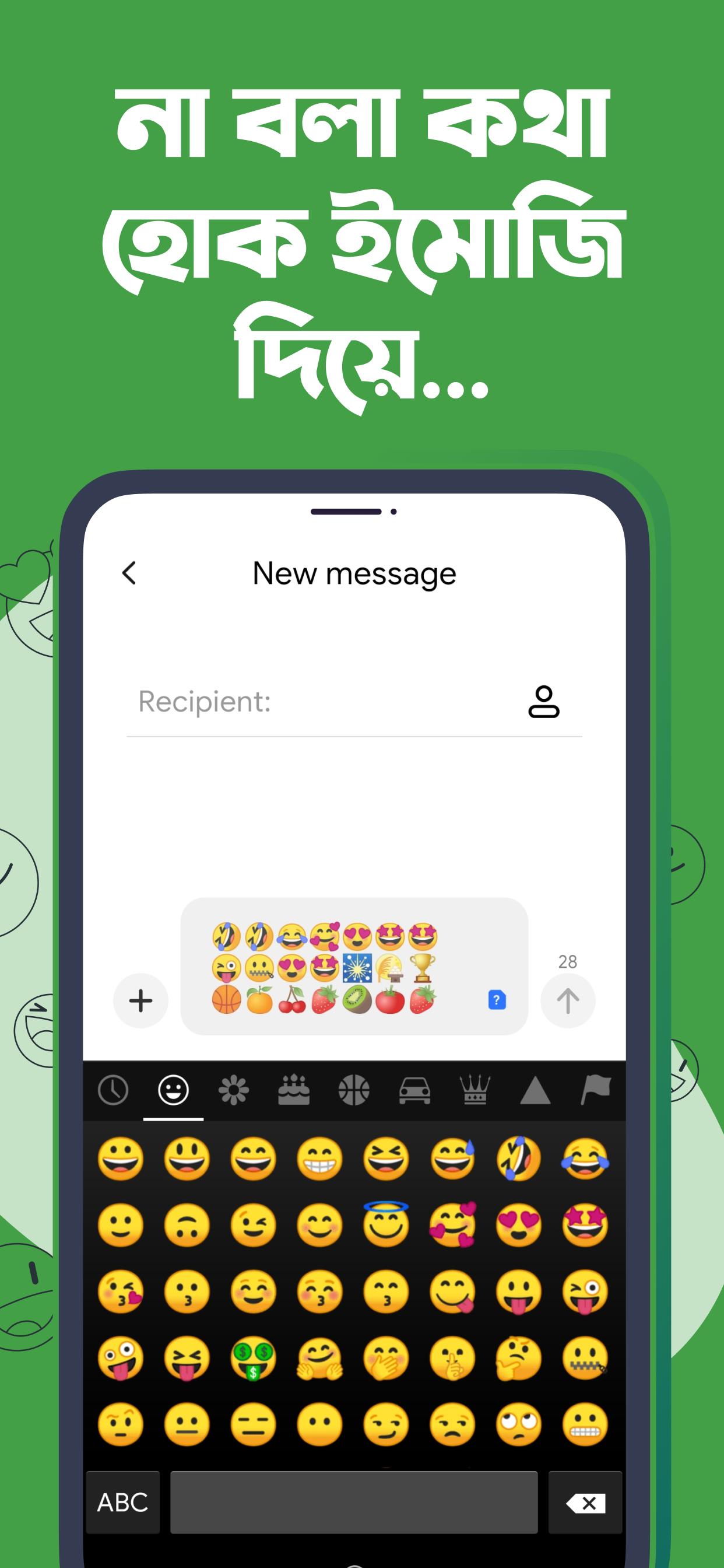
Ridmik Keyboard offers next word suggestions, emoji suggestions, a user dictionary, and a clipboard with recent copies. Moreover, quick text editing tools help you select, move the cursor, and fix mistakes with less effort.
Customization that fits you
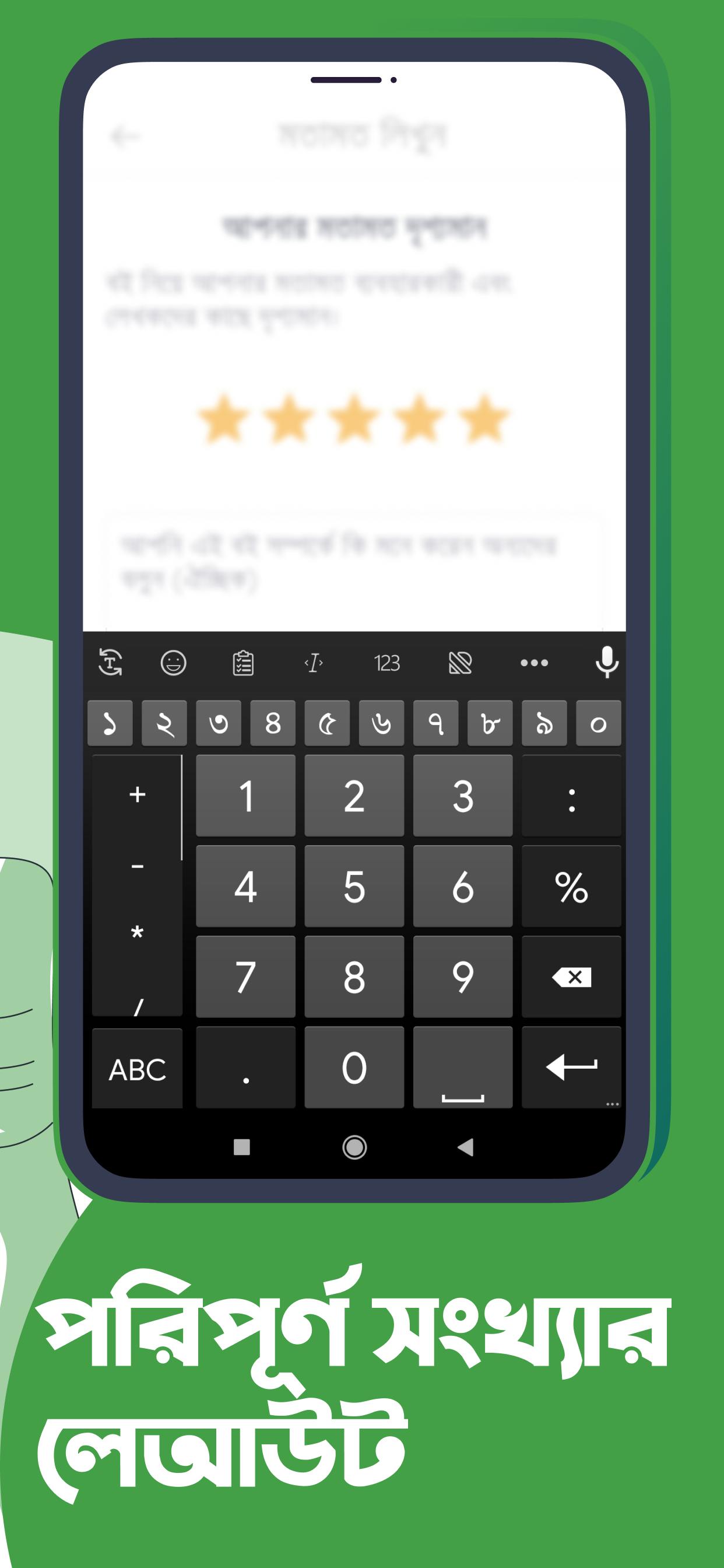
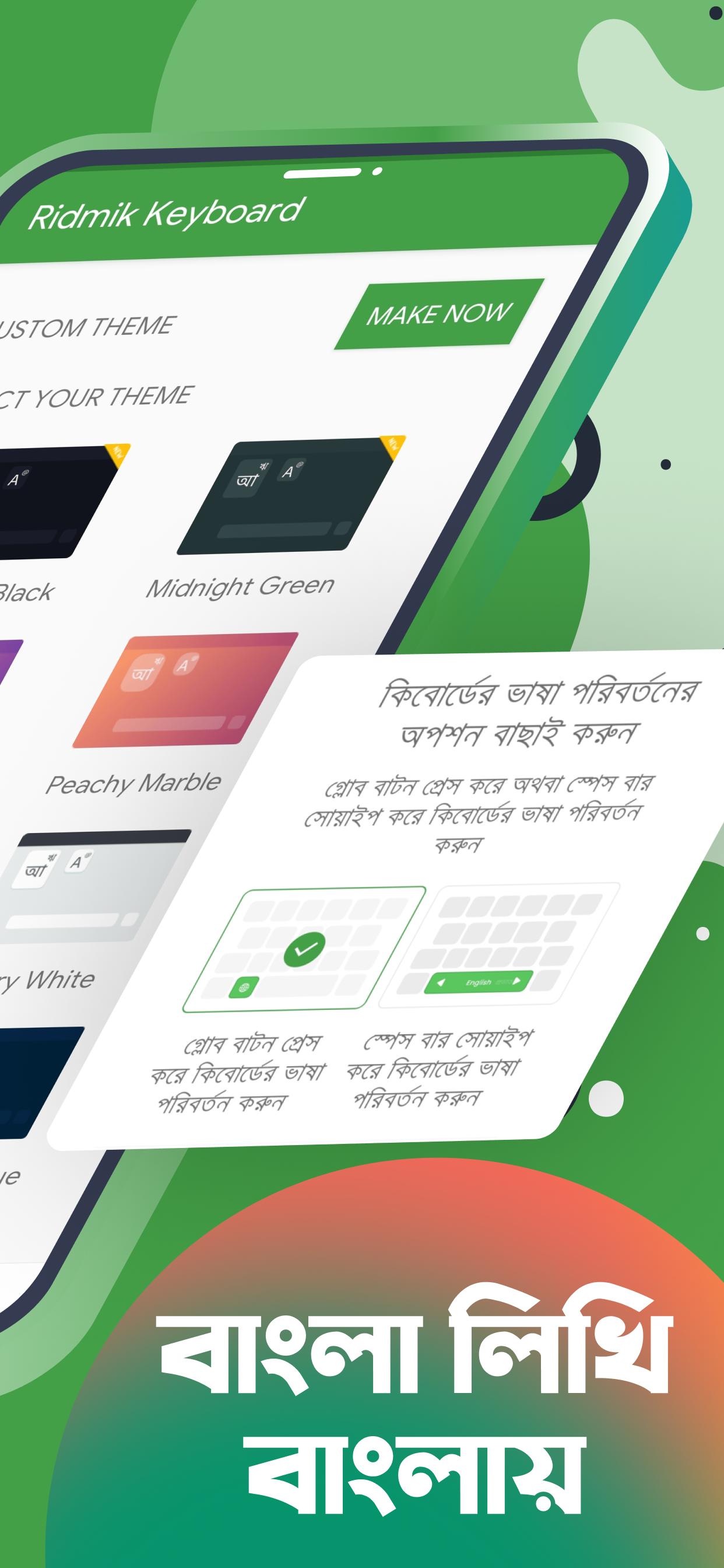
You can choose from a theme store, adjust keyboard height for portrait and landscape, and add a large or small number row. In addition, a dedicated number pad and spacebar drag cursor control make editing more precise.
Multilingual typing
Bangla and English come ready to use. You can also add Arabic and Chakma through language add ons. Therefore, switching languages inside Ridmik Keyboard is simple when you chat or write in multiple scripts.
Set up takes a minute and helps you choose layouts, themes, and tools that match your routine. The steps below guide you through enabling the keyboard and customizing it for everyday typing.
Open your device Settings and go to Language and input, then enable Ridmik Keyboard as an input method.
Switch to Ridmik Keyboard in the input selector, then open Ridmik Keyboard settings from the gear icon.
Choose your preferred layout such as phonetic, National, or Probhat, and add English if needed.
Open Themes to select a design, and adjust keyboard height for portrait and landscape views.
You can type faster, turn on the number row if you use numbers often, and enable the spacebar drag cursor for precise edits.
Ridmik Keyboard brings flexible Bangla layouts, useful typing tools, and a privacy first approach to your daily messaging and writing. Get the latest Ridmik Keyboard APK on APKPure for a secure Ridmik keyboard app download, and keep your keyboard updated with new improvements.
Official resources:
Website: https://ridmik.com/keyboard
Why does Android warn me during installation of Ridmik Keyboard?
Android shows a generic notice that any third party keyboard could collect data. Ridmik Keyboard does not collect or send your typing data. If you want a secure setup, download Ridmik Keyboard APK from APKPure and follow the on screen steps to enable it.
Is Ridmik Keyboard stealing my personal data?
No, Ridmik Keyboard does not steal or upload your personal data. The app learns on device and stores word frequency locally, and voice typing is handled by Google’s speech service. You can review permissions inside the app for transparency.
Why does Ridmik Keyboard request multiple permissions?
Ridmik Keyboard asks for specific permissions only when features require them. Contacts helps suggest names, audio and Internet support voice typing, and external storage keeps local learning files. Therefore, you can deny optional access and still type normally.
How can I enable the number row in Ridmik Keyboard?
Open Ridmik Keyboard settings, go to Layout or Preferences, and turn on the number row option. The row appears above the letters so you can enter numbers without switching screens.
Why is the Unijoy layout missing in Ridmik Keyboard?
The Unijoy layout was removed due to a copyright dispute. You can use phonetic input or switch to National or Probhat, which offer reliable alternatives for everyday Bangla typing.
Latest Version
17.2.1Uploaded by
Ridmik Labs
Requires Android
Android 6.0+
Category
Free Productivity AppContent Rating
Everyone
Security Report
Report
Flag as inappropriateLast updated on Feb 25, 2026
- ল্যান্ডস্ক্যাপ মোডে ডানপাশে কিছু অংশ কেটে যাওয়া ঠিক করা হয়েছে
- ডার্ক মোড সম্পর্কিত কিছু সমস্যা সমাধান করা হয়েছে
- ল্যান্ডস্ক্যাপ মোডে লেখার জায়গা ঢেকে যাওয়া সম্পর্কিত একটি সমস্যা ঠিক করা হয়েছে
- কিছু ছোটখাটো সমস্যা সমাধান করা হয়েছে



APKPure - A multi-platform app store primarily focused on Android, providing extensive app-related content. Discover the app you want easier, faster, and safer, with quick and efficient downloads and installations.