Package Name:com.mxtech.videoplayer.ad
SHA-256:3b84e6e48345bb1443f9e17e81c712ab0d06d6d2307da611f0c33e4eebe12697
Show More


MX Player helps you watch saved videos and listen to music without complicated setup. It fits users who want reliable local playback on phones and tablets. With clear navigation, you can open files quickly and continue later without hassle. It supports common formats, so you rarely need extra tools. Download MX Player APK latest version on APKPure to enjoy stable performance, flexible controls, and helpful privacy options in a familiar interface.
Hardware acceleration (HW+)
MX Player uses HW+ to improve playback on supported devices. It can lower power use while keeping video smooth. On capable phones, it also handles high resolution files up to 4K, so large clips remain stable.
Multi-core decoding
MX Player takes advantage of modern processors for faster decoding. Multi-core support reduces stutter and speeds up loading. As a result, big files start faster, and seeking feels more responsive during MX Player video playback.
Subtitle tools and gestures
You can load popular subtitle formats such as SSA or ASS, SRT, VobSub, and WebVTT. While watching, subtitle gestures let you scroll, reposition, or resize text instantly. This keeps dialogue readable without stopping the video.
Comfortable on-screen controls
Pinch to zoom, then use zoom and pan to fit the frame. Precise swipe seeking helps you find the exact moment easily. Quick vertical swipes adjust volume and brightness, so you can fine tune without opening menus.
Privacy Folder and Kids Lock
The MX Player app lets you hide selected videos inside a Privacy Folder. Kids Lock disables buttons to prevent accidental touches or switching apps. These options support family viewing and keep attention on the screen.
If a video plays with no audio, the track may require a custom codec such as EAC3. MX Player can load a matching codec file for your device. Follow these concise steps:
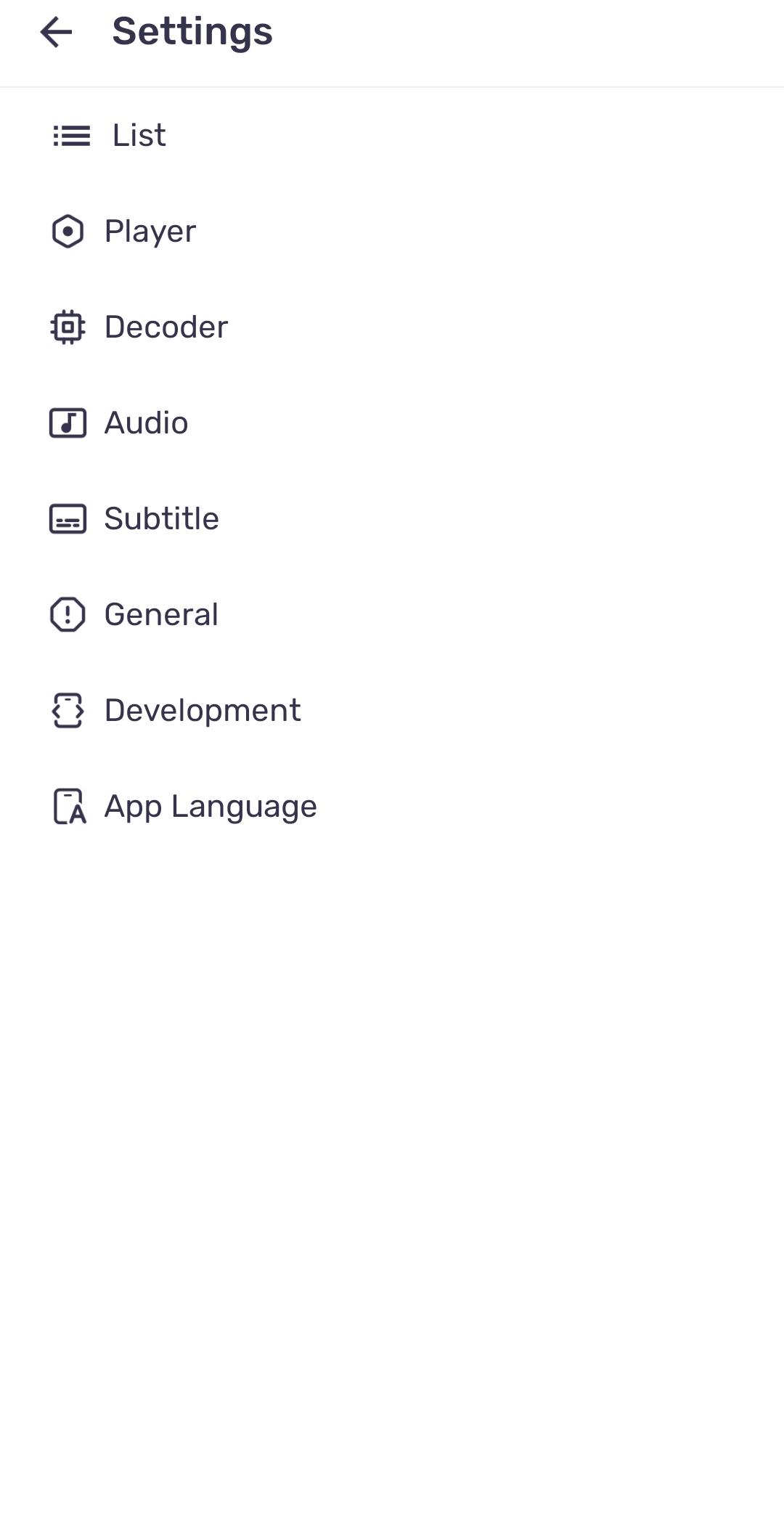
Open Settings, then go to Decoder.
Tap Custom codec and select the file that matches your device’s architecture.
Restart MX Player to apply the codec.
After the restart, play the same file again. If the codec matches, audio should work as expected.
According to the developer’s disclosures, no data is shared with third parties. Data is encrypted in transit to protect information while it moves. You can request deletion of your data if needed.
MX Player is free with ads. An ad-free upgrade called MX Gold is available with extra content where supported. Availability and content may vary by region.
This quick guide helps you start local playback after you download MX Player. The steps cover opening files, using gestures, and setting privacy tools for everyday viewing.
First, open MX Player and allow storage access so the app can scan your media folders.
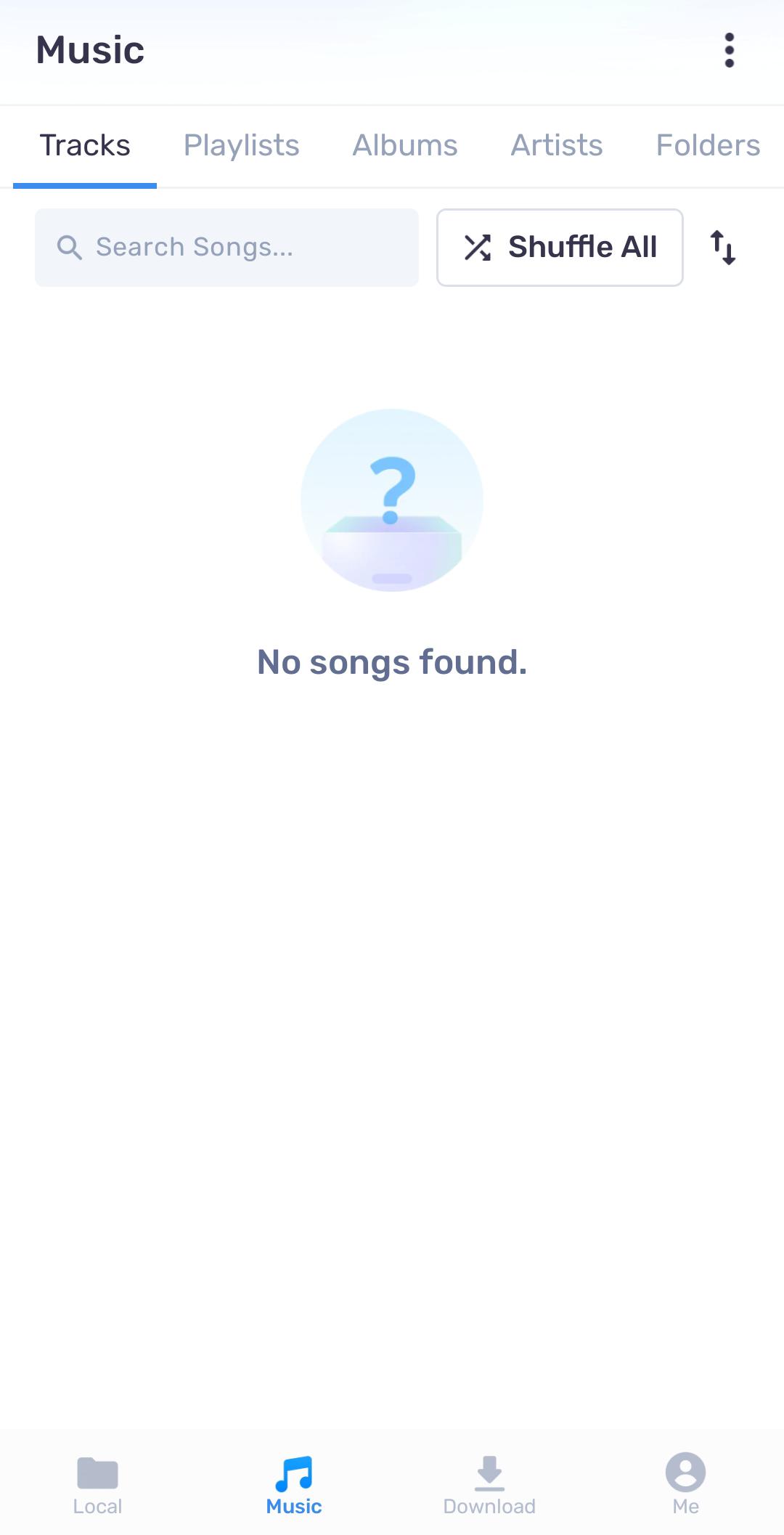
Next, browse your files in the folder view, then tap a video or audio track to start playback.
Then swipe left or right to seek, swipe up or down on the right for volume, and on the left for brightness. Pinch to zoom and pan if the frame needs adjustment.
After that, tap the subtitle button to load a subtitle file, and use subtitle gestures to reposition or resize text as needed.
Finally, enable Kids Lock from the control panel if children are watching. To hide clips, move them to the Privacy Folder from the file menu.
MX Player focuses on smooth local playback, practical gestures, and privacy controls for everyday use. To begin, install the MX Player apk latest version on APKPure and open your media files.
For support and official information, use the links below.
Website: http://apps.mxplayer.in/
Email: support@mxplayer.in
Latest Version
2.13.3Uploaded by
Bonnie Shad
Requires Android
Android 7.0+
Category
Free Video Players & Editors AppContent Rating
Everyone
Security Report
Check Now
Report
Flag as inappropriateLast updated on May 6, 2026
Experience a smoother, faster, and more reliable application with our latest update. We've squashed bugs and optimized performance to ensure you have the best possible experience.





APKPure - A multi-platform app store primarily focused on Android, providing extensive app-related content. Discover the app you want easier, faster, and safer, with quick and efficient downloads and installations.