Scan Date:May 15, 2026
Show More


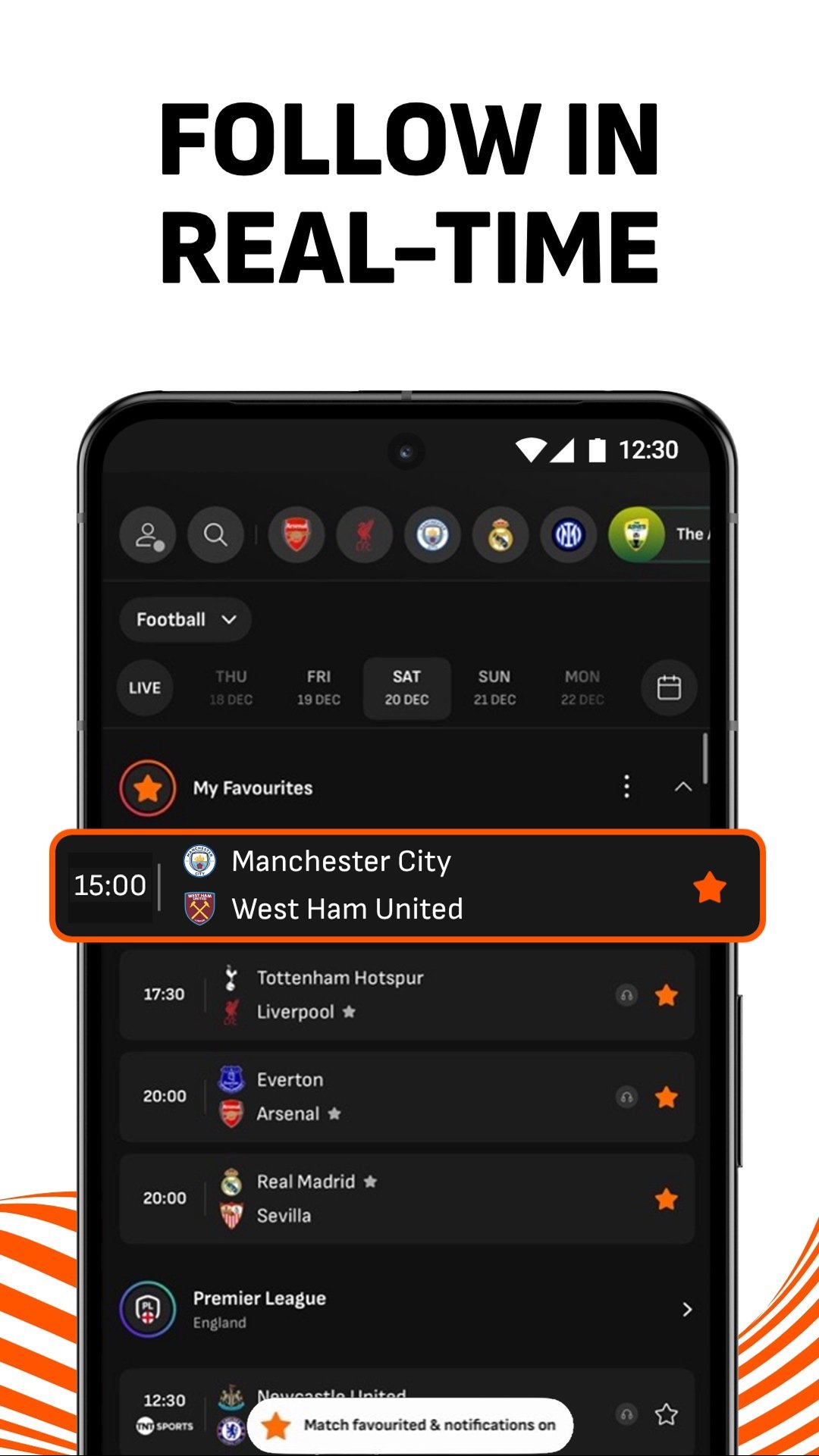
LiveScore helps fans who follow football and other sports stay on top of every match. Whether you are checking a busy weekend schedule or catching updates during a commute, the app provides timely scores, fixtures, and headlines in one place. It is built for quick scanning and short sessions, so you can see what matters without opening several sources. If you plan to download LiveScore, expect a clear layout that highlights current games, upcoming fixtures, and recent news, with content tailored to the teams and competitions you care about.
Live scores and multi sport coverage
LiveScore delivers real time scores and detailed events across top football leagues and cups, including Premier League, UEFA Champions League, LaLiga, Serie A, Eredivisie, and Bundesliga. Coverage also includes tennis, cricket, basketball, and hockey, plus the newest addition, American football with NFL and CFL fixtures and stats. In the LiveScore app you can see goals, touchdowns, cards, and other match flow as they happen, which helps you monitor busy schedules with ease.
Notifications for key moments
To stay ahead, set alerts so you receive instant notifications for goals, red cards, kick offs, and full time results. LiveScore lets you follow several matches and sports at once, which is useful when many games overlap. You can adjust alerts to match your interest level, then pause or turn them off when a game ends.
For You personalized feed
When you prefer a tailored view, the For You section brings news, insights, transfers, previews, and post match reviews linked to your favorite teams and competitions. LiveScore learns from your selections and surfaces items that match your preferences. As your interests change, you can update favorites to keep the feed relevant and focused.
Team pages and player stats
For deeper context, explore team pages with fixtures, live standings, videos, and player information such as top scorers and recent form. LiveScore organizes club data so you can track form and plan fantasy selections without extra searching. You can jump from a fixture to a team page to check context before and after a match.
Live audio commentary
If you cannot watch a screen, listen to unofficial live audio commentary from the LiveScore team for selected matches. Commentary covers scores, assists, corners, cards, and in game descriptions. This gives continuous updates while you are commuting, working, or following several games at once.
LiveScore focuses on live scores, stats, fixtures, news, and audio commentary. It is not a live match video streaming service. Availability of audio commentary can vary by match and competition. Notifications rely on your device settings and connection, so review permissions if alerts seem delayed.
Installing the latest version helps you access new coverage areas like American football and ongoing feature improvements. After updating, check your favorites and alert settings to ensure they match your preferences. Keeping the app current supports better performance and content relevance over time.
LiveScore is built for quick checks before, during, and after matches. Use this simple guide to start following teams and receiving updates on an Android phone. If you prefer installing the LiveScore APK, the steps below still apply once the app is open.
LiveScore latest version helps fans follow football and other sports with real time scores, alerts, personalized news, and team data. Use it to monitor multiple fixtures and stay informed wherever you are.
For official resources and support, visit:
Latest Version
9.5.2Uploaded by
Jay Dan Joshua
Requires Android
Android 7.0+
Category
Free Sports AppContent Rating
Everyone
Security Report
Report
Flag as inappropriateLast updated on May 15, 2026
We’ve made a few changes to make sure you get what you deserve, a remarkable user experience. Update the app today!






APKPure - A multi-platform app store primarily focused on Android, providing extensive app-related content. Discover the app you want easier, faster, and safer, with quick and efficient downloads and installations.