

Scan Date:Feb 27, 2026
Show More

Live TV suits users who already have an IPTV playlist and want a simple way to view it on Android. It accepts standard m3u files and presents your channels in a clean layout for quick browsing. You choose what to add, since the app does not include any built in sources. Setup is straightforward and works with lists from your provider. Install the Live TV APK to use your own playlist without extra steps.
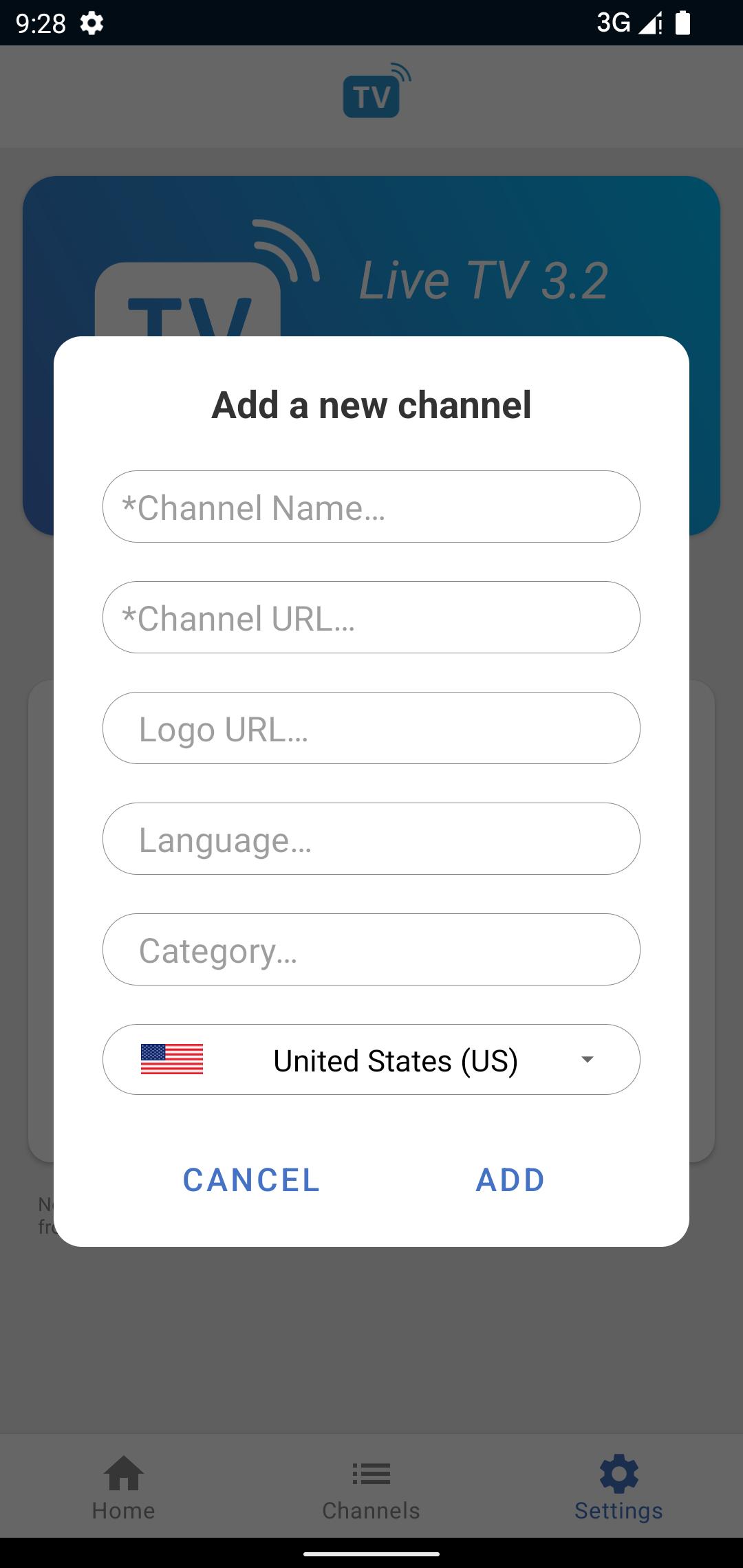
Import m3u playlists
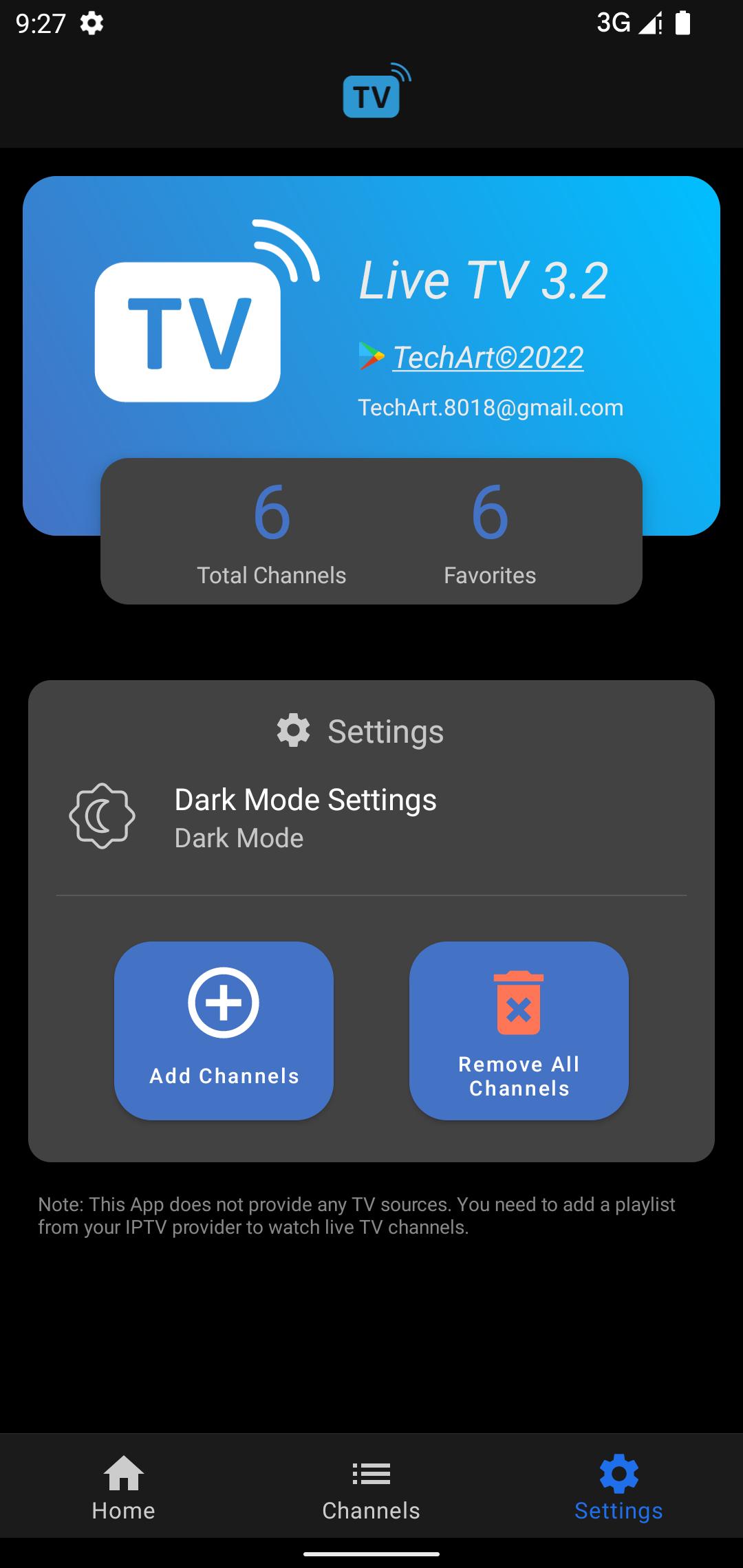
Live TV lets you add channels by loading an m3u playlist file from your IPTV provider. Before you download Live TV, prepare a valid playlist, because the app does not provide any TV sources.
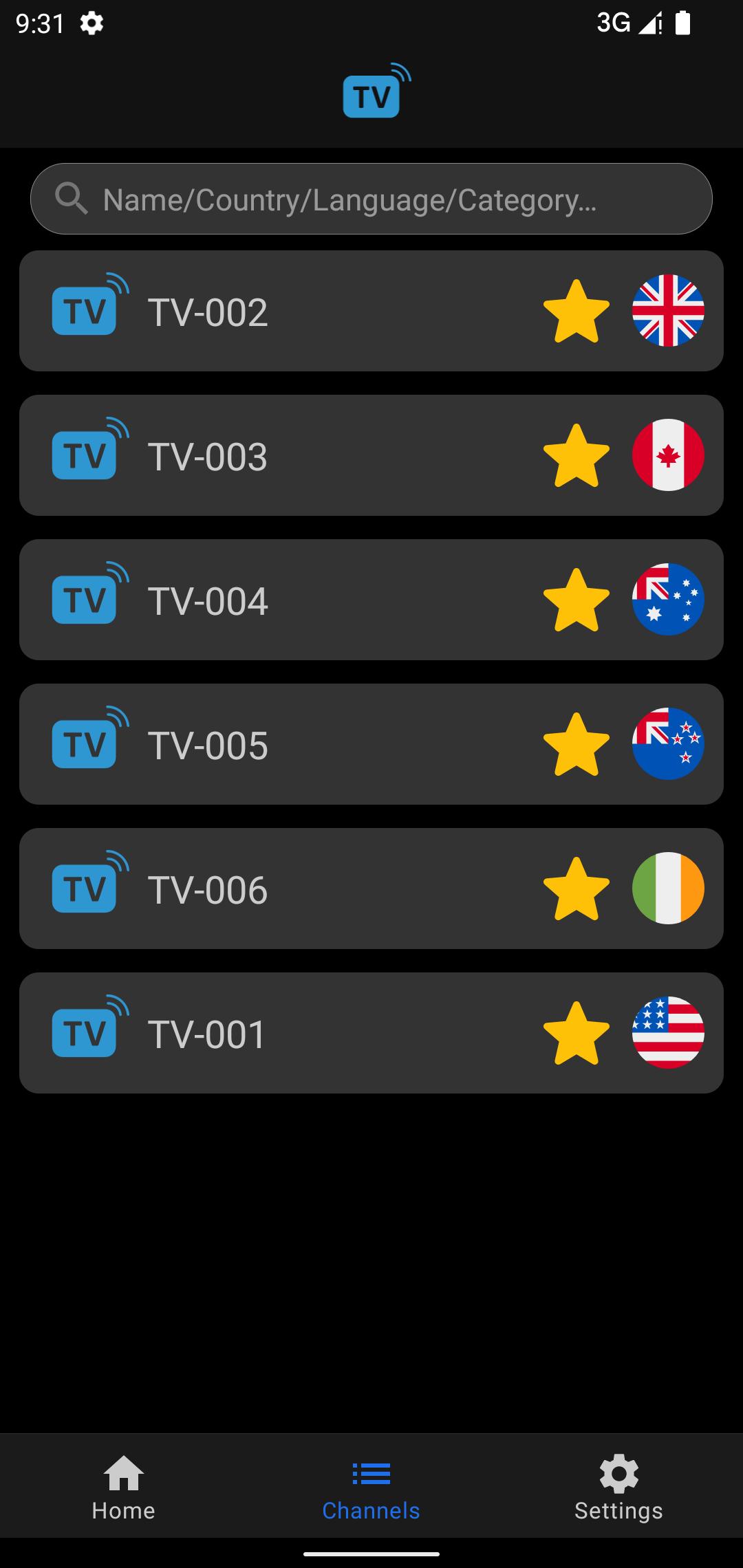
Filter large channel lists
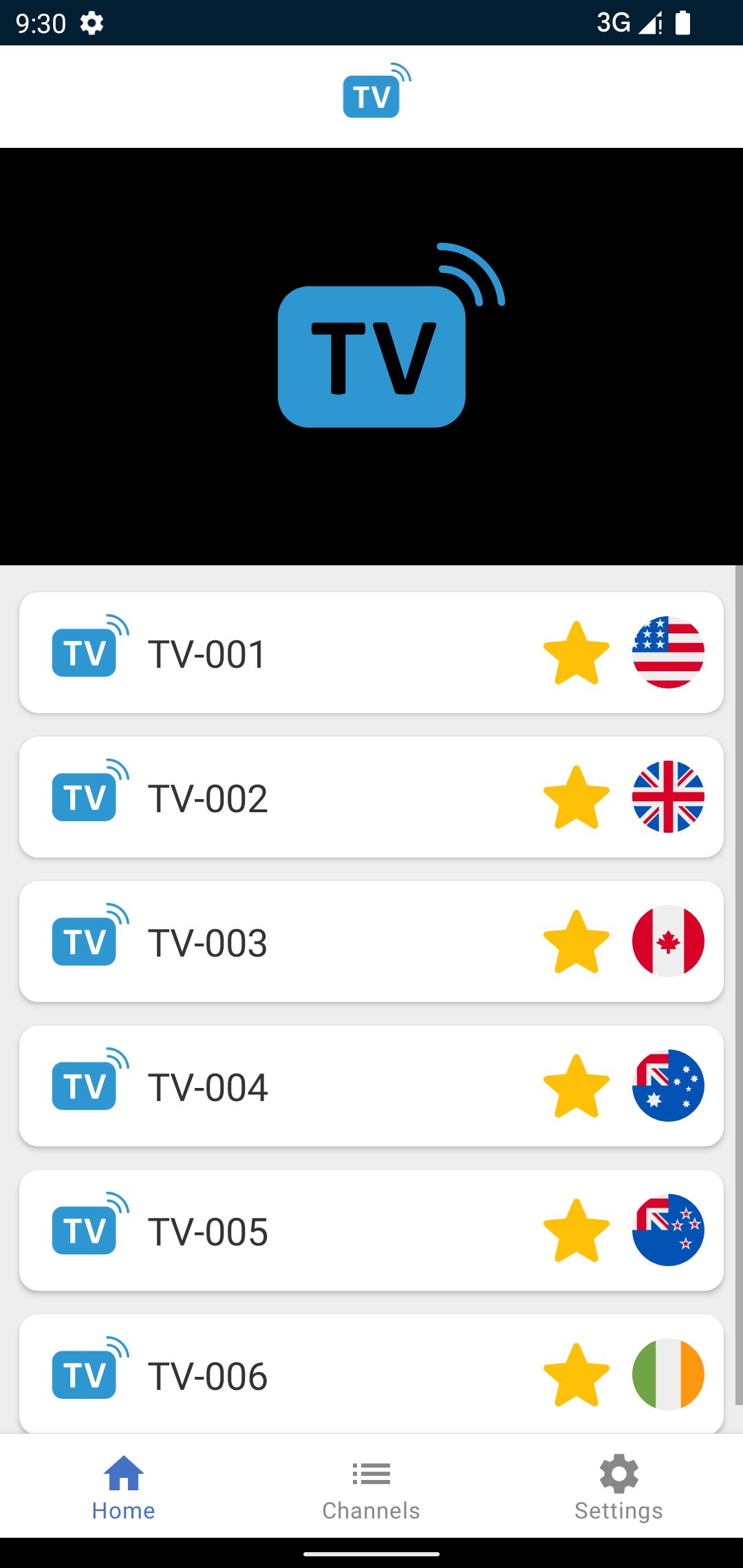
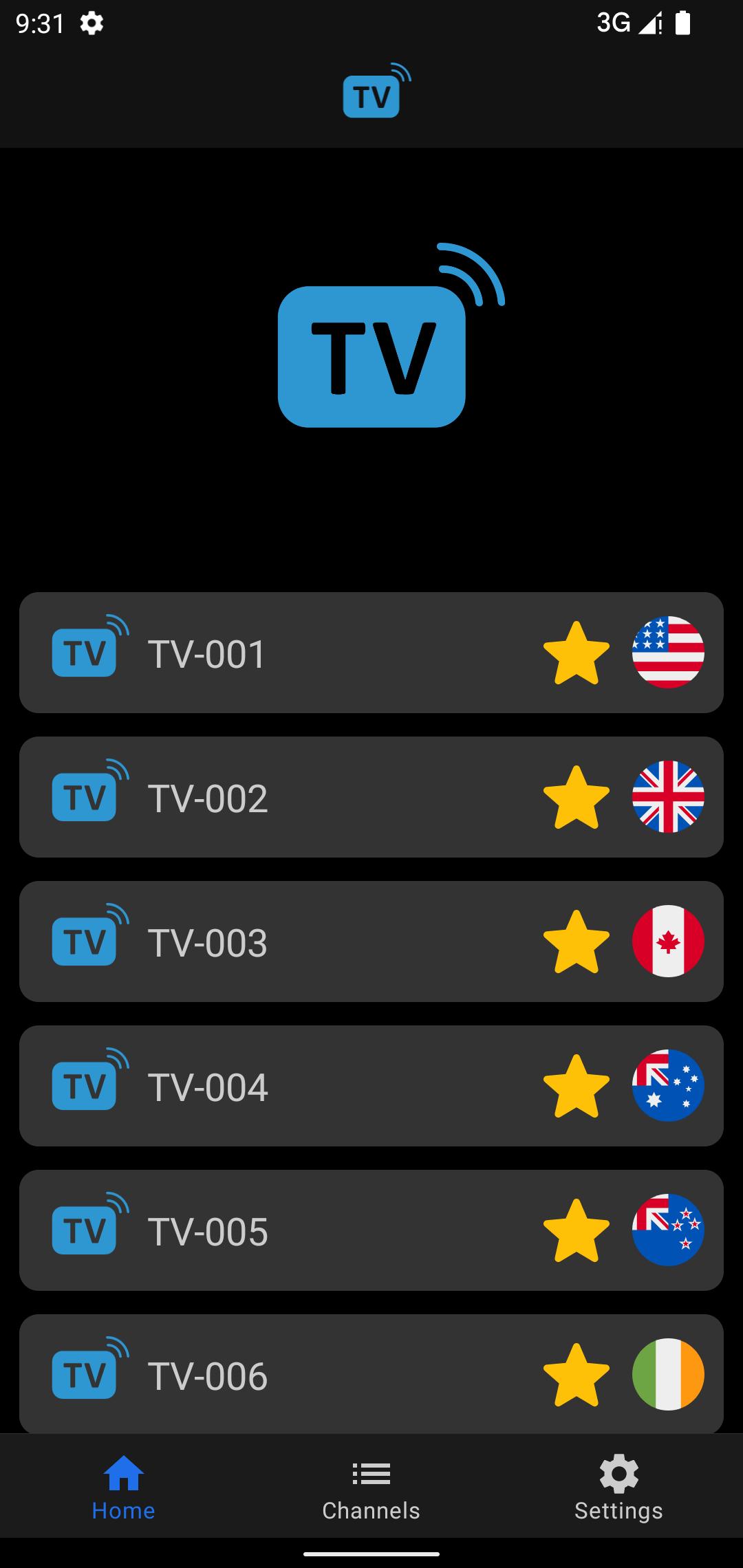
Favorites on the home page
For quick access, you can mark preferred channels as favorites. These items appear on the home page whenever you open the app.
Switch live sources quickly
If a channel has multiple live sources, you can switch between them by tapping the source number.
Live TV focuses on playing channels from your own m3u playlist with straightforward browsing. Add your provider’s file, organize what you need, and set favorites for faster access. Check the Live TV latest version before installing, then set up your playlist to start watching your channels.
Latest Version
3.2.3Uploaded by
Maz P
Requires Android
Android 5.0+
Category
Free Video Players & Editors AppContent Rating
Everyone
Security Report
Report
Flag as inappropriateLast updated on Aug 23, 2024
Update target API level





APKPure - A multi-platform app store primarily focused on Android, providing extensive app-related content. Discover the app you want easier, faster, and safer, with quick and efficient downloads and installations.