Scan Date:May 5, 2026
Show More


KICK: Live Streaming brings gaming, IRL, music, and more into one live destination. Creators go live with familiar broadcast tools while viewers discover channels, follow categories, and chat with communities as events unfold. The experience extends across mobile and TV so you can watch at home or on the go. Moreover, KICK focuses on creator friendly monetization and viewer focused interaction, making it simple to start streaming or to find new streamers to follow. Get the KICK: Live Streaming APK latest version on APKPure to join live chats and browse trending streams quickly.
Stream with tools you already use
KICK: Live Streaming works with major broadcaster apps, including OBS, Streamlabs Desktop, and XSplit. You can connect your channel and go live using the setup you know, which helps reduce trial and error when switching platforms.
Freedom to multistream
KICK: Live Streaming supports multistreaming so creators can go live on multiple platforms at the same time. This gives you flexibility to reach audiences where they already watch while you test what works for your schedule.
Viewer experience focused on live chat
Viewers watch free streams and chat in real time without pre roll interruptions. You can follow channels, browse categories, and share clips so your community never misses key moments during broadcasts.
Monetization built for creators
KICK: Live Streaming offers a 95 to 5 subscription revenue split, so creators keep 95 percent of sub earnings. There are also partner and incentive programs for eligible channels to help reward consistent engagement.
Watch anywhere, anytime
You can watch on mobile or TV for a consistent viewing experience. Therefore, it is easy to catch live streams at home, while commuting, or during breaks, and to keep up with your favorite channels.
This quick guide helps you watch streams and begin your first broadcast. Follow these steps after you install the KICK: Live Streaming APK latest version from APKPure.
Open KICK: Live Streaming and create an account or log in with your existing details.
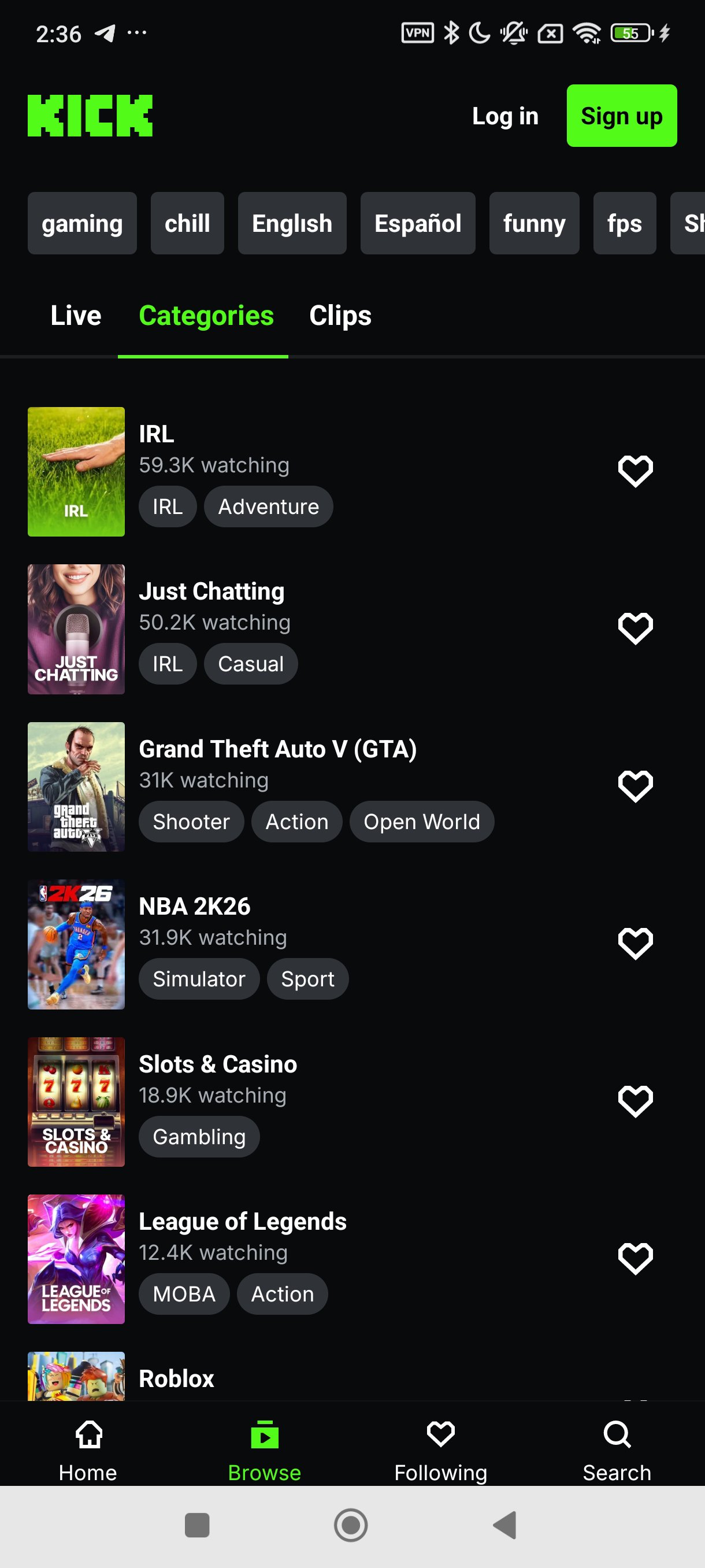
Browse categories like Just Chatting, IRL, or gaming, then follow a few channels to personalize your home feed.
Start watching any live stream and join the chat. After that, tap Follow on channels you enjoy to see them in your Following tab.
To prepare a stream, open your creator tools in the app or on the website and review your stream information.
Then set up OBS, Streamlabs Desktop, or XSplit, connect your channel using your stream details, and begin broadcasting when ready.
KICK: Live Streaming combines live chat, discovery, and creator friendly monetization in one place. Get the latest KICK: Live Streaming APK on APKPure to start watching or to set up your next stream today.
If you need official support or want to learn more, use the details below.
Official website: https://kick.com
Support email: support@kick.com
Can you stream live on KICK: Live Streaming with OBS or Streamlabs?
Yes, KICK: Live Streaming supports major broadcast tools including OBS, Streamlabs Desktop, and XSplit. You can keep your existing encoder settings and go live with minimal changes.
Does KICK: Live Streaming pay for streaming?
Yes, KICK: Live Streaming offers a 95 to 5 subscription revenue split, so creators keep 95 percent of subscriber earnings. Payouts still depend on your number of subscribers and overall engagement.
Does KICK have a streaming app for mobile and TV?
Yes, KICK: Live Streaming has mobile and TV apps. You can download KICK: Live Streaming and get the KICK: Live Streaming APK latest version directly from APKPure for your Android device.
Latest Version
40.15.0Uploaded by
ธนบูลย์ ทูลไธสง
Requires Android
Android 7.0+
Category
Free Entertainment AppContent Rating
Teen
Security Report
Report
Flag as inappropriateLast updated on May 5, 2026
Bug fixes and improvements





APKPure - A multi-platform app store primarily focused on Android, providing extensive app-related content. Discover the app you want easier, faster, and safer, with quick and efficient downloads and installations.