Scan Date:May 13, 2026
Show More


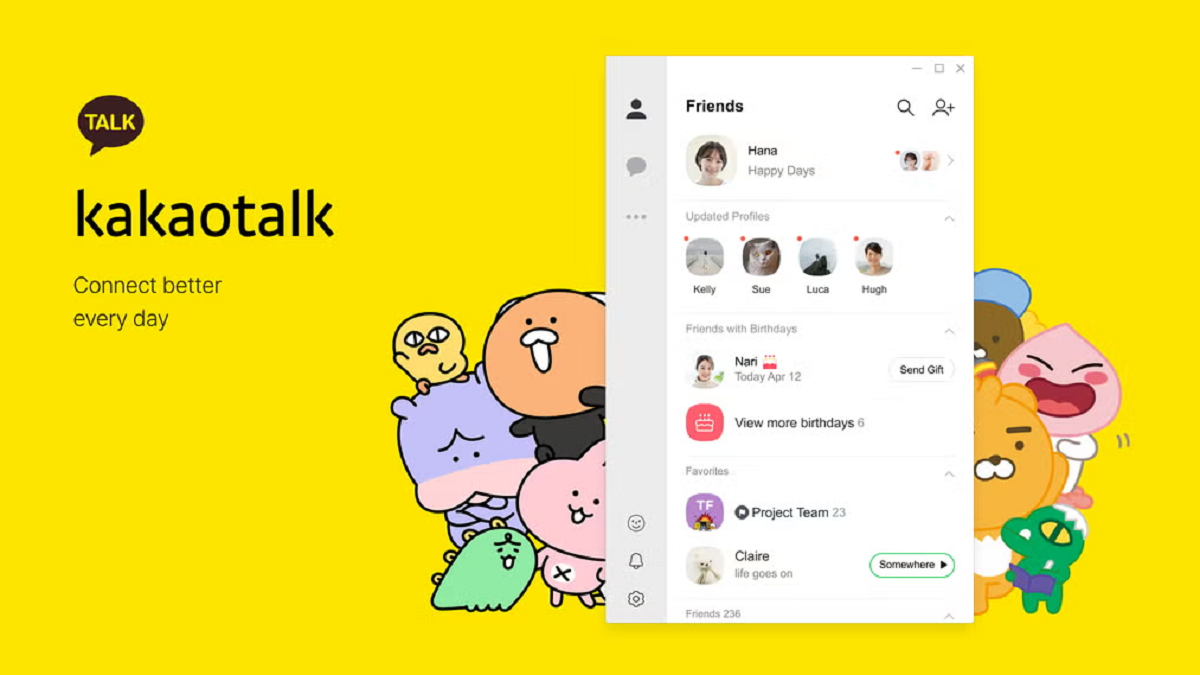
KakaoTalk Messenger is Korea's most used chat service for everyday conversations and active communities. It focuses on fast delivery, low data use, and a layout that keeps busy chats organized. Messages sync across mobile and desktop so you can move between devices without losing context. Users can shape their identity with profiles and join public discussions around trending topics. KakaoTalk is available globally with multilingual support, and it fits both personal and group communication.
Free calls and video
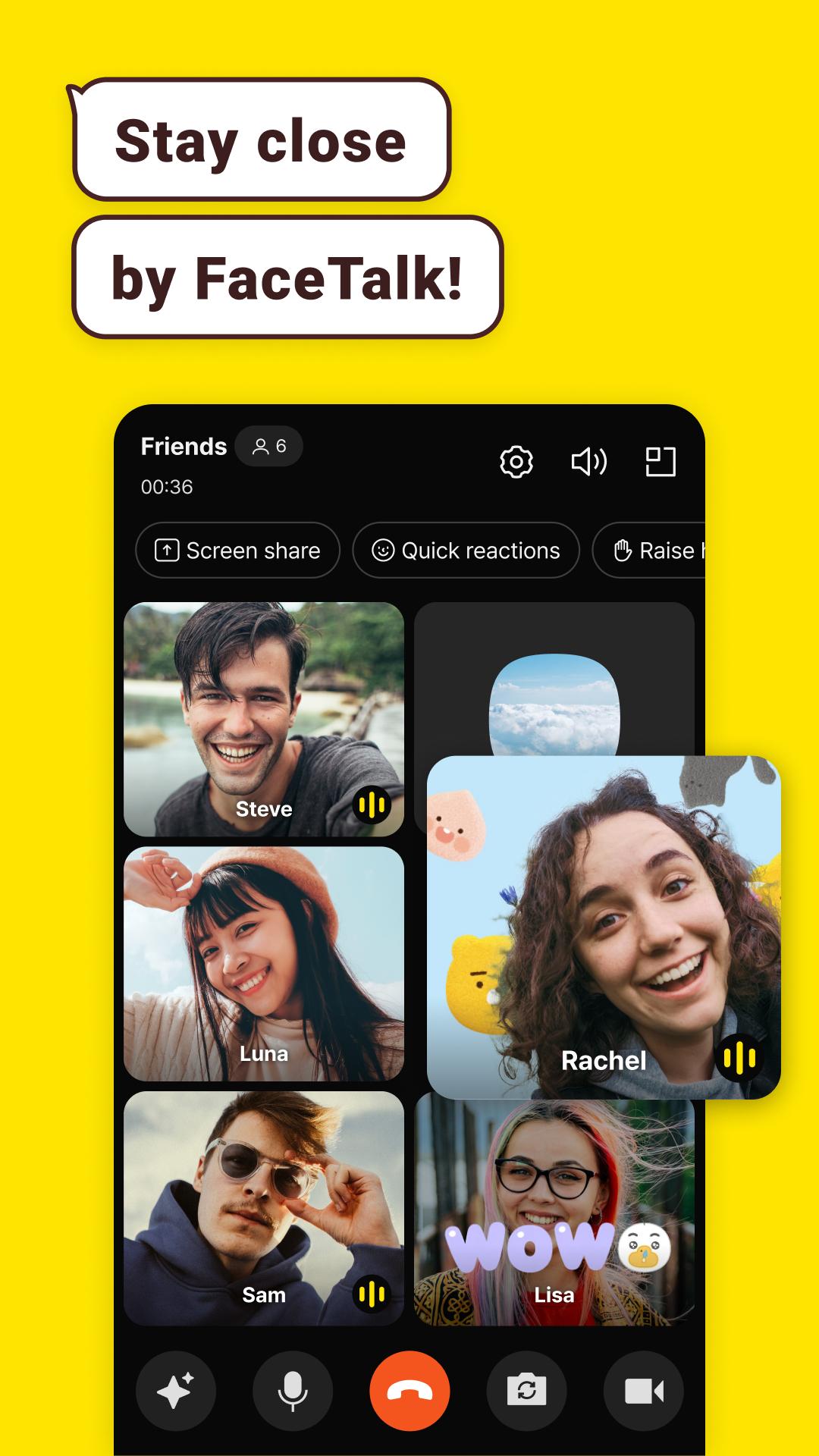
KakaoTalk offers free messaging, Voice Talk, and Face Talk. You can start group calls with up to 10 people, share your screen, and add playful call effects. This helps teams and families connect without extra cost.
Smart chat organization
KakaoTalk keeps busy conversations tidy with folders, message edit or delete, and Threads for side topics. You can group chats by purpose and keep important messages on track. This reduces noise when groups grow fast.
Calls saved inside chats
Voice call recordings appear as searchable chat bubbles right inside the timeline. KakaoTalk lets you review call details alongside messages. Therefore you can find decisions quickly without switching apps.
Watch and chat together
KakaoTalk adds ShortForm videos you can watch together while chatting in real time. You can also browse trending clips from the Now page to spark conversation. This makes casual hangouts simple when friends are apart.
Open Chat discovery
KakaoTalk helps you explore Open Chat communities with trend previews. You can see what is popular before joining and jump straight into a topic you like. It is easy to meet people who share your interests.
Personalization and devices
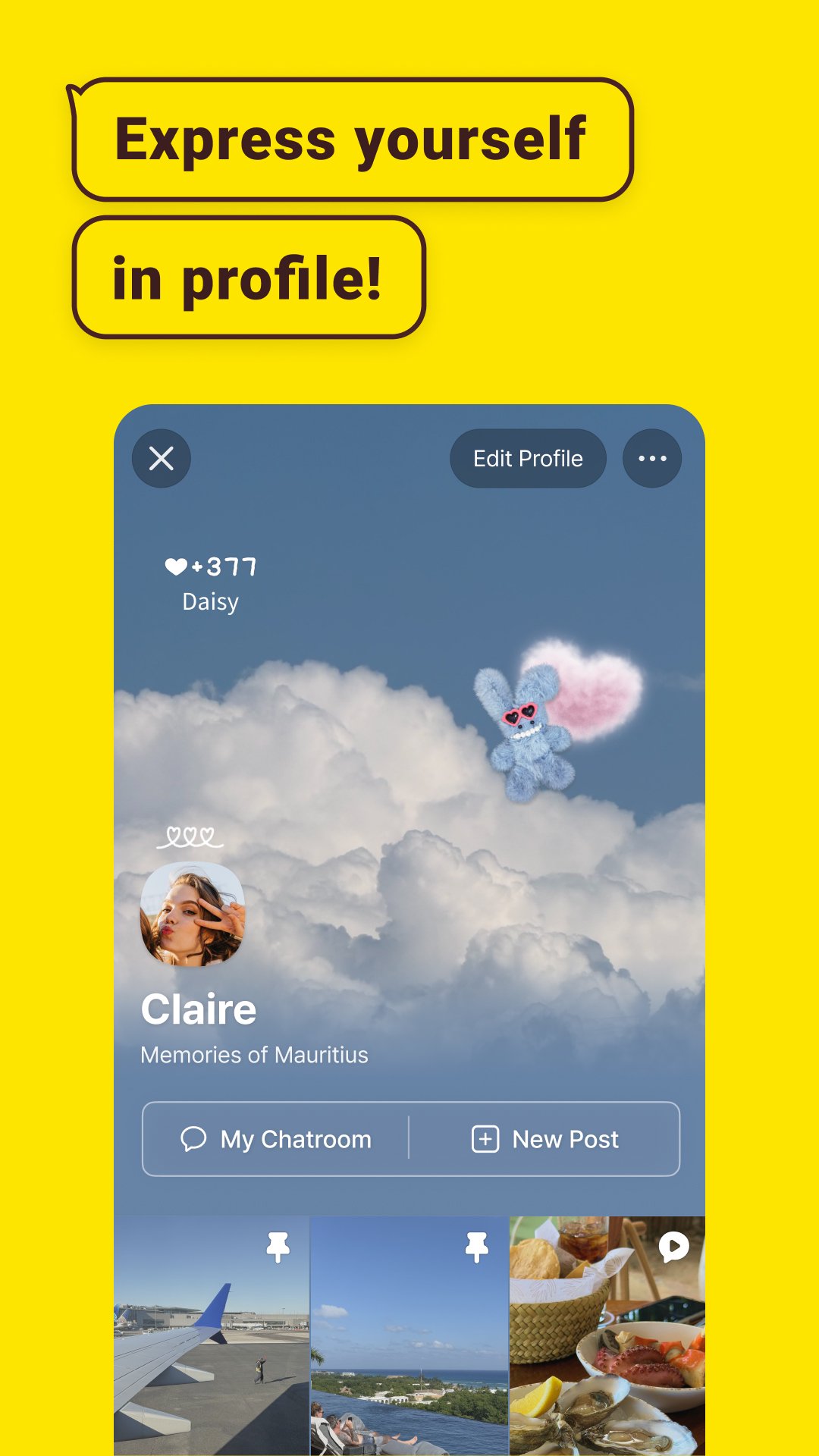
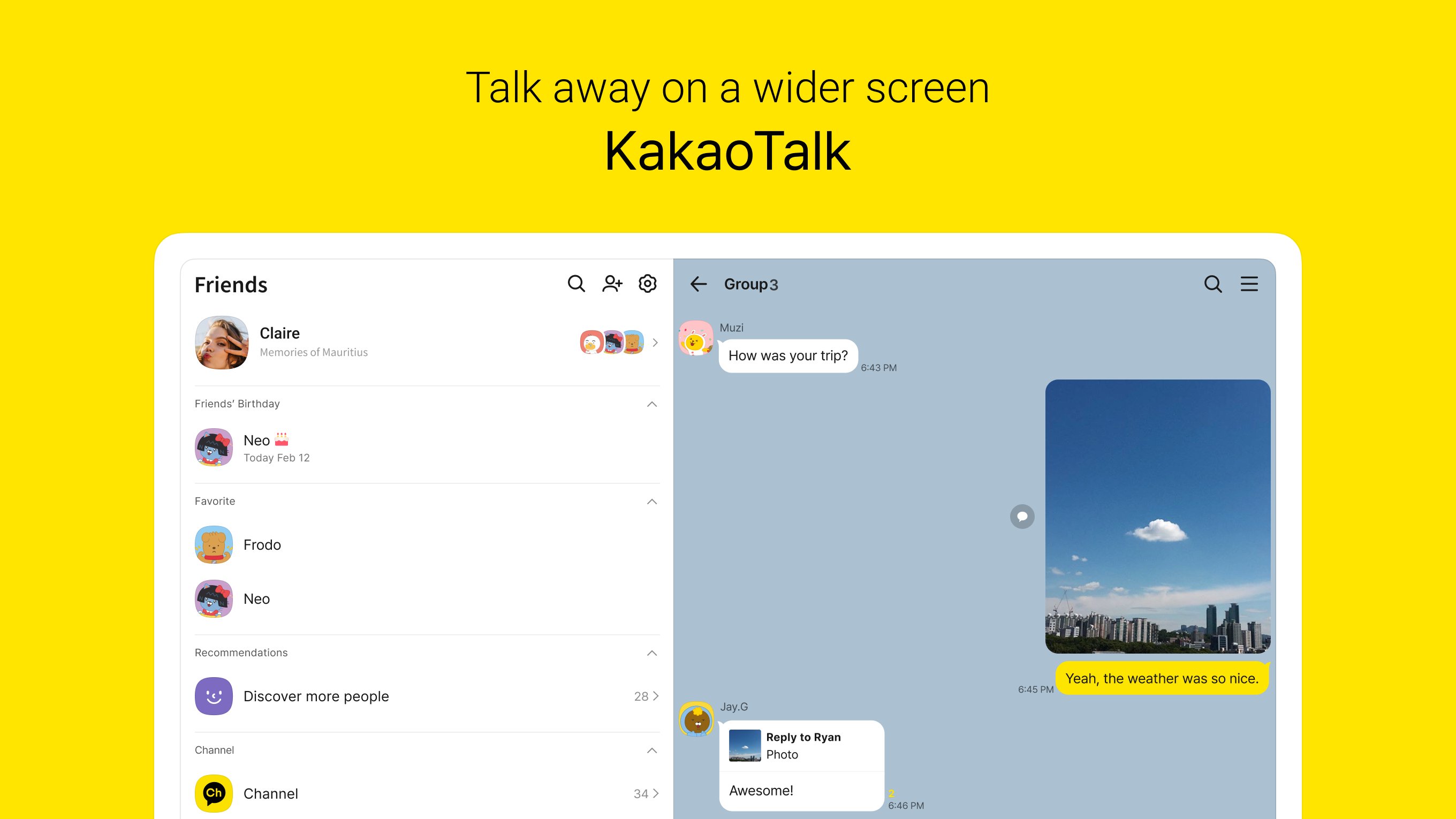
KakaoTalk provides multi dimensional profiles and a large emoticon shop for self expression. It works across Android, iOS, Windows desktop, and Wear OS for quick replies from your watch. Moreover, your chats stay synced so you can continue anywhere.
KakaoTalk is used in more than 130 countries and supports around 15 languages. Its core user base is in South Korea, yet international users join easily with local phone numbers. Therefore download KakaoTalk to chat worldwide without switching apps.
Chats with photos, videos, and files can grow quickly. You can regularly review large media in busy rooms and delete items you no longer need. In addition, clear cached media and old downloads to free space while keeping important conversations.
Open Chat rooms are public by design. Avoid sharing personal details, verify users before transactions, and report suspicious messages. For official guidance, check KakaoTalk resources linked below and follow in app security tips.
This quick guide shows how to start using KakaoTalk, from sign up to organizing chats. It also covers basic calling so you can connect right away.
Download KakaoTalk APK latest version on APKPure, install it, and open the app. Enter your phone number with the correct country code, then verify the SMS code.
Create your profile with a photo and status. Allow contacts permission if you want to find friends automatically, or add people by ID or QR.
Then start a one to one or group chat and send text, photos, videos, or files. Tap the sticker icon to share emoticons when you want to react quickly.
Place a Voice Talk or Face Talk from the chat header. During a call, use group calling or screen sharing if you need to present something.
So keep chats tidy using folders for work, family, or clubs. Use Threads for side topics and edit or delete messages to correct mistakes.
KakaoTalk makes daily messaging simple with calls, communities, and tools that organize busy chats. Get the KakaoTalk APK latest version on APKPure to start faster and keep conversations in one place.
For official service information from Kakao Corp, visit:
Is KakaoTalk similar to WhatsApp?
KakaoTalk and WhatsApp both offer free messaging and calls, but KakaoTalk adds Open Chat communities, ShortForm watch together, and Threads for topic management. KakaoTalk also saves voice call recordings as chat bubbles for quick search. Therefore some users prefer KakaoTalk for group activity and content discovery.
Is KakaoTalk for Korean only?
No, KakaoTalk is available globally and supports multiple languages, although its largest community is in South Korea. You can sign up with a non Korean phone number and chat internationally. Therefore download KakaoTalk to connect with friends wherever they live.
Can we use KakaoTalk in India?
Yes, KakaoTalk works in India and supports international numbers for sign up. If you want to update or download KakaoTalk on Android, get the KakaoTalk APK on APKPure. Ensure your number and country code are correct during SMS verification.
Is there KakaoTalk for PC?
Yes, KakaoTalk provides a desktop app for Windows that syncs with your mobile account. You create the account on your phone, then sign in on desktop to continue your chats. For Android devices, you can download KakaoTalk APK from APKPure to keep both mobile and desktop in sync.
How do I buy emoticons in KakaoTalk?
Open the emoticon shop inside KakaoTalk and choose a pack to purchase using the payment methods available in your region. Some items may require a Korean account or phone number and availability can vary by country. After purchase, the new emoticons appear in your chat picker for quick use.
Latest Version
26.4.0Uploaded by
Kakao Corp.
Requires Android
Android 10.0+
Category
Free Communication AppContent Rating
Teen
Security Report
Report
Flag as inappropriateLast updated on May 13, 2026
Minor bug fixes and improvements. Install or update to the newest version to check it out!






APKPure - A multi-platform app store primarily focused on Android, providing extensive app-related content. Discover the app you want easier, faster, and safer, with quick and efficient downloads and installations.