Scan Date:May 11, 2026
Show More


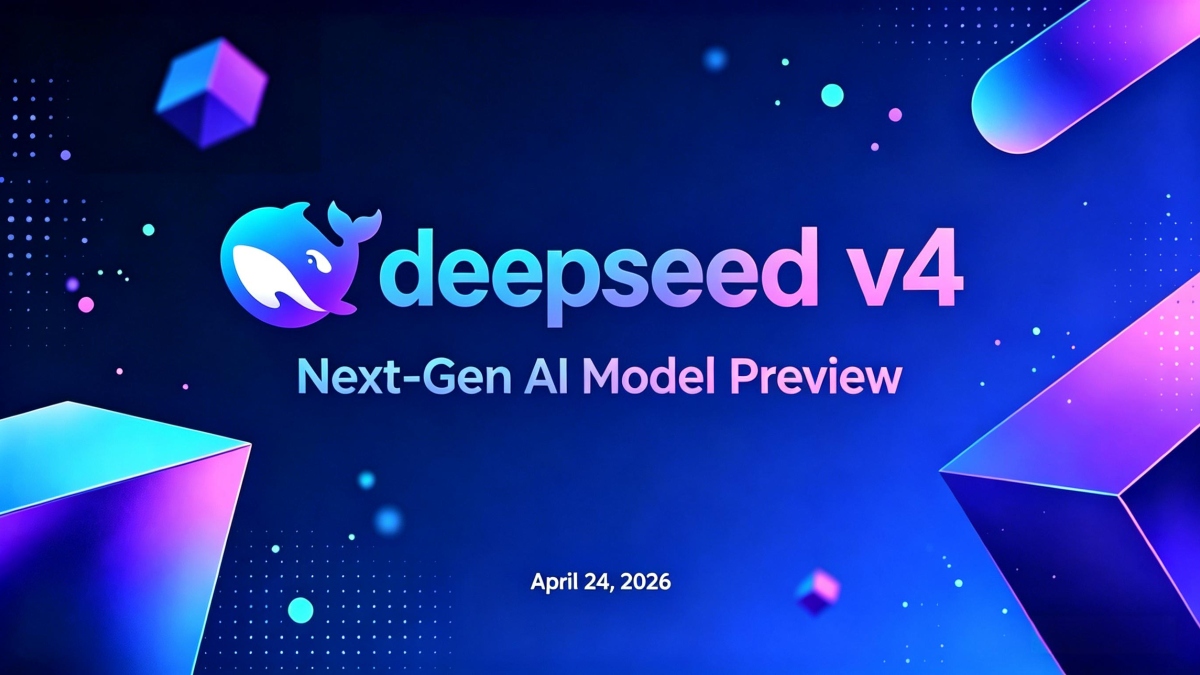
DeepSeek-V4 preview has been officially launched and open-sourced simultaneously. Compared to its predecessor, DeepSeek-V4-Pro's agent capabilities are significantly enhanced. In Agentic Coding evaluations, V4-Pro has reached the best level among current open-source models. In evaluations of mathematics, STEM, and competition-style code, DeepSeek-V4-Pro surpasses all currently publicly evaluated open-source models, achieving excellent results comparable to the world's top closed-source models.
Download the DeepSeek App to interact with the latest DeepSeek-V4 and explore the new experience of its 1MB ultra-long contextual memory.
DeepSeek helps when you need clear answers, writing support, coding guidance, or a quick way to work across your notes. It focuses on fast, accurate interactions that fit short mobile sessions as well as longer chats. Because the assistant is built around a reasoning-first approach, it stays consistent across follow‑up questions and multi‑step tasks. If you prefer an alternative install path, you can find a DeepSeek APK for Android. Overall, the app is designed to reduce back‑and‑forth and keep conversations on track.
DeepSeek provides free access to DeepSeek‑V3.2, which is optimized for speed and high‑quality reasoning. Responses start quickly and keep a steady pace through longer exchanges. This helps you get to a usable result without pausing the conversation or waiting through long delays.
Coding help and technical explanationsYou can paste code, describe an error, or ask for an example to learn a concept. DeepSeek analyzes the prompt and offers suggestions, small fixes, or simple walkthroughs you can follow. It keeps the thread focused so you can refine your request and test new ideas step by step.
Writing and content rewritingDeepSeek supports drafting, rewriting, and summarizing text based on your instructions. You decide tone, length, or format, then the assistant adjusts the output accordingly. This can simplify tasks like email edits, outline preparation, or turning rough notes into a clear paragraph.
Document upload with long‑context chatsYou can upload files for the assistant to read and reference while chatting. DeepSeek maintains context across multiple messages and can draw from the document as the conversation continues. This makes it easier to review reports, collect points from research, or prepare meeting notes in one place.
Works across mobile and web, plus API supportDeepSeek is designed for consistent use on phone and browser, so you can continue a discussion across devices. Conversation history stays available, which helps when you switch from quick checks on the go to deeper work at a desk. Developers can also build with the DeepSeek API to integrate the model into their own tools.
Availability and download options can vary by region and device access. If a standard store is not available where you are, the developer provides alternative download methods through official channels. Checking the official site before installation can help you choose the path that fits your situation.
After you download DeepSeek, you can start a chat and ask for help with everyday or professional tasks. The app supports quick questions and longer conversations around documents or code. Keep prompts specific so the assistant can respond with focused steps.
DeepSeek focuses on fast reasoning, long‑context chats, and practical help for code and content. To keep current features and model access, install the DeepSeek latest version and begin your first conversation.
For official information or support, use the following:
Latest Version
2.1.0Uploaded by
Flavio Guimarães
Requires Android
Android 6.0+
Category
Free Productivity AppContent Rating
Teen · Diverse Content: Discretion Advised
Security Report
Report
Flag as inappropriateLast updated on May 11, 2026
- Search your chat history
- Fixed some known issues




APKPure - A multi-platform app store primarily focused on Android, providing extensive app-related content. Discover the app you want easier, faster, and safer, with quick and efficient downloads and installations.